Best Trello Alternatives to Organize Your Projects
Compare Notion, Asana, ClickUp, Planner, and open source solutions. Find the best Trello alternative for your workflow and free plan needs.
On this page
Alternatives cater to different needs. Some people just want another Kanban board; others prefer keeping notes and tasks in the same place; some need Gantt charts and workload views, while others want their data to stay on their own server. Let’s start with a quick review of how Trello works, then go through the alternatives one by one, and finally offer some guidance on how to choose based on your specific case.
What is Trello and how does it work #
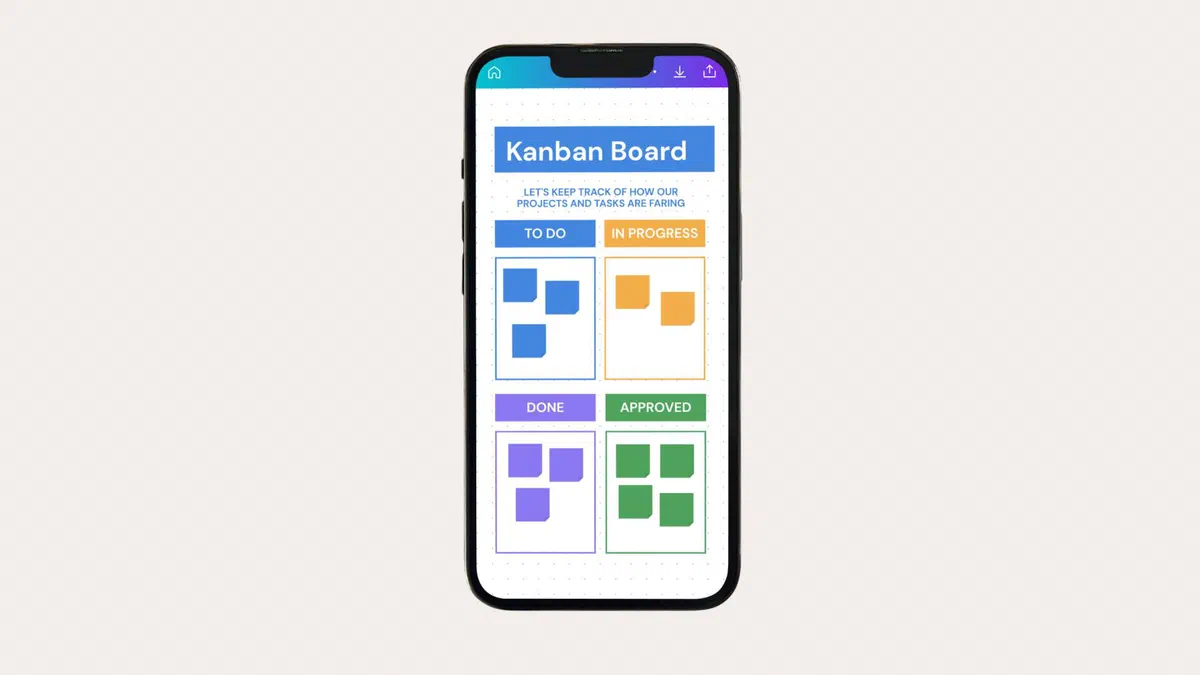
Trello is an online board based on the Kanban method. Each project is a board, divided into vertical lists (for example To Do, In Progress, Done), and each task is a card that you drag from one list to another as it progresses. Inside the card, you can add descriptions, checklists, due dates, colored labels, attachments, and comments; you can also @mention a colleague to send them a notification.

To get started faster, there are ready-made templates: new hire onboarding, customer support, product roadmaps, YouTube editorial calendars, and many others. Recent updates have also introduced Inbox, where you can quickly dump tasks before sorting them, and Planner, which places cards alongside your calendar events.
What you lose when leaving Trello #
Trello has three strengths that not all alternatives possess.
The first is that it’s learned in a minute: anyone understands how it works as soon as they open a board, and you can invite a client or colleague without explaining anything. The second is Power-Ups, which are unlimited even on the free plan; these add calendars, custom fields, and Google Drive integrations, Slack, Teams, and other services. The third is Butler, the automation system: you write rules in plain English (“when a card moves to Done, archive it and notify the manager”) without touching any code, and the free plan gives you 250 runs per month.
If you use Butler heavily, check how an alternative handles automations before switching: they are often the first thing missing or something only available in paid plans.
Comparison of alternatives #
| Tool | Strength | Free Plan | Best For |
|---|---|---|---|
| Notion | Notes, documents, and tasks together | Yes, generous for personal use | Those who want a single space for everything |
| Asana | Structured project management | Yes, but for up to 2 people | Teams with defined processes |
| ClickUp | Quantity of features and views | Yes, with unlimited tasks | Those who want to customize everything |
| monday.com | Highly readable workflows at a glance | Limited to a few users | Sales and operations teams |
| Airtable | Databases with Kanban view | Yes, 1,000 records per base | Those working with lots of structured data |
| Microsoft Planner | Integration with Teams and Microsoft 365 | Included in Microsoft 365 subscriptions | Companies already using Microsoft |
| Wekan and Planka | Self-hosted installation | Yes, open source | Those who want to keep their data in-house |
| Vikunja | Lightweight, designed for lists | Yes, open source | Personal projects and small groups |
Notion #
It is the choice for those who find Trello’s cards are no longer enough because they also need notes, documents, and information archives. In Notion, you create a database and view it as a Kanban board, table, calendar, or list: the data remains the same; only the view changes.
The free plan for personal use is generous, offering unlimited pages and blocks. In exchange, it asks for your time: Notion doesn’t give you a ready-made board; it gives you the pieces to build one. Those who love customizing absolutely adore it; those who just want three columns might find it overwhelming.

Asana #
It is more rigid than Trello and operates through projects, tasks, assignees, and due dates. List, board, and calendar views are also available in the free plan, and the board works with the same drag-and-drop functionality you’re used to.

A key limitation to know upfront is that the Personal free plan is for two people maximum. It works great for individuals or pairs, but for a workgroup, you’ll need to upgrade to the Starter plan, which costs $10.99 per user per month billed annually—more than Trello Standard. Older guides mention 15 free users, but that plan no longer exists.
ClickUp #
ClickUp tries to do everything: tasks, documents, goals, time tracking, diagrams, and whiteboards. In the free plan, tasks are unlimited and it includes features that you’d have to pay for elsewhere.
The downside is a very dense interface that can be disorienting at first launch. It is suited for those willing to take their time configuring it, but much less so for someone who needs to set up a shared board by this evening.
monday.com #
It focuses on readability: colorful columns, statuses visible from a distance, and easy-to-set-up automations. It is very popular with sales departments and those following repetitive processes.
There is a free plan, but it’s mainly for testing: with only a few users and items, you will quickly move to the paid version in real-world usage.
Airtable #
Airtable sits halfway between a spreadsheet and a database; in addition to the grid, it has Kanban and calendar views. It is convenient if your cards are actually records with many fields, such as a product catalog, a client list, or a content archive. The free plan allows up to 1,000 records per base, 5 users with edit permissions, and 100 automation runs per month; the Team plan starts at $20 per user per month.
Microsoft Planner #
If your company already uses Microsoft 365, this is a solution that costs nothing extra: it’s included in your subscriptions, lives inside Teams, and connects to Outlook and To Do. It has fewer features than the others, but having tasks right where you work all day is a significant advantage.
Open source solutions: Wekan, Planka, Vikunja #
These are for those who don’t want their projects sitting on an external company’s servers. Wekan and Planka are very similar to Trello, with boards, lists, and cards. Vikunja is more task-list oriented and is lightweight to install.
You will need a server, even a small one, and the willingness to handle updates and backups. In return, you don’t pay per user and you have no limits imposed by a subscription plan.
How to choose based on your use case #
- Personal use, lists, and your own projects: Notion or Vikunja, both offering free plans without annoying limits.
- Small teams working together daily: Trello Standard at $5 per user remains competitive; ClickUp is the most feature-complete free alternative.
- Projects with deadlines, dependencies, and assignees: Asana, or ClickUp if you don’t want to pay upfront.
- Structured data with many fields: Airtable.
- Already using Microsoft 365: Planner, so you don’t add another tool or another cost.
- Data must stay in-house: Wekan or Planka on your own server.
- Software development with issues and releases: You’re better off with a tool built for that purpose, such as Jira or the integrated boards in GitHub and GitLab, rather than a generic kanban board.
Before you migrate #
Export your data. Every Trello board can be exported to JSON from the board menu, and several services offer direct import features that reconstruct lists and cards.
Check what gets left behind. Attachments, comments, and history often fail to import even when everything else goes smoothly. If you need them, download your attachments before closing your account.
Test with a single project. If you move everything all at once, you’ll only discover problems when it’s too late. Spending a month using a real project on the new tool will tell you much more than any comparison table.
FAQ #
Is Trello free? #
Yes, the Free plan doesn’t expire. It includes ten boards per workspace, unlimited cards, unlimited Power-Ups, and ten collaborators. Paid plans (Standard, Premium, and Enterprise) remove the board limit, increase the maximum attachment size, and add views like Calendar, Timeline, and Table.
Is the free plan enough for a small group? #
Often, yes. The first limitations you’ll hit are the 5MB limit per attachment—which is inconvenient if you upload heavy documents—and the 250 monthly automation executions.
Does Trello work offline? #
Partially. The mobile apps allow you to view and edit boards offline, with changes syncing as soon as you’re back online. However, you need a connection when using a web browser.
Is there a free alternative equivalent to Trello? #
For just the kanban board experience, ClickUp’s free version is the closest match, and Planka looks even more similar if you have a server to install it on. However, no one quite matches its specific combination of simplicity and the sheer number of Power-Ups.
Can I transfer my Trello boards to another tool? #
Yes. Notion, ClickUp, and Asana have dedicated import tools, and almost everyone accepts CSV files. Lists and cards transfer well; comments, history, and attachments should be checked case by case.
Do Butler’s automations have an equivalent elsewhere? #
ClickUp, monday.com, and Airtable include automations in their free plans (with limits); Asana offers them in paid plans; Notion handles them more simply through database properties. Otherwise, there are integration services like Zapier, though these represent another tool you’ll need to configure.
Does it make sense to switch to Notion if I only use Trello for to-do lists? #
Probably not. Notion shines when you need to keep documents, notes, and tasks together. If all you need is a three-column list, it will just complicate your life without offering anything extra: stick with Trello, or try something lightweight like Vikunja.