Best XAMPP Alternatives for Local Development
Compare Laragon, Herd, Local, DDEV, and Docker against XAMPP to find the best local development environment for Windows, macOS, or Linux.
On this page
A local development environment is used to run a site on your computer before putting it online: a web server, PHP, and a database installed together. XAMPP made all of this simple back when the only way was to configure every piece manually, which is why you find it in almost every course and beginner tutorial.
The problem is the version. If your site goes on hosting with PHP 8.4 but you develop it with PHP 8.2, you’ll only discover incompatibilities once you upload it online. The alternatives below allow you to use the same server version, and often let you change it with a single click.
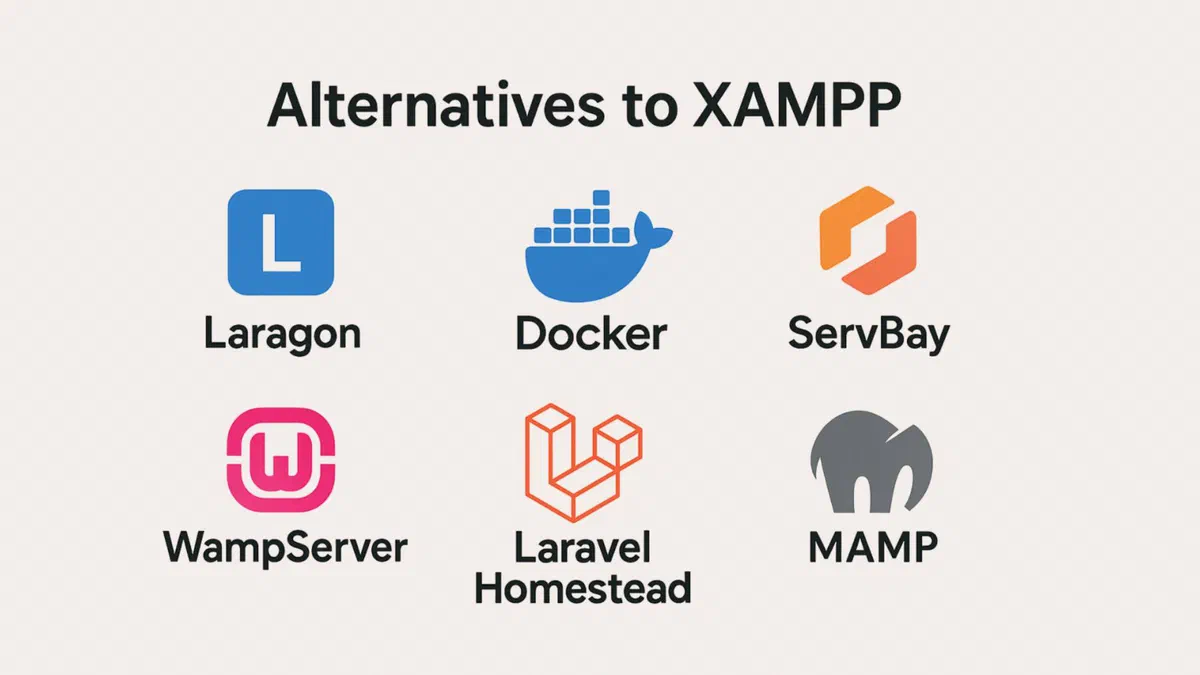
Comparison of alternatives #
| Tool | Systems | Cost | Best for |
|---|---|---|---|
| Laragon | Windows | Free for non-commercial use, $49/year license for professional work | Those who want XAMPP’s simplicity but updated |
| Laravel Herd | Windows, macOS | Free, Pro $99/year | Modern PHP and Laravel projects |
| Local | Windows, macOS, Linux | Free | WordPress sites |
| DDEV | Windows, macOS, Linux | Free and open source | Teamwork, reproducible environments |
| Docker | Windows, macOS, Linux | Free under certain thresholds | Those who want to mirror the production server |
| MAMP | Windows, macOS | Free, paid Pro version | macOS users looking for a GUI |
| WampServer | Windows | Free | Classic Windows stack, highly documented |
Laragon #
For those moving from XAMPP on Windows, this is the most natural transition. The idea is the same—a single package with Apache or Nginx, PHP, MySQL, and a few extra tools—but with recent versions and the ability to install multiple PHP versions and switch between them via the menu.
It has two conveniences that require manual configuration files in XAMPP. It is portable, so you can copy the folder to an external drive with all your projects inside. It also automatically creates a local domain for every folder you place in the sites directory (nomeprogetto.test), without having to manually edit the hosts file. From the menu, you can install WordPress or Laravel in seconds, open the database with HeidiSQL, and launch a terminal that is already set up for Composer and npm.

It is only available for Windows, and since version 7, it is no longer completely free: it works without a license for personal and educational use (with a startup reminder), but for professional work, you need a commercial license, starting at $49 per year per computer.
Laravel Herd #
Born from the Laravel ecosystem, it is a very lightweight native PHP environment: no virtual machines and no containers; PHP and nginx run directly on your system. It starts up instantly and consumes much less than a full stack.
The free version includes PHP, nginx, local domains, and Node.js. The Pro version, $99 per year, adds developer tools: log viewer, email capturing for application-sent emails, automatically configured Xdebug, and management of services like databases and Redis.
It is available for Windows and macOS. It does not exist for Linux, and the authors have clearly stated they do not intend to make it so.
Local #
If you only work with WordPress, this is the fastest tool: it creates a complete site in a couple of minutes, lets you choose your PHP version and web server, enables local HTTPS with a toggle, and generates a temporary public link to send to clients so they can see your work.
You also get direct database access, logs, and site cloning. For projects that aren’t WordPress, however, skip it: it is built entirely around that CMS.

DDEV #
With DDEV, you change your approach. It is open source and uses containers: each project has a configuration file containing the PHP, database, and web server versions, so anyone on the team can get the exact same environment with a single command.
ddev config --project-type=wordpress
ddev start
It solves the classic “it works on my machine” problem: the environment no longer depends on what everyone has installed locally. You need Docker and some familiarity with the terminal. It works on Windows, macOS, and Linux.
Docker alone #
Without any middleware, Docker lets you describe services in a file (compose.yaml) and recreates them identically on any computer. It is the most faithful way to reproduce a production server because you can use the exact same versions of PHP, MySQL, and Nginx that are running online.
MAMP and WampServer #
MAMP was born on macOS but is now also available for Windows: it features a polished interface, services that start with one click, and a paid Pro version to manage multiple virtual hosts. WampServer is its historic equivalent on Windows—free, with an icon in the notification area from which you can control everything. Both are still fine if you want a GUI and don’t have specific requirements, but they offer nothing extra compared to Laragon.
Other names found in old guides #
In lists from a few years ago, you’ll also see EasyPHP, WPN-XM, Uniform Server, AMPPS, and Abyss Web Server. EasyPHP and WPN-XM haven’t received updates in years and I wouldn’t use them today. Uniform Server is still alive—it’s portable and very lightweight—but it has a small community. Softaculous’s AMPPS installs hundreds of applications with one click, which is handy if you need to test many different CMS platforms. Abyss is a lightweight web server, not a full development environment.
Docker or a traditional stack? #
Moving away from XAMPP, the real choice is this: continue with a program that installs everything onto your system, or switch to containers.
A traditional stack (XAMPP, WampServer, MAMP, Laragon) installs services directly on Windows or macOS. There is only one installation of PHP and MySQL, shared by all projects. You can get started in five minutes without knowing anything about containers, but when two projects require different versions, you start making compromises.
With containers, each project has its own isolated environment, described in a file that stays in the repository along with your code. To change the PHP version, you just edit one line; to move the environment to another computer, you simply clone the repository.
| Traditional stack | Docker or DDEV | |
|---|---|---|
| Setup time | Minutes | 30 minutes to a few hours the first time |
| Multiple PHP versions | Tedious, sometimes impossible | Natural, one per project |
| Same environment for the whole team | Rebuild manually | Included in the project |
| Similarity to the production server | Approximate | High |
| Resource consumption | Low | Higher, especially on Windows |
| Required knowledge | Little | Terminal and container basics |
If you are learning or managing a couple of WordPress sites, a traditional stack works perfectly fine and Docker would just be an added complication. If you work in a group, follow projects with different requirements, or want your computer to match the server, the time spent learning containers will pay off quickly.
Halfway between them is DDEV: it uses Docker under the hood, but saves you from configuration with simple commands. For many, it’s the best compromise.
How to choose based on the project #
- Studying PHP on Windows: Laragon, which offers the simplicity of XAMPP and up-to-date versions.
- Building WordPress sites for clients: Local, because of how fast it is at creating and cloning sites.
- Working with modern PHP or Laravel: Herd, lightweight and immediate; the free version is enough to get started.
- You are a team and everyone has a different computer: DDEV, so the environment stays within the repository.
- You need to replicate the production server: Docker, using services described in the compose file.
- You already have XAMPP and it works for you: You can stick with it, but before going live, test your project with the same PHP version used on the server.
FAQ #
Is XAMPP still safe to use in 2026? #
For local development, yes, provided you know two things: it is stuck at PHP 8.2, which stops receiving security patches at the end of 2026, and the default configuration isn’t designed for being on a network. It’s still fine for studying on your computer. For a site that will go online, develop it using the same PHP version as the server.
Can I install WordPress in an environment other than XAMPP? #
Yes, on all those listed. Local installs it automatically, Laragon has a quick procedure from the menu, and with DDEV you just need to specify the project type. In other cases, the steps are always the same: create the database, copy the WordPress files, and complete the installation via your browser.
Does a local environment slow down your computer? #
Traditional stacks consume very little: they are just two or three services listening in the background that you can stop when you don’t need them. Docker is heavier, especially on Windows, because it runs inside a virtual machine: make sure to have at least 8 GB of RAM and an SSD, and shut down the containers for projects you aren’t currently using.
What is the simplest alternative for beginners? #
Laragon on Windows, or Local if you work with WordPress. They install in minutes, don’t require the terminal, and handle local domains automatically—which is usually where people get stuck.
Is Laragon still free? #
For personal and non-commercial use, yes, though there is a startup prompt inviting you to buy a license. If you use it for work, you need a commercial license: $49 per year for one computer, or a one-time payment of $149.
Do I need to know the terminal to use DDEV or Docker? #
You need the basics: navigating to a folder, running a command, and reading an error message. You don’t need to know how to write scripts. DDEV reduces almost everything to two or three commands, and the official documentation will guide you through the initial setup.