Customize Start Menu Windows 11: Complete Guide
Learn how to customize the Windows 11 Start menu. Step-by-step guide to organize icons, edit layout and optimize your productivity.
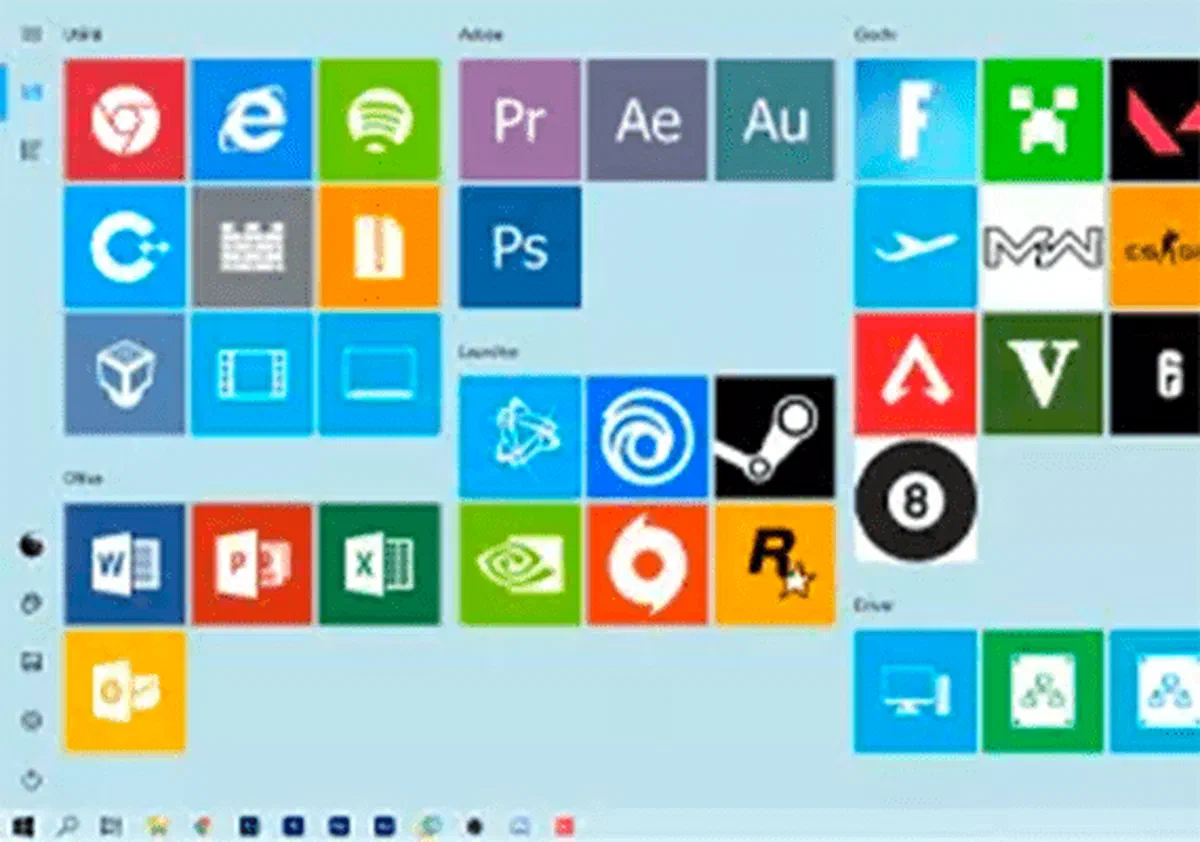
In this practical guide you will find out how to customize the Windows 11 Start Menu in a few simple steps. Although the new Microsoft operating system has a deeply redesigned and centered interface, optimizing the layout for its daily needs remains an accessible operation for everyone, without requiring specific technical skills.
Download Customization Tools #
While Windows 11 offers native basic options, for deep menu change and custom icon creation we can rely on specific utilities, which expand standard features. You can explore certified third-party solutions or download application directly from Microsoft Official Store. Once you find the software most suitable for your modding needs, you are ready to proceed.
These tools are generally divided into two operating modules: one dedicated to anchoring and visual placement of links within the menu start grid, and a graphic editor that allows you to correctly generate and dimensional custom shortcuts before insertion.
Layout operation and configuration #
Management and Creating Icons #

The user interface of the main customization applications is designed to guide the user through very clear visual indications.
To start the process, you usually click on commands like “New Link” or “New Tile”, opening a control panel where you can configure the following aesthetic and functional parameters:
1. Selection of the Main Image #
Just select the dedicated pane to upload the desired image. It is essential to respect the recommended crop size to ensure that the icon fits perfectly with the new visual standards (Fluent Design) of the operating system.
2. Advanced Settings and Style #
This section defines the text label associated with the program. You can choose to hide the name for a cleaner look or use custom fonts. As for the background color of the pane, it is essential to import logos and images in PNG format with transparency, to avoid unsightly white edges.
3. Actions and Actions #
Here it is necessary to indicate to the system which application or document to open. Using the “Browse” or “Select” function, you map the path of the executable file. It is also time to decide whether the app should be started with administrator privileges. Finally, saving the data, the new connection is ready.
** Important note: to keep these custom shortcuts active, the management tool must often be configured to automatically start switching on the PC, operating silently in the background in the notification area. *
Add Apps to Central Grid #

Once the graphics are processed, the final step is extremely intuitive. Updating the list of created links, these will appear in the software dashboard. To make them operational, simply select them and click on the command to anchor them (Pin to Start) directly in the “Add” section of your new menu.
Where to find or create icons for Windows 11 #
For the creation of your graphics you can rely on integrated and free tools or professional photo editing software. If you prefer to optimize time and use ready icon packages, in line with modern style, you can visit portals dedicated to creatives such as DeviantArt, which houses endless galleries of graphic sets ideal to customize your desktop.
Frequently asked questions (FAQ) #
Can I move the Windows 11 Start Menu to the left as in previous versions? #
Yes, it’s a natively supported operation. Just open the Windows Settings, go to the Customization section, then “Application Bar” and finally “Application Bar.” From there, you can change the alignment from “To the center” to “To the left”.
Can I group my apps into folders within the Start Menu? #
Absolutely. Starting with the latest updates of Windows 11, simply drag the icon of an application over another within the “Add” section of the Start Menu to automatically create a folder, which can be subsequently renamed for a better organization.
Does the use of third-party software slow the startup of Windows 11? #
Most modern desktop customization applications are highly optimized and require very little resources (RAM and CPU). As a result, the impact on startup times or general computer performance is almost entirely imperceptible.