Automatic Dark Mode in Windows 11: Complete Guide
Find out how to activate the automatic dark mode on Windows 11 using the Auto Dark Mode app. Step by step guide to set timetables, themes and optimize your PC.
In this guide we will illustrate how to activate the automatic dark mode in Windows 11 using an open source third-party application. This tool allows you to manage the transition from the light theme to the dark theme of the Microsoft operating system.
You can download the software free, known as Auto Dark Mode, directly from its official repository. Choose whether download Auto Dark Mode from Github or visit the official GitHub release page.
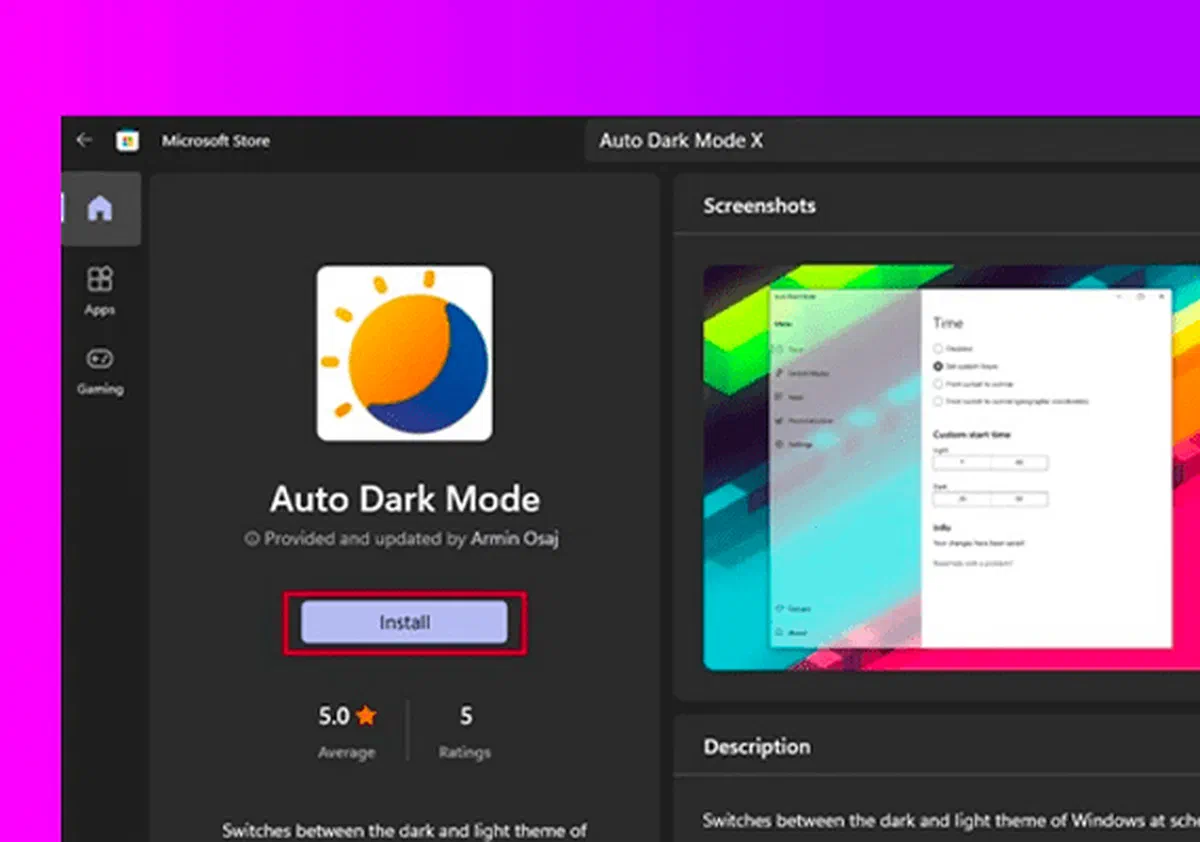
Alternatively, the application is available for direct and secure download through the Microsoft Official Store. Just look for Auto Dark Mode within the Windows 11 store to quickly locate and install the correct program.
Once the installation is completed, the user interface will be presented intuitively and minimally. The control panel is divided into comfortable navigation sections on the left side, while on the right you will find the configuration settings specific to the theme of Windows 11.
By accessing the Now tab, you can define the main conditions for automatic Dark Mode activation.
The software offers different planning options: you can set custom schedule for the alternation of themes, synchronize the transition from clear to dark mode from sunset to dawn using integrated localization services of Windows 11, or configure the change theme according to your precise geographical coordinates.
If you opt for manual geolocation, you will need to enter the latitude and longitude parameters of your city. Just paste them into the appropriate section and click Apply coordinates to sync the theme with local solar cycles.
For even greater precision, sunset and dawn options allow you to configure a separate Offset (time cost) for both the activation of the light and dark theme.

Moving to the Change Mode tab, you will have additional advanced customization features for your work environment.
A very useful feature is the option Don’t change while playing video games. By activating it, you will avoid annoying framerates and interruptions, a warmly recommended setting to optimize system resources during gaming sessions.
For portable devices, there is the option to enable dark mode when the device is disconnected from power. Using dark themes, especially on compatible screens, you can improve battery life of your laptop.
In addition, the panel allows you to configure practical keyboard shortcuts (hotkey) to instantly force the switch from one mode to another without having to open the software.

The App section is dedicated to managing the behavior of individual programs to varying the main theme of the operating system.
From here you can decide whether third-party applications and system elements should follow the global mode. A dedicated voice is also included to customize the behavior of the Microsoft Office suite separately.
For a consistent visual experience during web browsing, developers suggest integrating Darkness, a famous open source browser extension (Chrome, Firefox and Edge) that automatically applies a dark theme to visited websites.

By entering the Customization tab, you will have full aesthetic control of the desktop, with the ability to automate the change of background or system theme.
This function is ideal to assign a specific wallpaper for the day (light text) and a different one for the night (dark head), making the environment of Windows 11 dynamic and resting for the eyes.

Finally, the Settings tab collects general program preferences. It is recommended to keep active the options related to automatic search for Updates and Automatic Admission with Windows, to ensure that the software functions regularly in the background since PC ignition.

In conclusion, Auto Dark Mode confirms an indispensable utility for those who want a deep and automated customization of the user interface, filling one of the current shortcomings in the default settings of Windows 11.
Frequently asked questions (FAQ) #
What is Auto Dark Mode for Windows 11? #
It is a free and open source application that allows you to automate the passage from the light theme to the dark theme on Windows 11, based on personalized times, geographical coordinates or the natural cycle of sunset and dawn.
Auto Dark Mode slows down video games or consumes too much battery? #
No, the software is designed to be extremely light. In addition, it includes specific settings to suspend the theme change during the execution of video games and to forcefully activate the dark theme when the laptop is battery powered, helping to preserve energy autonomy.
Can you automatically change the desktop background along with the theme? #
Yes, through the Customization section of the app, you can set a specific wallpaper that will be applied automatically when Windows switches to clear mode, and another for when entering dark mode.