Multimedia and Creation
How to Install FFmpeg on Windows and Use the Command Line
Learn how to install FFmpeg via winget or manually, add it to your PATH, and use essential commands to convert video and extract audio.
Tag
Every article tagged Video and audio – 5 articles
Learn how to install FFmpeg via winget or manually, add it to your PATH, and use essential commands to convert video and extract audio.
From CapCut to DaVinci Resolve, Premiere Pro, and Final Cut: find the best video editing software based on your experience, computer, and budget.
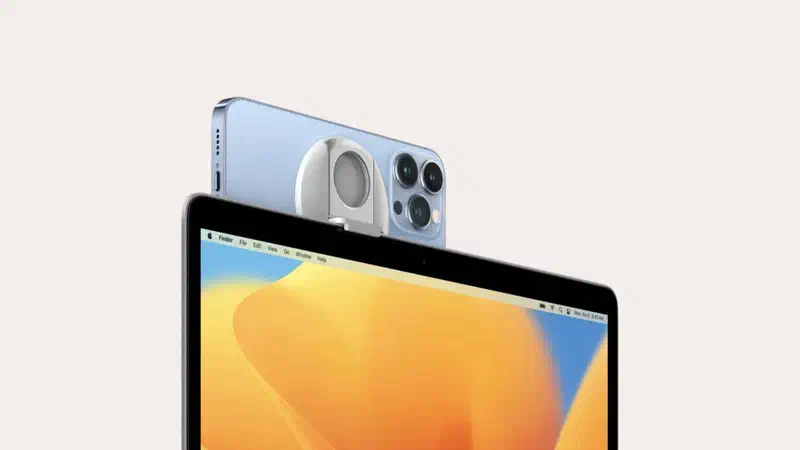
Learn how to use Windows 11 features, Mac Continuity Camera, and apps like Camo or DroidCam via Wi-Fi or cable to upgrade your video calls.
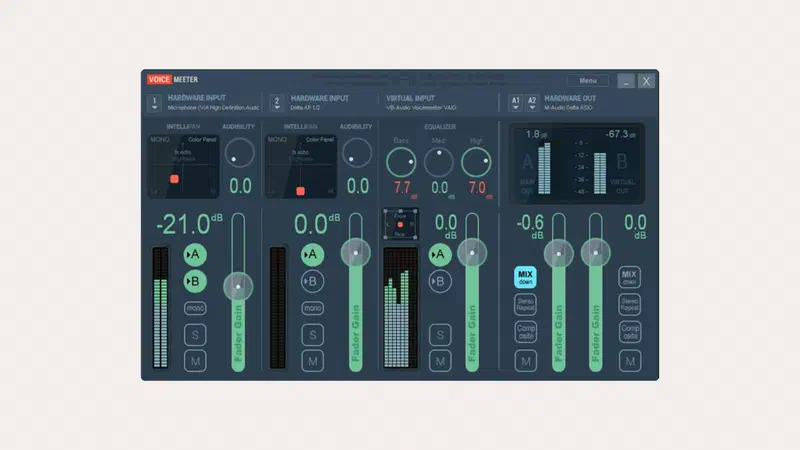
Learn how to install and configure Voicemeeter Banana on Windows. Master virtual cables to separate game audio from Discord and Spotify easily.
Learn how to record your PC screen with OBS Studio: setup, audio and video settings, webcam, and saving in MP4 on Windows, Mac or Linux.