Best Sites to Test Digitation Speed (WPM)
Discover the best free sites to test and improve your typing speed. Measure your WPMs, train and learn to write blindly.
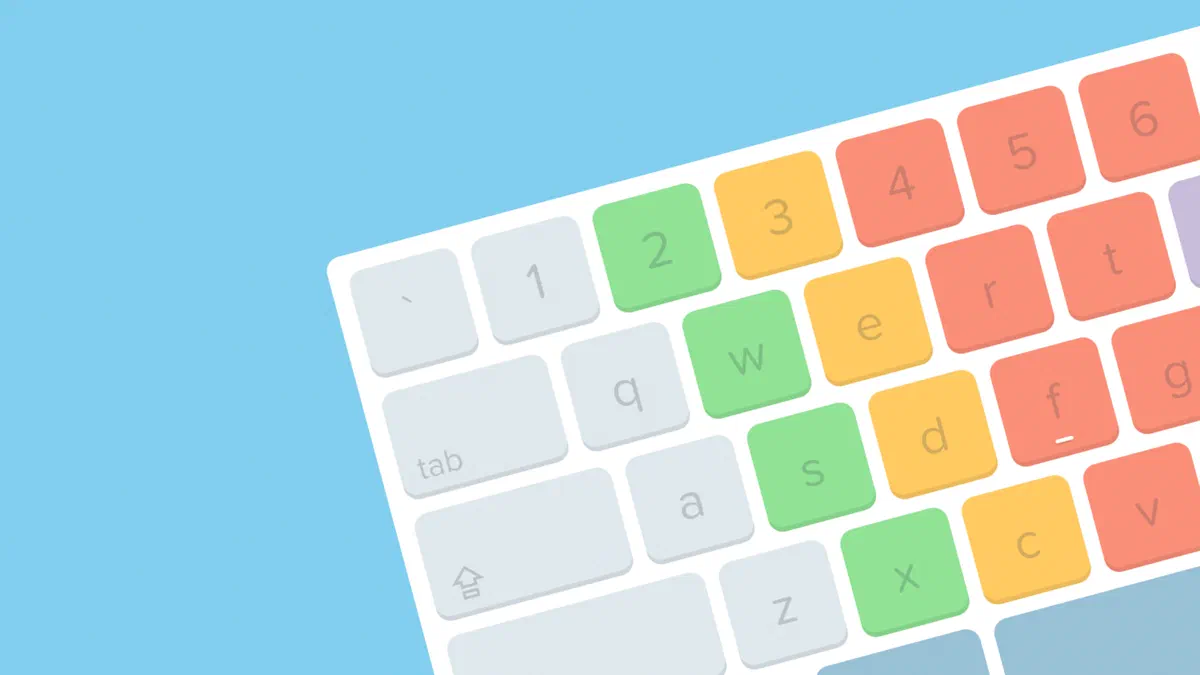
Knowing how to quickly type on the keyboard has become a fundamental digital competence. Whether you’re a professional, a student or a computer enthusiast, increasing your WPM (Words Per Minute) allows you to save time and maximize your daily productivity. Fortunately, the network offers numerous free tools to measure and refine your writing skills. In this guide we have selected the best sites to test the typing speed, ideal for both the first weapons and for the typing experts.
Monkey #

Monkeytype is one of the most appreciated tools for its minimalist and modern design. Unlike other platforms, it does not have a classic text box: you type directly on the screen words, reducing visual distractions and favouring blind writing. This open-source site allows you to customize the themes and offers flexible tests based on time, number of words and punctuation. The Zen mode, moreover, is perfect for those who want a smooth workout and without pressure related to the chronometer.
Keybr #

If your goal is not just measuring performance but learning how to type quickly, Keybr is the ideal solution. The intelligent algorithm of the site generates pseudo-casual words designed to stimulate the movements of each finger, helping you to correct the most frequent errors. It is the perfect tool to master the touch typing without looking at the keys. It also features detailed progress charts and a multiplayer mode to add a touch of healthy competition.
TypeTest.io #

TypeTest.io stands out for an extremely clean interface, designed for those looking for an immediate and no-frillary type test. You can select the duration of the test and monitor your words in real time per minute, keeping track of accuracy and number of correct characters. It reveals an excellent option for those who want to perform quick measurements and check their daily improvements in just a few clicks.
Typings. gg #

Typings.gg combines an elegant aesthetic with practical and essential features. Although it is not the richest platform of complex options, it does its work impeccably. As soon as you finish the beat, you will get a clear overview of your keyboard speed and accuracy. The ability to choose from multiple graphic themes makes training visually enjoyable and suitable for your tastes.
10FastFingers #

A true reference point in the online typing sector, 10FastFingers is famous for its simplicity and effectiveness. The standard test lasts sixty seconds, proposing random words among the most used in over 50 different languages. At the end, you will display complete statistics to evaluate your real writing speed, with the ability to share the results. Global rankings make it perfect for comparing your skills with an exterminated community.
Challenge yourself on 10FastFingers
TypeRacer #

If you are looking for a fun way to practice with your keyboard, TypeRacer transforms your beat into an engaging virtual car race. Each written word correctly accelerates your car towards the finish line, but the errors will block you until you correct them. The site offers intriguing texts from books, movies and songs, and allows you to create private rooms to organize exciting typing challenges between friends or colleagues.
NitroType #

Similar to the approach to TypeRacer, but with a decidedly more videoludic cut, NitroType catapults you into adrenaline competitions where your beat speed results in speed on track. The interface is full of animations, sounds and visual effects, allowing you to unlock cars and upgrades. It also includes a comfortable pre-gara heating session, ideal to take confidence with the keys before the real challenge.
Key Hero #

Key Hero is the platform dedicated to those who require a technical analysis of their performance. Upon completion of each exercise, the system generates detailed graphics that cross precision data and words per minute (WPM), tracking historical progress. The sober but highly informative interface is designed specifically for users who focus on technical evolution and refinement of muscle memory.
Typing Test #

TypingTest.com is a long-standing and well-known platform offering typographical exams of various difficulties, with durations ranging from 1 to 10 minutes. Its distinctive mechanics introduces a severe penalty for every typing error, making the calculation of the typing speed decidedly realistic. While showing a less modern graphical interface than its rivals, it remains a valuable teaching tool, widely used in schools and educational contexts.
Typing Cat #

Typing Cat offers a versatile ecosystem that includes standard tests, real typing courses and challenging minigames such as “Typing Rain”, where you will need to type words before they go down to the base of the screen. Daily charts invite to constancy. Despite some users reporting slight delays in repelling certain fringes, it offers an excellent variety of keyboard exercises to enrich your daily workout.
Frequently Asked Questions (FAQ) on Digitation Speed #
What does WPM mean and how is it calculated? #
The acronym WPM stands for Words Per Minute (Parole al Minute) and is the universal measurement unit to evaluate the typing speed. Its standard calculation includes the division of the total number of characters typed for five (considering the international average length of a word) and reporting the result to 60 seconds of time, removing from the final score incorrect errors.
What is a good average speed of typing on the keyboard? #
The average speed of a person using the computer is around 40 WPM. Reaching the 60 WPM threshold is considered a great achievement, ensuring excellent professional productivity. Experienced typists and professional programmers, however, frequently reach and exceed the roof of the 80-100 WPM. Exhibiting through typing test sites is the best way to raise your average.
How can I quickly improve my writing speed? #
To increase performance it is essential to master the technique of touch typing (blind writing). Place the indexes on the F and J keys (which have small tactile reliefs) and never look at the keyboard while writing. At the beginning of the route, focusing solely on the precision of beat rather than on speed: the speed and fluidity will arrive automatically consolidating muscle memory through daily training.