Turn Photos to Ghibli Style with ChatGPT: Guide and Prompt
Learn how to turn your photos into Studio Ghibli style using the artificial intelligence of ChatGPT. Step by step guide, effective prompts and limits.
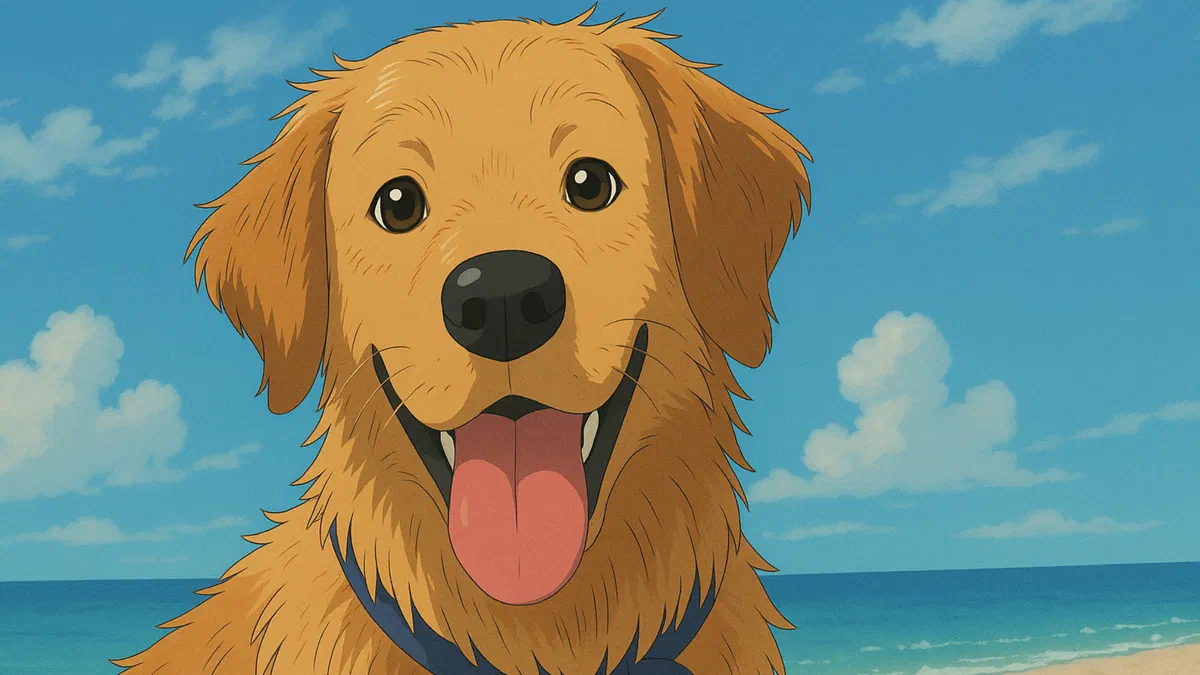
Generative artificial intelligence is revolutionizing digital creativity, offering incredible tools for visual manipulation. One of the most popular trends of the moment is the transformation of photos into artistic illustrations. Among the most beloved filters is undoubtedly the unmistakable style Studio Ghibli, famous for its magical and dreamlike atmospheres typical of the famous Japanese animation films.
How to Make a Photo in Ghibli Style with ChatGPT #
Converting your images into anime scenarios is a fast process and within reach of all thanks to the use of AI. To create an image in Ghibli style starting from a real photograph, just follow these simple steps:
- Upload your original photo: Choose an image from your smartphone or computer and send it to the ChatGPT chat.
- Enter the optimized prompt: To properly instruct artificial intelligence, use a precise text command. We suggest you try this phrase in Italian: “Redesign the image in the style of Studio Ghibli, faithfully keeping all the original details. " Generative models often include English. For optimal results, you can test this alternative prompt: “Restyle image in Studio Ghibli style, keep all details. "


If the prompt has been processed correctly, the result will be a splendid digital illustration with a dreamy taste, able to immediately evoke the masterpieces of Hayao Miyazaki, such as The Enchanted City or Howl’s Erroneous Castle.
Generative limitations and OpenAI Copyright Filters #
Although this function is fascinating, there are technical blocks. In recent updates, OpenAI has integrated strict copyright filters to prevent copyright violations. It may happen that the platform blocks the image generation, alerting the user through an error message.
If the specific term activates the security lock, ChatGPT will propose an alternative solution. Artificial intelligence will generate an image inspired by the Japanese vintage animation style, omitting direct references to the registered Ghibli brand.
Finally, it should be remembered that servers can be slowed down due to the very high network traffic, especially after the launch of the GPT-4o model. At the moment, those who use the basic account without subscription have the creation of up to three free images per day.
Frequently asked questions (FAQ) #
What version of ChatGPT is used to generate images? #
You can use both the free version and ChatGPT Plus. However, the free base account has strong daily restrictions for the use of the integrated DALL-E 3 module, allowing the generation of a small number of images in 24 hours.
What are the best prompts to get the Ghibli effect? #
English-language commands are generally more accurate. Using keywords such as “Anime style”, “Studio Ghibli vibe”, “vivid colors” and “2d animation character” within your prompt helps the AI return qualitatively higher and more faithful results.
Can I use other artificial intelligences for this style? #
Of course. Platforms like Midjourney are excellent for creating Ghibli-style images. With Midjourney we recommend using similar commands and adding the special –niji parameter at the end of the prompt to activate the native model dedicated to anime aesthetics.