TreeSize Free: How to Manage and Free Space on Windows
Learn how to optimize disk space with TreeSize Free. Pros, cons, advanced features and downloads to analyze files and folders on Windows.
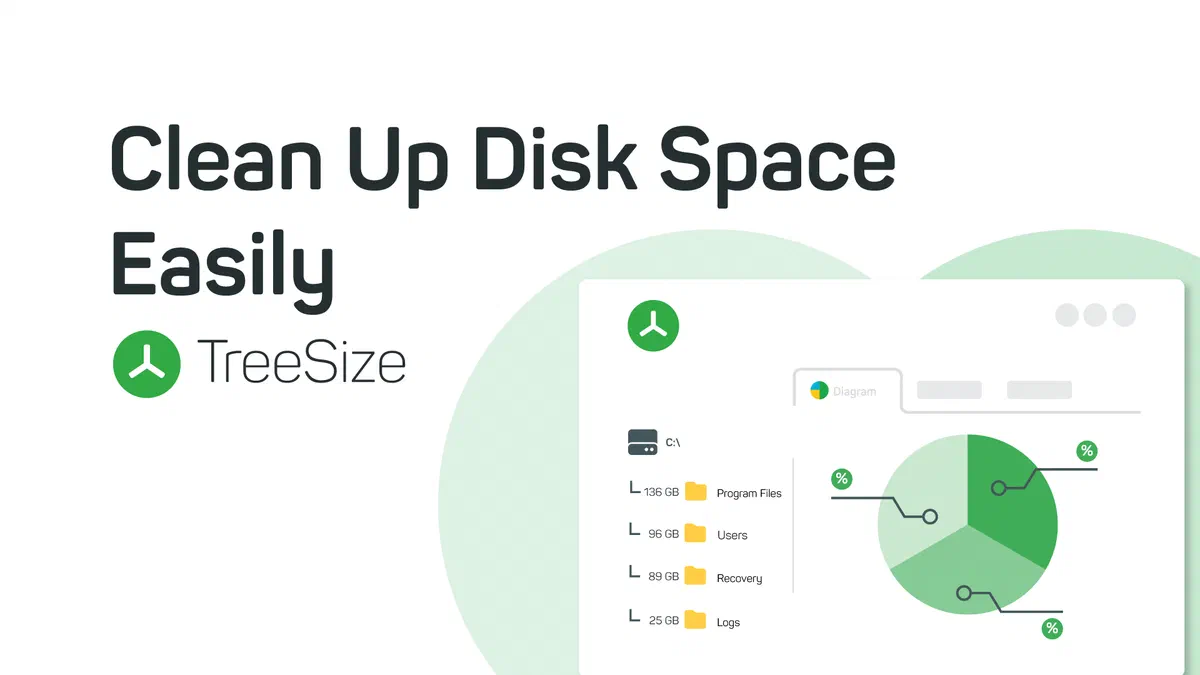
When it comes to managing disk space, efficiency in quickly identifying which folders and files occupy most storage is crucial. To maintain high performance of its operating system, free space on Windows becomes a crucial periodic operation. In this context, TreeSize Free emerges as an extremely effective and noteworthy free tool for drive analysis.

Advantages and Disadvantages of TreeSize Free #
To fully understand the usefulness of this application, it is essential to objectively analyze the strengths and limitations of TreeSize Free before proceeding to download.
Main Features of TreeSize Free #
TreeSize Free is fully compatible with Windows 11 and older versions architectures (Windows 10, Windows 8.1), providing a highly intuitive user interface that recalls the classic File Explorer. The software allows you to view scanned reports both in a practical tree structure and through a visual map (TreeMap). This ensures a detailed perspective on directory size and documents, allowing the user to organize folders by weight, busy memory percentage, date of last modification and amount of content items.
At the operational level, you can customize the aesthetic aspect of the interface and change the measuring unit according to your reading preferences. A fundamental option is the use of inclusion or exclusion filters, useful to isolate certain criteria (for example, just looking for .iso file extensions). At the end of scanning, the resource reports of your hard drive can be printed directly or exported comfortably in the PDF format for references or future system analysis.
Final and verdict considerations #
In conclusion, TreeSize Free confirms itself as an indispensable diagnostic tool for Windows users who need to find heavy files and optimize overall storage. While presenting some constraints, such as the availability limited to Microsoft systems and the absence of constant updates, its unparalleled rapidity in providing granular analysis makes it a “must-have” for the maintenance of modern computers.
Download the application from the official website: Download TreeSize Free.
Frequently Asked Questions (FAQ) about TreeSize Free #
Is TreeSize Free safe for my operating system? #
Absolutely. TreeSize Free is developed by software house JAM Software, a consolidated reality in the industry. The application analyzes the disk by limiting itself to reading the data and never independently deletes any system file, thus ensuring the maximum integrity of your personal documents and the operating system.
What is the main difference between Free and Professional? #
While the free version is excellent for basic local space diagnostics, the Professional edition unlocks different business level features. These include in-depth search of duplicate files, scanning to network paths (server or cloud), customizable interfaces and exporting relationships into advanced formats such as Excel or HTML.
Can you use TreeSize Free on a USB key? #
Yes, developers provide a convenient Portable version that does not require any installation on the registry. Just download the ZIP archive, extract its contents in a USB key or on an external hard drive and run the tool directly on any host Windows PC.