Essential Software for PC Builder: Perfect USB Tool
Discover the 10 essential software for PC builder. From Ventoy to HWiNFO, create your ultimate USB key for Windows diagnostics and optimization.
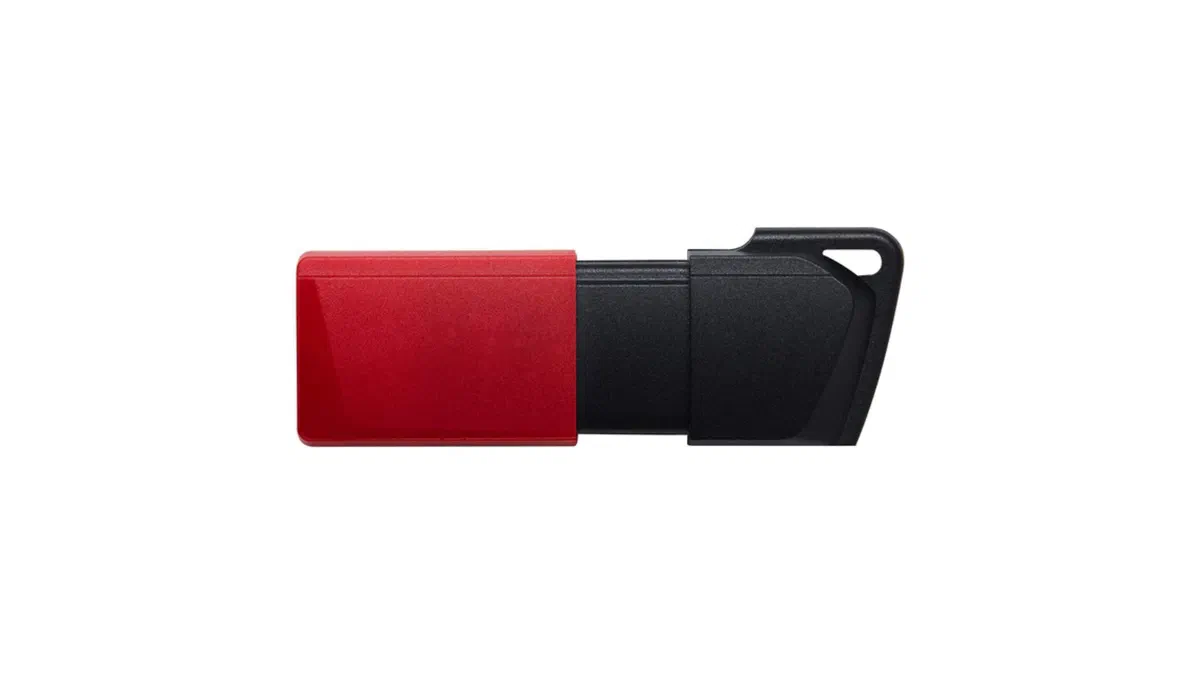
For PC building professionals and advanced technical support professionals, proper diagnostic tools are essential. Create an emergency USB key equipped with specific software allows you to manage installation procedures, optimization of Windows operating systems and hardware troubleshooting in total safety.
Below we present a technical selection of the best free and professional software, indispensable for assemblers, IT technicians and enthusiasts who want to keep PCs always at maximum performance and reliability.
1. WinToys: Advanced Customization of Windows #
WinToys is an extremely versatile utility software that collects in a single modern interface numerous advanced configuration options for the operating system. From deep system service management to temporary file cleaning, this tool is perfect to optimize performance and reduce resource consumption. It is ideal for those who want to access the Windows performance settings without having to interact directly and risky with the registry or command line.

Scarica WinToys: WinToys
2. Ventoy: USB multi-boot for every need #
Ventoy is an open-source program that revolutionized how technicians prepare USB keypads for operating systems installation. Instead of having to format the drive each time, just copy the in ISO format image files (which include Linux, Windows and restore environments) directly to the pendrive. At boot, Ventoy will present a dynamic menu to select the desired image. The native support for UEFI and Secure Boot architectures makes it the ultimate Swiss knive for every IT specialist.

Scarica Ventoy: Ventoy Official Website
3. WinDirStat: Graphical disk space analysis #
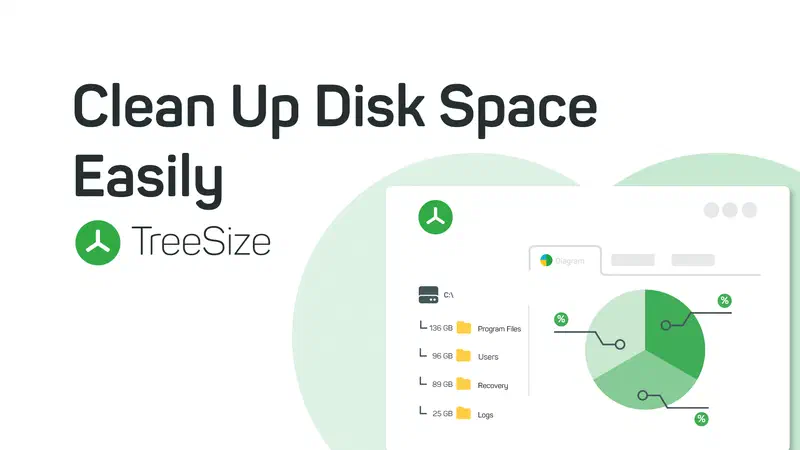
When the main storage drive reaches saturation, manually identifying the heaviest files becomes a tedious process. WinDirStat intervenes by providing a visual block map (treemap) of all space allocated on the hard drive or SSD. Each file and folder type is identified by a color and extended according to byte weight, allowing you to free valuable space with surgical precision. It is a timeless classic of diagnostics and PC maintenance.

Scarica WinDirStat: WinDirStat Official Website
4. WizTree: Ultra-Rapid Space Analysis #
For technicians who need immediate scanning times, WizTree represents modern evolution to classic directory analyzers. This tool extracts data directly from the NTFS file system Master File Table (MFT), lowering analysis times to a handful of seconds, even on disks from various Terabyte. An essential ally to identify corrupt system logs or hidden files that anomalously occupy memory.

Scarica WizTree: WizTree Official Website
5. HWiNFO: Real-time hardware monitoring #
HWiNFO is the PC building reference software for analytical monitoring of hardware. Thanks to the constant support of the most recent controllers, it returns high-precision readings in real time on voltages, energy absorption, fan speed and operating temperatures of CPU, GPU and motherboard. The extracted data are neuralgic to correctly calibrate the airflow, prevent thermal throttling and validate the stability of a newly assembled system.

Scarica HWiNFO: HWiNFO Official Website
6. MemTest86: RAM Memory Analysis and Validation #
The faulty memory modules are among the primary causes of the feared Blue Screen of Death (BSOD) or corrupted files. MemTest86, always a standard in the industry, runs outside the operating system (via boot USB) to directly stress the physical cells of RAM memory. Through a very complex set of testing patterns, the program identifies hardware errors to the single bit, allowing you to isolate the failed benches before installing the operating system.

Scarica MemTest86: MemTest86 Official Website
7. CrystalDiskInfo: Car health assessment #
Preventing the catastrophic loss of data is a priority. CrystalDiskInfo decodes in just one click the mechanical hard disk S.M.A.R.T. (Self-Monitoring, Analysis and Reporting Technology) diagnostic parameters, classic SSD SATA or the fastest NVMe M.2. The program returns a percentage score on the “health status” of the drive, highlighting the deterioration of the memory cells, the excessive heat and the critical reallocated sectors, to decide with knowledge of cause if cloning and replacing the drive.

Scarica CrystalDiskInfo: CrystalDiskInfo Official Website
8. Rufus: Fast installation media creation USB #
Despite the enormous flexibility of the aforementioned Ventoy, Rufus maintains primacy when there is need to create single bootable pendrives with specific partitions. It is the option tool to bypass any limiting hardware requirements (such as the TPM 2.0 check for Windows 11) or to set up to critical firmware update and BIOS intended flash drives. It is very light, completely portable and able to write memory blocks at unparalleled speed.

Scarica Rufus: Rufus Official Website
9. CPU-Z and GPU-Z: Processor hardware profile and video card #
- CPU-Z is an essential application to obtain the mathematical credentials of the processor (stepping, number of cores, revision, voltages of vCore), as well as the close reading of timing and frequency of RAM memory. A must to validate every overclock safely.
- GPU-Z instead moves the target of diagnostics only on the graphics card. Developed to return crystalline specifications on silicon (architecture, ROPs, TMUs), VRAM bandwidth and API support. It also includes a convenient sensor module to drain abnormal overheating of the graphic accelerator.

Scarica CPU-Z: CPU-Z Official Website Scarica GPU-Z: GPU-Z Official Website
10. AIDA64: Stress test and system inventory for professionals #
To complete the ideal arsenal there is AIDA64, real institution for business and high-end environments. Appreciated for its ability to generate reports and extensive inventories of hundreds of pages on each subsystem, excels in particular thanks to the System Stability Test module. This applies hard synthetic workloads to FPU, cache and memory, unveiling thermal and electrical instability on custom builds before firing them as stable and secure.

Scarica AIDA64: AIDA64 Official Website
Frequently Asked Questions (FAQ) About PC Builder Software #
What is the ideal capacity for a USB key dedicated to PC diagnostics? #
To configure an optimal multi-boot environment, such as a flexible tool such as Ventoy, a USB 3.0 or higher pendrive with capacity between 32 GB and 64 GB is the ideal choice. This quantity of storage ensures enough space to accommodate bulky ISO images of the most modern operating systems, some Linux emergency distributions in Live format and all the diagnostic programs mentioned, keeping free space to save specific reports or drivers.
Can hardware monitoring programs damage your computer? #
Absolutely not. Applications such as HWiNFO, CPU-Z or GPU-Z operate in read-only mode (read-only) by passively interrogating electrical and thermal sensors integrated into computer architecture. Because they do not apply any practical variation to vital parameters such as voltages or clock frequencies of the machine, they are completely harmless and safe diagnostic tools for any type of user.
Can I use these diagnostic tools on PC equipped with macOS or Linux? #
Almost all operational programs included in this guide (such as WinToys, Rufus or WinDirStat) are developed and compiled exclusively to dialogue with kernels and architecture of Windows systems. However, some powerful tools such as MemTest86, designed to be mounted in self-advisable flash drives outside the desktop environment, work at UEFI or BIOS firmware level: this makes them able to analyze RAM memory and find faults on any compatible hardware motherboard, regardless of the system installed on the disk.