How to Install Mods on Among Us: Complete Guide
Learn how to install the hacks on Among Us. Step by step guide to add new roles, skins and use custom servers in a simple and secure way.
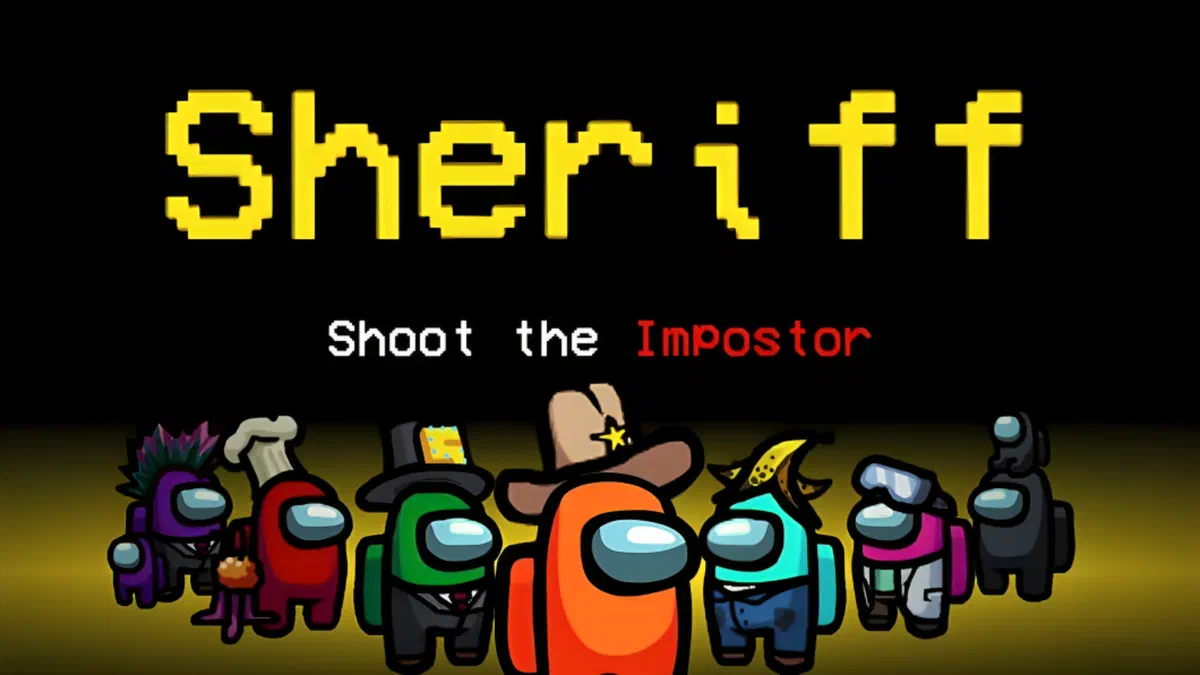
Installing the mods for Among Us is the ideal way to revolutionize your gaming experience, allowing you to introduce new roles, new modes and custom graphic elements. While using these changes is not allowed on official game servers, you can enjoy using public modding servers, organizing private games or configuring custom servers.
This guide will provide you with the basic steps to complete the installation in total safety. As procedures may vary, we recommend that you always read the specific instructions included in each mod file. To start exploring the content created by the community, you can visit this resource dedicated to mods.
How to install Mods for Among Us: Basic Steps #
The standard procedure for preparing and installing most changes requires the following steps:
- Download the correct version: Make sure you download a mod that is perfectly compatible with the installed version of your game. An incompatibility between versions will cause system errors or will completely prevent Among Us from booting.
- Create a backup of the game folder: Find the main installation directory (for example, on Steam the typical path is
C:/Programmi (x86)/Steam/steamapps/common/Among Us). Create an exact copy of this folder and rename it (e.g.Among Us Mod Ruoli). This step is essential to keep intact the original version of the game and not risk ban. - Extract files downloaded: Open the newly downloaded mod archive (usually in
.zipor.rarformat). Extract the entire content directly into the new folder copied to the previous step. If the system asks you to overwrite some files, confirm the operation. - Launch the modified client: Open the renamed folder (e.g.
Among Us Mod Ruoli) and launch the game by double-clicking the executableAmong Us.exefile located exclusively on that path.
Verification of installation and troubleshooting #
To make sure that the mod has gone well, follow this quick check-list:
- Start the game using always the executable (
Among Us.exe) contained in the mod folder. - Once in the main menu, look at the top left corner. Immediately under the official version, you should notice an additional text confirming the correct loading of the modified package.
- If you do not see any message or the game crashes at startup, you may need updated libraries. Search and install the latest version of Visual Studio C++ Redistributable directly from the official website Microsoft.
Management of Skin and Texture Graphics #
Packages that change aesthetic appearance, such as skins, hats and custom textures, often use .emip file extension. Unlike the mods that change the mechanics, graphic changes require that all players present in the lobby have installed the same files to correctly view changes. To apply these patches to the original assets, the community usually uses specific programs such as the UABE (Unity Asset Bundle Extractor).
Custom Servers and Game Modes #
More full-bodied expansions, which add new modes of play or advanced roles (such as sheriff, doctor or jester), often require a different network infrastructure. You may be asked to connect to dedicated servers or create customised servers through third-party platforms. In these situations, it is imperative to follow in the letter the guidelines provided by the mod developers or host managers.
Best Tools for Among Us Modding #
To navigate the world of Among Us modding, you will learn to familiarize yourself with some extremely useful basic software:
- BepInEx: This is a fundamental framework for the vast majority of Unity engine-based mods. Bep inEx manages the code injection and, in most cases, you will already find it pre-compiled within the mod zip files.
- Texture Editor: As anticipated, UBE is the standard for handling
.emipfiles, indispensable for those who want to customize the visual appearance of astronauts. - Server Managers: Open-source software like Impostor allows you to configure independent private servers. They are essential when you want to host games with twisted rules that Innersloth’s official servers would block.
Always use caution and download your files exclusively from trusted forums and modding communities to avoid malicious software. Get ready to discover a whole new way to play Among Us!
FAQ - Frequently Asked Questions about Among Us Mods #
Can I use Among Us mods on official servers? #
No, using third-party mods or software is not allowed on Innersloth’s official servers to prevent cheating. To play with mods you will need to use dedicated public servers, create custom private servers (for example through Impostor) or host a local game with your friends.
What programs are needed to run the mods? #
Most mods that introduce new roles and mechanics require the BepInEx framework, which is often included in the downloaded folder. If you want to install graphics to change skins and textures (.emip file), you will need a specific tool called UABE (Unity Asset Bundle Extractor).
Why does the game not start after installing a mod? #
The most frequent problem is related to a version incompatibility: the downloaded mod may not be aligned with the latest update of Among Us. Alternatively, the startup crash may depend on the lack of the Visual Studio C++ Redistributable package on your computer, easily downloadable from the Microsoft website.