Best Free Software for Benchmark SSD and Hard Disk
Discover the best free software to benchmark, test speed and check the health status of your Hard Disk and SSD. Full guide.
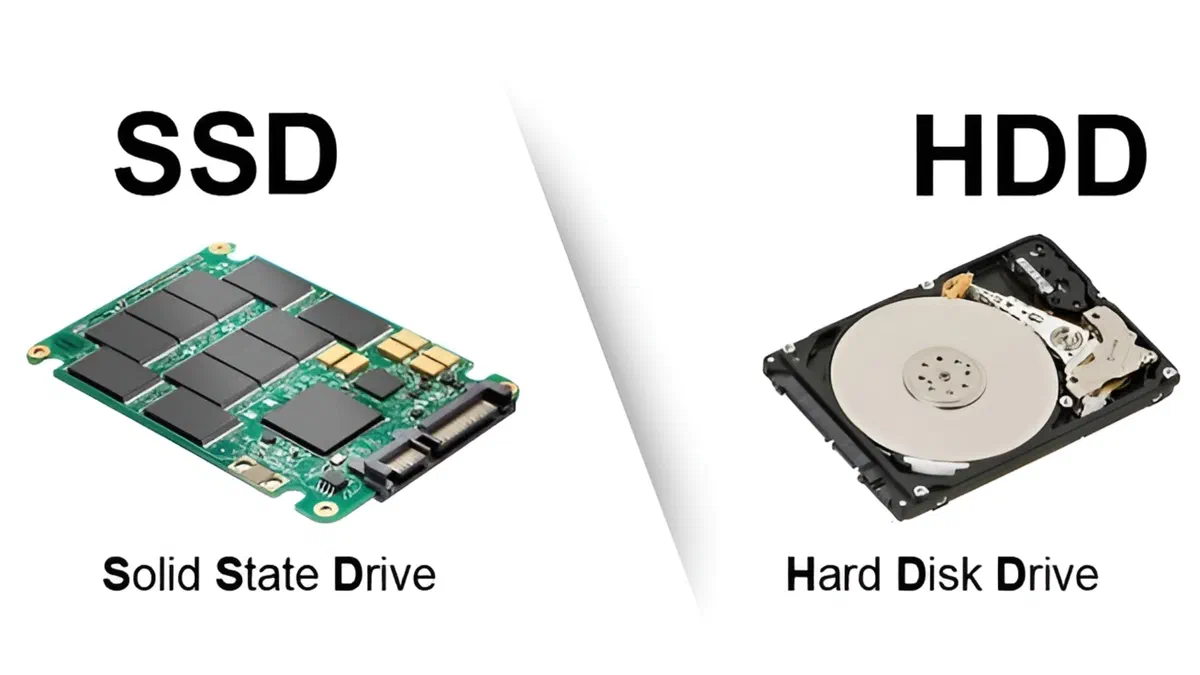
Benchmark software is designed to test the performance and speed of storage devices. In the world of Hard Disks (HDD) and Solid State Units (SSD), these tools are key to measuring key parameters such as read and write speeds. At the end of the test, the program returns a score or precise values to compare the performance of its device with those of other products on the market.
The main use of a benchmark test for SSD and HDD is the verification of the actual state of health and performance of the disk. For example, after optimizing the operating system or updating the firmware of a unit, you can perform a test to measure the increase in performance. This analytical approach allows you to understand whether changes have actually improved data transfer speeds.
In this guide we have selected the best free programs to benchmark on Hard Disk and SSD, ideal both to diagnose any problems and to maximise your computer performance.
AS SSD Benchmark #
AS SSD Benchmark is a free, lightweight and portable application designed specifically for solid state units. The software offers a very intuitive interface to analyze the reading and writing performance of memory disks. Being compatible with all versions of Windows and weighing only 280 KB, it does not require any installation on the PC.

To start the test, just select the storage drive from the drop-down menu and click on the “Start” button. The program will perform rigorous sequential and random reading and writing tests (random) using a 1GB test file. There is also an analysis of data access times and a dedicated section called “Tools” to simulate file copying and compression. The final score generated is a great indicator for online comparisons. Click here. to go to the download page.
CrystalDiskMark #
CrystalDiskMark is undoubtedly one of the most popular and appreciated benchmark software for SSD and HDD. It allows you to accurately and quickly measure the sequential and random read and write speeds of any storage unit. It is also available in a convenient 64-bit portable version that does not dirty system logs.

After extracting the compressed file, start the executable “DiskMarkX64”, select the drive to analyze and start the analysis. The tool will simulate intensive workloads with different file sizes in and out. At the end of the process, you will see the peaks of speed achieved, data needed to assess the impact of a new hardware or real performance compared to the manufacturer stated. Click here. to go to the download page.
CrystalDisclosure #
Unlike the previous program, CrystalDiskInfo is a powerful diagnostic software that does not perform stress test speed, but consistently monitors the health status and vital parameters of Hard Disk and SSD. Also for this utility is available the portable version to keep comfortably on key.

The main screen will immediately show you the general health status of the unit, flanked by the operating temperature in real time. It also provides essential technical data such as the firmware version, the interface used (e.g. SATA or NVMe), total ignition hours and supported features (S.M.A.R.T., TRIM, NCQ). It is a fundamental tool because it informs you in advance in case of re-allocated sectors or uncorrectable critical errors, allowing you to save the data before a definitive collapse of the disk. Click here. to go to the download page.
SSD-Z #
As the name suggests, SSD-Z is a free diagnostic utility specializing in in-depth analysis of solid state units. Provides advanced and extremely detailed information about the memory controller, NAND chip technology, production process and verify the correct activation of the TRIM command from the operating system.

In addition to the accurate information sheet, SSD-Z integrates a benchmark section to measure data transfer speed and response time (Access Time) of the SSD unit. Among other exploration features, it allows you to view the map of active partitions on the system volume. While offering the basic support for traditional mechanical discs, its potential is expressed in the analysis of modern flash memory. Click here. to go to the download page.
HD Tune #
HD Tune is a historical and excellent tool that combines in one interface benchmark functions to advanced diagnostic functions. Supports transversal old mechanical hard disks, latest generation SSD, memory cards and USB pendrives. There is a free version perfect for private and non-commercial use.

The software allows you to test the minimum, maximum and average writing and reading speeds, generating a convenient visual chart to examine the stability of the drive. In addition to performance monitoring, HD Tune analyzes vital parameters to signal the correct health status of the component. The real pearl of the program is its “Error Scan” function, a deep scanning tool capable of meticulously analyzing the entire storage space in search of bad sectors (bad sectors) or malfunctioning. Click here. to go to the download page.
Frequently Asked Questions (FAQ) about Benchmark and Diagnostic #
How to correctly interpret the results of a SSD benchmark? #
The most relevant values during a test are two: sequential speed, which indicates the performance of the drive in transferring large single files (such as ISO or heavy video), and random speed (Random 4K). The latter is the most important data for everyday use, since it reflects the responsiveness and readiness of the operating system in real time opening many small files and applications simultaneously.
How long do you need to check the health status of a disk? #
To safeguard the integrity of your documents it is recommended to check-up diagnostics (using programs such as CrystalDiskInfo or HD Tune) at least once a month. This habit ensures effective prevention against data loss, identifying bad sectors in advance, critical changes in S.M.A.R.T parameters. or abrupt decay of the general performance of the unit.
Can benchmark tests often shorten the life of a SSD? #
Yes, if done overly. Benchmark programs create intensive cycles that read and, most importantly, write massive GB temporary mols during the test. Although modern solid-state units have excellent writing resistance margins (TBW, Terabytes Written), it is good practice not to abuse these continuous measurements so as not to prematurely consume the precious rewriting cycles of NAND memory cells.