Best Android Emulators for PC: BlueStacks, MEmu and Nox
Discover the best Android emulators for PC Windows and Mac. Drive to BlueStacks, MEmu and NoxPlayer to play and use apps on your computer smoothly.
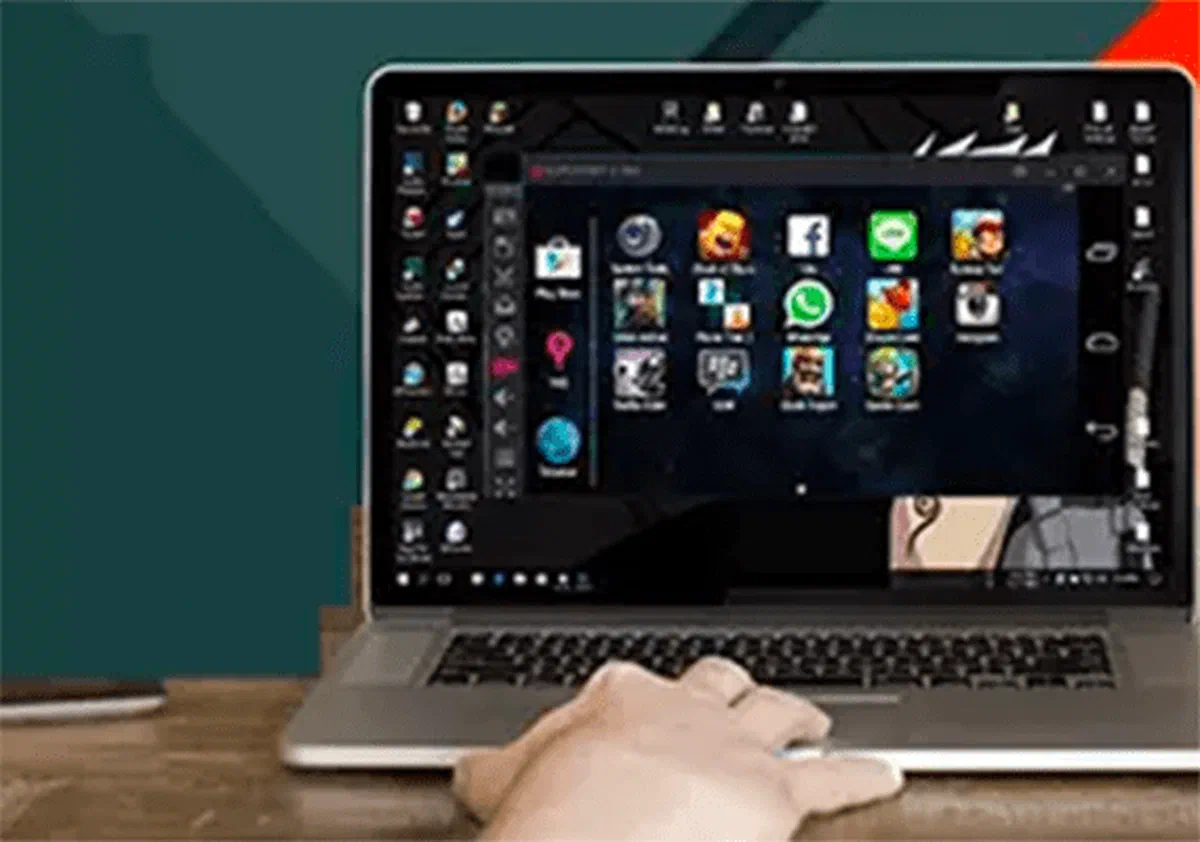
Many video games and mobile applications require latest hardware to ensure a smooth user experience without annoying slowdowns. If you have a low-end smartphone and do not want to buy a new one, the ideal solution is to use the best Android emulators for PC. These applications allow you to recreate a mobile environment directly on your computer, allowing you to start your favorite apps with the performance and convenience of a desktop computer.
What is a Android emulator and how it works #

A Android emulator is a specific software designed to simulate the entire operating system Android ecosystem within a personal computer. Operating as a virtual machine, it isolates itself from the host system (such as Microsoft Windows or macOS), offering a safe environment to continuously test or use mobile applications.
To use these platforms, users must log in via their official account, downloading applications securely from the Google Play Store. The installation is usually guided and intuitive. However, to ensure a high framerate in heavier video games, it is essential to have a computer equipped with a modern processor, a good amount of RAM memory and make sure you have enabled virtualization technology from the BIOS of the motherboard.
BlueStacks: the leading emulator for Mac and Windows #

BlueStacks today represents one of the most popular and globally downloaded Android emulators. It is distributed free of charge and is compatible with both Windows and macOS systems. Thanks to a modern and user-friendly graphics interface, it is also perfect for early-arm users, allowing you to install titles from the Play Store with a simple click.
One of the most popular gamer features is the Multi-Instance Manager, an advanced tool that allows you to start different emulator instances simultaneously. This option is strategic for fans of strategy or gacha titles, which need to develop and play on multiple accounts in parallel, drastically optimizing times.
The basic version is free but supported by advertisements not too invasive. Those who want a completely distraction-free experience can subscribe to a subscription plan. BlueStacks also guarantees complete support for sideloading via APK file, allowing manual installation of non-reachable applications in Italian stores.
MEmu Play: performance and customization for Windows #

If you are looking for extreme fluidity and high-level graphics performance, MEmu Play is one of the most valid free alternatives on the market. Unlike its main competitor, this software has been developed exclusively for Microsoft Windows operating systems and makes resource optimization its main strength, offering excellent reactivity even on less performing machines.
Like BlueStacks, MEmu also supports multi-starting sessions, but stands out for an impeccable Italian language translation and an extremely vast hardware configuration panel. Its distinctive feature is the ability to enable root permissions directly from the basic settings: an indispensable function for developers or for those using advanced apps that require full administrative privileges on the mobile operating system.
NoxPlayer: the Android emulator optimized for gaming #

Developed with a focus on the most demanding video players, NoxPlayer is designed to maximize the potential of the PC. Its biggest competitive advantage is native support for precise mapping of keyboards, mouse and external controllers. This structural integration allows you to face competitive titles in three sizes, such as shooters or racing games, with the same naturalness guaranteed by traditional consoles.
While providing tools from power user (such as immediate root activation and selective assignment of CPU and RAM giga), NoxPlayer maintains an entry barrier accessible to all. The program is free and is supported by sponsored tips for downloading apps, which still remain discreet. Although a Mac version is available, NoxPlayer’s infrastructure expresses its true potential only in the Windows environment.
Frequently Asked Questions (FAQ) about Android Emulators #
What are the minimum requirements of the PC to use a Android emulator? #
For a basic navigation experience, a 64-bit operating system, a dual-core processor, 4 GB of RAM and about 5 GB of free disk space are generally sufficient. However, to ensure smooth gaming without slowdowns, we recommend at least 8 GB of RAM, a recent multi-core processor, a dedicated video card and, fundamentally, activation of virtualization (VT) directly from the BIOS of the computer.
Are Android emulators safe and legal? #
Yes, the use of Android emulators is absolutely legal. Being Android an open source operating system developed by Google, programmers can freely rely on it to create virtualization software. To preserve your computer security, it is essential to download apps exclusively from the Google Play Store or from APK files from authoritative sources, thus preventing malware risks.
Can I install and use WhatsApp via emulator? #
Of course. Emulators simulate a mobile device in everything and for everything, allowing not only the installation of video games, but also of normal apps for everyday use. You can easily download and record messaging apps like WhatsApp, Telegram or social platforms like Instagram and TikTok, managing them comfortably from your PC screen.