Migrate a WordPress Site to a New Domain: SEO Guide
Learn how to change the domain name of your WordPress site safely, without losing SEO position, with our step-by-step guide.
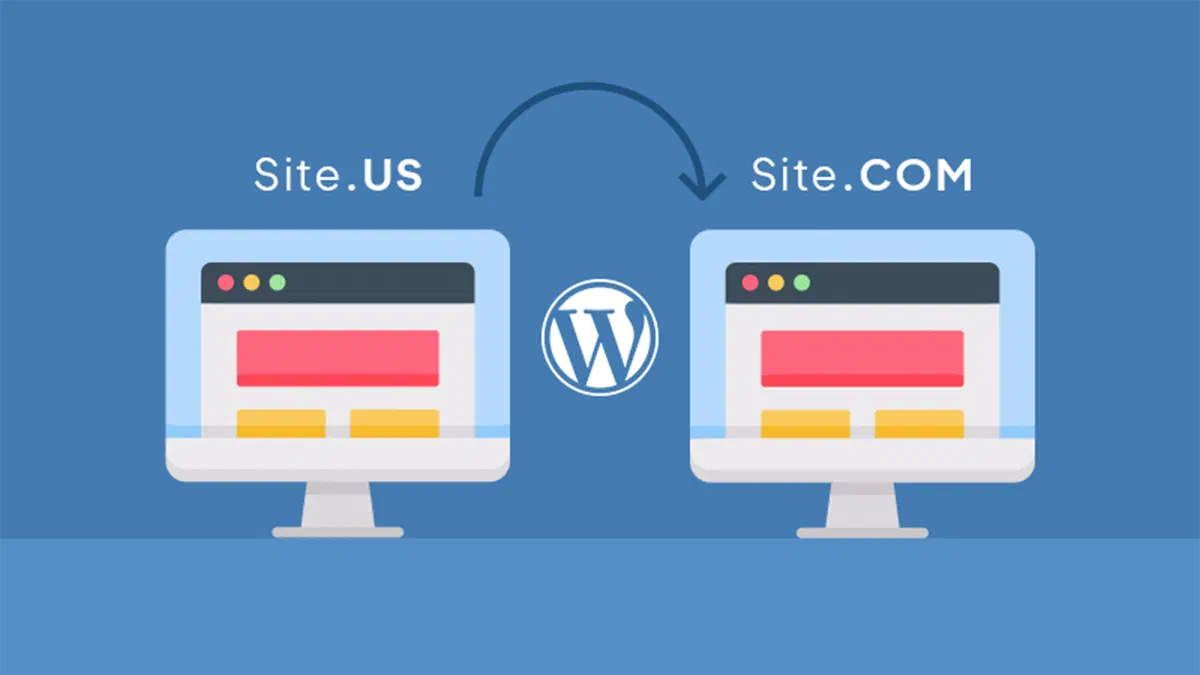
Changing the domain name of your WordPress site is a delicate transition that requires strategic planning. If you manage an online project already positioned on search engines, it is essential to evaluate pros and cons and carefully follow a safe technical procedure to avoid traffic crossings and preserve your SEO strategy.
Why change the name to Dominion? #
The motivations to undertake a domain migration to a new web address are multiple and often linked to the physiological evolution of the business:
- Change of the Social Reason: As a result of mergers or corporate acquisitions, aligning the domain to the new company name is indispensable for brand consistency and to facilitate direct research by customers.
- Rebranding strategy: Repositioning on the market often requires a new web domain that best embodies the renewed visual identity and the tone of voice of the brand.
- Transition to a TLD Superior: The passage from a local extension to an international Top Level Domain (for example, passing from a .it to a .com) can significantly increase the perception of authority and trust in visitors.
Is it mandatory to buy a New Domain? #
Absolutely. Before starting the migration process on WordPress, you will need to register the new address via a registered registrar accredited by the ICANN. During and after the transition, the best SEO practice requires you to keep both domains active for a minimum period of 6-12 months. This time frame is used to adjust the 301 redirects (Permanent Redirect), ensuring that visitors and the value of links (link juice) flow from the old URL to the new without any interruption.
Preliminary phases for Domain Change on WordPress #
The transition of the main domain on the CMS platform requires great methodology. Here are the three macroscopic phases:
- Configuration of the Basque (Dashboard): Switch to general settings to update native URLs of WordPress Core.
- Intervention on wp-config. php: Anytime modify system constants within the main configuration file to force the new address.
- SEO Testing and Validation: Do a thorough technical audit to prevent the presence of broken links (broken links) or endless loops of redirection.
Essential Requirements Before Migration #
Intervention on the structure of a live site entails inevitable risks. Make sure to take the following lifesaving precautions:
- Complete Backup of Database and Files: Never proceed without first creating a security archive of the SQL database and the wp-content folder. You can follow the official WordPress codex on backups guidelines.
- Access via Client FTP: Use reliable software such as FileZilla or Cyberduck to connect to server files. Make sure you have the credentials (host, username, password and port) provided by your hosting provider.
Step 1: Update URLs from WordPress Settings #
Login as administrator to your site and navigate in Settings > General:
- Campi Address WordPress (URL) and Site Address (URL): Edit both by entering the new domain, taking care to correctly specify the HTTPS protocol. Save the changes. Note: the site will instantly disconnect and the old administration panel will become inaccessible until the end of the setup of the new domain.
Step 2: Set the Permanent Redirects and Alert Google #
This is the most critical phase for SEO optimization: you must communicate to the search engines that your website has “changed address”, transferring in this way the authority tiringly acquired over time.
- Creation of Redirections 301: Connected to the FTP space of the old domain, locates the hidden
.htaccessfile in the main directory and integrates the following rules:
   #Options +FollowSymLinks
   RewriteEngine on
   RewriteRule ^(.*)$ https://www.nuovodominio.com/$1 [R=301,L]
Remember to strictly replace “www.nuovodominio.com” with the exact and definitive name of the domain you will use.
- Notifying the move to Google: Open the Google Search Console platform, check the property of the new domain and use the “Address Village” tool located within the settings of the old property. This procedure will officially indicate to GoogleBot how to process migration.
By applying these technical instructions to the letter, you will finalize the domain name change of your WordPress portal by preserving intact SEO metrics and ensuring maximum navigation continuity to your users.
FAQ: Frequently Asked Questions about Domain Change in WordPress #
Will I lose my SEO position if I change the domain? #
If the migration is carried out meticulously, any organic traffic flows will be only minimal and temporary. Search engines use physiological time to process redirections 301, but respecting official guidelines the page authority and positioning for keywords will gradually be inherited from the new URL.
How long do you need to keep the old domain active? #
The most secure recommendation in SEO is to maintain the old domain and its redirect plan active for at least one calendar year; ideally you should renew it indefinitely. This practice ensures that any user, by clicking on old backlinks or bookmarks saved in the browser, keeps landing transparently on your new website without creating 404 errors.
What happens to internal links and uploaded images after changing the basic URL? #
When you change the main address from WordPress Settings, the old URLs inserted manually within the content of the articles (such as images, media or link anchors to other internal pages) will keep the old domain. It is crucial to carry out a secure operation of “Search & Replace” within the MySQL database, perhaps using a reliable plugin, to massively update all old dependencies to the new structure.