Top 5 Web Browsers: Safety and Performance Guide
Discover the best web browsers to browse safely and quickly. Complete comparison between Chrome, Firefox, Edge, Opera and Vivaldi, with focus on privacy and RAM.
On this page
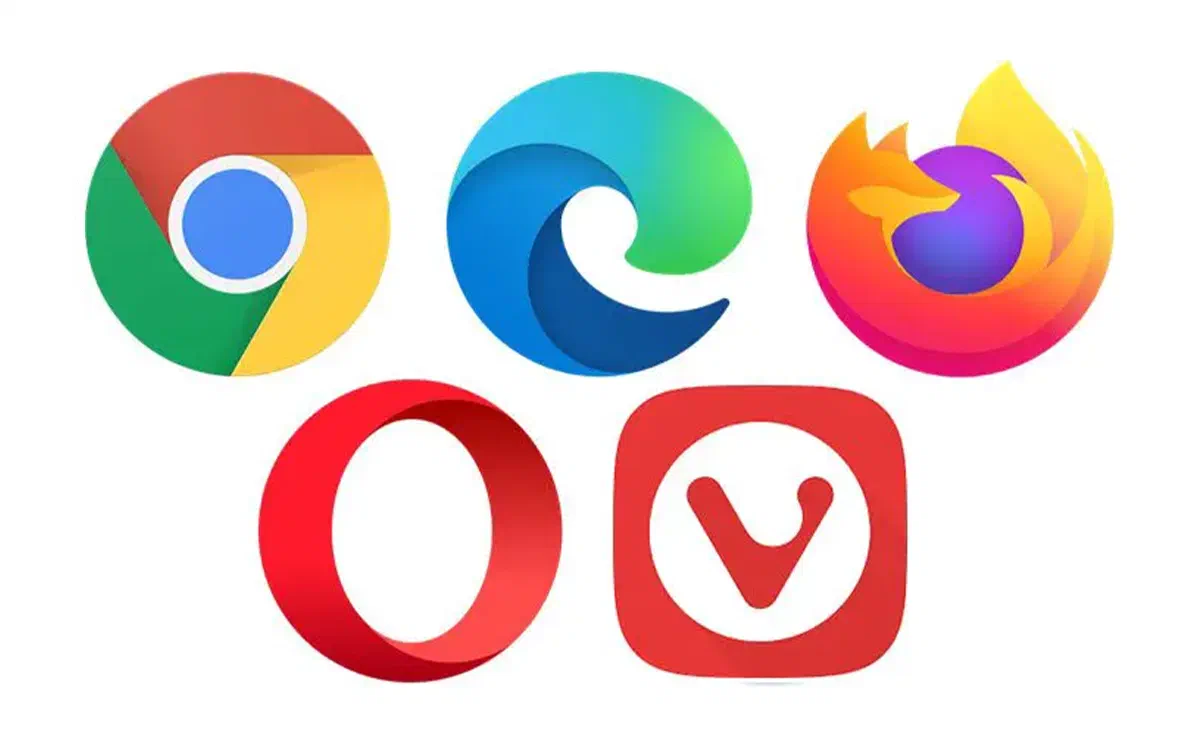
Web browsers represent the main Internet access port, simplifying navigation and offering advanced tools to ensure maximum control over privacy and security of personal data. Choosing the best browser means finding the right balance between performance, customization options and system resource consumption. While some software requires a greater amount of RAM memory to ensure fluidity, others are optimized for less performing devices. In addition, security-conscious browsers offer integrated features to protect online identity, block tracking and defend users from malware, ensuring a protected and tailored browsing experience.
1. Mozilla Firefox #

Mozilla Firefox is historically considered the Swiss knive of web navigation. Among his most appreciated functions we find early warnings in case your email address is involved in known data breaches (data breach), the preventive blocking of annoying notification popups and strict protection against fingerprinting, preventing the hidden tracking by third parties. Supported and developed by Mozilla Foundation, it also offers the useful picture-in-picture mode, now fully optimized for Mac systems.

As in the past, Firefox is completely customizable both from an aesthetic point of view and with regard to the infinite range of extensions and plugins installed. The recent and massive structural updates have greatly improved its performance, filling the speed gap that had been created with the main competitors and ensuring smooth and responsive navigation even on dated or modest hardware.
For some time in the Olympus of the best browsers on the market, Firefox is an excellent choice for any type of user. It provides an unparalleled ecosystem of functionality, significantly surpassing competition in terms of privacy, while maintaining an intuitive interface and extremely fast loads.
In addition to not saturating storage space, this open source browser gives maximum creative freedom: that you prefer to maintain the default layout or overturn the interface with thousands of available themes, customization options are virtually endless.
2. Microsoft Edge #

Long-term navigators will remember the role of Microsoft during the historic " Browser War", which led to the decline of Netscape and the subsequent rise of Firefox and Chrome. Today, Redmond’s company has changed radically. Its new browser, Microsoft Edge, was entirely rebuilt using the open source Chromium engine. It is currently the default navigation software of Windows 10 and 11, but offers highly optimized versions for iOS, Android and macOS systems.

The current version of Edge has a considerably higher speed than its previous incarnations. Integrates native features of great utility, such as high voice immersive reading, smooth transmission of multimedia content to Chromecast devices, and advanced integrated Artificial Intelligence tools (including Bing Chat and Image Creator). It also offers extensive compatibility with essential extensions such as password manager and ad-blocker. A prominent feature is the ability to install individual web pages such as Progressive Web App (PWA), starting them as autonomous applications without opening the entire browser: a perfect solution for platforms such as Google Docs or social networks.
The settings panel shines for clarity, in particular the section dedicated to Privacy and Services, which makes transparent and manageable configurations usually complex. The Site Authorizations page provides surgical and detailed control of the actions allowed to each specific domain, from pop-up management and ad blocking, to access webcams, microphones and multimedia content autoplay.
Although sharing the same architectural base as Chrome, Edge often manages to overcome it: it is, for example, much more striking on Mac devices, offering a level of customization and lightness that makes it one of the most solid alternatives on the market.
3. Opera #

Opera highlights its potential since its first start. Its initial, modern and functional screen allows you to immediately activate the native ad-blocker, enable an integrated free VPN to encrypt traffic, configure a Crypto Wallet to manage cryptocurrencies and access the main messaging apps directly from the comfortable sidebar, all choosing freely between the light and dark theme.
It is an excellent business card for a software designed to maximize efficiency. In addition, for the audience of video players, the company developed Opera GX: a version designed specifically for gaming, equipped with CPU/RAM limiters, native integration with Twitch, Discord and Razer Chroma lighting support.

By sharing the reliable Chromium engine, Opera guarantees lightning loads and total compatibility with the huge Chrome Web Store extension library. It also introduces brilliant concepts such as My Flow: an encrypted and synchronized space that replaces the habit of self-send email links. Flow allows you to instantly share notes, files, images and URLs from your smartphone to your computer with a simple click.
Innovation does not stop here. Aria, an intelligent virtual assistant based on OpenAI technologies, integrated natively to sum up long articles, translate texts, generate creative ideas and even draft emails or programming code in real time.
Although in the past it has been considered a niche software, constants and massive updates have transformed it into a cutting-edge tool, able to anticipate web trends and impose itself as a solid choice for the most demanding users.
4. Google Chrome #

If imitation is the most sincere form of adulation, the decision of Microsoft to adopt the Chromium engine for its browser represents the greatest technical recognition to the architectural supremacy of Google.
However, there are aspects where competition is able to overcome the giant of Mountain View, particularly in resource management. Google Chrome is historically known for its RAM memory voracity, risking to visibly slow down performance on non-lasting computer or with limited hardware.
To alleviate the problem, Google recently introduced the “Rescue Memory” mode, an intelligent system that deactivates tabs in the background by freeing valuable resources. Despite this, Chrome remains one of the most demanding browsers from the point of view of hardware requirements.

This does not mean at all that Chrome is a exceeded product. On the contrary, it remains the undisputed market leader: it offers a library of unparalleled extensions, a perfect synchronization of the multiplatform Google account, intelligent auto compilation systems and the best suite of debug tools for web developers (DevTools).
Security is proactively managed thanks to the Google Security Center: the browser constantly checks whether your passwords have been compromised, exploits secure DNS searches and quickly blocks malicious scripts or suspicious downloads, protecting you from phishing and malware attempts.
An additional and recent advantage is to optimize user experience: thanks to the new APIs, Chrome is able to safely certify your “human” identity to websites, drastically reducing the appearance of the annoying visual CAPTCHA during navigation.
In summary, Chrome offers a very large and attractive ecosystem. However, those looking for maximum data confidentiality may prefer Firefox, while those who want more reactivity on Windows could be oriented towards Edge. Chrome remains unsurpassed for integration with Mountain View services.
5. Vivaldi #

Born from the mind of former historical developers of Opera, Vivaldi stands out clearly in the panorama of modern browsers for its “power user” approach. Its philosophy is based on a fundamental concept: extreme customization. With Vivaldi, the user has the power to change almost every single aspect, from navigation mechanics to the positioning of user interface elements (UI).

Despite being placed on the solid foundations of Chromium (allowing support for almost all of Chrome extensions), the user experience is radically different. Vivaldi allows you to anchor web applications in a comfortable retractable sidebar, move addresses and tools bars to any edge of the screen, and create custom keyboard shortcuts and mouse gestures. Natively includes a contextual clipboard, a tool to capture integrated screenshots and a complete email client.
The attention to detail is maniacal. Card management is among the most advanced on the market: it allows you to create “sheets” (Tab Stacks) to group dozens of open pages, display them on a split screen (Split Screen) and suspend them to release RAM. It also includes detailed statistics on browsing history, helping users to monitor how long they spend on specific websites.
FAQ: Frequently Asked Questions about Web Browsers #
What is the safest web browser to protect your privacy? #
Among the most popular browsers, Mozilla Firefox and Brave are considered the best options for privacy. Firefox is open source and blocks third-party trackers and cryptominers by default, without having commercial interests related to advertising profiling. Brave, based on Chromium, integrates aggressive shields against ads and traces from the first start.
Which browser consumes less RAM memory on your computer? #
Microsoft Edge and Opera are generally recognized for their excellent system resource management. Edge, in particular, thanks to the deep integration with the Windows environment and the “Sleeping Tabs” function (which puts in hibernation the non-active cards), manages to maintain a use of RAM significantly lower than Google Chrome.
What does a browser mean is “based on Chromium”? #
Chromium is an open source project originally developed by Google. It consists of the “motor” or code base on which many modern browsers are built, including Chrome, Edge, Opera and Vivaldi. Although they share the same basic technology for rendering web pages (by guaranteeing high compatibility with sites and extensions), each company develops its own interface, adds unique features and manages differently the privacy protocols.