

In the world of online gaming, the reactivity of commands is crucial to victory. This fluidity depends almost entirely on network latency, universally known by players as “ping“. Understanding what ping is, how to measure it and, above all, how to optimize it is vital for anyone who wants to play in competitive multiplayer without suffering annoying lag.
What is Ping in Gaming and How Works
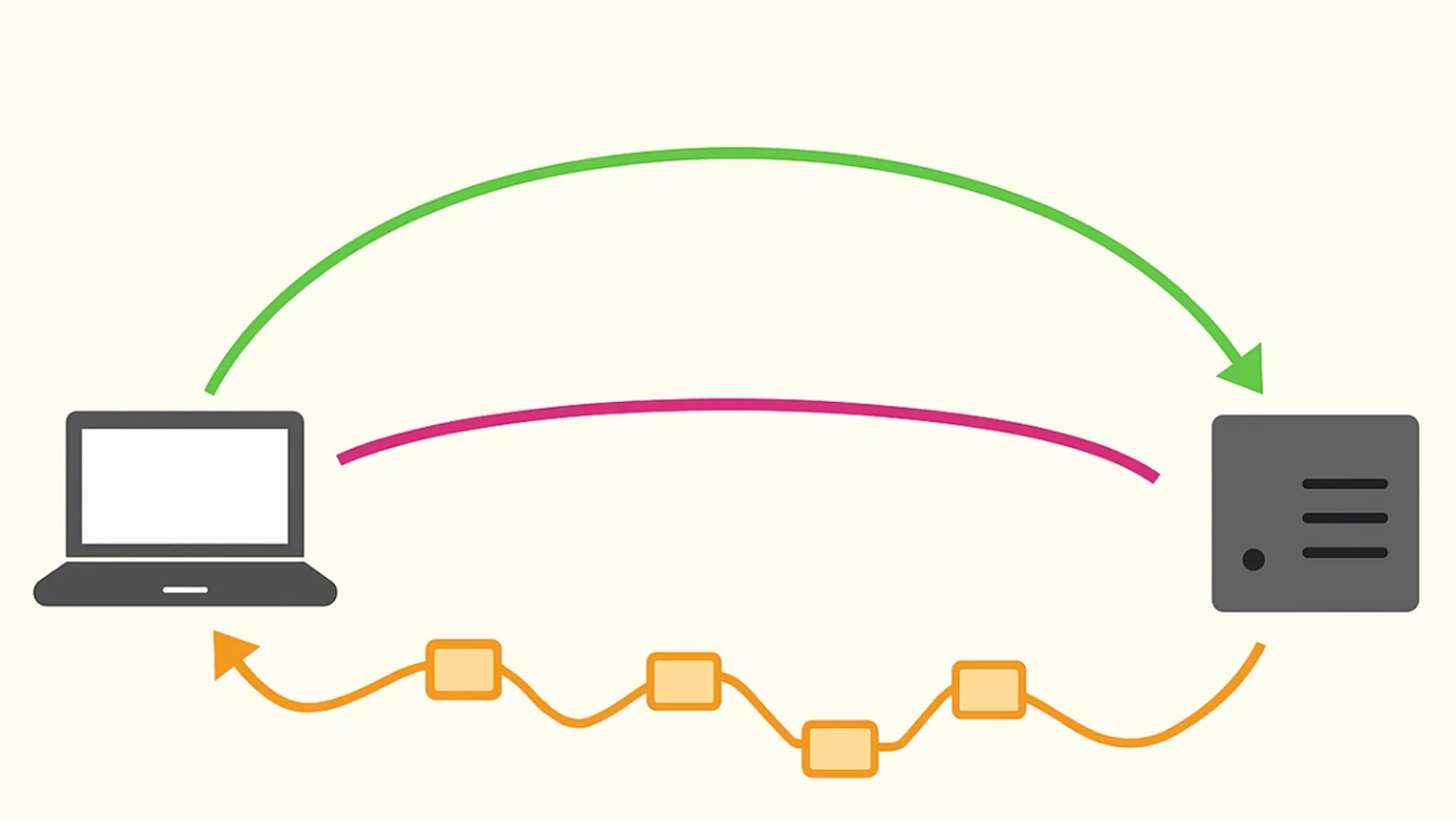
Ping measures the time a single data package takes to travel from your device (PC or console) to game server and go back. Espresso in milliseconds (ms), is the main indicator of health and timeliness of your internet connection.
- Ping Bass (10-30 ms): It guarantees an almost instant response. It is the ideal scenario for shooters (FPS) and high speed competitive titles.
- Ping Alto (100+ ms): The so-called lag, generating an obvious delay between the pressure of a button and the actual screen action, compromising playability.
How to Measure Ping: Tests and Tools
Do a latency test before starting a classified match saves you from unpleasant disconnections. Here are three effective methods for ping test:
- In-Game Settings: Almost all modern multiplayer games allow you to activate network statistics on screen. This is the most accurate method since it detects the exact latency in real time with the specific server in use.
- Ping Test Web: If you want to check data centers before opening the game client, you can use specialized portals as GameServerPing. This site is headed by your browser to connect to the servers of the most famous titles, showing you regional performance.
- System Terminal (Prompt of Commands): Players on PC can use the “ping” system command followed by the IP address. Although it provides a generic estimate, it is an excellent tool to detect critical problems of your network operator (ISP).
What causes a Ping Alto? The 3 Key Factors
The latency time is never static; it oscillates constantly due to both hardware and infrastructure factors:
- Distance from the Server: The more the data center is physically far away, the more time they use data to travel. Always select the region of matchmaking geographically closer to you (e.g. Europe).
- Ethernet vs Wi-Fi cable: Wireless signal is unstable and subject to obstacles or interference. Use a lAN (Ethernet) network cable is the number one makeup to lower the ping and stabilize the connection.
- Traffic on the Local Network and Hours: Streaming in 4K, heavy downloads or many smartphones connected to the same router saturate the band, generating temporary swings known as lag spikes.
Packet Loss and Jitter: Connection Friends
To fully optimize a gaming network, the most experienced users analyze two critical parameters in addition to the classic milliseconds:
- Packet Loss (Lost Data): Indicates the percentage of packages that does not reach the destination. If you have packet loss, the game “high” frames, causing teleporting or unregistered hits.
- Jitter: Measure the variance and instability of ping over time. If you have an average of 30 ms, but every few seconds it squirts at 120 ms, you have a high jitter and a snap experience.
PRO Council for troubleshooting: If you experience sudden latency, restart the modem/router, close all programs in the background that consume bandwidth (updates, torrents) and disconnect unnecessary devices from the Wi-Fi network. This solves most inconveniences.
FAQ: Frequently Asked Questions about Ping and Latenza
What is a good ping value to play online?
An excellent ping is between 10 and 30 ms, guaranteeing an ultra-fluid game. Between 40 and 70 ms the experience remains widely enjoyable for most titles. After the 100 ms, you will begin to notice an obvious delay (lag) that will severely penalize your performance in competitive games.
Having a connection in Fibra (speed in high download) lowers ping?
Not necessarily. Online gaming consumes very little data bandwidth (often less than 1 Mbps in download and upload). An ultra-fast Fiber will make you download the games faster, but the ping value depends mainly on the quality of the router (routing) of your network provider to the specific game server.
How can I quickly lower ping on consoles and PCs?
The most drastic and functional method is to leave the Wi-Fi connection directly by connecting your PS5, Xbox or PC to the router via an Ethernet LAN cable. Also, make sure you set the game server on the region closest to you and pause heavy downloads on devices connected to your home network.


