

When new players approach Minecraft, the first game experience typically takes place through the official launcher provided by Mojang. This basic tool is functional and provides access to the different titles of the Minecraft ecosystem. However, for a significant portion of the community, especially the one trying to optimize performance, customize the interface or access specific features not present in the basic game, third-party clients are an almost indispensable alternative. These customized launchers offer the possibility to easily integrate mod, significantly improve frame rate and introduce unique features that enrich the play experience from the first start.
This article aims to analyze some of the most relevant and appreciated clients from the Minecraft community, offering an overview of their main features and benefits.
It is important to point out that the evaluation presented here is based on a synthesis of widespread opinions and prevalent features at the time of writing, reflecting a subjective perspective derived from community analysis.
Lunar
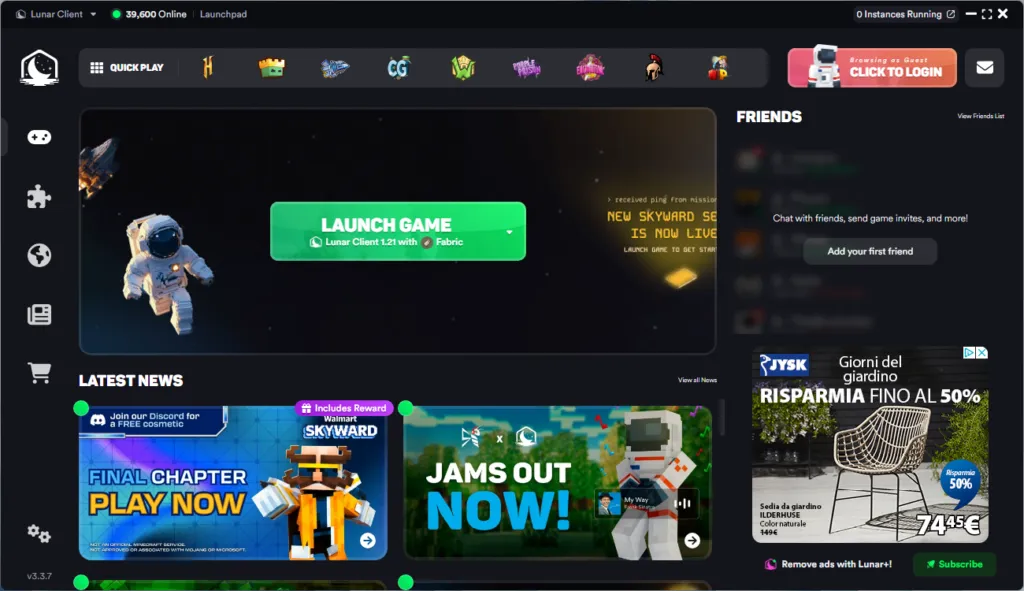
Announced among the most famous and used clients, Lunar Client is renowned for its ability to integrate several managed and updated mods (about 65) significantly simplifying the life of players. One of its main strengths is performance optimization, with frequent FPS doubling reports, ensuring superior fluidity. Click here to visit the website of Lunar.
Feather
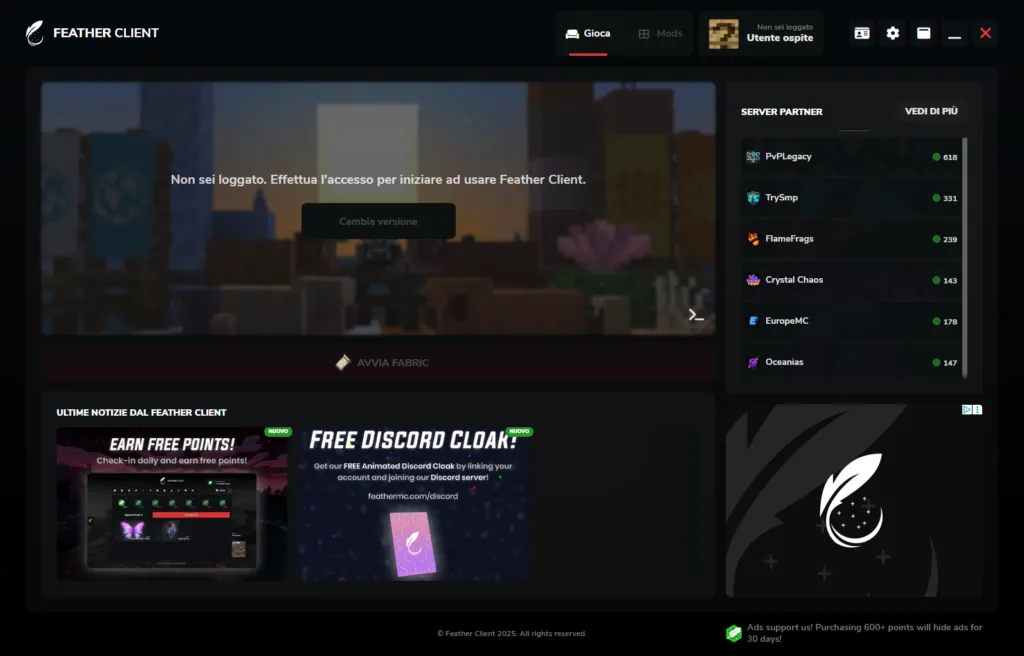
Feather Client is positioned as another modified flagship launcher. It offers a package of about 40 pre-installed mods, improves performance and allows additional changes. A distinctive feature is an internal account system that promotes social interaction between client users. Moreover, it stands out for the possibility of hosting a Minecraft server free of charge and managing its mods with ease. Click here to visit the site of Feather.
Optimal
Although it is born as a single mod, OptiFine is so rich in functionality to be considered a complete client. Its popularity comes not only from the remarkable boost of FPS that offers, but also from the wide range of advanced graphics settings and native support for shaders, crucial elements to improve the visual appearance of the game. It is the ideal choice for those who want an enhanced vanilla experience and graphically improved. Click here to visit the site of Optifine.
Badlion
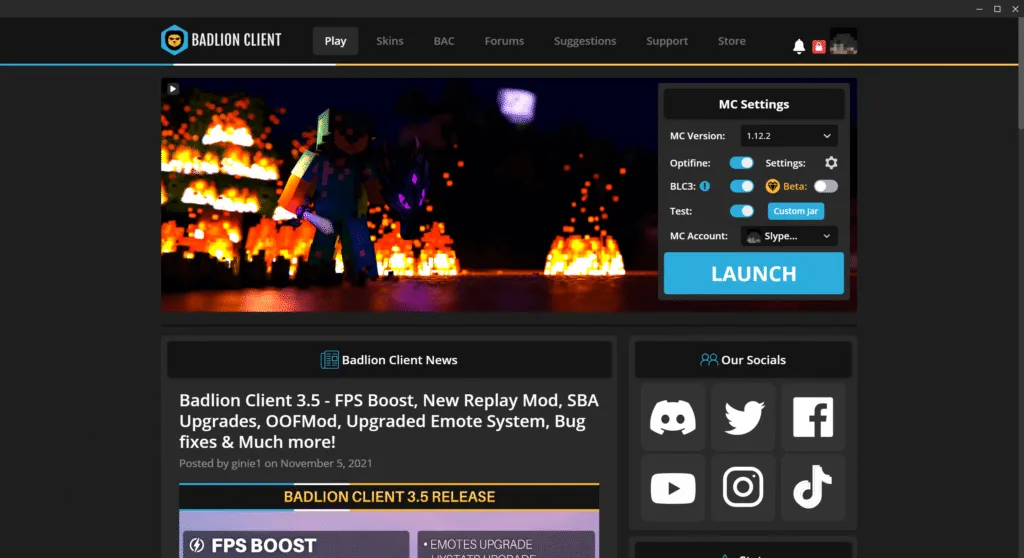
While being less diffused globally than Feather or Lunar, Badlion Client offers remarkable features. In addition to the classic FPS improvements and mod support, it includes an integrated anti-cheat system that helps detect incorrect behavior on servers. It also has the schematic mod, useful to acquire and manage information about the structure of the worlds. Click here to visit the site of Badlion.
Labymod
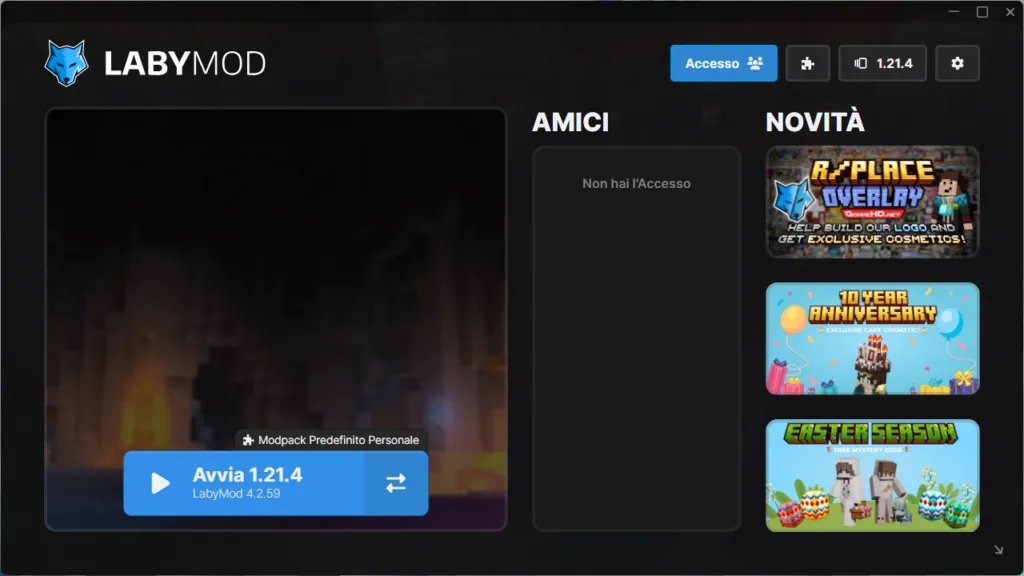
Labymod is a consolidated client that focuses on performance optimization and extensive HUD customization. It offers players a granular control over the appearance of information elements on screen. It supports numerous mod performance and is known for its ability to dramatically improve the fluidity of play. Its longevity in the client landscape guarantees a solid base of updates and support. Click here to visit the site of Labymod.
Cosmic
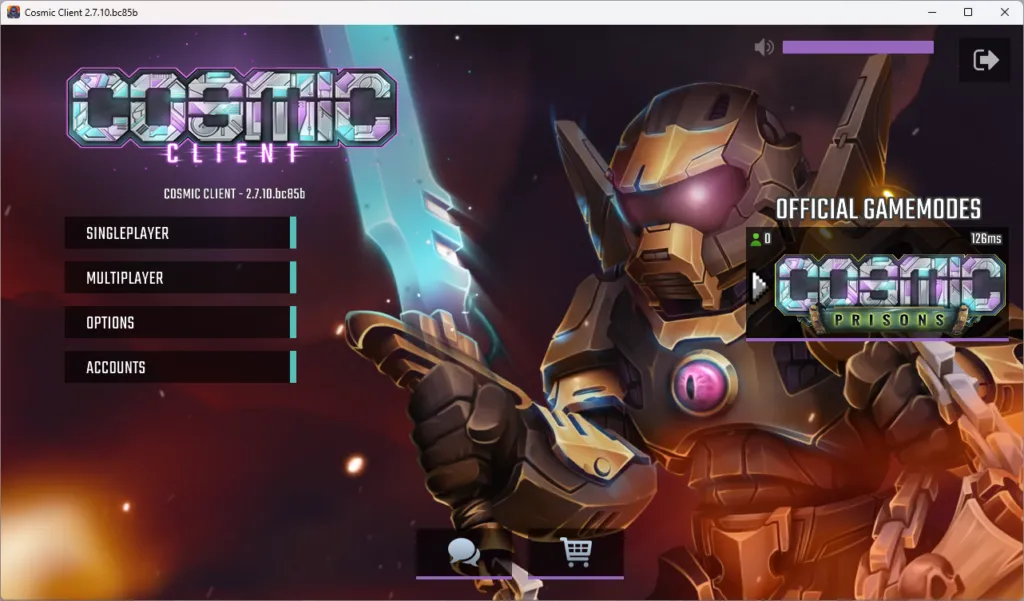
Although one of the least recent clients, Cosmic Client maintains its relevance in 2025. In addition to providing FPS mod and boosts, it introduces practical features such as timer for the cooldown of equipment and complete customization of the GUI interface. Click here to visit the site of Cosmic.
Batmod
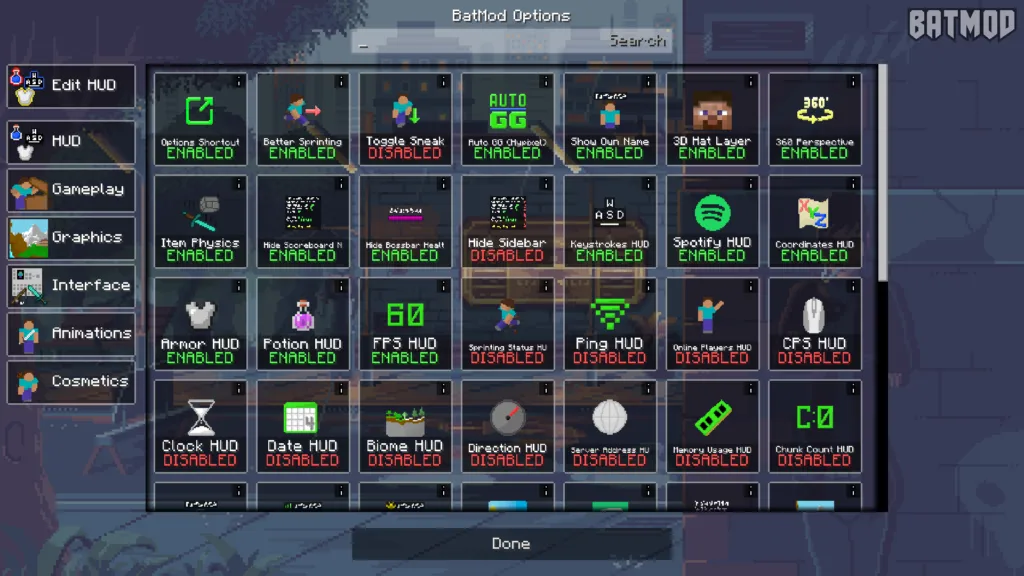
Batmod looks like a relatively new client on the market. It offers improvements of the FPS and a series of exclusive mods. It stands out for the advanced HUD customization options, which allow you to view a great deal of relevant information. Additional features include extended skin customizations and Spotify integration for music control via HUD. Click here to visit the site of Batmod.
Tecknix
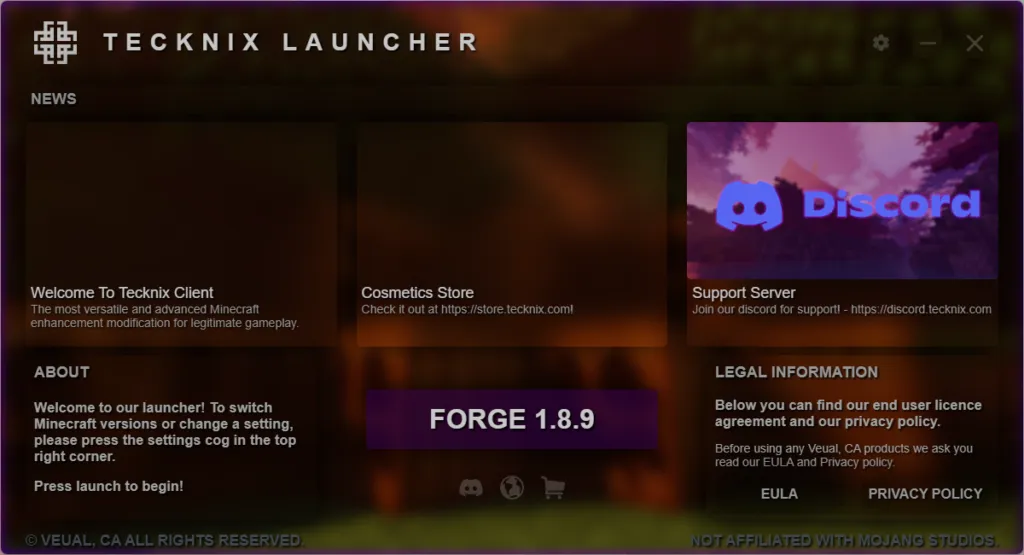
Tecknix is also a newly developed client, currently supported on Windows and Linux, with an expected arrival on macOS. It has a modern, clean user interface, offering numerous customization options for skins and a mod library available. Its strength also lies in the intuitive HUD settings, which feature new icons and a simple layout. Click here to visit the Tecknix website.
Considerations in the choice:
Beyond the features offered, the choice of the ideal client should take into account some critical factors:
- Compatibility with the game version: Not all clients support the latest snapshots or dated versions of the game. Some, like PvP-oriented ones, are optimized for specific versions (e.g. 1.8.9).
- Server rules: Many multiplayer servers, especially those competitive or with a strong emphasis on the integrity of gameplay, explicitly prohibit the use of clients that offer “utility” or features considered unfair advantages. Using such clients can lead to permanent ban. It is essential to read and comply with server rules.
- Origin and Security: Client download only from official developers sites. Third-party software downloaded from untrusted sources may contain malware or viruses.
- System requirements: Although many clients point to optimization, the use of numerous mods or shaders through a client may still require significant hardware resources.
- Support and Updates: A client with an active community and frequent updates is more reliable and ensures compatibility with future evolutions of the game.


