

In today's digital world, knowing how to type quickly is much more than just a skill: it is a real transversal competence. Whether you are a student, a professional or just a technology enthusiast, typing quickly and accurately can save you time, improve productivity and increase your overall efficiency. Luckily, online there are tools designed to measure — and improve — your keyboard performance. This article will list some of the websites to test your typing speed, each with unique features for different levels and needs.
Monkey
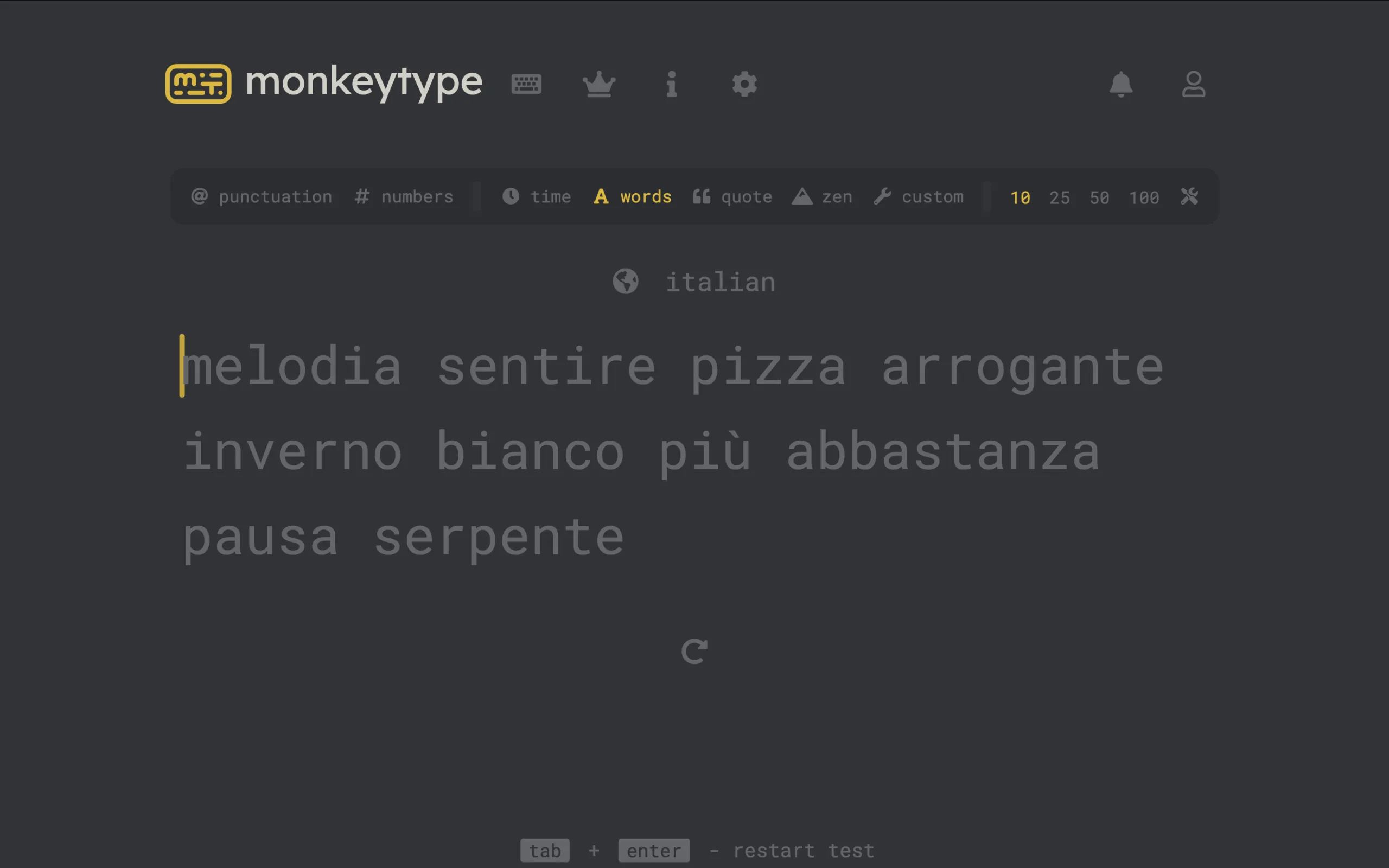
Monkeytype conquered users thanks to a clean and modern interface, and a typing mechanics different from the usual: there is no field to write, type directly on the words shown. This reduces visual distractions and improves the natural beat rhythm. The site is open-source, customizable in themes, and offers time-based tests, words, punctuation, quotes and numbers. There is also a Zen mode that allows a free typing, perfect for relaxing while practicing.
Keybr
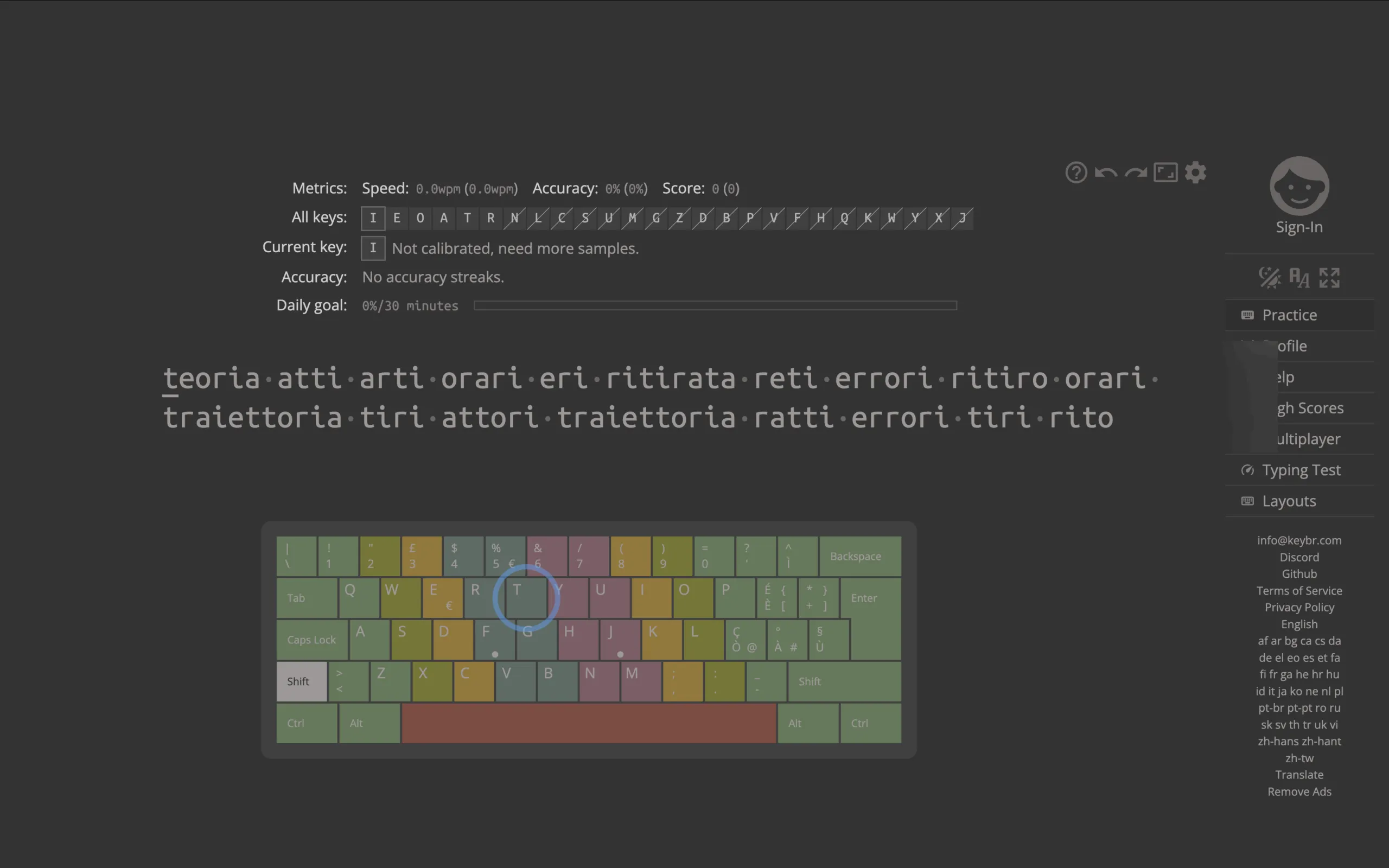
Keybr is a tool designed not only to measure, but also to teach you to type more efficiently. Uses an intelligent system that generates pseudo-casual words, aimed at improving finger movements. This approach makes Keybr ideal for those who want to learn to type “blind”, without looking at the keyboard. It also includes progress charts and a multiplayer mode to add a competitive touch.
TypeTest.io
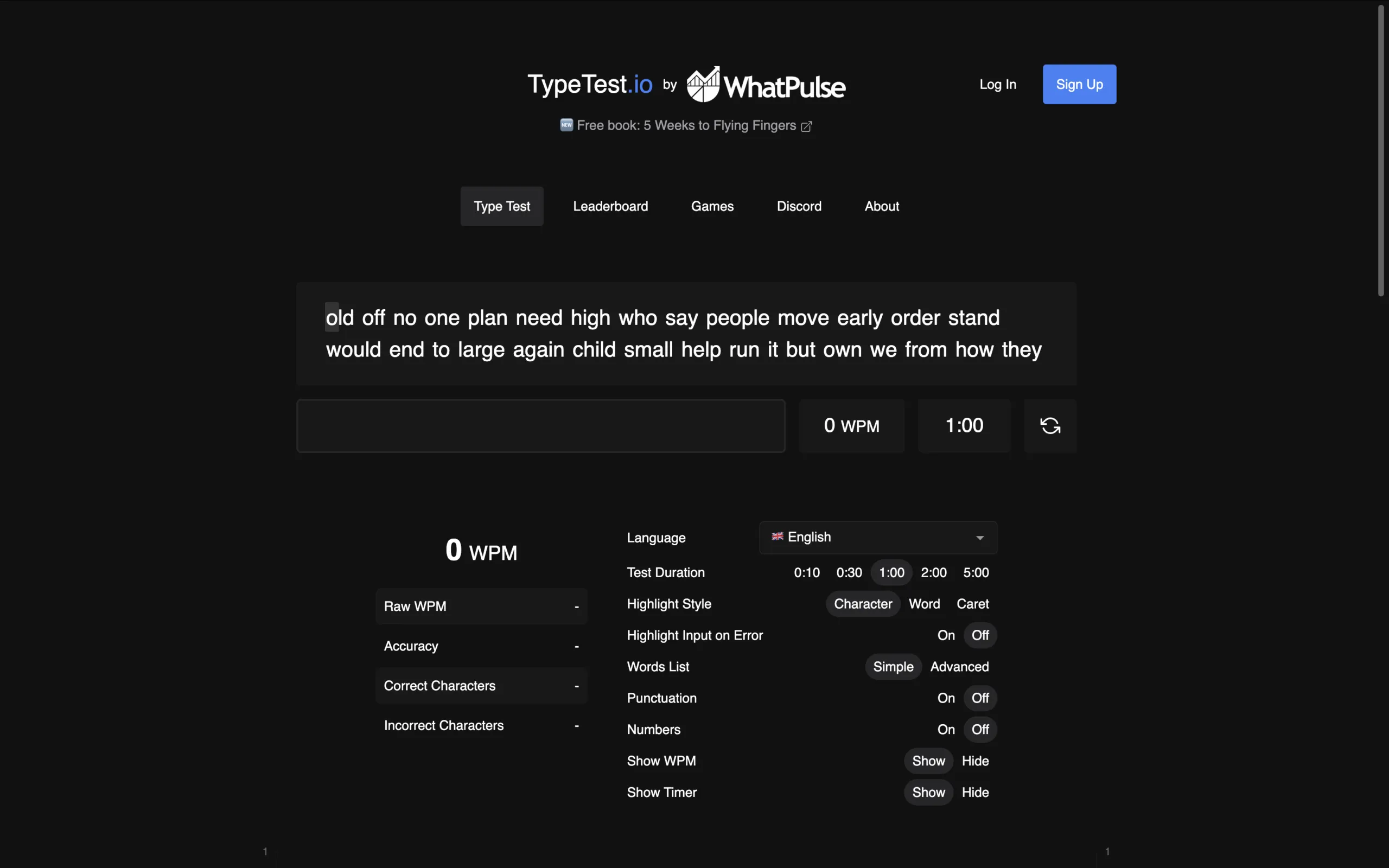
With its simple and elegant interface, TypeTest.io is perfect for those looking for an immediate and no-frillary test experience. You can choose the duration of the test and see real-time statistics for accuracy, speed and number of correct characters. It is one of the best choices for those who want to quickly monitor their improvements over time.
Typings. gg
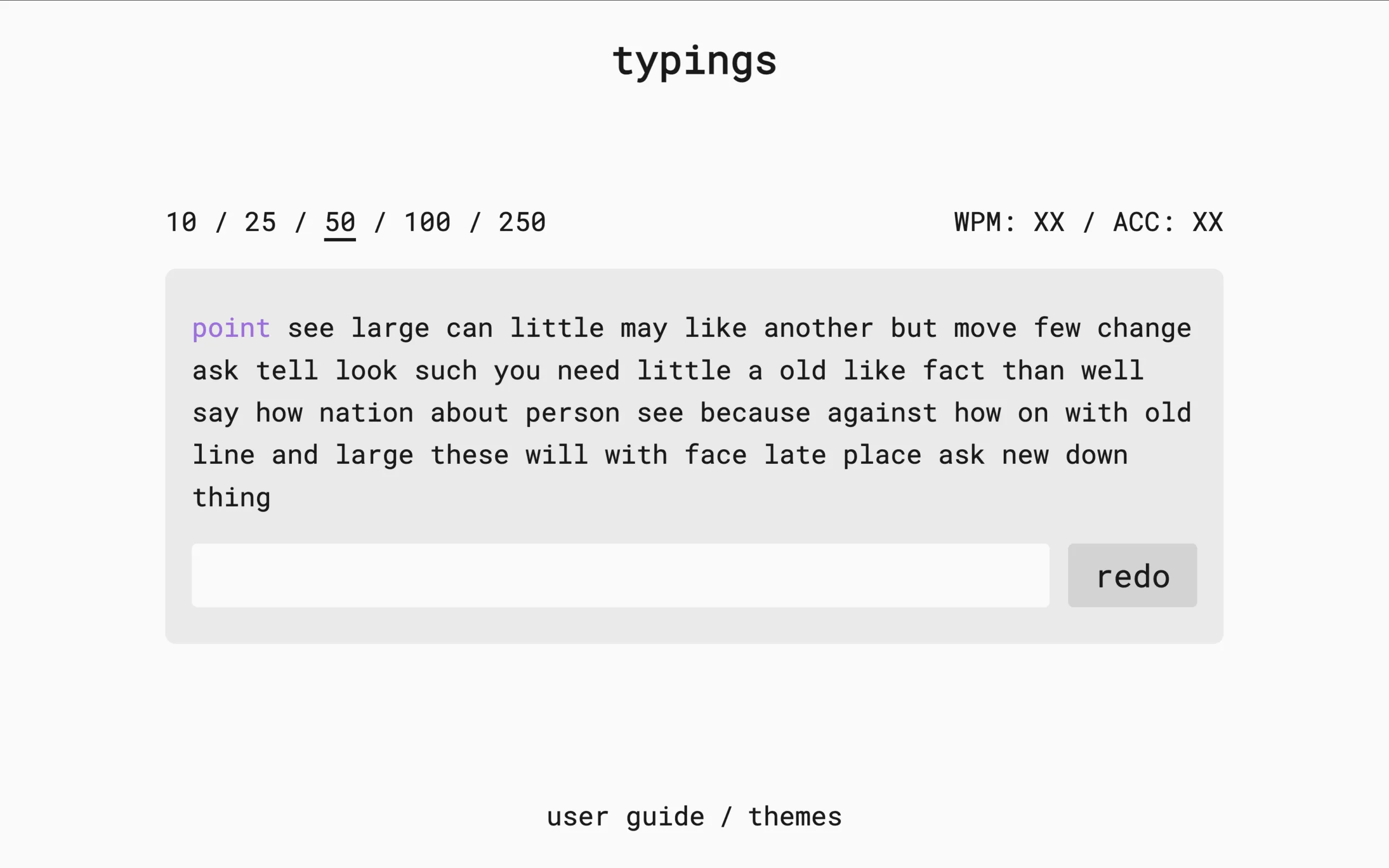
Typings combines modern aesthetics with essential features. It is not the richest site of options, but what it offers does with elegance. The results appear immediately after the test, with a clear overview of your speed and accuracy. The various graphic themes available make the experience more pleasant and customizable.
10FastFingers
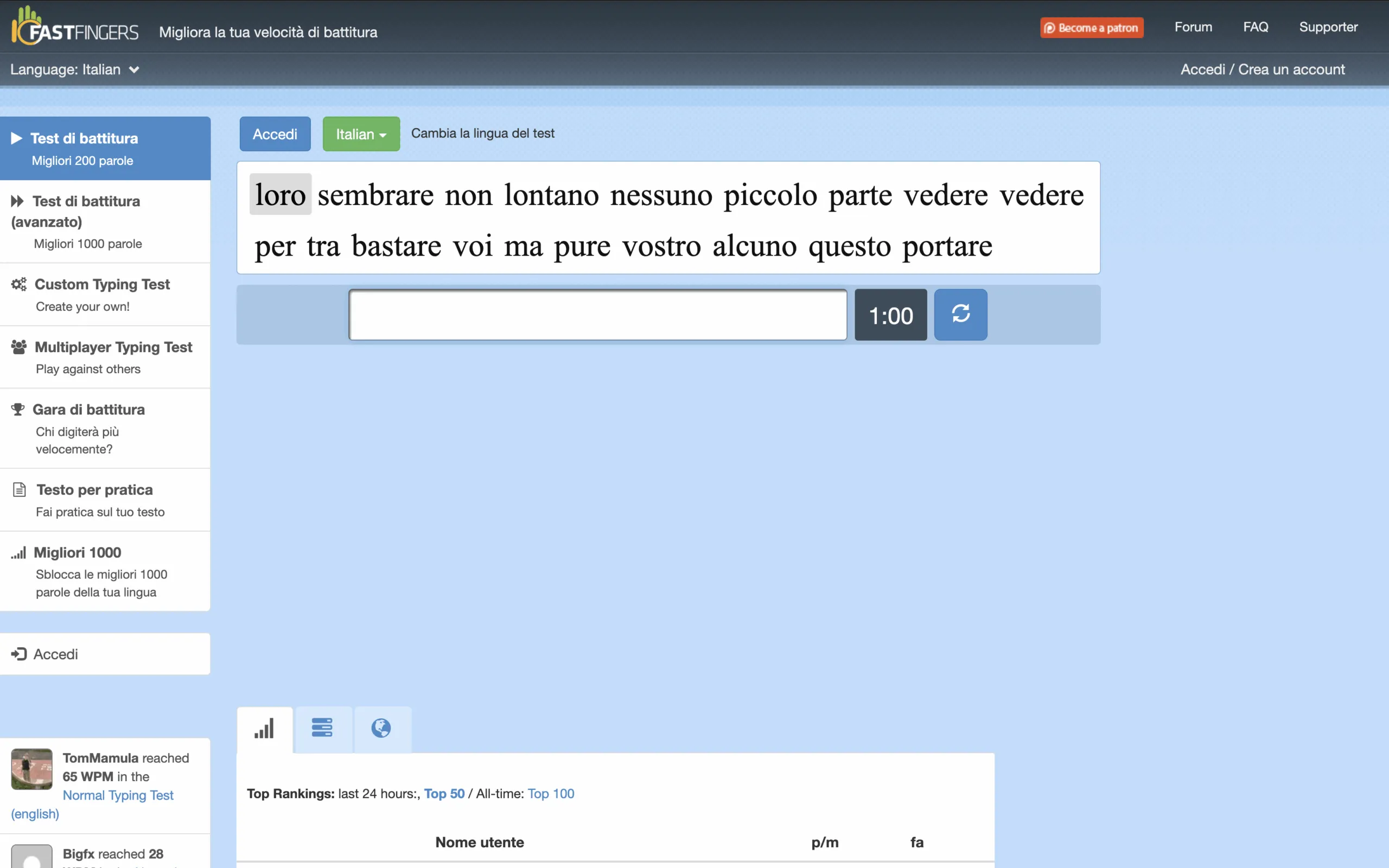
A reference point for anyone who has approached typing tests in recent years. 10FastFingers is known for its simplicity and effectiveness. The standard test lasts one minute, with random words in over 50 languages. After completion, you can view complete statistics and share the result. It is perfect for fast testing and to confront a broad and active community.
TypeRacer
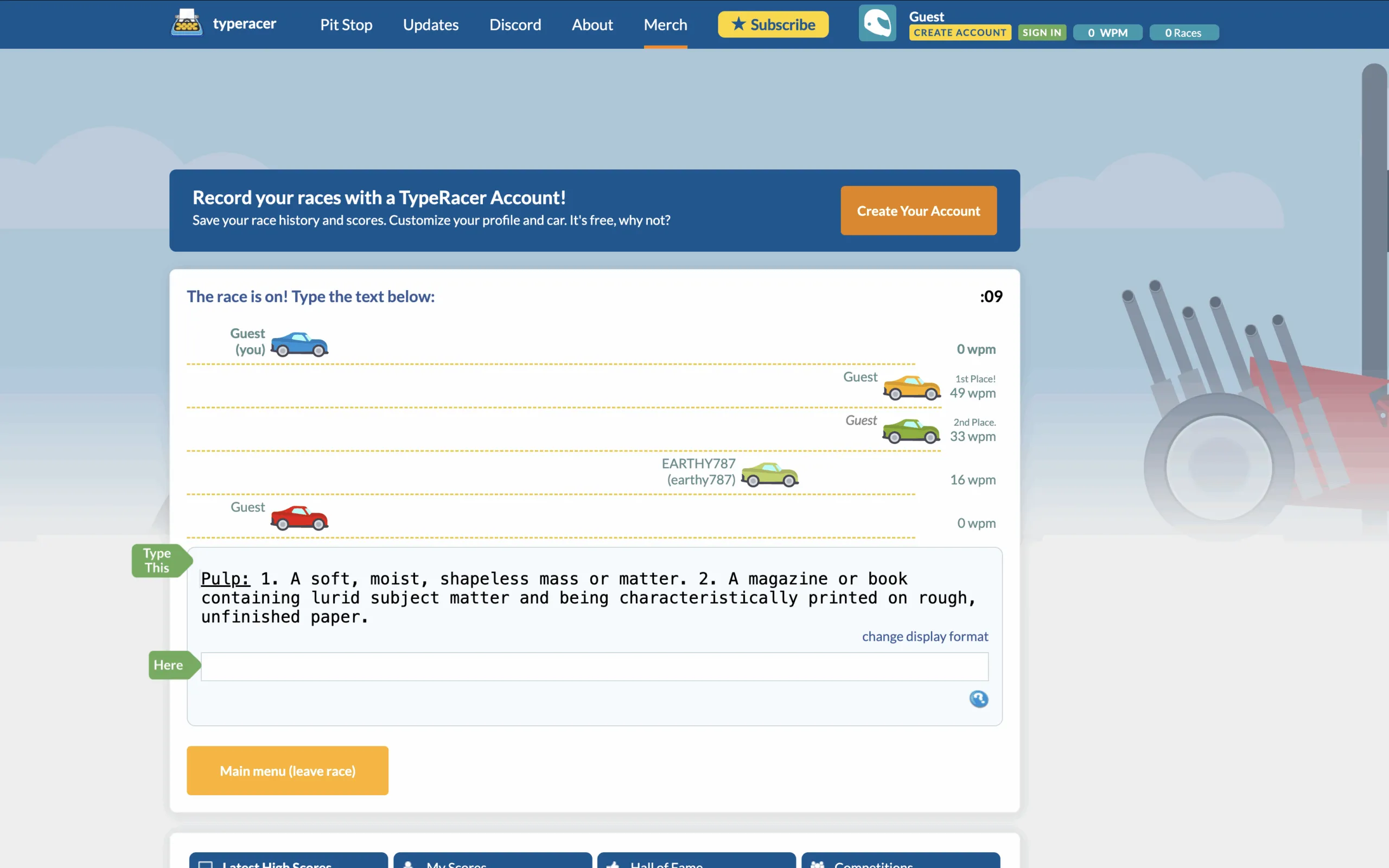
If your goal is to train while having fun, TypeRacer is the ideal choice. Here the typing turns into a virtual race, where each error slows you down and each written word correctly approaches you to the finish line. The site offers customized and “universe” thematic tests related to movies, TV series, music and more. It is also a great option for groups of friends or colleagues who want to challenge themselves.
NitroType
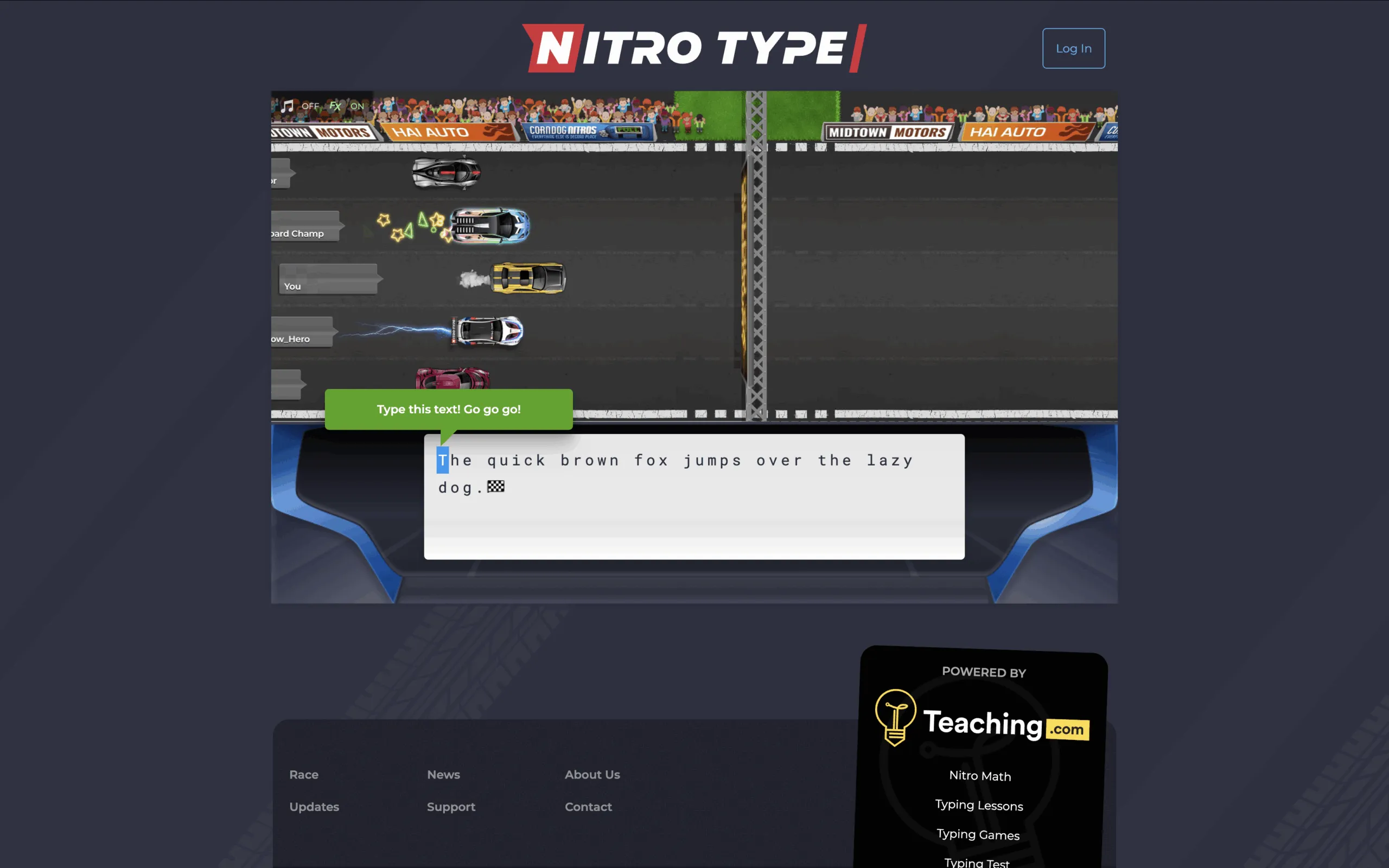
Similar to TypeRacer, but with a more videoludic touch: NitroType catapults you in a car race where every correct beat makes you gain speed. The interface is full of visual effects, sounds and animations, which make each race engaging. In addition, it offers a heating mode before the real race, useful to take confidence with the keyboard.
Key Hero
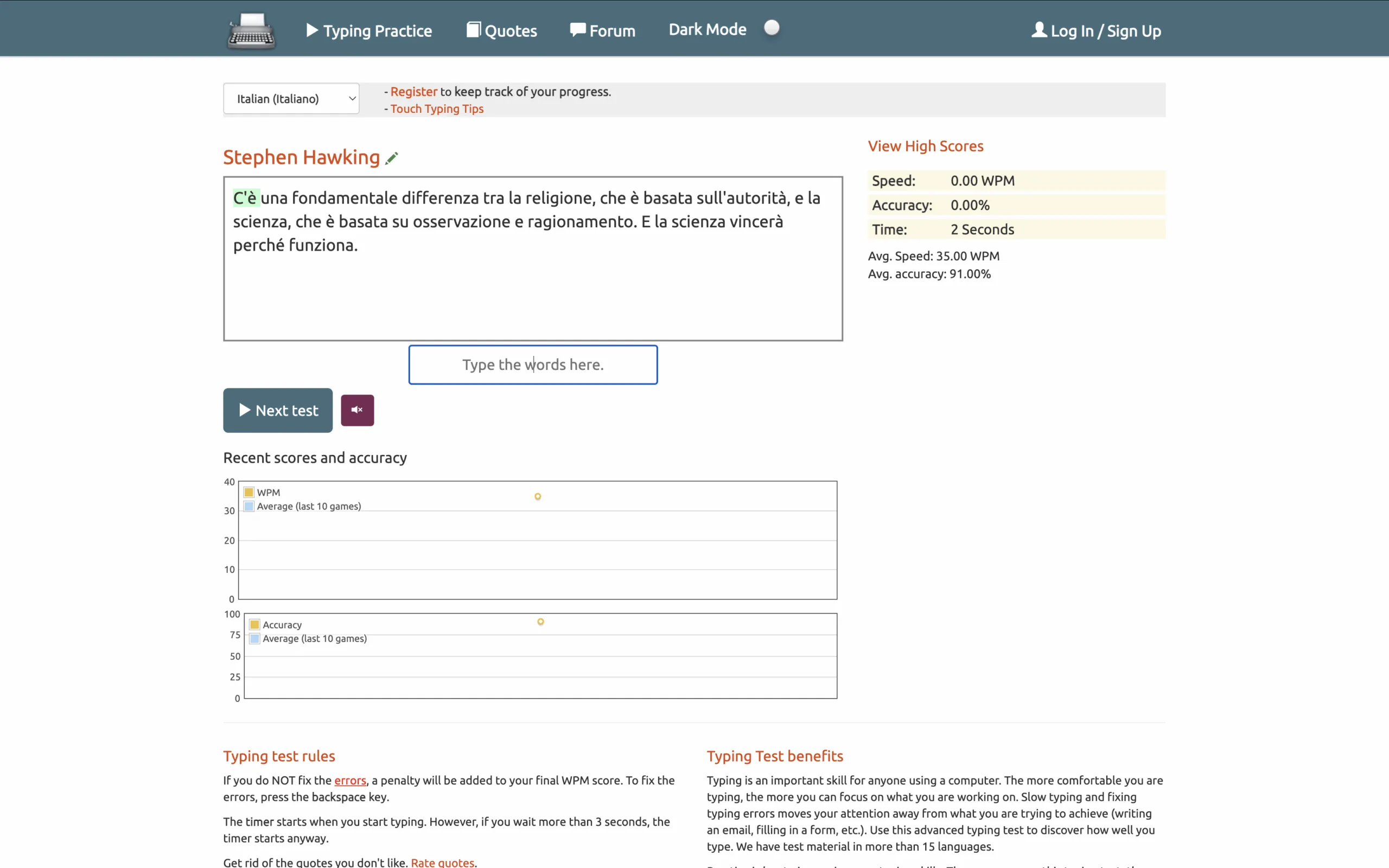
Key Hero focuses on a thorough analysis: at the end of each test it provides detailed graphics about accuracy, speed and progress over time. It is ideal for those who want to monitor every aspect of their evolution in typing. The interface is essential but effective, designed for those looking for more than aesthetic content.
Typing Test
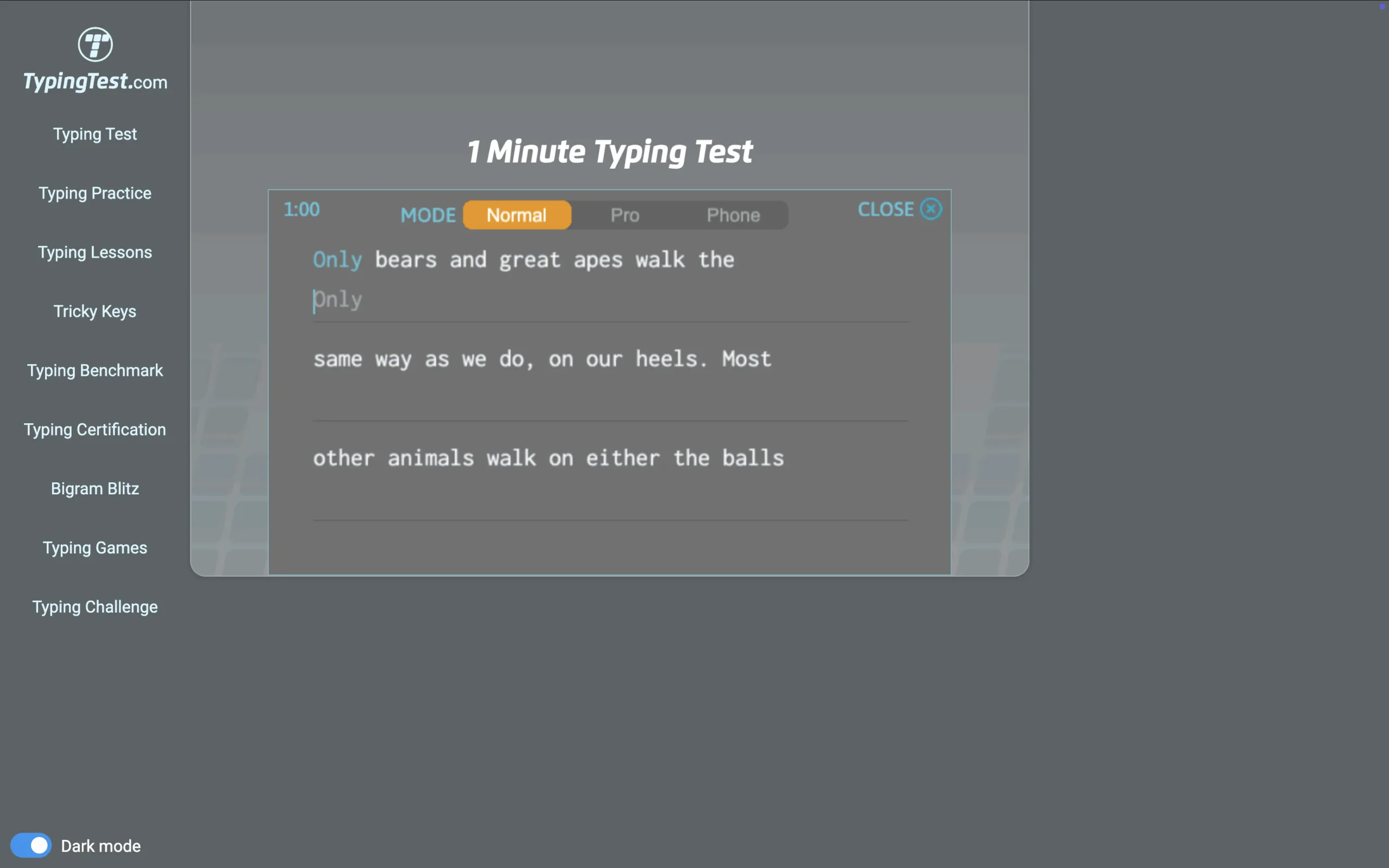
TypingTest.com is a historical platform that offers tests of various difficulties and durations, from 1 to 10 minutes. A distinctive feature is the penalty for errors, which makes the test more realistic and challenging. However, the interface may seem dated to other more modern sites. Still remains an excellent resource for beginners and students.
Typing Cat
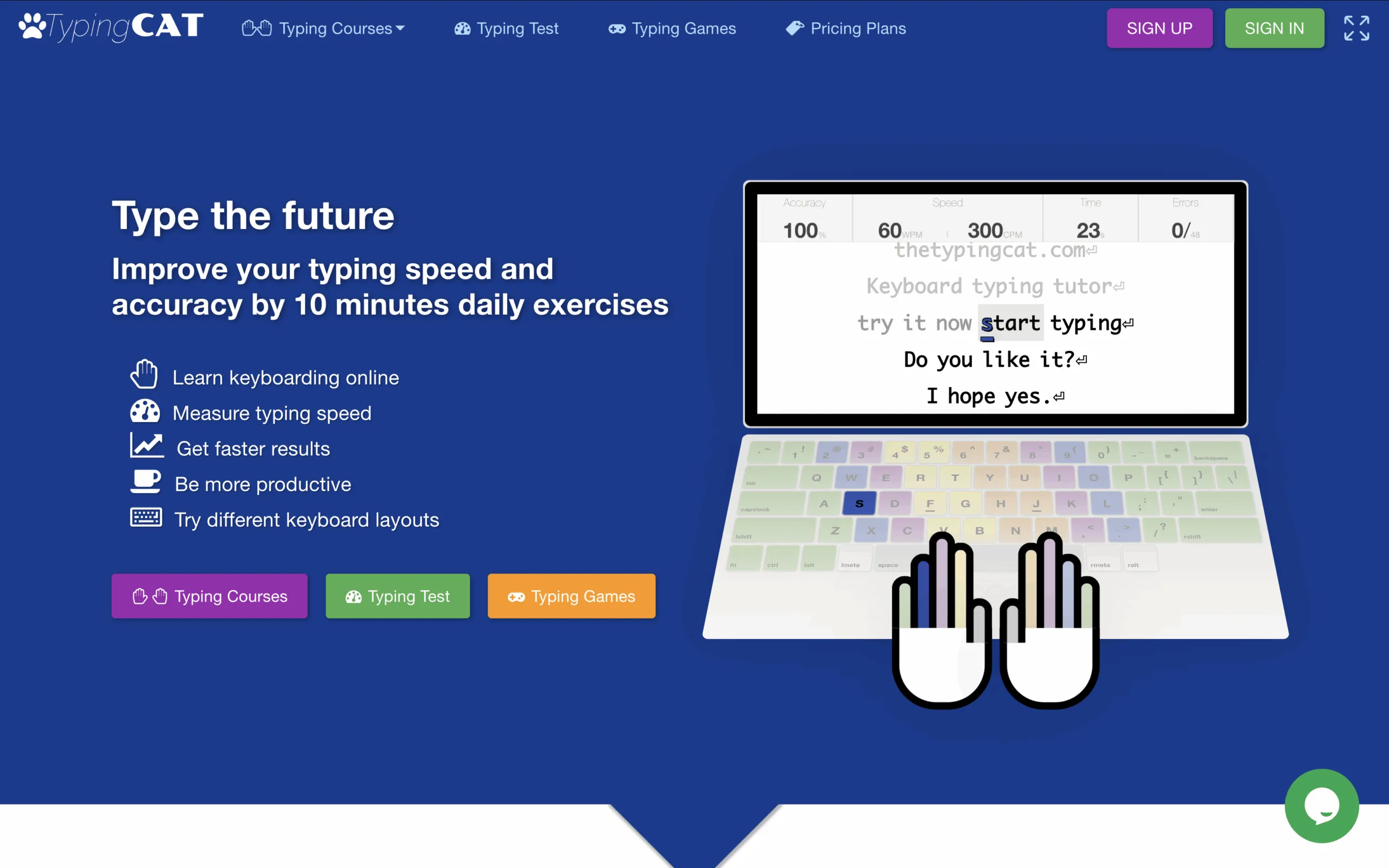
Typing Cat offers typing tests, exercises, and even games like “Typing Rain”, where you need to type words before they “drop” down. The site includes daily charts and a good variety of content. However, some users report problems of cursor responsiveness and annoying sounds (luckyly disabled).


