ReadLoud. net
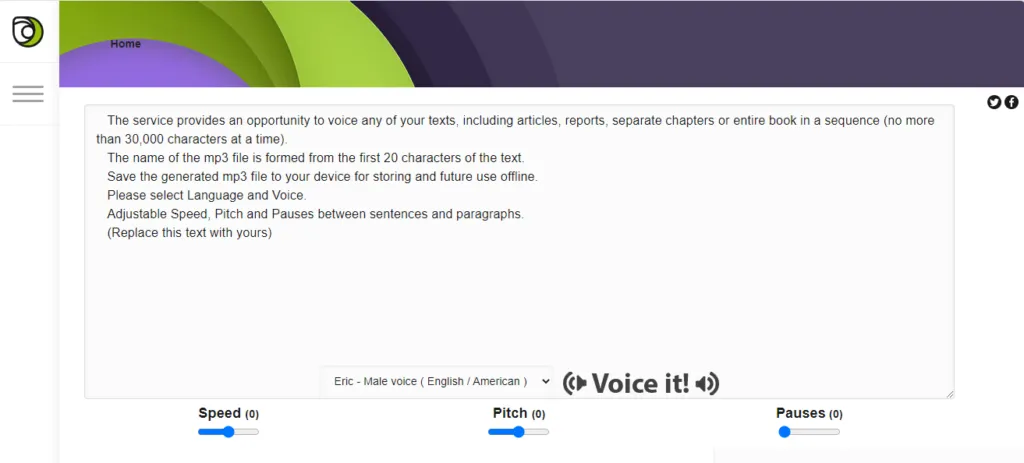
It may not be the best vocal synthesis provider in circulation, but ReadLoud.net beats most (not all!) of its colleagues by number of characters. You can convert up to 30,000 text characters to voice files at a time, reproduce or download them as MP3. Choose from 16 English entries or any of the 13 other languages.
Smart speaker
Unlike others in this list, Intelligent Speaker is not a production tool. It is a browser plug-in that acts as a voice synthesis reader for any online content, so you can listen instead of reading. Paid subscriptions are available, but this service is free for up to an hour of listening per month.
Listen.
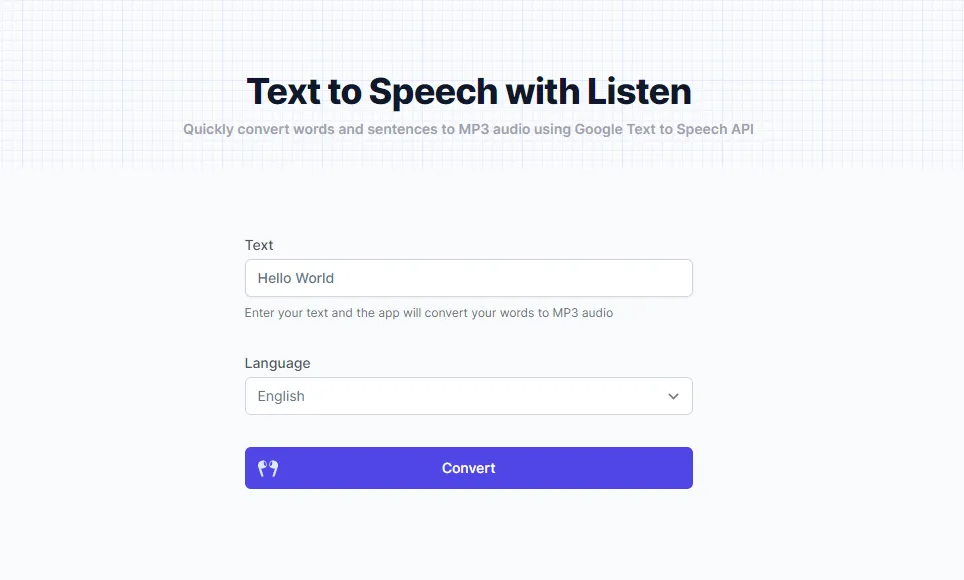
This simple and fast TTS site uses Google’s voice synthesis API to convert short text fragments into a synthetic speech from natural sound. Listen online or download an MP3. You are limited to only 100 characters at a time, but the quality of the voice is excellent and more than 100 languages are available (including Esperanto!).
FromTextToSpeech.com
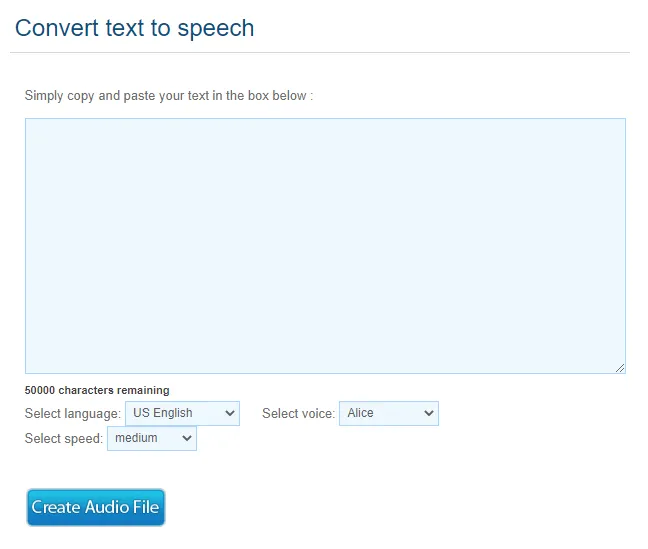
Are you looking for a simple way to create long MP3 TTS, maybe for an out-of-the-field utility voice or a study guide? FromTextToSpeech.com offers up to 50,000 TTS conversion characters, the most generous count on our list. It is useful only for MP3 conversions and processing time was quite long during testing: it took about a minute to manage only 80 characters. The service is also available only in English, with few voices. But if your main concern is character count, this could be the TTS tool for you.
Natural reader
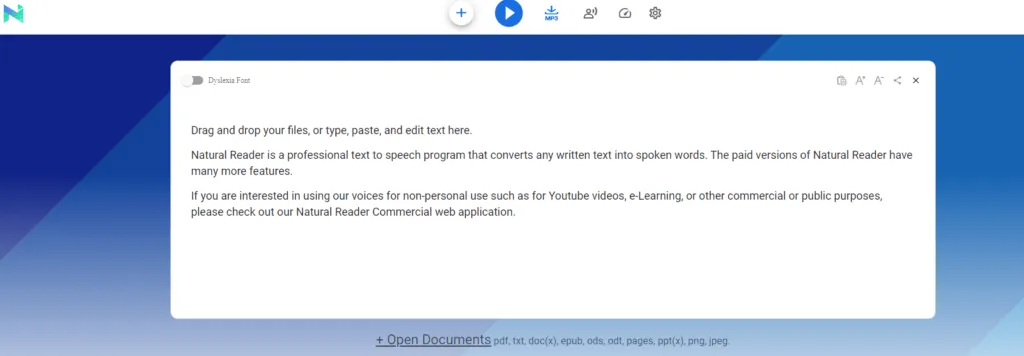
NaturalReader adds accessibility to a browser-based TTS reader. Adjust text size or activate OpenDyslexic character. Get unlimited use of the free voices of the service, which are powerful enough, with four people speaking English American and seven other languages available. NaturalReader offers paid commercial licenses.
ttsMP3.com
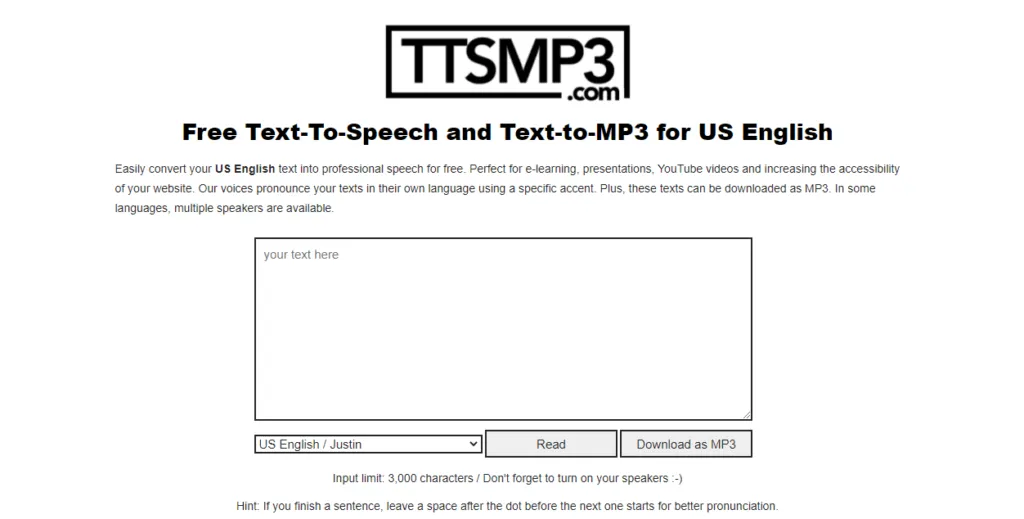
No one will exchange entries for a human speaker, but ttsMP3.com processes the text quickly and offers both on-site playback and MP3 download. It offers more than 20 languages, as well as four English accents: American, British, Indian and Australian. The text is limited to 3,000 characters at a time. There are no playback controls other than Read, but a useful list of SSML commands (it is like HTML, but for TTS) allows you to control performance.
Free TTS
Free TTS brings high quality TTS voices of Google into an easy to use browser tool. Enter up to 5,000 text characters, with more than 10 voices in American English and about 30 languages and total dialects available. Listen online or download an MP3. The free TTS also supports SSML, offering users greater control over speech styles, but free accounts can convert only 6,000 characters per week.
Voice synthesis tool
This TTS provider receives items from consolidated services: Amazon Polly and Microsoft TTS. This allows you to offer better quality output in an essential browser-based service. Within this tool, Microsoft TTS voices cover more than 30 languages, many overlaps at 16 Amazon offers. Anglophones can choose from 13 high quality voices from each provider , total of 26 options. Controls include volume, frequency and tone. Downloadable MP3s are available.

Text on MP3
Items on this free TTS converter are more similar to a machine than others in this list, but the site occupies a unique niche. There is no pre-conversion reproduction; you need to generate an MP3 to listen to a text block and there is a limit of 300 words for use. But an integrated menu of background music adds some fun. Text To MP3 speaks English, German, French, Italian, Spanish and Turkish, with some vocal options for each.

TTS reader
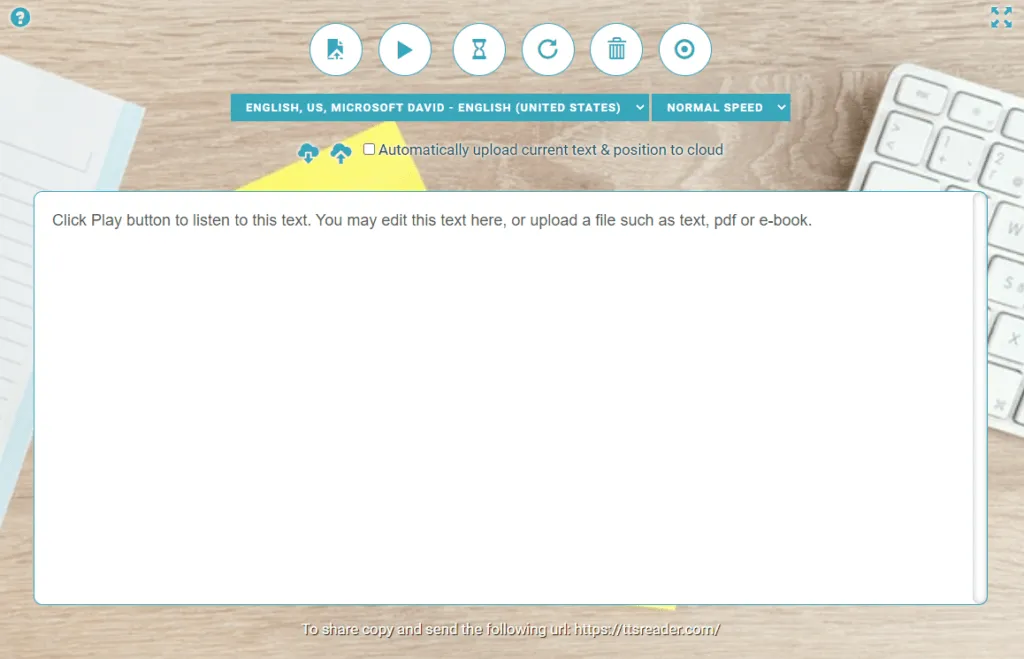
This free voice synthesis reader offers simple controls and reads normal text, PDF and epub uploads, as well as a standard text field. While the other TTS player in our list, the smart speaker, is a browser plug-in, this is simply a website; drag and drop or copy and paste content to start TTS conversion. The outstanding feature of TTS Reader is that it saves its progress through a text block. Users can close the browser, come back later and resume from where they had stopped.