

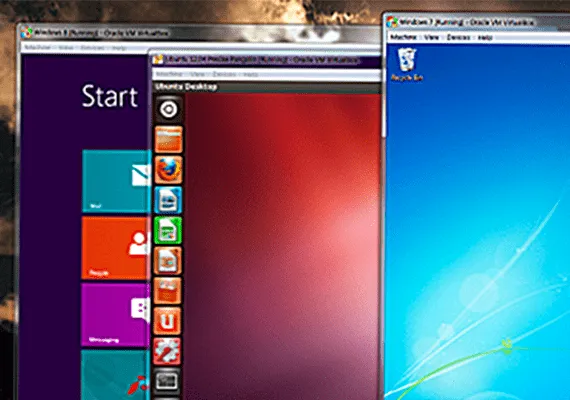
Virtual machines are software that, through the virtualization process, emulate a physical machine (PC, client or server) in a virtual environment. This process leverages the hardware resources of the host system, such as hard drive, RAM, CPU and other physical resources.
Below are some of the main virtualization solutions, with a focus on the distinctive features and strengths of each software.
VirtualBox (Linux/MacOS/Windows)
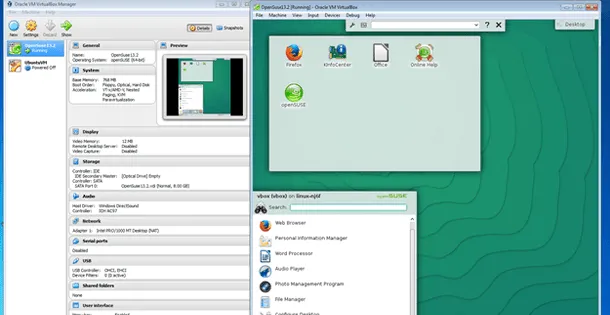
VirtualBox is one of the best known virtualization solutions, appreciated for its simplicity of use, being an open source and free software, and the wide set of features it offers.
Among the main features of VirtualBox are highlighted:
- Multiplatform compatibility: available on Linux, MacOS and Windows operating systems.
- Advanced features: Supports software installation on the virtual machine to enable services such as file, drive and peripheral sharing.
- Flexibility: allows virtualization of a wide range of operating systems, making it suitable for both personal and professional use.
Parallels (MacOS / Windows)
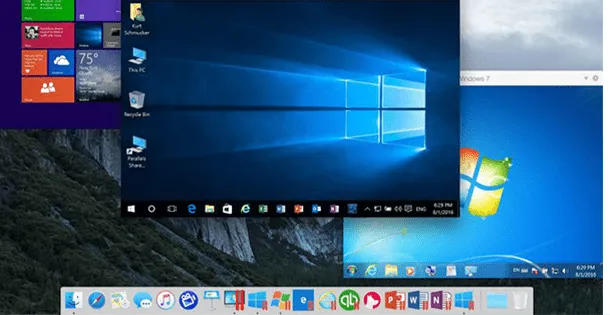
Parallels is a virtualization solution mainly known by MacOS users, but is also available for Windows. It is particularly appreciated for advanced integration between MacOS and Windows, which allows users to easily manage both platforms in one virtual environment.
The main features of Parallels include:
- Automatic optimisation: Easily optimizes virtual machine settings with a single click on MacOS.
- Integration between MacOS and Windows: allows complete control of integration between the two operating systems, supporting file sharing and access to Windows applications directly from Mac.
However, Parallels is not a free software. The purchase price for the full version is $79.99, while the upgrade from a previous version costs $49.99 (prices from the official website).
VMware (Linux / Windows)
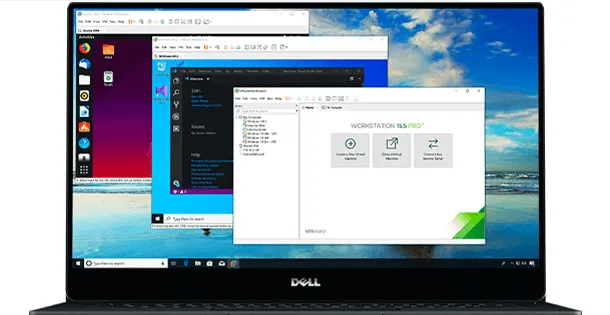
VMware is one of the most used virtualization solutions, with two main versions designed to meet different needs: VMware Player and VMware Business.
- VMware Player: free version, suitable for users who do not need advanced features. It is designed for non-professional use.
- VMware Business: paid version that includes all VMware Player features and adds advanced options, such as virtual machine cloning, multiple snapshot management and other features designed for professional environments. The price of VMware Workstation is $249.99.
VMware is recognized for its high performance and robustness, and is widely used in business contexts, where advanced features are fundamental.
Qemu (Linux)
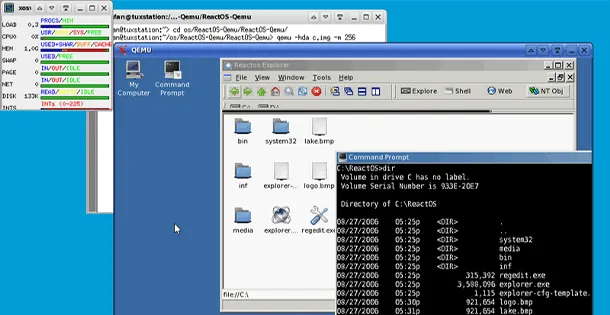
QEMU is a powerful virtualization solution for Linux systems. This software emulates the code directly on the host system hardware, enabling high performance and the ability to automatically scale virtual disks.
The distinctive features of QEMU include:
- Portability: You do not need administrative privileges to run QEMU, which makes it particularly useful for creating portable virtual machines.
- Free: being completely open source, QEMU is a convenient choice for those looking for a powerful virtualization solution at no cost.
QEMU is appreciated for its flexibility and capacity to support a wide spectrum of hardware architectures.


