

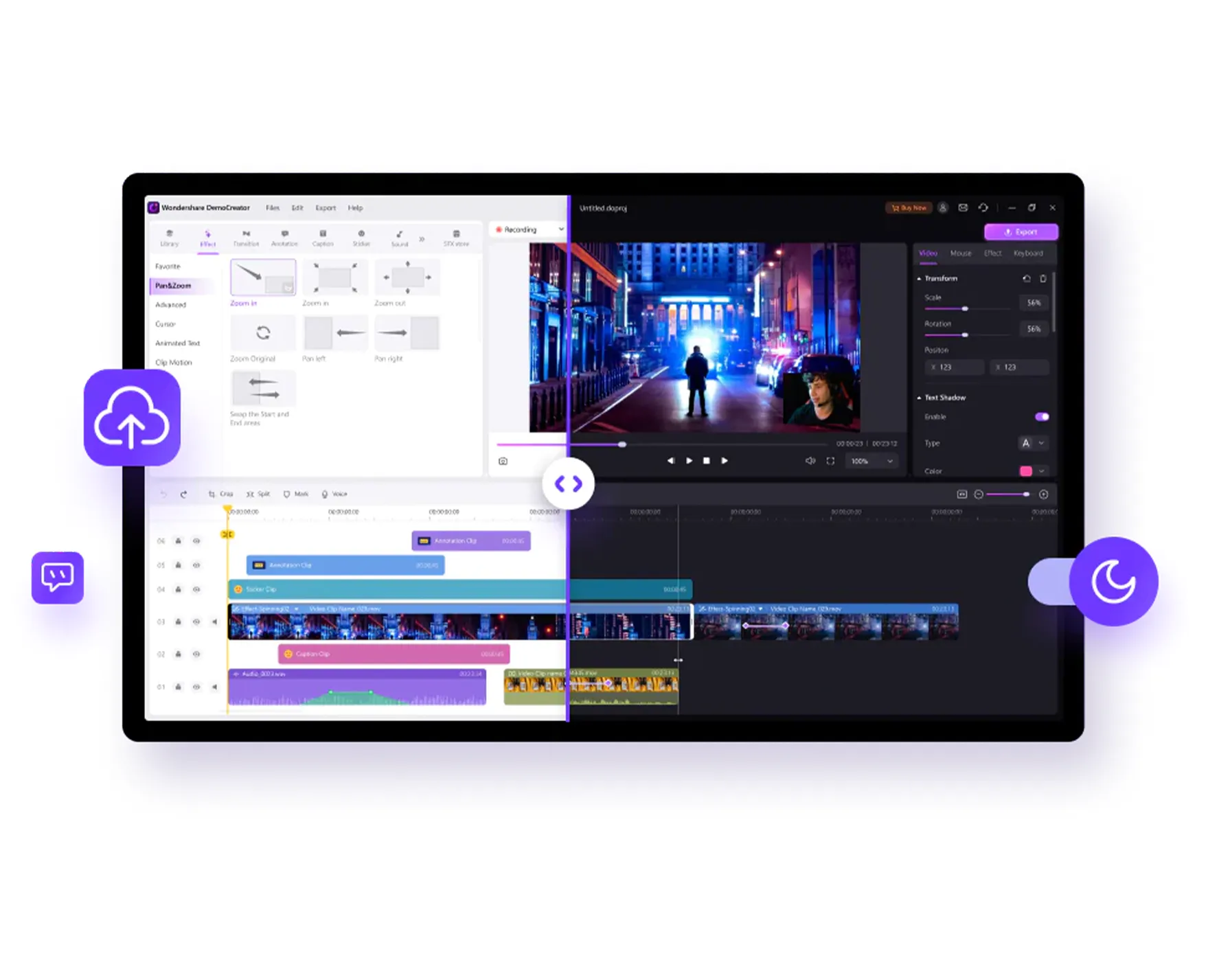
Regardless of whether it is a professional in the industry or a creative enthusiast, the choice of appropriate video editing software is of fundamental importance to transform your vision into an eye-catching final result.
Below are various options available, where technology integrates with creativity to offer a smooth and rewarding editing experience.
Vimeo Create
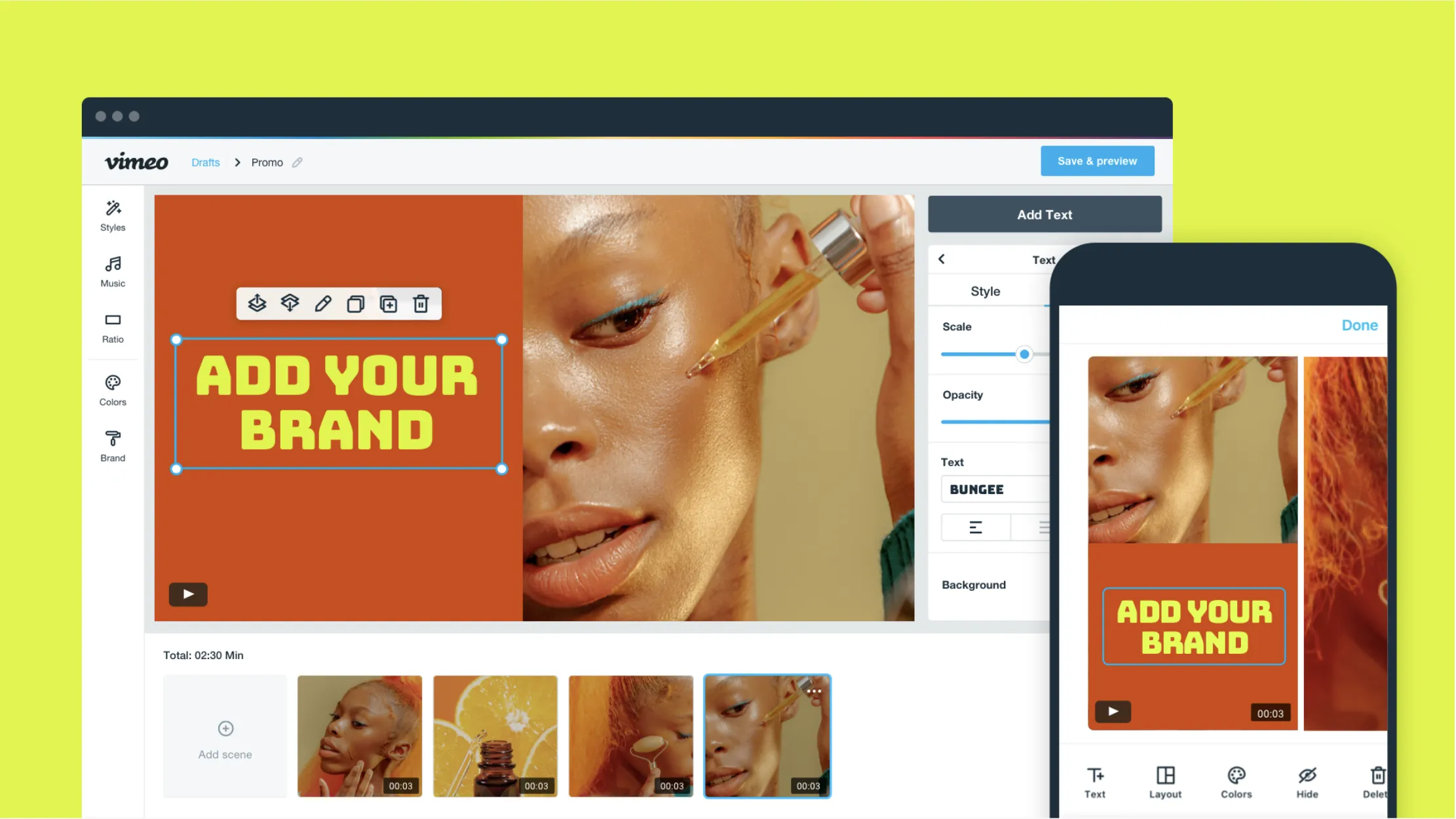
A paid service offered by Vimeo, called Vimeo Create, allows you to quickly and easily create videos for social media directly from the web browser, even without particular skills in the field of video editing. Vimeo Create offers a wide range of predefined models, allowing you to drag and drop your videos and edit them with simple tools. If you do not have personal content, you can access millions of videos, photos and music tracks with a commercial license at no additional cost.
This tool offers a surprisingly easy-to-use interface, even for those who have no experience in video editing. While having a limited number of features, you can quickly make videos suitable for social media. In particular, you can create videos with different aspect ratios to adapt to various social platforms, such as squares, horizontal and vertical.
The use of Vimeo Create is free, but to save and share videos you need to subscribe to a Vimeo Pro, Business or Premium subscription.
| Specifications | Platform Browser Presence of models, content, intuitive interface 30 days trial For beginners |
| Benefits | Excellent templates Access to content Export to social media Basic skills Accessible by browser |
| Disadvantage | Request a registration Offers only basic features |
Click here to visit Vimeo Creation
Adobe Premiere Rush
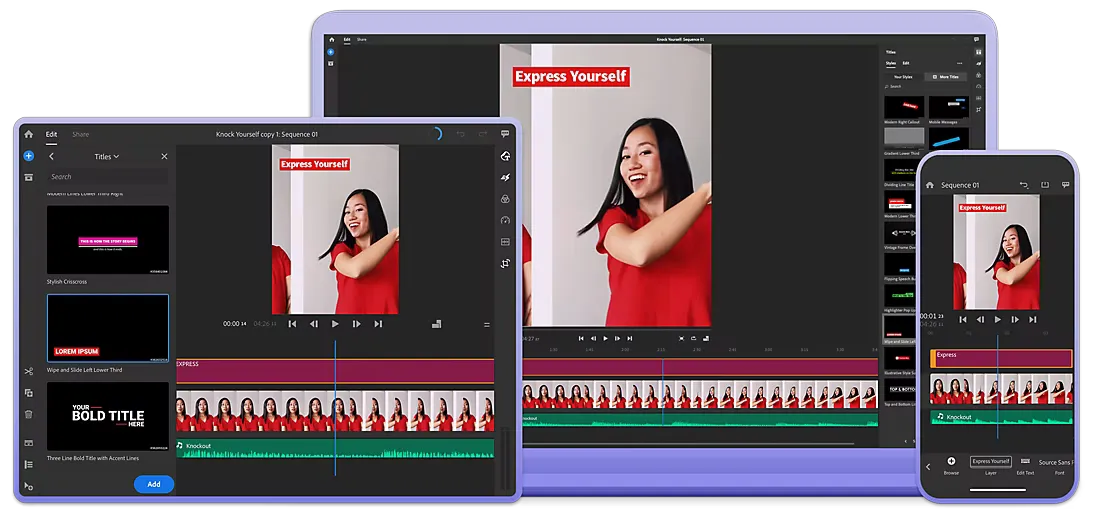
Tablets and smartphones are so powerful that it is perfectly possible to make video editing even professionally on the move. Premiere Rush would look like an excellent option currently available on the market.
Available for iOS and Android, Premiere Rush uses a simplified version of the Premiere Pro interface with large icons and easier to use panels on a small touchscreen. This means that there are fewer features, but you still get all the essential elements, such as adding video to the timeline through the drag-and-drop and inserting music.
The simplest interface makes workflow in Premiere Rush surprisingly fast. This was particularly evident when it comes to making simple changes to social media, with export options optimized for Snapchat, Instagram, Facebook, Twitter and Vimeo. Premiere Rush is also well integrated with Premiere Pro. This means that it is useful to make further changes to movies when for example you want to work on a mobile device.
You can get Premiere Rush as part of Creative Cloud (which means you also get Premiere Pro) or through a single app subscription. There is also a free starter plan that includes access to the app, 2 GB cloud storage and unlimited free exports on mobile.
| Specifications | Windows platform, macSO, iOS, Android Animated graphics app, support for the 4k Free base |
| Benefits | Works on mobile Export to social media Synchronization with Premiere Pro Free audio tracks |
| Disadvantage | Limited functionality Problem on big projects |
Apple Apple iMovie
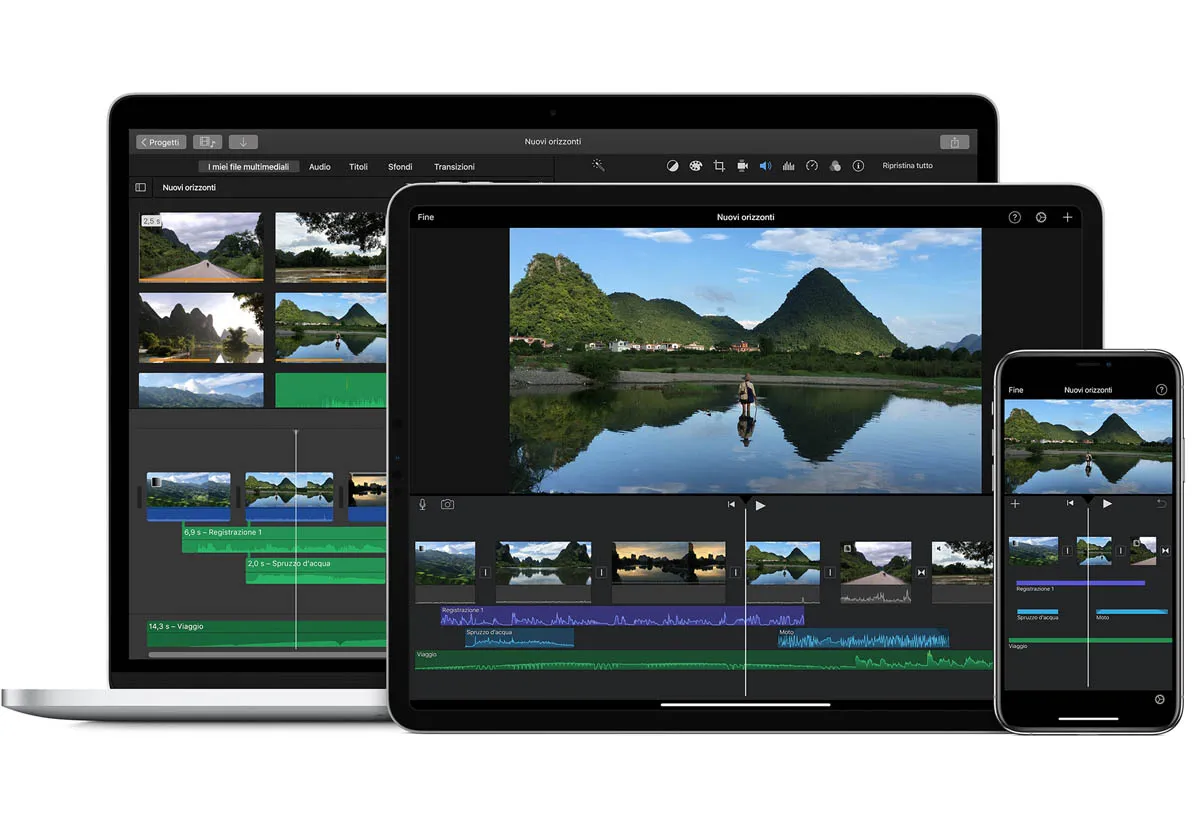
Apple’s iMovie is completely free for macOS and iOS users, making it an interesting option for those who approach video editing and don’t want to pay considerable figures for a powerful app. However, the fact that it is free does not mean that iMovie gives up functionality; it offers a lot to both beginners and intermediate users.
One of its main features is called “Magic Movie”, which aims to simplify the creation of fast videos. Just activate it and combine the clips, it will add titles and choose accompanying music, all with a few clicks. You can intervene and edit the resulting material according to need or export it as it is. It is a very effective tool if you want to achieve fast mounting with the available material.
Another way iMovie stands out for beginners is the “Storyboards” function. This provides models and guides on a variety of video topics, from kitchen videos to product reviews. Each model suggests shooting that you can get and the ways to mount together the material. It is a useful way to learn the basics.
It is rich in other useful functions, such as the “Movie Mode” that allows you to adjust the depth of field to the flight, including filters, soundtracks, titles and more.
That said, iMovie is not the best choice for professionals. It is not updated with the desired frequency and there are some of the most advanced features you will find in apps like Premiere Pro. Also, it is not available outside the Apple ecosystem, which represents a clear limit if you work on Windows, Android or Linux.
| Specifications | Platform macSO, iOS Great features like Magic Movie, storyboards, Cinematic Mode Free Great for beginners |
| Benefits | Completely free Simple timeline Great library of effects |
| Disadvantage | Only for Apple Update not very frequent |
Film
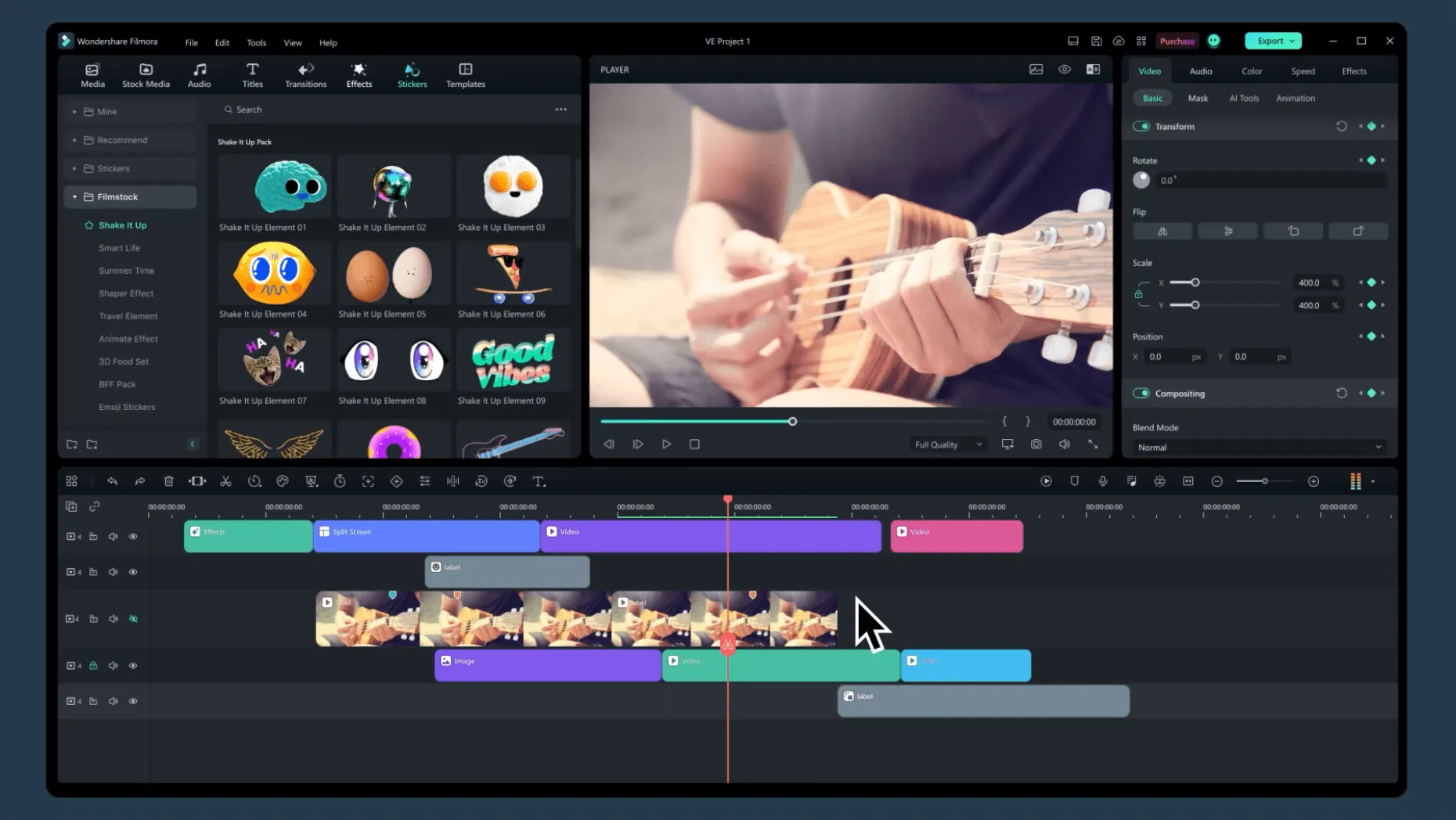
At first weapons or you need to edit videos occasionally, Wondershare Filmora offers a great value for money at a very reasonable price.
Intuitive and easy to use interface compared to others. On the other hand, there is less chance of perfecting changes. So if precision is a priority, you can prefer other more professional solutions. If, instead, speed is essential, then Filmora is probably the best choice.
Filmora has a large number of useful integrated titles, effects and filters designed for YouTuber and social media users. A library of sound effects and royalty-free music is available to impact videos, and it is also possible to record the media directly within the instrument.
New collaborative tools, AI-based smart cutting capabilities, 3D titles and much more are introduced.
There is a free version of Filmora, but all videos will have a watermark, so it is really useful only to learn video editing or to try the tool. To remove watermarks, you will need to sign an annual plan, a life plan with a single payment or unlimited plan, which includes unlimited download from a resource library and new effects every month.
| Specifications | Windows Platform, macSO Support for 4k, effects and titles Free plan For lovers |
| Benefits | Simple interface Book of effects and music Visual effects and overlay Instruments for titles and text |
| Disadvantage | Very basic Not for precision work Watermarks with free version |
DaVinci Resolve Studio
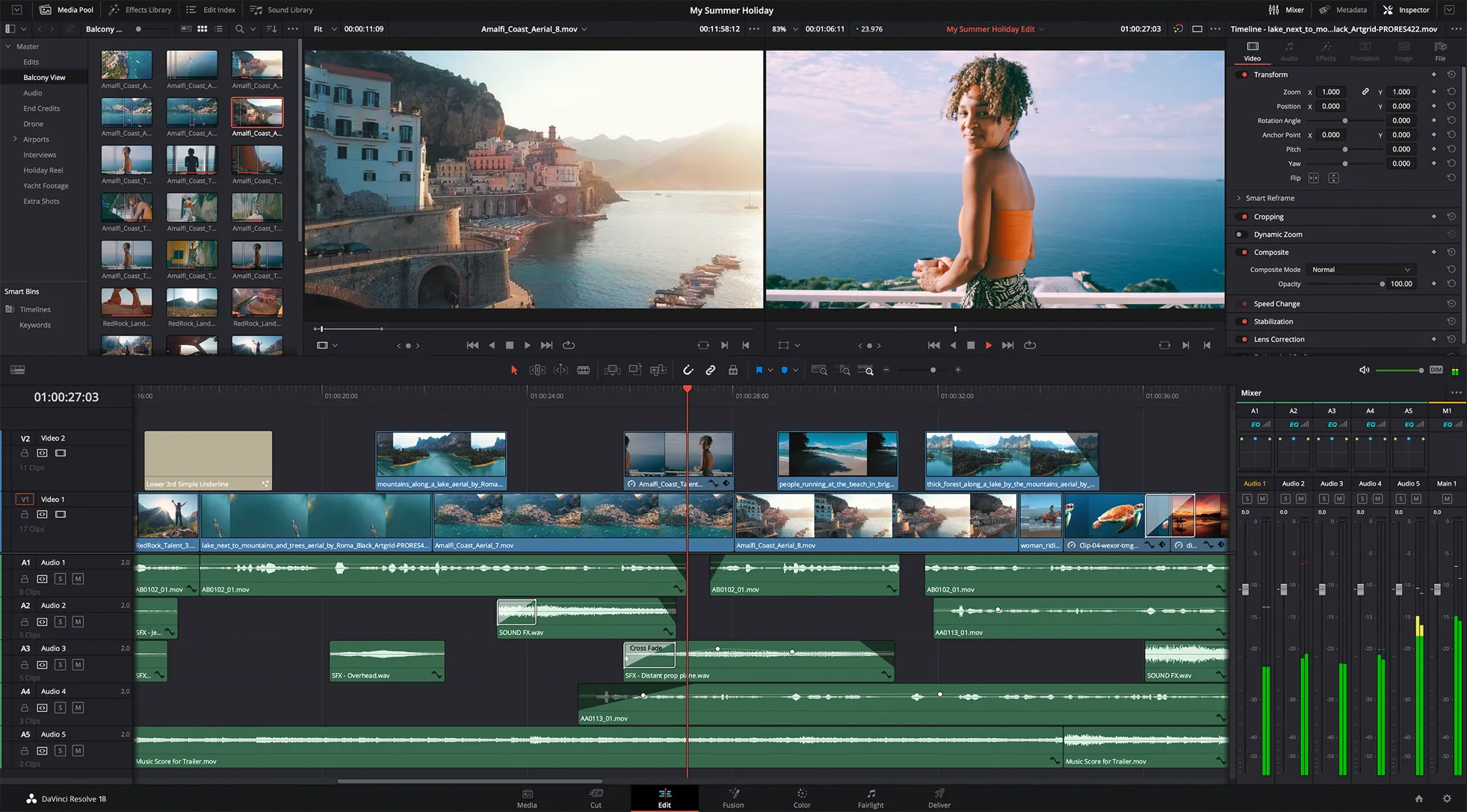
There is no doubt that BlackMagic DaVinci Resolve is an excellent package for video editing. It is, in fact, the main choice for a free video editing software among those available. But if you want some extra features just switch to the DaVinci Resolve Studio fulfillment version.
Color correction options really excel. But it is not a monofunctional product, and its intelligent video stabilization tool and integrated audio mixing capabilities are powerful and effective. In addition, you can do everything you need within a single app without having to open and manage different apps to get the best results.
Its interface may require some adaptation, but should not be a major problem if you are used to editing video. If you are looking for a complete package that can compete with the most famous names, DaVinci Resolve definitely deserves a look.
| Specifications | Windows Platform, macSO, linux Support up to 8k 30-day trial version Intermediate difficulty |
| Benefits | There is a great free version Single payment for premium version Excellent color calibration |
| Disadvantage | Need a PC with high features |
Final Cut Pro
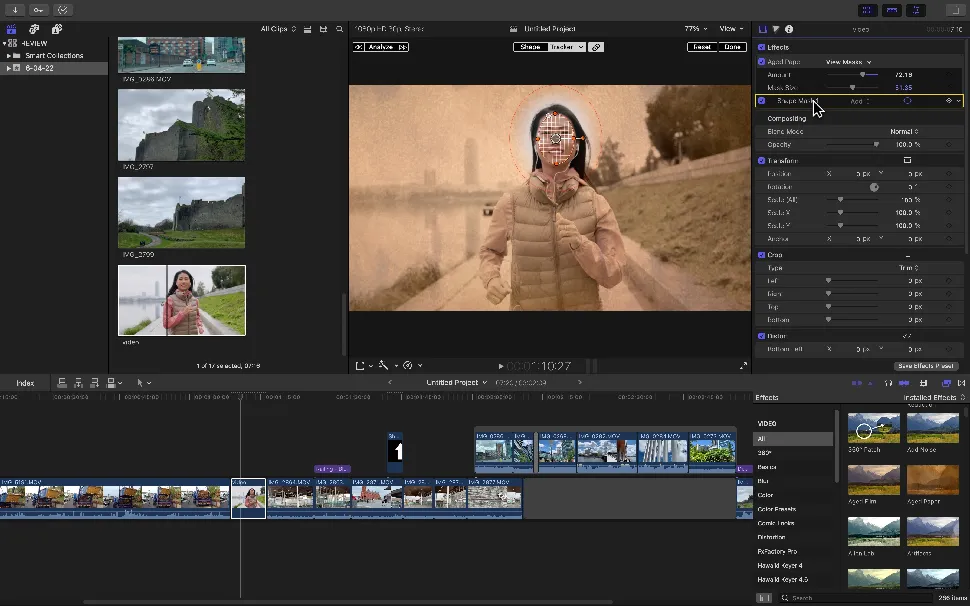
Together with Premiere Pro, Apple’s Final Cut Pro is an application of industrial standards widely used in television and cinema. And now an iPad version is also available, allowing a consistent workflow between devices. One of the main reasons to prefer it to Premiere Pro may be that on Mac does not require subscription: you pay once only for the software (although the version for iPad requires a subscription).
On Final Cut Pro you can appreciate the “Magnetic Timeline”, which works beautifully, although it can be intimidating for those who are accustomed to other editing software. However, if you have difficulty, there are many resources available to help beginners take confidence.
There are many good features such as grouping tools, wide range of effects and blurred audio tools. There are also many other advanced features available, including 360-degree videos, HDR and advanced tools for color correction.
Being an Apple software, Final Cut Pro is optimized to get the most out of your Mac. So it’s not surprising that it fits perfectly with other parts of the Apple ecosystem, such as collecting Photos or iTunes.
So why not choose Final Cut Pro? Well, if you do not use a Mac, it is simply not an option. And although there is no subscription, Final Cut Pro is quite expensive. That said, there is a 90-day free trial, much more generous than the seven-day trial offered by Premiere Pro.
| Specifications | Platform macSO Editing multi room Intelligent color balance 90-day trial version Video editing for professions and students |
| Benefits | Magnetic Timeline Support with TouchBar Very organized Functionality 360 and HDR Advanced color correction functionality |
| Disadvantage | Premiere Pro has better audio tools |
Adobe Premiere Pro
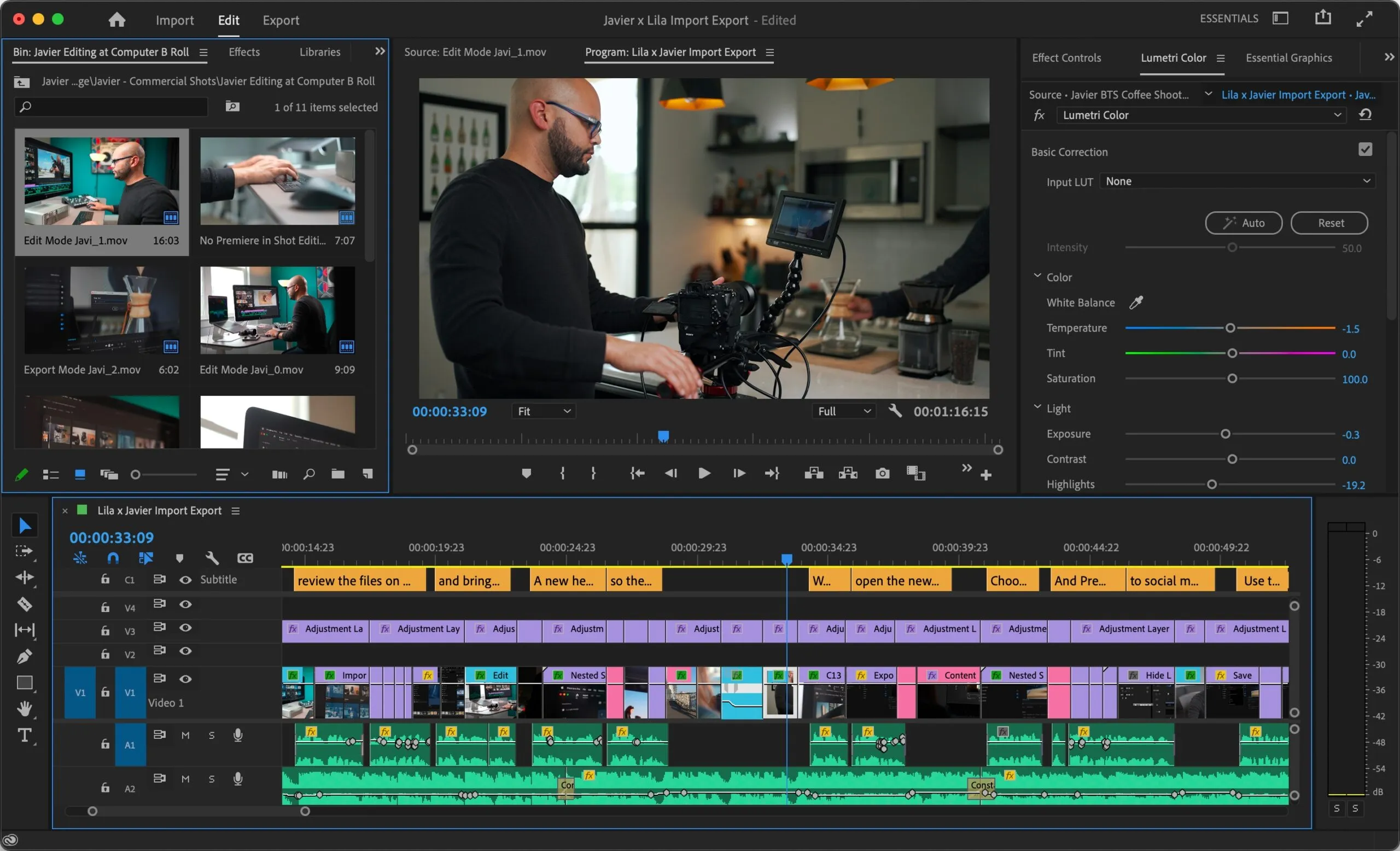
Premiere Pro is commonly used to create a wide range of content, from YouTube video to Hollywood movies. It is also often used in the workflows of designers, animators and VFX artists. After testing it thoroughly, you can understand why.
Divided into workspaces, including editing, effects and audio. Each workspace helps manage specific tasks, minimizing distractions. Customizable keyboard shortcuts and exceptional collaboration features have completed the picture excellently.
The software supports 4K, 8K and VR formats, while cutting and assembly tools offer a high degree of accuracy and control. You can work on an unlimited number of video tracks. Like all Creative Cloud software, Premiere Pro is constantly updated and subscribers get all updates for free.
Adobe Premiere Pro is one of the industry standard editing tools, along with Final Cut Pro, but the latter is only available for Mac. Since Premiere Pro is multiplatform, you can evaluate it as the best video editing software ever.
| Specifications | Windows Platform, macSO Multi room editing and 3D 7-day trial version Video editing for professions and students |
| Benefits | Multi platform ProRes RAW support Collaboration Options Connected with other adobe tools Free Update |
| Disadvantage | Improved color optimization on Final Cut |


