

Remote desktop software can be essential if you need to update files or software in motion, outside office hours or while working remotely. Alternatively, it can be implemented for employees who work remotely so that there is a secure and secure connection between them and the company network.
Depending on the software used, you may need to install it on both the computer you want to remotely control, called host, and on the computer from which you log in, called client. Other software may only require installation on the host.
Chrome Remote Desktop
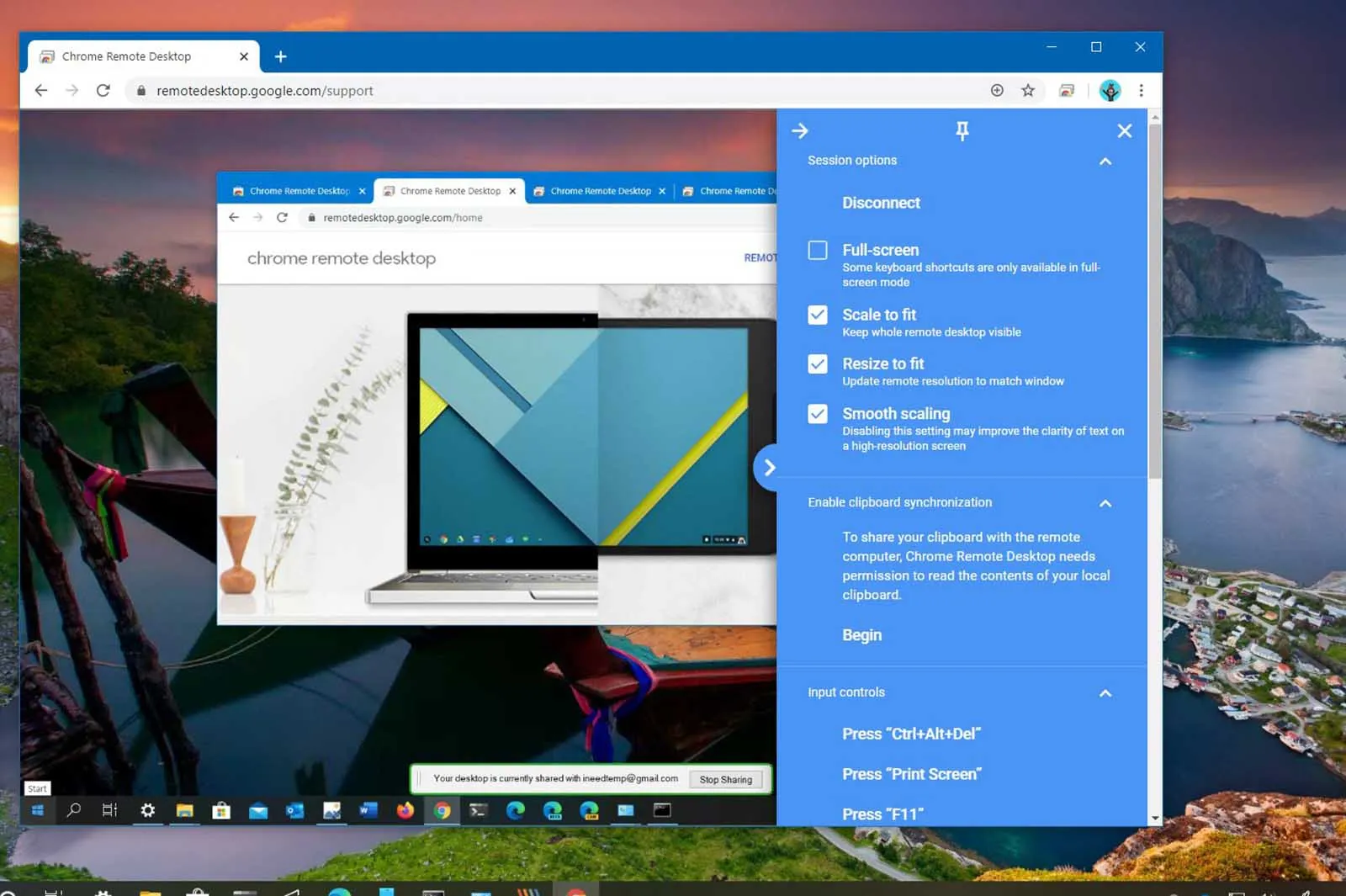
Chrome Remote Desktop is an extension that only works with the Chrome web browser. You can use it to remotely access any computer that also runs the Chrome browser, whether or not connected, allowing you to control it without interference. It can also be used for temporary and disposable access.
It has an easy-to-use interface that offers numerous advantages, such as compatibility with all operating systems, including macOS, Windows and Android, both on computer and on phone devices.
Chrome Remote Desktop facilitates a simple experience with cross-device compatibility.
In addition, Chrome Remote Desktop includes remote support that provides users with a disposable code to access a desktop and solve any technical issues. However, the app does not allow file transfer between devices.
Chrome Remote Desktop is a great solution for individual users on a reduced operational scale. It is extremely useful for those who often travel or work from multiple locations. It also has a remote support option that simplifies troubleshooting without the need to be physically present or have continuous access.
It also has dedicated menu options for Ctrl-Alt-Del and Print Screen, further simplifying the process. For individual users, this is a great solution to stay connected to their devices wherever they are, making it a valuable tool for those who need access to their computers in a dynamic environment.
TeamViewer
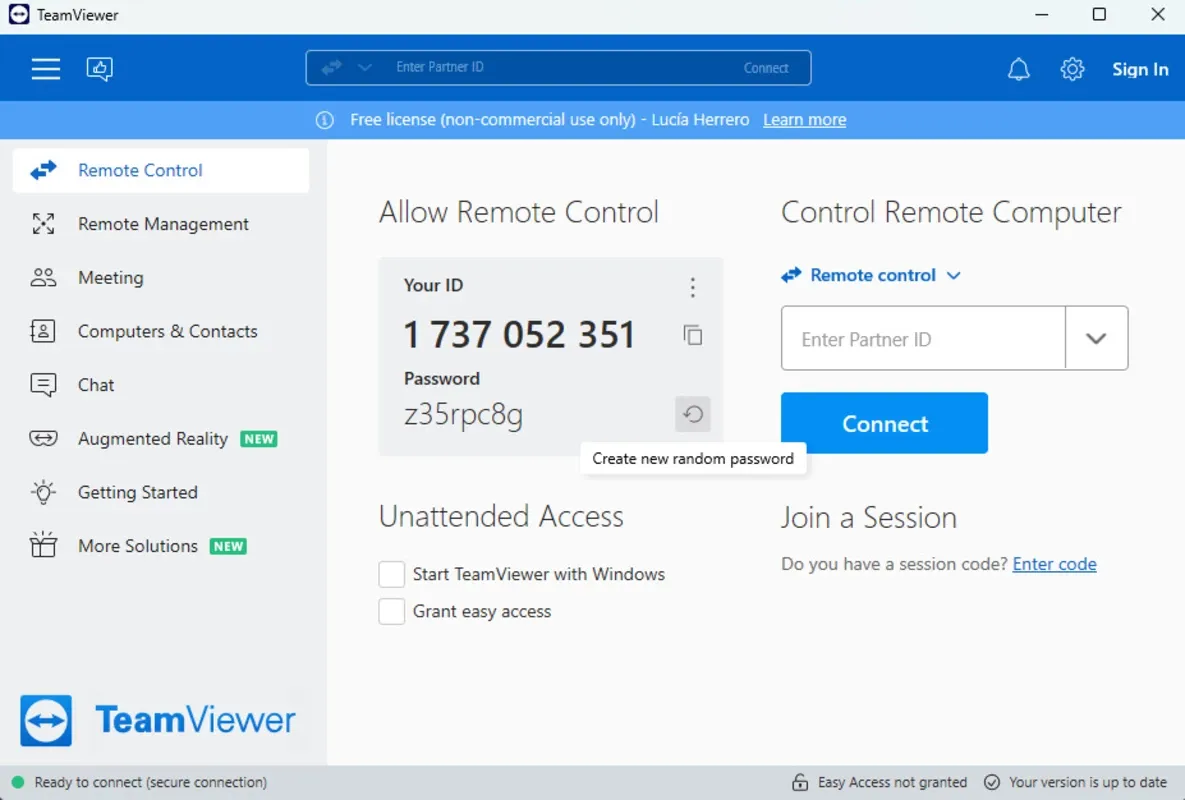
Launched in 2005, TeamViewer offers remote control solutions for millions of users, with their team continually introducing and improving new features. The software offers paid subscriptions and a free version very useful for personal use.
Operates on different operating systems, including Windows, macOS, Linux, Android and iOS/iPad. This means that it is compatible not only with all desktops, but also with almost all mobile platforms. It also works on web browsers like Chrome, Firefox, Opera and Edge.
With the free version of TeamViewer, you get a variety of valuable features and capabilities, such as providing technical support, deleting malware, using social networks or connecting to printers. It allows you to connect in real time to your colleagues' devices, business partners and customers to solve problems.
You can also connect your personal devices and help your customers set up by guiding them remotely, even when you are not physically with them.
Thanks to TeamViewer, small businesses can communicate effectively with remote workers, enabling increased productivity and efficiency. The free version is also advantageous from the economic point of view, allowing companies to save on traditional costs of IT support. TeamViewer is a valuable tool for small businesses, allowing them to work smarter and more efficiently while maintaining security and privacy.
Microsoft Remote Desktop
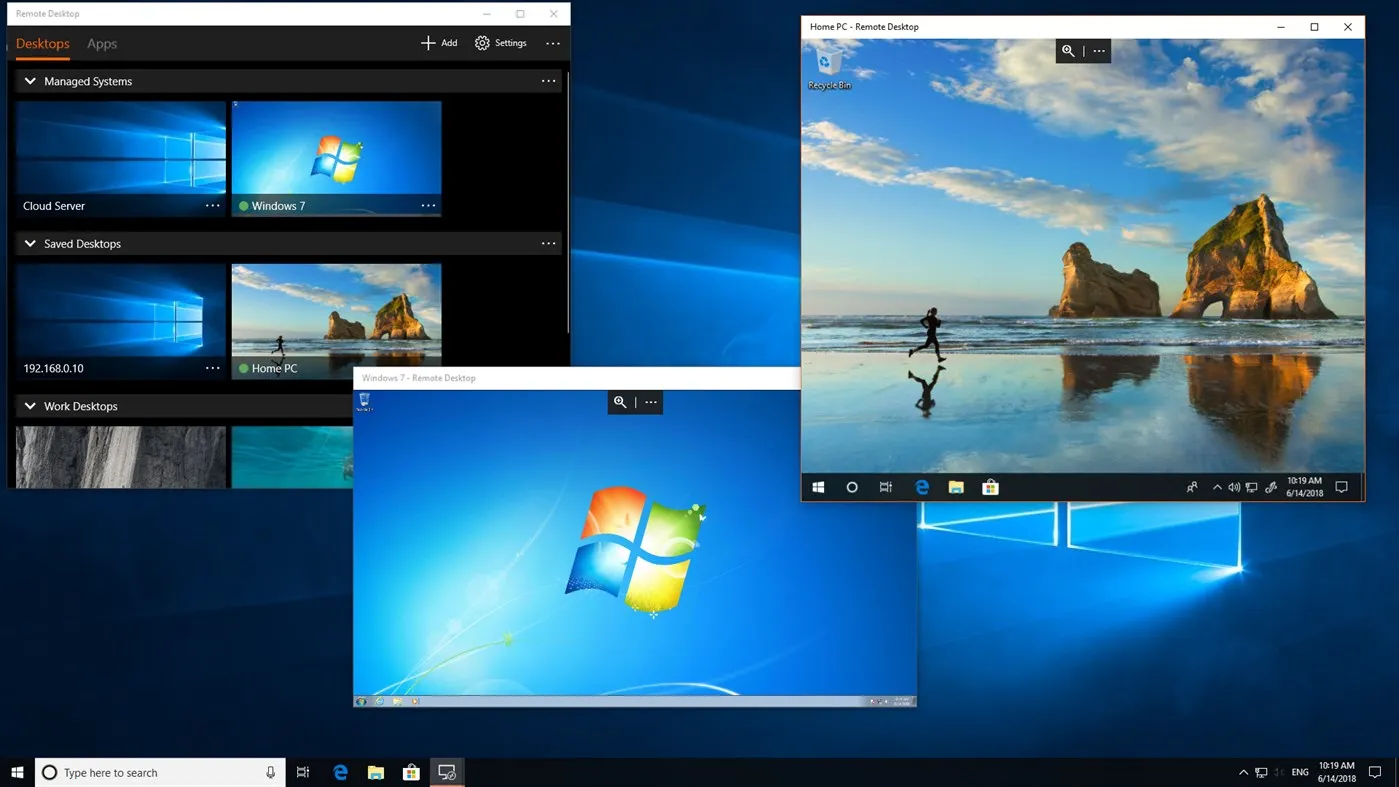
Microsoft Remote Desktop allows users to access remote devices via their computer or mobile app on iOS or Android, creating a user experience almost equivalent to having the computer in front of them.
It works on Android, iOS, Windows and Mac platforms and is well compatible with mobile devices and computers. Once connected remotely to the other computer, you can scan and print a file, open apps and software, solve problems or do any other task.
If you use a mobile device, the app has special keys for control, alt and option, allowing you to use keyboard shortcuts as if you were using your computer directly. You can also access files stored on the remote computer, enabling printing and sharing documents from any location.
Administrators can also publish resources for remote access, such as virtual desktops, session-based desktops and RemoteApp programs, and can set the computer so that it remains on when it is not used for remote connection.
Microsoft Remote Desktop is particularly useful for Windows users who are already familiar with the Microsoft ecosystem, as it works similarly to other Microsoft apps. It will be intuitive and easy to use for those who are already aware of the Microsoft ecosystem; however, it still remains a fantastic option for individual users and small businesses thanks to the variety of features described above.
AnyDesk
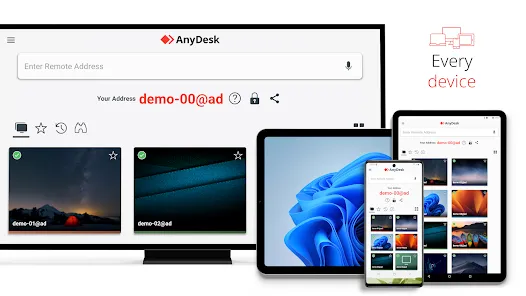
AnyDesk has been on the market since 2015 and has undergone an important restyling in 2021, the desktop layout is much more organized and the session tools are hidden in an ordered toolbar.
It is extremely useful for both individual users and IT teams as it provides access to Windows and Mac computers as well as iOS and Android mobile devices. In addition, it has an integrated file manager to simplify the transfer of content between the host computer and the remote ones, although it does not support drag and release.
For organizational purposes, it has a directory system that tracks all computer accesses remotely. Moreover, it has many tools for collaboration, such as a text chat and a virtual board, as well as the possibility to invite other users to the network, making it perfect for support scenarios.
AnyViewer
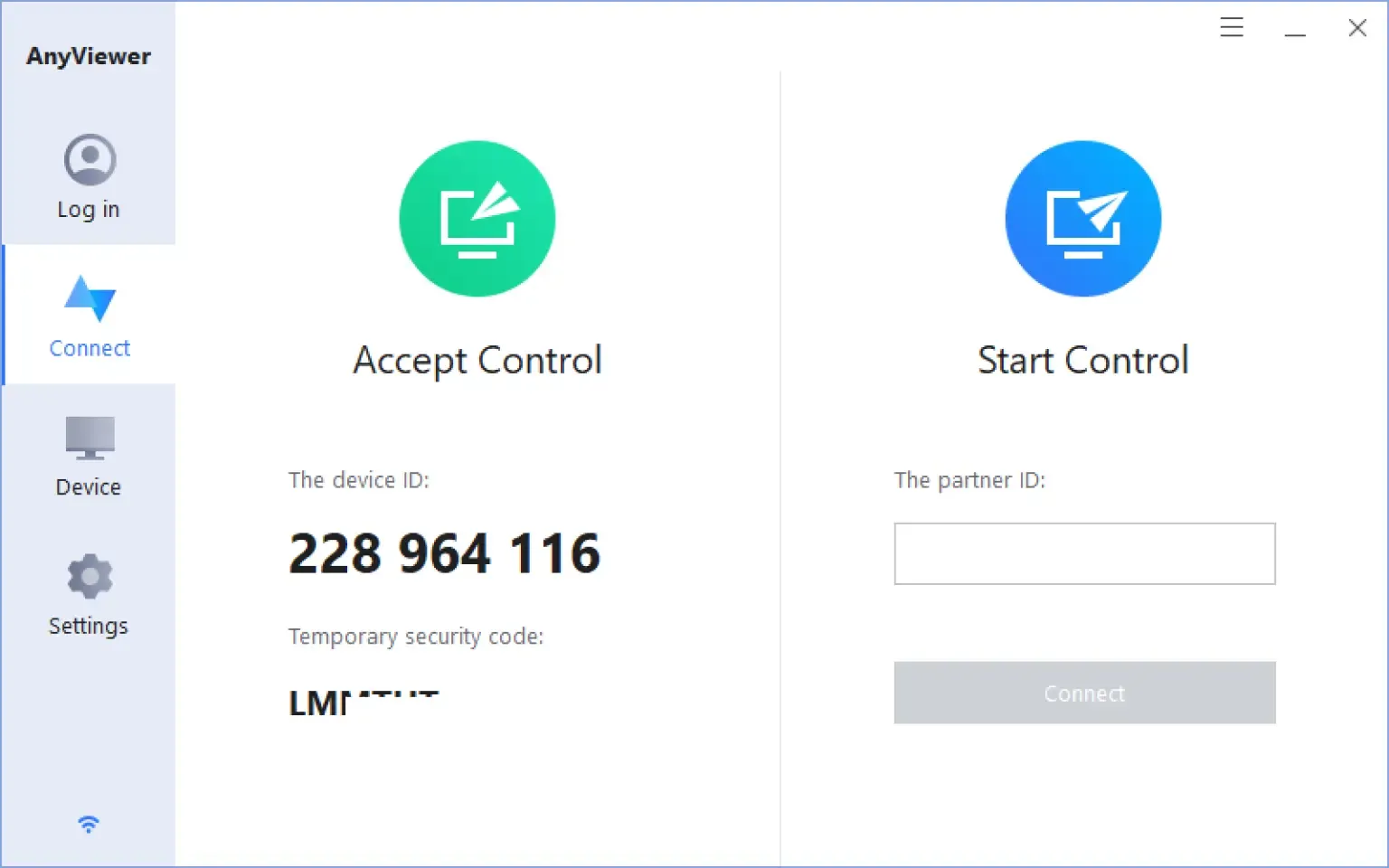
AnyViewer allows users to securely connect to their computers and access files, applications and data from anywhere. One of the main advantages of AnyViewer is its ability to securely access remote computers, with support of elliptical curve encryption (ECC). It also provides a high level of encryption to protect data transmissions, making it an excellent choice for those who need access to confidential data while they are away from the office.
Another great feature of AnyViewer is support for multiple platforms. It can be used on Windows as well as on iOS and Android. It is also easy to use, with a simple user interface, so users can quickly learn how to use the software.
However, if it is only for personal use, the free version works well. You can securely access remote devices, transfer files, offer remote support and even play games on a PC from anywhere.
RustDesk
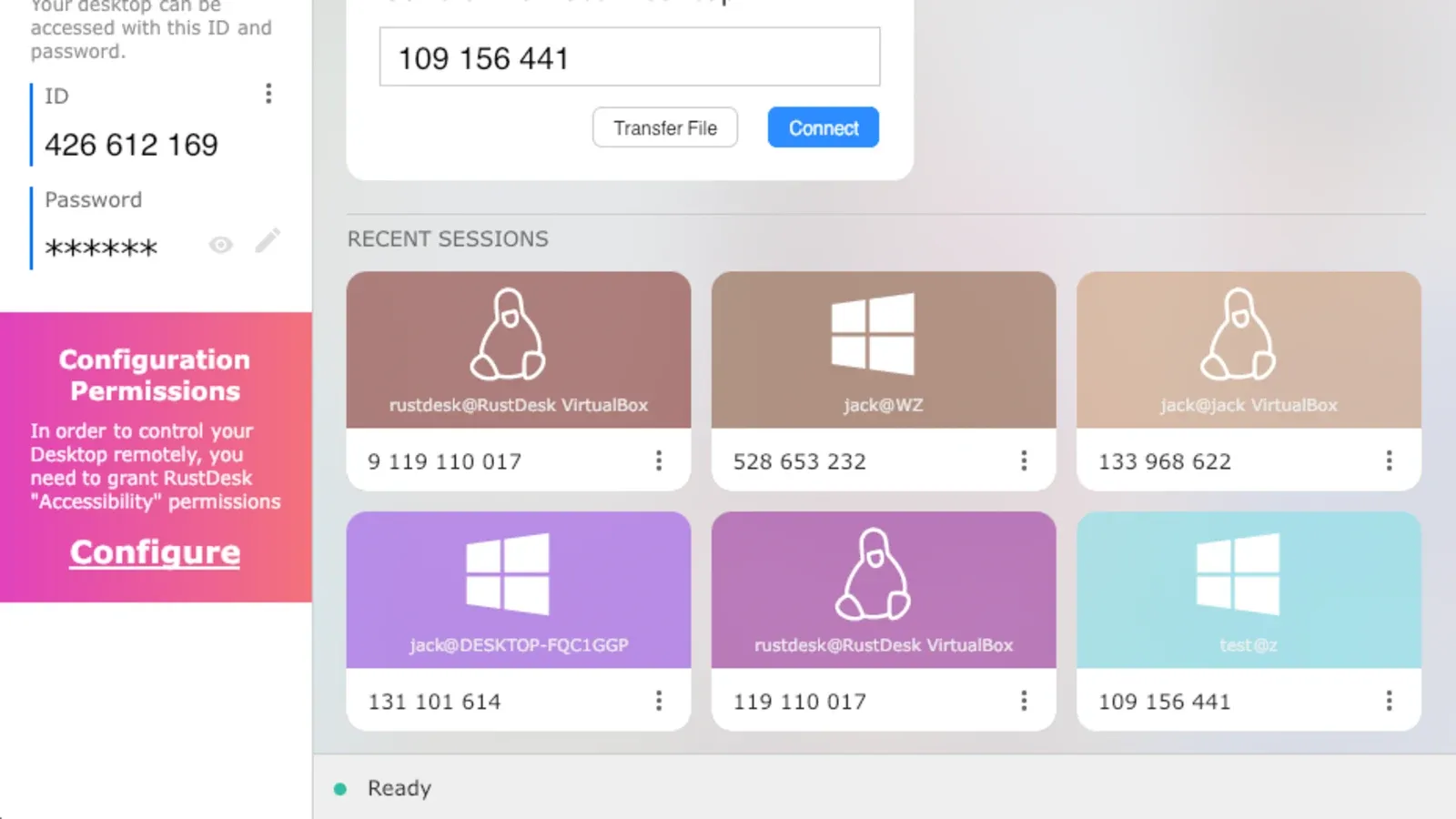
RustDesk is the best free and open source software for remote desktop. It is extremely easy to access publicly and downloads in seconds.
RustDesk offers end-to-end encryption of your data to ensure privacy while using a remote computer. You can manage your preferences and monitor your access log on a well-designed and easy to navigate user interface. And, best of all, RustDesk allows you to remotely access your device using virtually every possible operating system. It is available on Windows, iOS, macOS, Linux, Android and even on the web.
Unlike other remote desktop software, RustDesk has a growing community of users, with whom you can connect to GitHub, Discord and Reddit. This can be extremely useful if problems arise during the use of the software and you do not want to use traditional support via email.
Distant Desktop
DistantDesktop is perfect for professional and commercial applications. It features a minimalist design and easy to use software. Use over 3 million endpoints in more than 100 countries, all protected by the use of Distant Desktop’s Advanced Standard Encryption to keep all your data and files safe.
DistantDesktop works with Windows and Android, limiting its ability to run on other operating systems. However, it is extremely easy to use because it does not require registration or installation. In addition, with the Display Only mode, professionals can share information or perform demonstrations without giving anyone access to their device.
DistantDesktop is excellent for professionals because it allows you to share files protected by AES. You can also connect to more than one computer or mobile device at the same time, which is ideal for administrators or remote technical assistants.
Although Distant Desktop offers a professional plan at $49/year, the free version includes an incredible value. Some of the most unique and desirable features include communication via chat, 20 hours a month of connection time, timing notes and remote printing.


