


Parsec is a remote desktop application that allows users to connect to a remote computer with extremely low latency. Originally designed for gaming, Parsec was also adopted for professional uses thanks to its ability to offer high quality streaming and real-time responses. This makes it ideal not only for players, but also for designers, developers and professionals who need remote access to powerful workstations.

Main Features
Low Latitude and High Quality
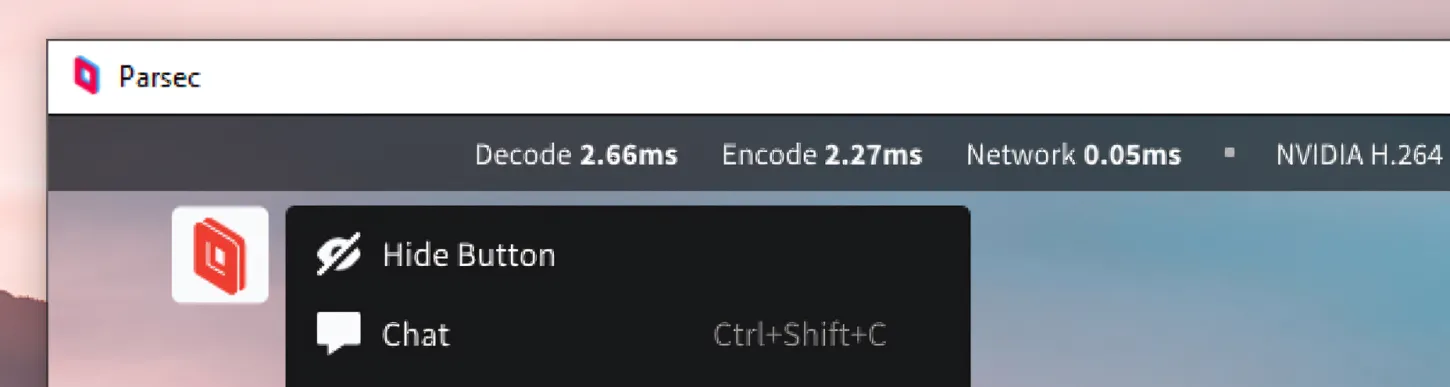
One of the distinctive features of Parsec is its incredibly low latency. Using advanced video compression technologies and peer-to-peer networks, Parsec minimizes response time, making the user experience almost indistinguishable from the local one. This is particularly crucial in gaming, where even a few milliseconds can make the difference between victory and defeat.
Multi-Platform Access
Parsec supports a wide range of devices and operating systems, including Windows, macOS, Linux, Android and iOS. This flexibility allows users to connect to their remote computers from any device, wherever they are.
Collaboration in Real Time
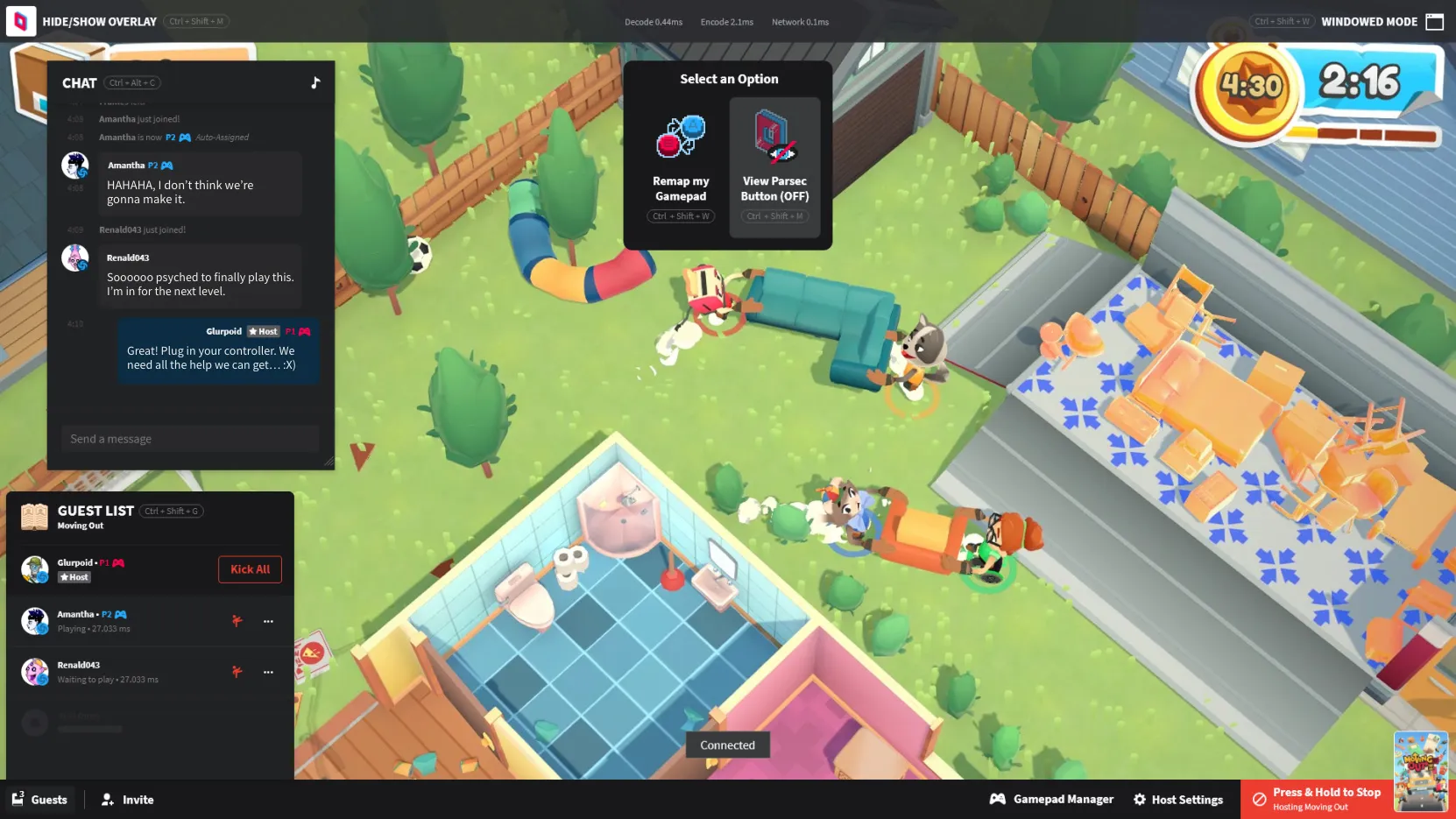
In addition to gaming, Parsec has become an essential tool for professional collaboration. Designers and developers can share their workstations with real-time colleagues, allowing seamless cooperation. Parsec also supports simultaneous inputs from multiple users, facilitating collaborative and productive work sessions.
Security and Privacy
Security is a priority for Parsec. All connections are encrypted by end-to-end, ensuring that the transmitted data is protected from unauthorized access. Parsec also uses robust authentication protocols to ensure that only authorized users can access remote computers.
Applications of Parsec
Remote Gaming
Parsec was designed with gaming in mind, and remains one of the best options to play away. Its ability to broadcast games with high fidelity and low latency makes it ideal for players who want to access their PC from less powerful devices or play with friends located in different parts of the world.
Work at Distance
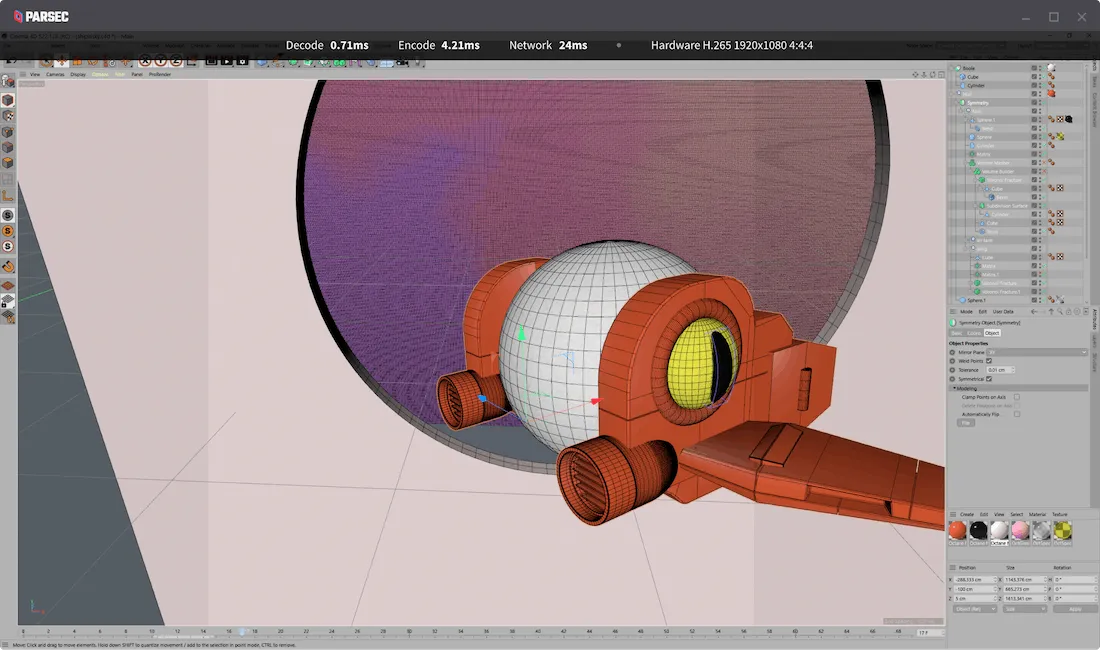
For professionals, Parsec offers an efficient way to access powerful workstations from laptops or other less performing devices. This is especially useful for creative professionals such as graphics, video editors and software developers, who need powerful hardware to perform intensive applications.
Education and Training
Parsec can also be used in the educational sector, allowing students to access remote computer laboratories or participate in interactive training sessions. Teachers can share screenshots and work with students in real time, improving the effectiveness of distance learning.


