

Whether converting from PDF to DOC, JPG to BMP or MP3 to WAV... all your documents, images, audio files and videos can be easily converted.
The file you receive may not be in the desired format. But don't worry, as you can convert formats like PDF to DOC, JPG to BMP or MP3 to WAV, documents, images, audio and video files with ease.
Each of these free online services is ideal because it provides various types of file conversion to one location. You do not need to add different sites to favorites to cover the most common types of conversions or those you need most.
Online-Convert.com
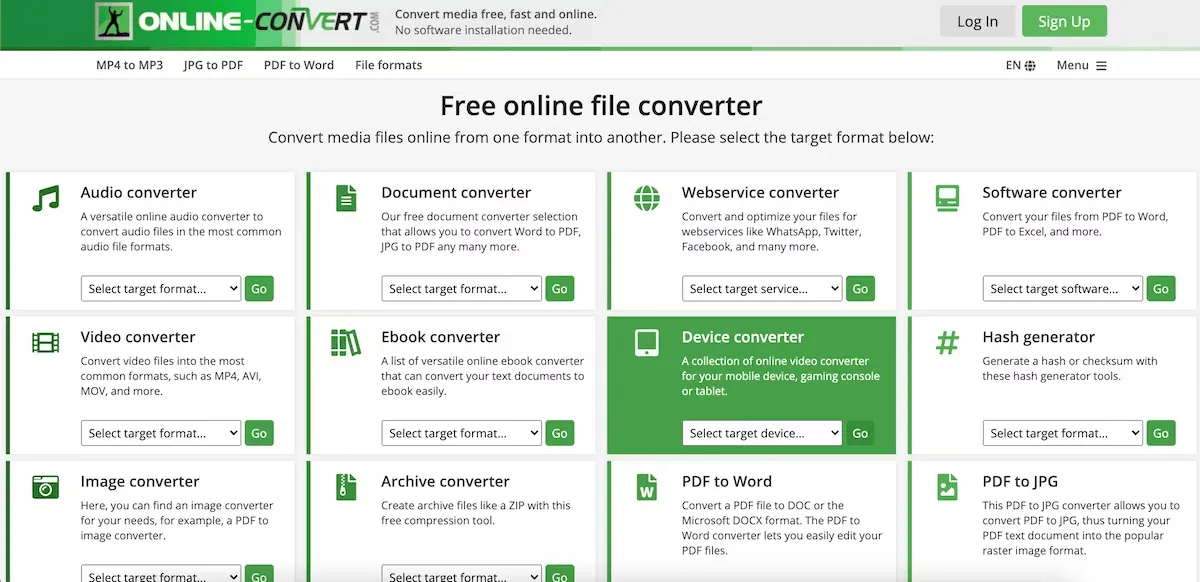
Before trying your first file conversion on Online-Convert.com, you can quickly verify supported file types. In the small box at the top right, enter the file types to be converted.
Click on “Go” and check if the site supports what you need. Then, when you are ready, you can choose between audio converters, videos, pictures, documents, ebooks or archives directly on the main page.
Select the destination format from the drop-down menu in the appropriate section. You will be directed to a new page where you can search for your file, enter its URL or upload it from your cloud storage service. Click on “Convert File” to complete.
ConvertFiles
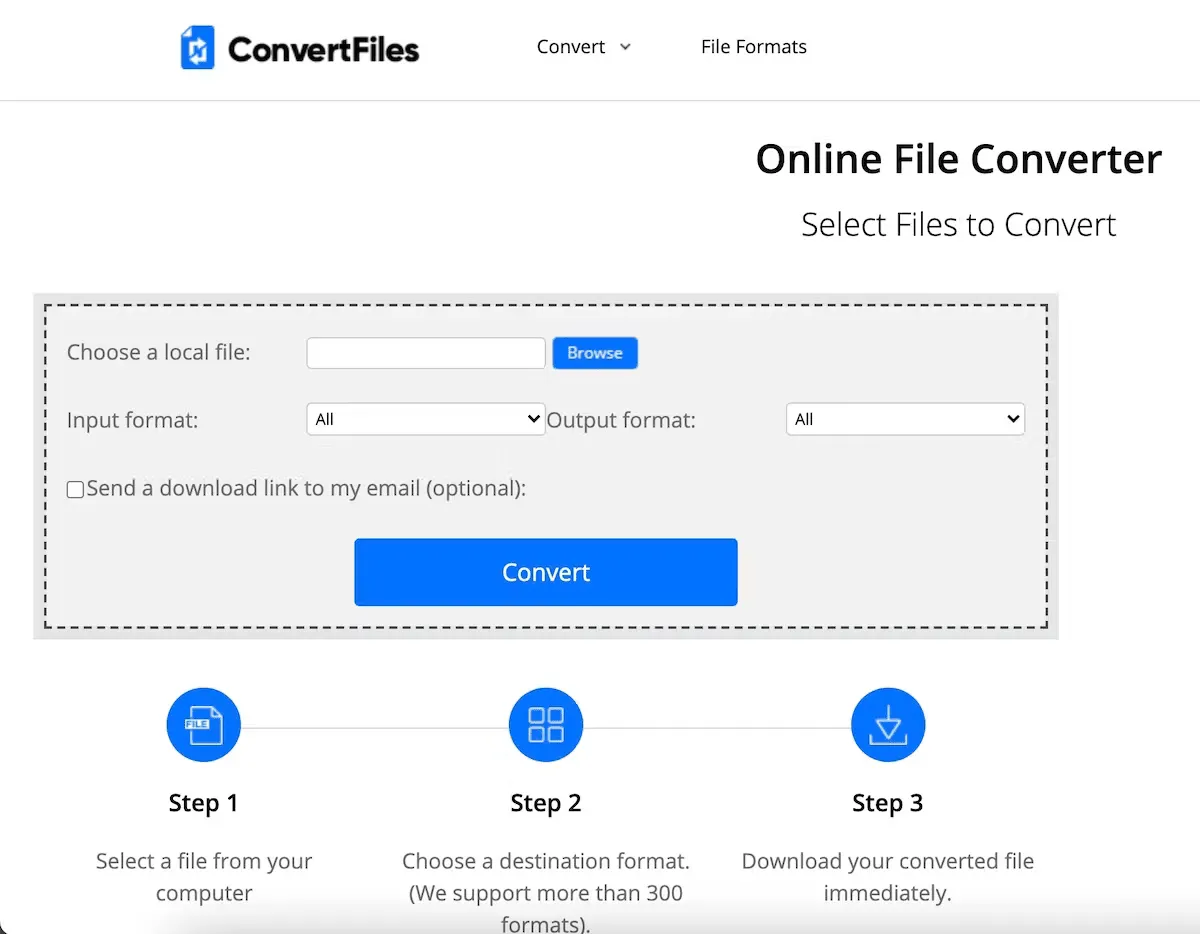
ConvertFiles is another simple option that covers a variety of input and output file formats. Look for your file or enter its URL to start. Select formats from document types, drawings, presentations, ebooks, videos, images, archives or audio.
If you upload your file, the input method could populate automatically in the correct format if it is easily recognizable. Next, you can check the box to receive a direct email link or simply click on “Convert” to get your file immediately.
When conversion is complete, click on the link provided to get your new file. And if you are looking for a specific but rare file type, you can review all formats supported by ConvertFiles.
Convert
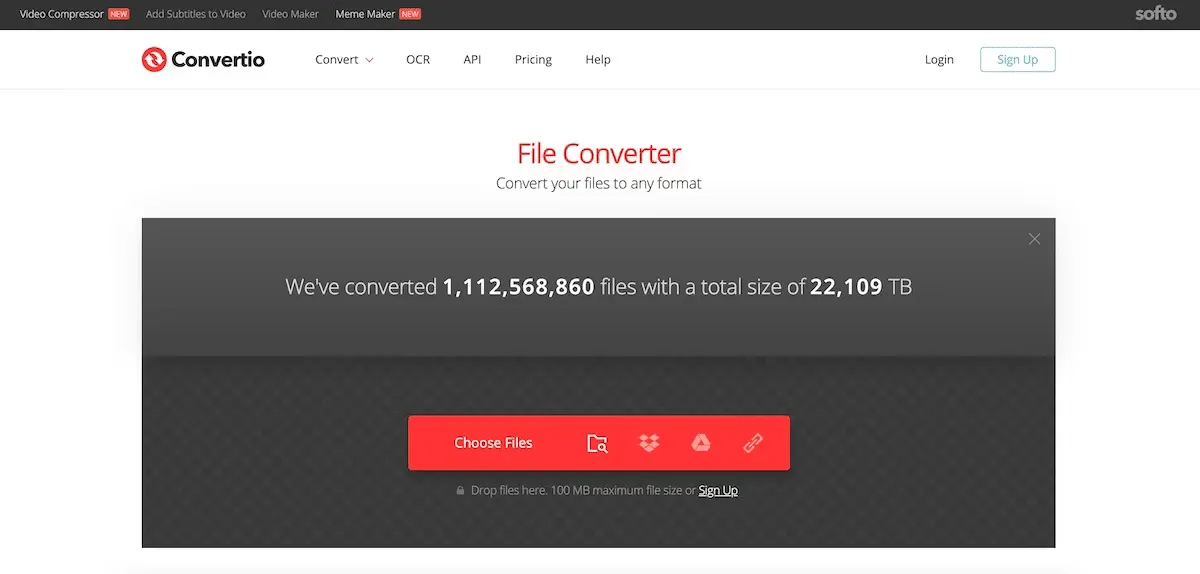
To quickly convert files from your computer, Dropbox, Google Drive or URL, take a look at Convertio. Upload your file and then choose the conversion type from image, document, ebook, presentation or vector format.
What is nice of Convertio is that you can convert multiple files simultaneously by clicking on the “Add Other File” button. And you can save your converted files to Dropbox or Google Drive if you prefer.
Click on “Convert” when you are ready and you can see the progress of conversion along with the file size. Then, click on “Download” for each converted file. You can also download a ZIP file containing all your conversions, which is another convenient feature.
Zamzar
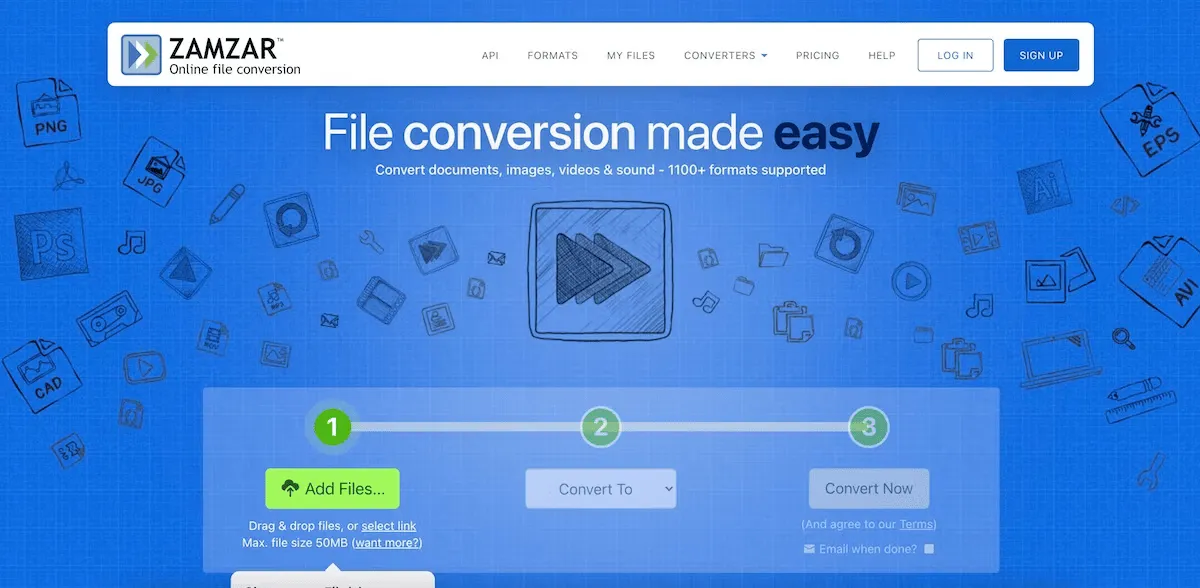
Zamzar supports over 1,100 file conversion types for almost every need. You can check the popular conversion types directly on the homepage if you want to be sure before you start.
Next, search for your file or enter its URL and choose the output format. You can select between image, document, music, video, ebook, compressed or preset video options.
Zamzar works slightly differently from other converters as you need to enter an email address to get your new file. The site also offers a mailbox to manage your files with a paid account. If you do not mind using your email address to receive the file, or if you prefer, check out Zamzar.
FileZigZag
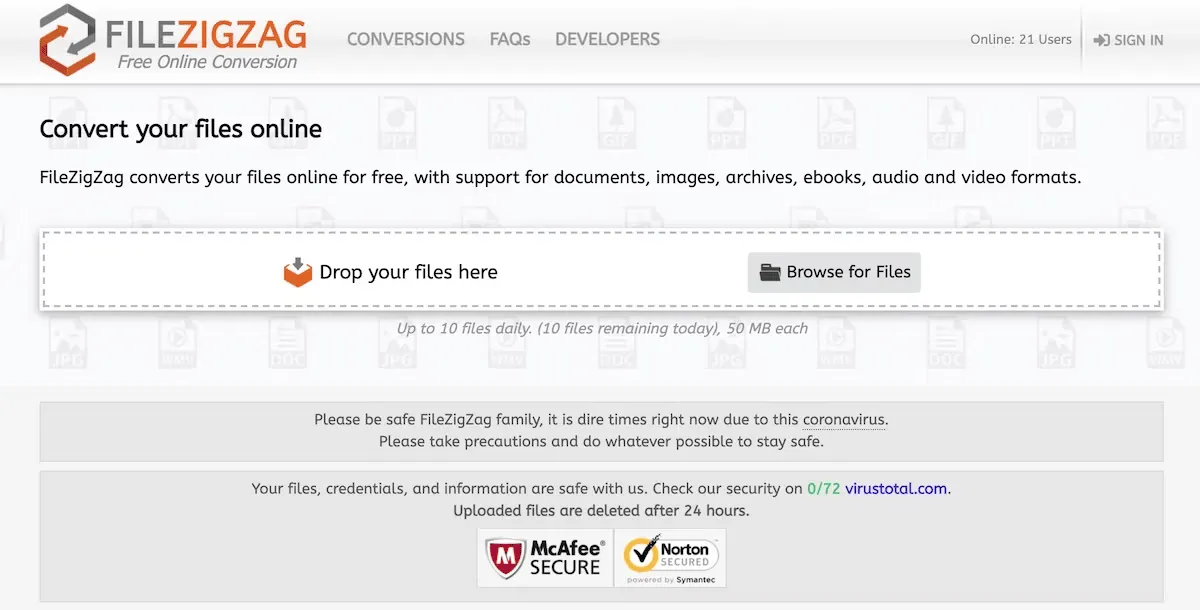
FileZigZag is a free email-based online file converter, similar to Zamzar. It also supports document, audio, image, video and archive file formats.
Simply upload your file, select the output format, enter your email address and click on “Convert”. When you receive the email, follow the link to get your converted file. After converting the file, FileZigZag offers some options to consider before you go to your inbox.
You can delete the file from their server (which is stored for three days), upload the converted file to your cloud archive or convert the source file or the converted file to a different type. Again, if you like having an email with a link to your file, FileZigZag is a good free service.
FreeFileConvert
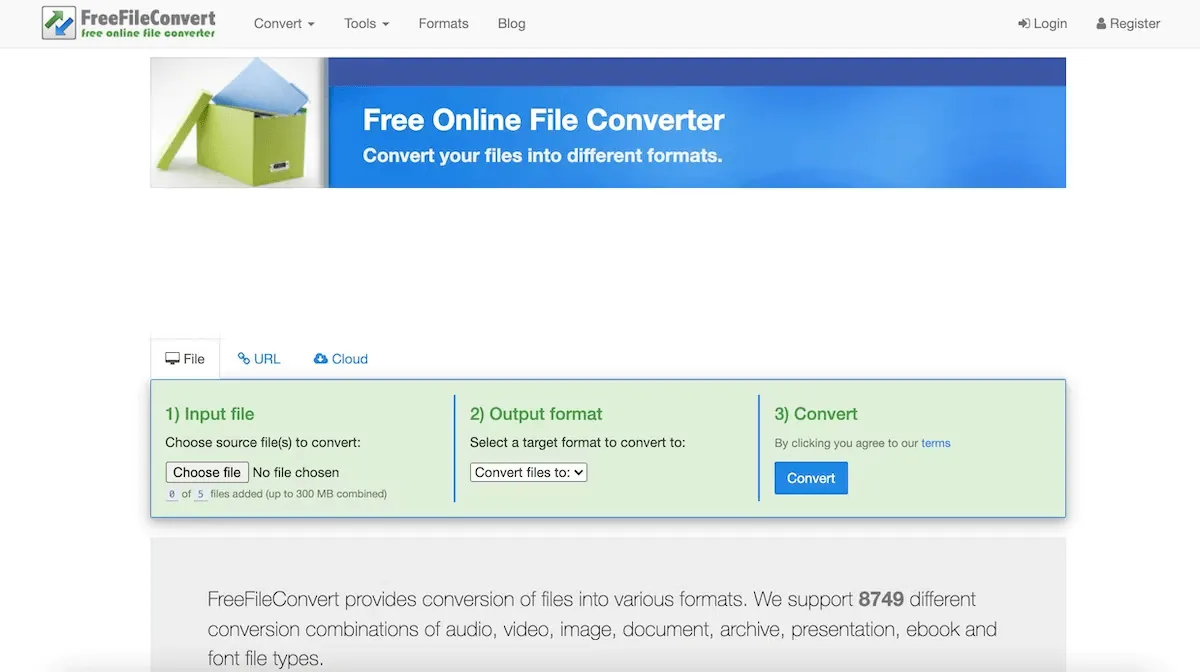
FreeFileConvert supports an amazing combination of 8,700 conversions. So, if you have an unusual one, this is the site to visit. You can add up to five files to be converted simultaneously, but note that they must be of the same type of file.
Once you upload your file, the output format box will automatically fit with the suggested formats. Click on “Convert” when you are ready, and then get your file with a click on “Download”.
With FreeFileConvert, you can convert file formats archive, document, ebook, audio, image, presentation, vector, CAD and font. And by clicking on one of these supported types on the homepage, you can quickly review all available file formats.
File-Converter-Online. Community
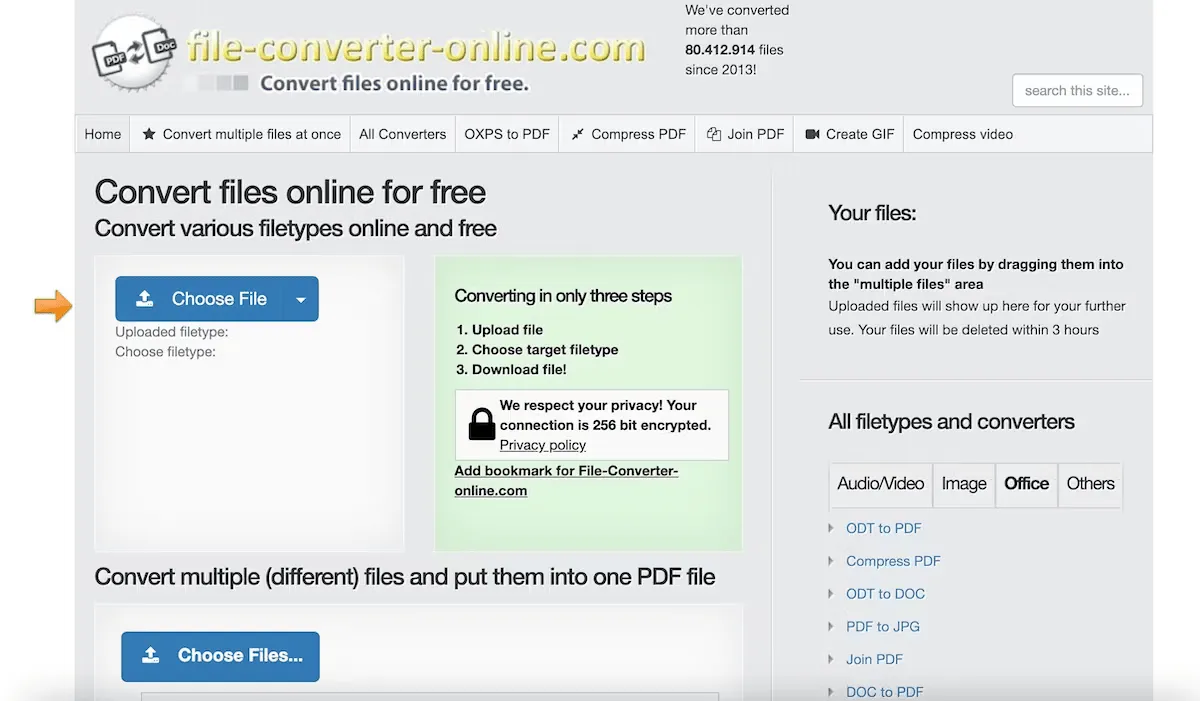
It has never been so easy to convert an online file for free as with File-Converter-Online.com. Click on “Choose File” to upload your file, select the type of file you want to convert to and click on “Start Conversion”. Then, get the converted file from the download location.
File-Converter-Online.com offers conversions for audio, video, images and documents. There is also a category “Other” if you need to convert an ebook file like EPUB or MOBI, or you can watch other types of less common files. You can see all these types of conversions along the right side of the homepage under “All types of files and converters”.
Be sure to take a look at the additional tools of the site to compress a PDF or video, create a GIF and join PDFs.


