

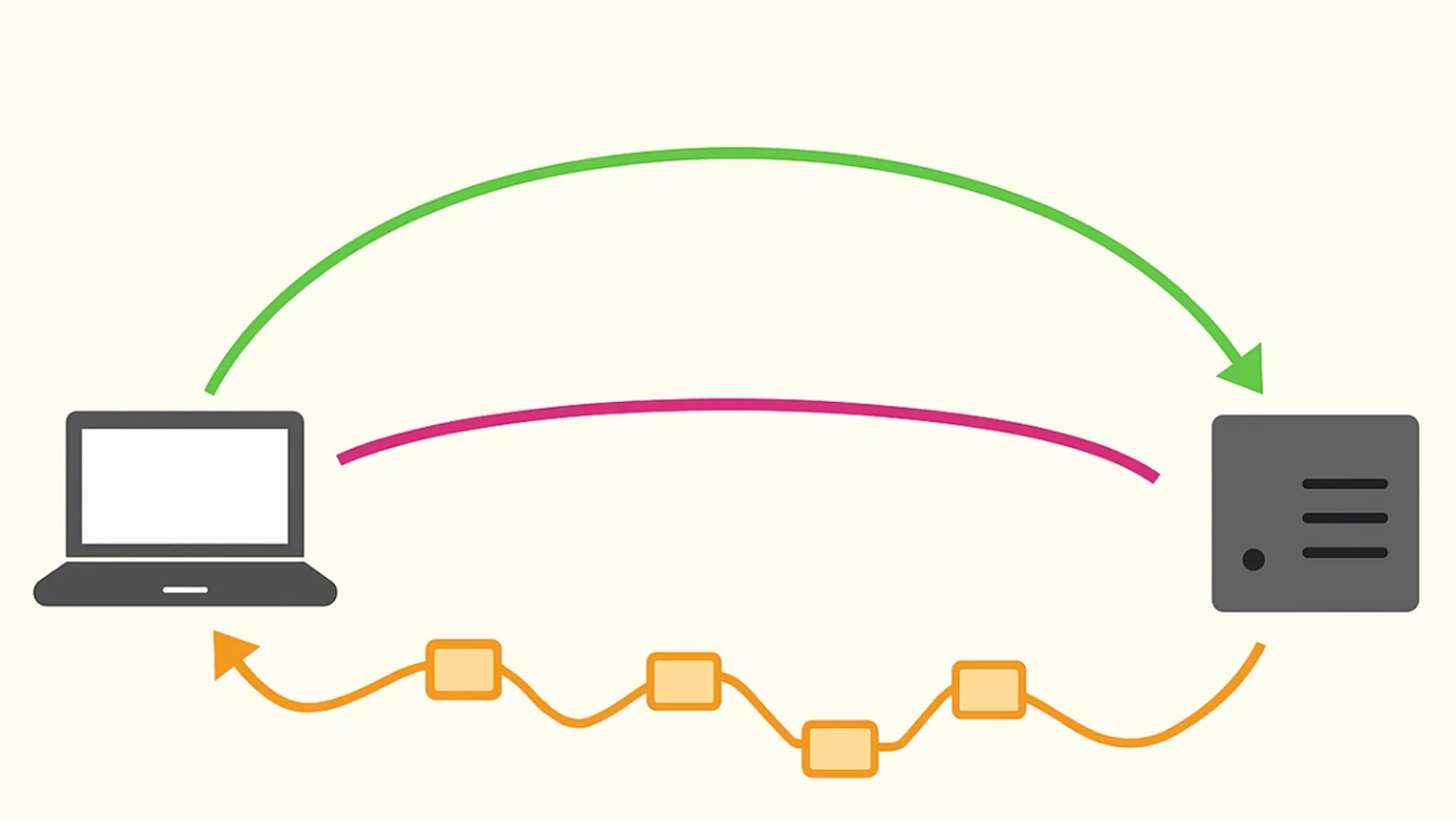
In the online gaming scene, the reactivity of the controls is a fundamental parameter to ensure a smooth experience. This reactivity largely depends on network latency, commonly called “ping”. Understanding how to measure and optimize this value is essential for anyone participating in competitive or multiplayer gaming sessions.
What is Ping and How Works
The ping represents the time used by a data package to travel from the user's device to the game server and return. Measured in milliseconds (ms), it is a direct indicator of the connection quality.
- Latenza Bassa (e.g. 10-30 ms): It allows almost instant communication with the server, ideal for high-acting titles.
- Latenza Alta (e.g. 100+ ms): It generates obvious delays between player input and screen action, seriously compromising competitiveness.
Rapid Measurement Methods
Regular testing allows you to assess the stability of the connection before starting a match. There are three main approaches:
- Integrated Video Games: Most modern multiplayer titles include internal diagnostic functions. This method is highly accurate since it detects the exact latency between the user and the specific game server used at that time.
- Specialized Web Platforms: For a quick and focused analysis of the data centers of the main videoludic titles, it is extremely useful to use dedicated portals as GameServerPing. This site allows you to test latency to servers of numerous popular games directly from the browser, offering an immediate overview of regional performance before starting the game client.
- Prompt of Commands (Terminal): For an independent verification from the game software, you can use the “ping” system command followed by the server’s IP address. While providing a more generic estimate, it is useful for a rapid analysis of the network state.
Determinants for Connection Quality
The ping value is not static but is influenced by different infrastructure and environmental variables:
- Geographical distance: The physical distance between the local device and the host server is the primary factor. Selecting regional servers close to your geographical area drastically reduces data transit times.
- Connection type (Cablata vs. Wi-Fi): Wireless networks are subject to interference, physical obstacles and signal fluctuations. A wired Ethernet connection offers a direct and stable transmission channel, reducing latency peaks.
- Network congestion and hours: Using the local-level band (simultaneous downloads or streaming on the same router) or at the provider level (in the evening peak hours) can cause temporary rise in response times.
Advanced Diagnostic and Troubleshooting
For a thorough analysis, more experienced users monitor additional parameters as well as simple ping:
- Packet Loss (Package Loss): Indicates the percentage of data that does not reach the destination.
- Jitter: Measure the variance of latency over time; a high jitter indicates an unstable connection even in the presence of a low average ping.
Note: If you encounter abnormal values, the basic troubleshooting procedures include rebooting network devices (router/modem), breaking background processes that consume bandwidth and limiting the number of devices connected simultaneously to the local network.


