

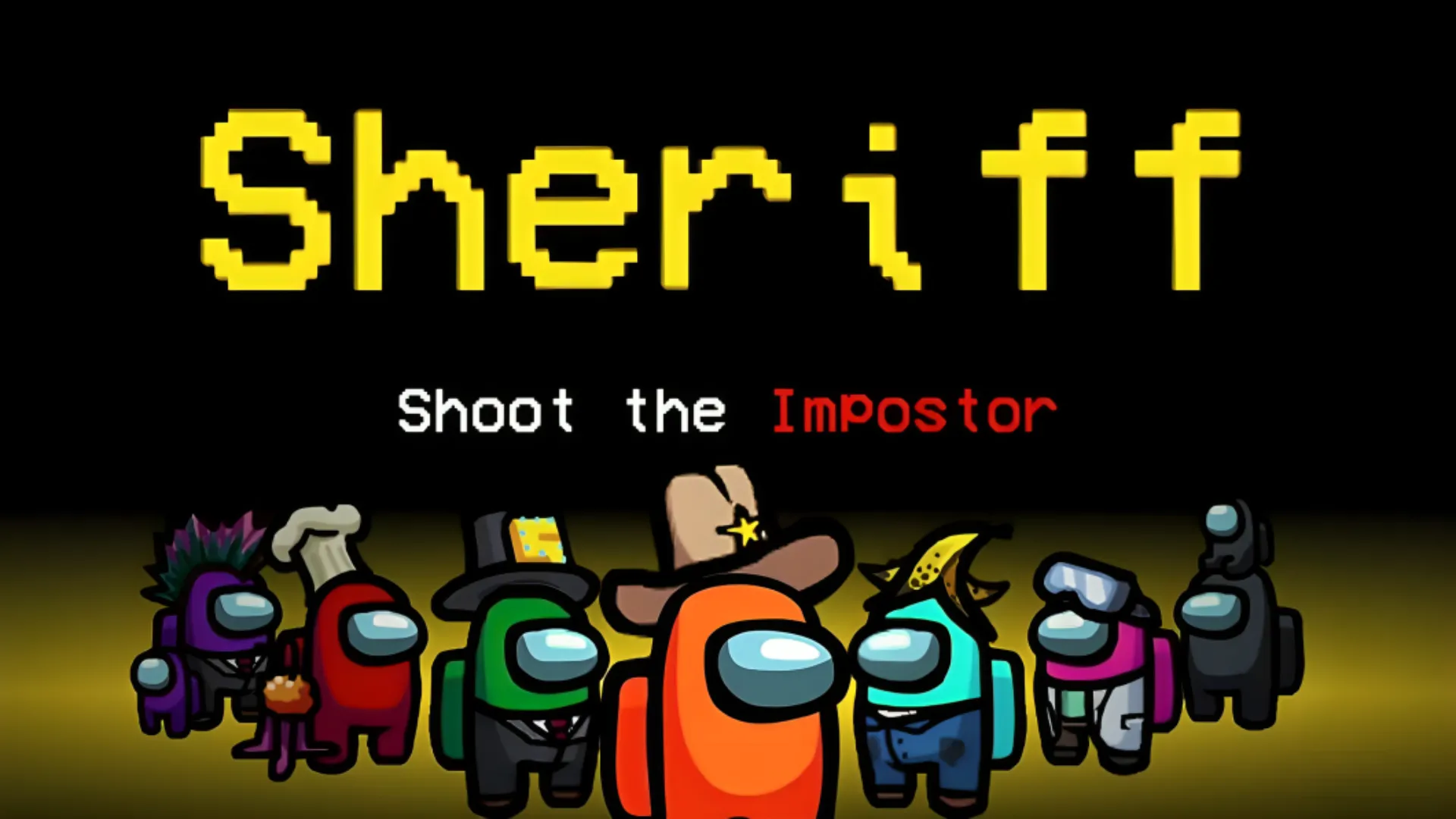
Changes (mod) for Among Us can significantly enrich the game experience by introducing new roles, modes or custom graphic elements. It is important to note that the use of mod is not allowed on the official servers of Among Us. However, you can have fun with the mods playing on dedicated public servers, in private matches or on personal servers.
This guide provides general indications about the installation process of mod. We strongly recommend that you always follow the specific instructions provided with each single mod, as procedures may vary. Here. there is a link to find some mods.
Installing Mods for Among Us
The general procedure for installing most mods follows the following steps:
- Download Mod Compatible: Make sure you download the mod version that matches exactly the installed version of your Among Us game. The incompatibility between the versions will prevent the correct functioning or the start of the modified game.
- Create a Game Directory Copy: Locate the main folder where Among Us is installed (for example, for Steam users, it may be
C:/Programmi (x86)/Steam/steamapps/common/Among Us). Create a full copy of this folder and rename it to your liking (e.g.Among Us Moddato Ruoli). This step is crucial to keeping intact the original installation of the game. - Extract Mod Files: Open the downloaded mod file (usually a compressed archive as
.zipor.rar). Extract all the contents of the archive inside of the copied folder you created in the previous step. You may need to overwrite some existing files – confirms the operation. - Start the Game Moded: Open the copied mod folder (e.g.
Among Us Moddato Ruoli) and start the game by running the fileAmong Us.exethat you find inside that specific folder.
Installation Verification Output
To confirm that the mod has been installed correctly:
- Start the game through the executable (
Among Us.exe) present in the folder of the mod. - Once in the main menu, check the top left corner of the screen. Under the game's version number, information or message should appear indicating the mod.
- If you do not view this information or experience problems in startup, you may need to install or update Visual Studio C++ libraries. Search “Visual Studio C++ Redistributable” on Microsoft’s official website and install the appropriate version.
Skin and Texture mode
Mods that alter the appearance of skins, textures or other graphic elements of the game often use files with extension .emip. It is important to know that, unlike other types of mods, graphic mods require that all participants to the same game they have installed the same mod to be able to correctly view the changes made. Tools like UABE (Unity Asset Bundle Extractor) are commonly used to apply these files .emip to the game files.
Addons and Mod Complexes
Some mods, in particular those that introduce very elaborate game mechanics, complex roles or completely new modes, may require execution on dedicated or customized servers (such as those offered by specific platforms or created with appropriate tools). In these scenarios, it is essential to consult and follow the instructions provided by the server host or the mod developers.
Common Tools in Among Us Modding
In Among Us's modding panorama, you may encounter different tools and useful frameworks:
- BepInEx: A very popular framework, essential for many mods developed for Unity games. BepInEx facilitates the loading and management of mods and is often included directly in the mod packages that require it.
- Texture Editing Tools: As mentioned, UBE is a known tool for working with files
.emipand manipulate the graphical assets of the game. - Custom Server Tools: Programmes Impostor allow you to create and manage custom game servers, which are fundamental to host mods that deeply alter the rules or require a dedicated server infrastructure.
Always remember to proceed with caution when you download files from external sources and entrust yourself to recognized modding communities. Have fun with the hacks on Among Us!


