

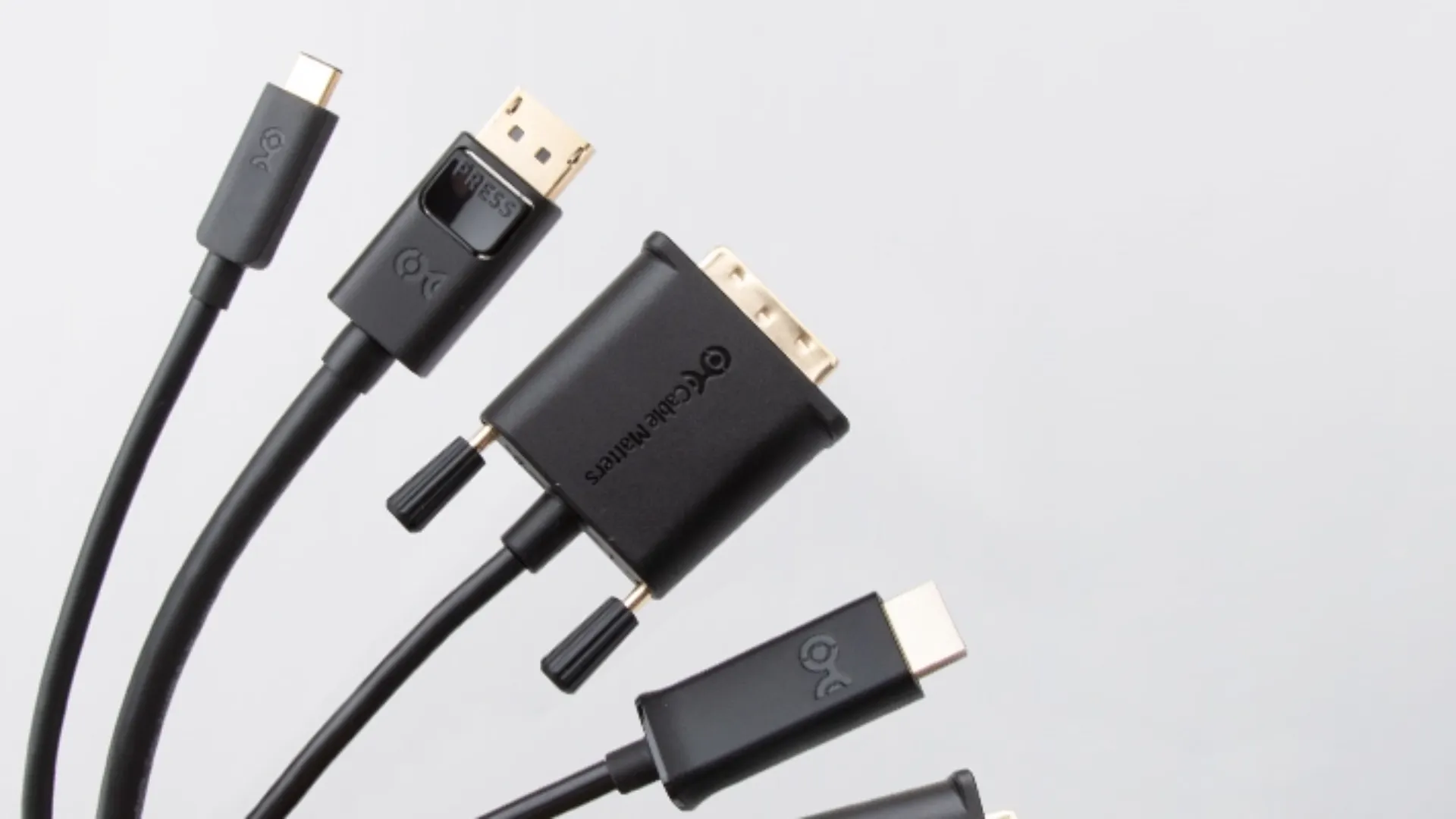
In today’s digital age, visual quality is essential for both gamers looking for the perfect pixel, and content creators looking for crystalline details. Choosing the right connection for your display can make a difference in the visual experience. With numerous interfaces available such as HDMI, DisplayPort, DVI, VGA and USB-C, deciding which one is best can be a challenge.
To make an informed choice, it is essential to understand the specifications, pros and cons of each interface, and how they align with your specific needs. This article will explore in detail the different connection options to help you make the most suitable decision and enjoy a smooth and engaging visual experience.
Types of Video Interfaces Available on the Market
We examine the five most common display interfaces, with a quick overview of their main features:
| Door / Interface Type | Last Version | Type of Signal | Maximum resolution | Connector Lockable |
| VGA | – | Analog | 1920 x 1080 @ 60Hz | Yes |
| D | DVI-D Dual Link | Analog / Digital | 2560 x 1600 @ 60Hz | Yes |
| HDMI | 2.1b | Digital | 7680×4320 (8K) @ 60Hz | No. |
| Display | 2.1 | Digital | 7680×4320 (8K) @ 60Hz | No. |
| USB-C | Thunderbolt 4 | Digital | 7680×4320 (8K) @ 60Hz | No. |
VGA
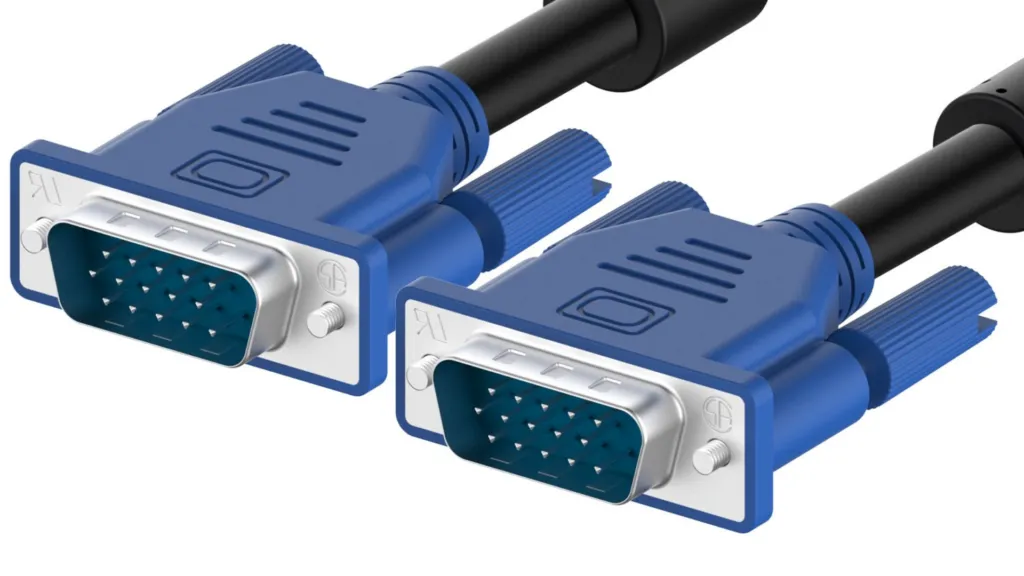
The connector VGA (Video Graphics Array), introduced by IBM in 1987, is a dated interface.1 Designed for CRT monitors of the 1990s, it operates exclusively through analog signals. This significantly limits the ability to produce high quality images and high frame rate on modern LCD or LED displays.
The analogous nature of the VGA entails a signal degradation to increase resolution and cable length.2 The maximum supported resolution is 1920 x 1080, but with significant compromises in image quality. Although it is still present in some projectors, the VGA is recommended only when no more modern alternatives are available.
D
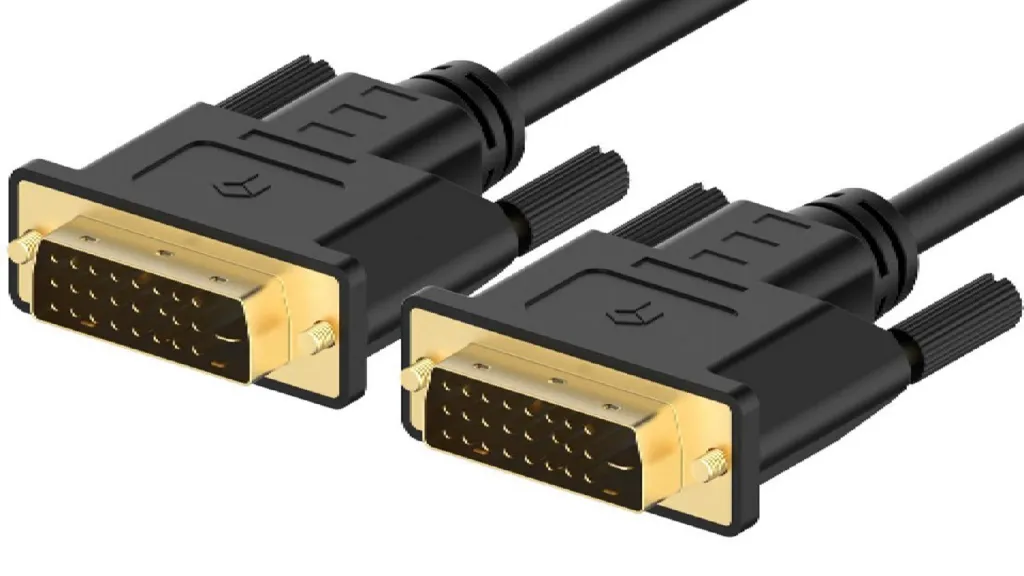
The interface DVI (Digital Video Interface), released in the late 1990s, was one step ahead of the VGA. Similarly to VGA, it only transmits video and non-audio signals. There are three variants: DVI-A (analogue), DVI-D (digital) and DVI-I (which supports both).
DVI-A, based on analog signals, has become obsolete. Versions DVI-D and DVI-I are available in configurations single-link and dual-link.3 Dual-link connections, with multiple pins, offer greater bandwidth, supporting higher resolutions such as 2560 x 1600 at 60Hz and 1080p at 144Hz. Despite its capabilities, for higher resolutions, DisplayPort and HDMI are generally preferable.
HDMI
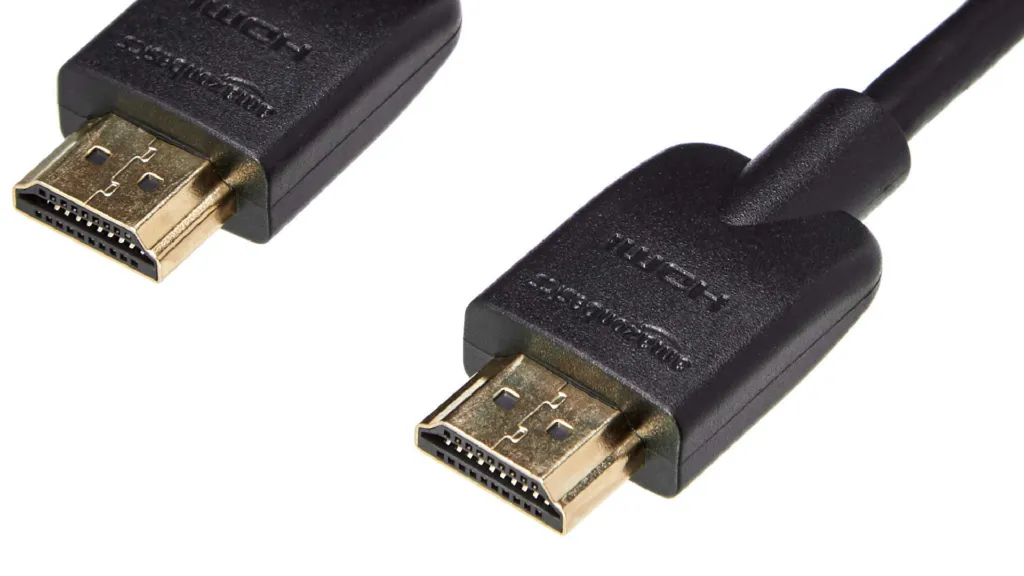
TheHDMI (High-Definition Multimedia Interface) emerged in 2003 as a universal standard, capable of managing both video and audio signals. Its wide adoption makes it the main choice for TV, monitors, projectors and game consoles.
The different versions of HDMI offer increasing capacity: version 1.4, widely diffused, has a bandwidth of 10.2 Gbit/sec, while the HDMI 2.0 arrives at 18 Gbit/sec, supporting 4K to 60 fps. The most recent HDMI 2.1b further elevates the level, allowing content playback 8K at 60Hz. There are also smaller versions such as Mini HDMI and Micro HDMI for compact devices, and compatibility is extended thanks to cables such as USB-C to HDMI.
USB-C
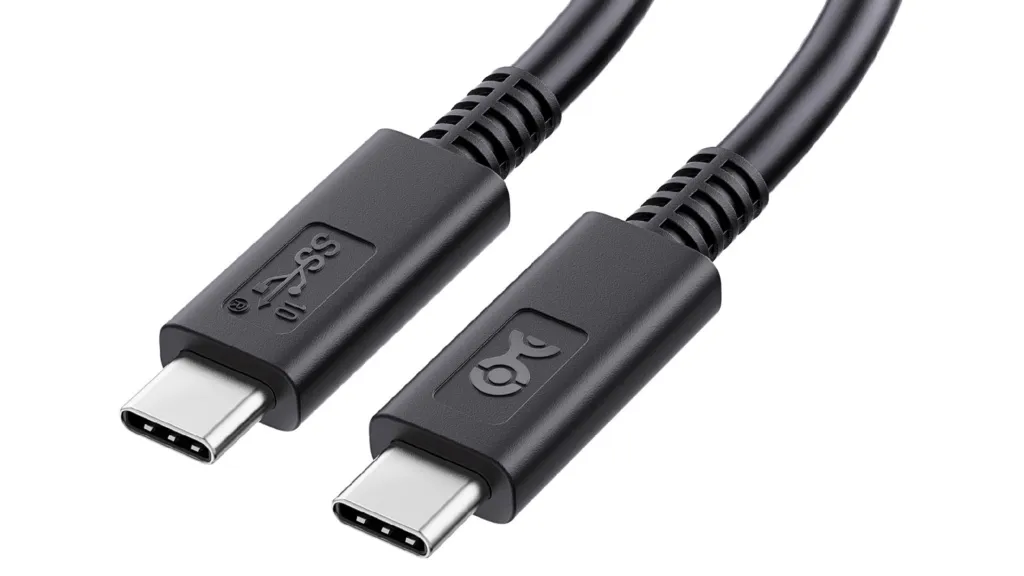
TheUSB-C is an extremely versatile interface, designed to be a “jack of all crafts”. In addition to video and audio, it is able to transfer data and power devices. Originally introduced by Apple, its multifunctionality has made it ubiquitous in laptops, tablets, smartphones and modern computers.
USB-C connectors are reversible, making the connection simple. The most advanced versions, such as those that integrate technology Thunderbolt 4 or USB4, can offer data transfer speed up to 40 Gbps and support resolutions 8K at 60Hz or 4K to 120Hz, also providing up to 100W of power. The potential disadvantage for gamers is its incompatibility with AdaptiveSync technology, which can lead to screen tearing problems despite high refresh rate.
| USB-C interface | Date of Release | Maximum Data Transfer Speed | PIN | Resolutions and Refresh Rate Supported |
| USB 4 | March 2019 | 40 Gbps | 24 | 8K to 60 Hz, 4K to 120 Hz, 1440p to 144 Hz, 1080p to 240 Hz |
| Thunderbolt 2 | February 2011 | 20 Gb | 20 | 4K to 60 Hz, 2K to 120 Hz, 1080p to 240 Hz |
| Thunderbolt 3 | June 2015 | 40 Gbps | 20 | 8K to 60 Hz, 5K to 120 Hz, 4K to 144 Hz, 1080p to 240 Hz |
| Thunderbolt 4 | March 2020 | 40 Gbps | 20 | 8K to 60 Hz, 5K to 120 Hz, 4K to 144 Hz, 1080p to 360 Hz |
Display
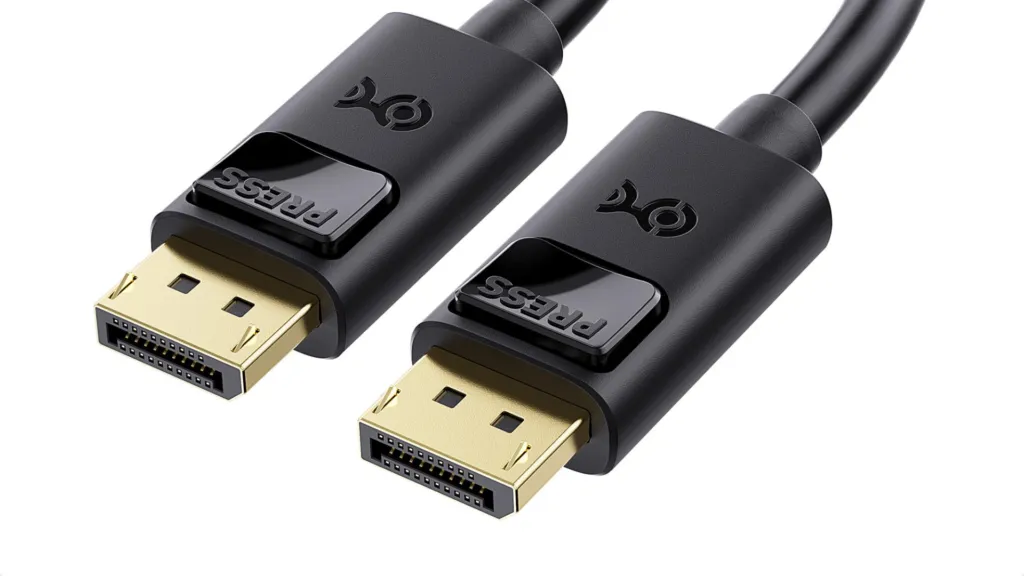
Display is a standard interface renowned for its superior video and audio quality. Currently, it is the only interface that supports the maximum video resolution of 8K with high color depth. These features make it the preferred choice for gaming monitors and high-end graphics cards.
Available in different versions (1.2, 1.3, 1.4, up to the latest 2.1), DisplayPort, unlike VGA and DVI, also transmits audio signals.4 Version 1.2 offers a bandwidth of 17.2 Gbits/sec, supporting 3840×2160 to 60 Hz, while Display port 1.4 reaches 25.92 Gbits/sec, allowing 8K at 60Hz or 4K at 144Hz. The DisplayPort 2.1 is the current summit, with a bandwidth 80 Gbps, support 8K at 165Hz or even 15360×8640 (16K) at 60Hz.5 A significant advantage is the function Multi-Stream Transport (MST), which allows you to connect multiple monitors to one door.6
| DisplayPort version | Supported speed | Supported resolution |
| DisplayPort 1.0 | 2.7 Gbps | 2560 x 1600 to 60 Hz |
| DisplayPort 1.2 | 5.4 Gbps | 3840 x 2160 to 60 Hz |
| Display port 1.4 | 8.1 Gbps | 7680 x 4320 to 60 Hz |
| DisplayPort 2.0 | 20 Gb | 7680 x 4320 to 144 Hz or 10240 x 4320 to 60 Hz |
| DisplayPort 2.1 | 80 Gbps | 7680 x 4320 to 165 Hz or 15360 x 8640 to 60 Hz |
Choose the most suitable Connection Method
The choice of the ideal connection interface depends exclusively on your specific needs. Since VGA and DVI are largely obsolete for new configurations, we will focus on HDMI, DisplayPort and USB-C.
- For Home Theater and Daily Use (HDMI): If you use devices such as TV or Blu-Ray players, theHDMI is the most versatile and widely compatible solution. It transmits both audio and video, and is present in most multimedia devices. The latest versions of HDMI offer support for 4K to 60fps and even 8K, more than enough for home needs. Cables USB-C to HDMI offer flexibility for the latest devices.
- For Professional Gaming and High-end Graphics Cards (DisplayPort): The most demanding gamers, looking for maximum resolution, higher frame rate and support for technologies such as G-Sync or FreeSync, should opt for Display. Most high-end graphics cards and professional gaming monitors are equipped with DisplayPort ports. It is also the best choice for multi-monitor configurations thanks to the Multi-Stream Transport feature.
- For Maximum Versatility and Multi-function Connectivity (USB-C): If your priority is an interface that can manage video, audio, data and power with a single cable, theUSB-C is the right choice. It is incredibly comfortable thanks to its reversible connectivity. Although Thunderbolt 4 versions offer excellent performance for high-resolution video, the lack of support for Adaptive Sync could make it less ideal for competitive gaming.
Here is a summary of the best use situations for each interface:
| Door / Interface Type | Best Use scenarios |
| VGA | Office work, conference rooms, more dated monitor link |
| HDMI | Gaming casual, TV, home theater, connection of other video devices |
| D | Random Gaming, more dated monitor connection |
| USB-C (Thunderbolt 4) | High-end gaming (with Adaptive Sync considerations), connecting multiple devices to a single port, maximum versatility (video, audio, data, power) |
| DisplayPort (2.1) | Professional gaming, TV, home theater (with advanced features), communication with a wide range of video devices, multi-monitor configurations |


