

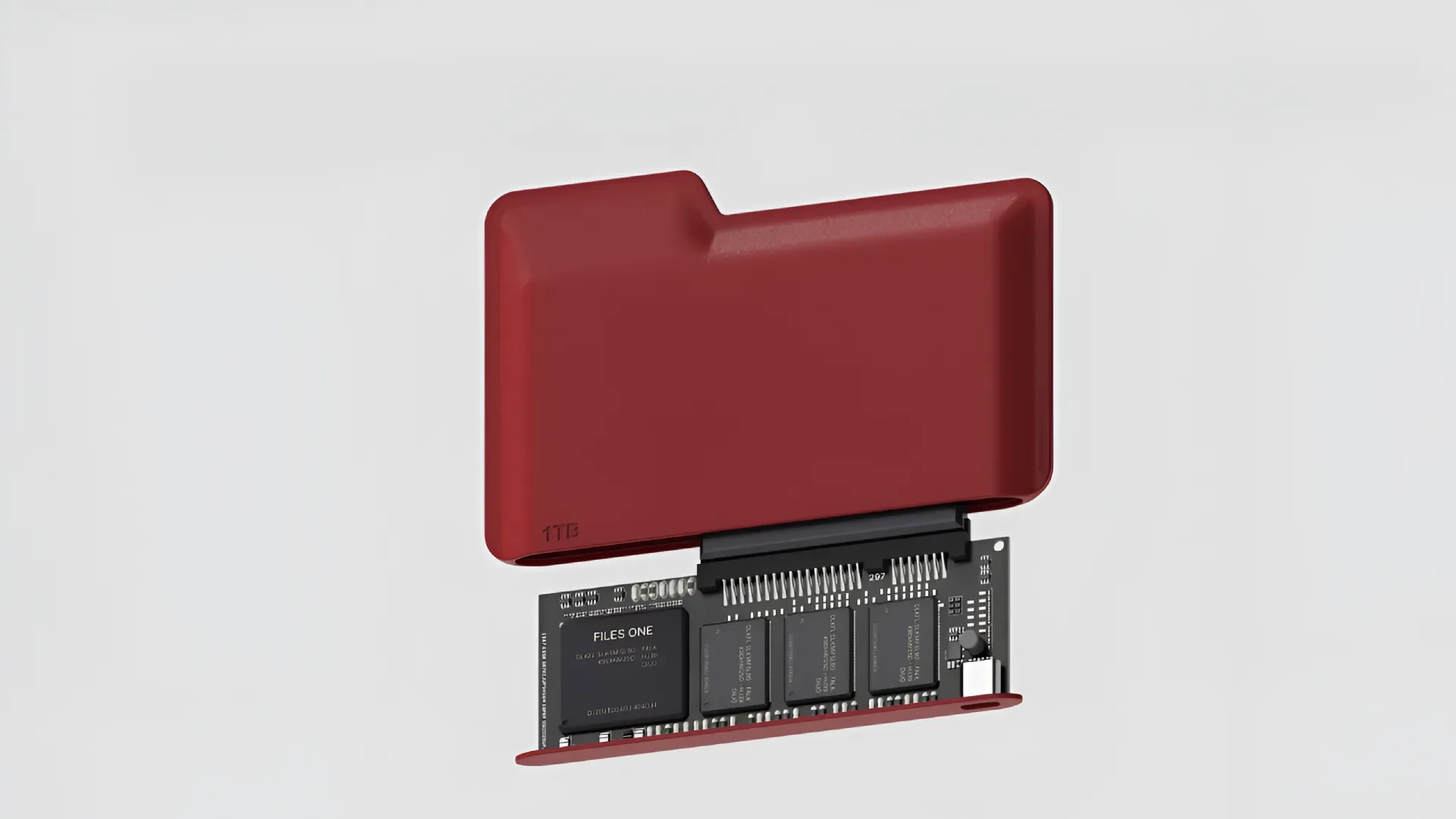
A file system is the structure used by an operating system to organize and manage files on a storage device, such as hard disk, SSD or USB drive. Each file system defines how data is stored, accessible and managed, affecting performance, security and compatibility with different operating systems.
FAT (File Allocation Table), FAT16, FAT32

The FAT file system is one of the oldest and easiest, developed initially for MS-DOS. With time, it evolved into FAT16 and FAT32, still becoming a common choice for removable units. However, its simplicity is limited to modern file systems.
Advantages:
- Extended compatibility with Windows, macOS and Linux without additional software.
- Ease of data recovery, thanks to the simple structure.
- Suitable for devices with limited resources.
Disadvantages
- Lack of advanced features, as authorizations, journaling and encryption.
- Limitations in file and folder names (FAT16: 8+3 characters; FAT32: max 11 characters for volumes).
- Fragmentation problems, which require frequent defragmentation operations.
exFAT (Extended File Allocation Table)

Introduced by Microsoft in 2006, exFAT represents an improvement compared to FAT32, allowing large file management and improving efficiency in disk space usage.
Advantages:
- Support for large files and partitions, ideal for HD video and disk images.
- Compatible with Windows and macOS without additional software.
- Improved disk space management compared to FAT predecessors.
Disadvantages
- No advanced features, as journaling and security permits.
- Susceptibility to fragmentation with prolonged use.
NTFS (New Technology File System)

NTFS is the default file system for Windows NT-based systems since 1993. It offers advanced features and supports large files and partitions.
Advantages:
- Advanced Security Management, with detailed permissions at file level and folders.
- Support for compression and native encryption.
- SSD Optimization with the active TRIM command by default.
Disadvantages
- Limited compatibility with other operating systems, requiring additional software for macOS and Linux.
- Possibility of fragmentation in time.
APFS (Apple File System)

Developed by Apple and introduced with macOS 10.13 in 2017, APFS is optimized for SSD and offers high performance and security.
Advantages:
- Improved performance, with techniques such as copy-on-write and advanced metadata management.
- Advanced security, thanks to checksum for data and native encryption.
- Optimized for SSD, improving speed and duration of the device.
Disadvantages
- Limited support for traditional HDD discs.
- Compatibility with Windows absent without third party software.
HFS and HFS+ (Hierarchical File System)

Used in Apple systems before the introduction of APFS, HFS and HFS+ are now obsolete, but remain compatible with old versions of macOS.
Advantages:
- Simple use and support for metadata.
Disadvantages
- Limitations in file and partition size.
- Compatibility issues with other operating systems and data loss in transfer between different file systems.
Ext4 (Fourth Extended File System)

Ext4 is the default file system for many Linux distributions. Ext3, offers significant performance and reliability improvements.
Advantages:
- Journaling for increased security and quick data recovery in case of crash.
- Support for large files and partitions.
- Improved fragmentation management compared to predecessors.
Disadvantages
- Scalability limitations for extremely large storage systems.
- Limited compatibility with Windows and macOS, requiring third-party software.
Which to choose
The choice of the file system depends on the specific needs of the user. If you are looking for compatibility between multiple systems, exFAT is a good option. For advanced security and functionality on Windows, NTFS is the best choice, while APFS is ideal for Apple users. For Linux environments, Ext4 offers high reliability and performance. Understanding the differences between these file systems helps optimize performance and data management in different usage scenarios.


