

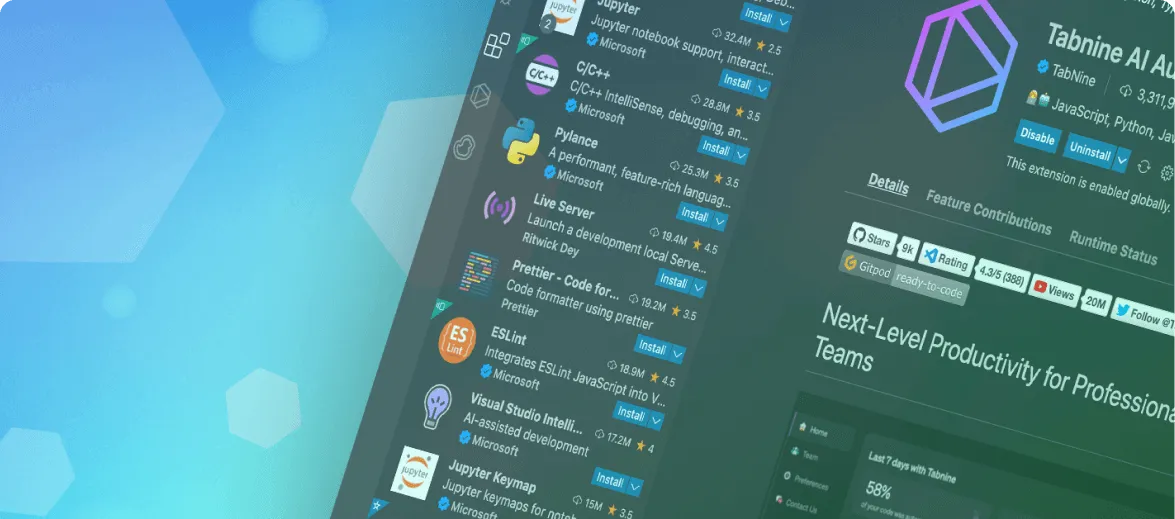
With more than 70% of VSCode programmers, it is by far the most popular development environment, from web development to data science.
And although VSCode has a solid range of basic features, I believe its hidden power lies in the ecosystem of downloadable and installable extensions from the marketplace.
Imagine all this as an app store for VSCode extensions!
From artificial intelligence-based encoding assistant to Git integration and code formatting, these VSCode extensions cover a wide range of useful features to improve your development experience.
GitHub Copilot

Main feature: Code suggestions powered by artificial intelligence.
If there is an extension of VSCode you have to try in 2023, it must be GitHub Copilot. It is an artificial intelligence-powered encoding assistant that provides online code tips while typing. It is easy to learn how to use Copilot, and I believe that more and more developers will integrate AI assistants like this in their workflow. The main benefit is to save time and increase productivity by providing automatic completion and code tips.
Tabnine
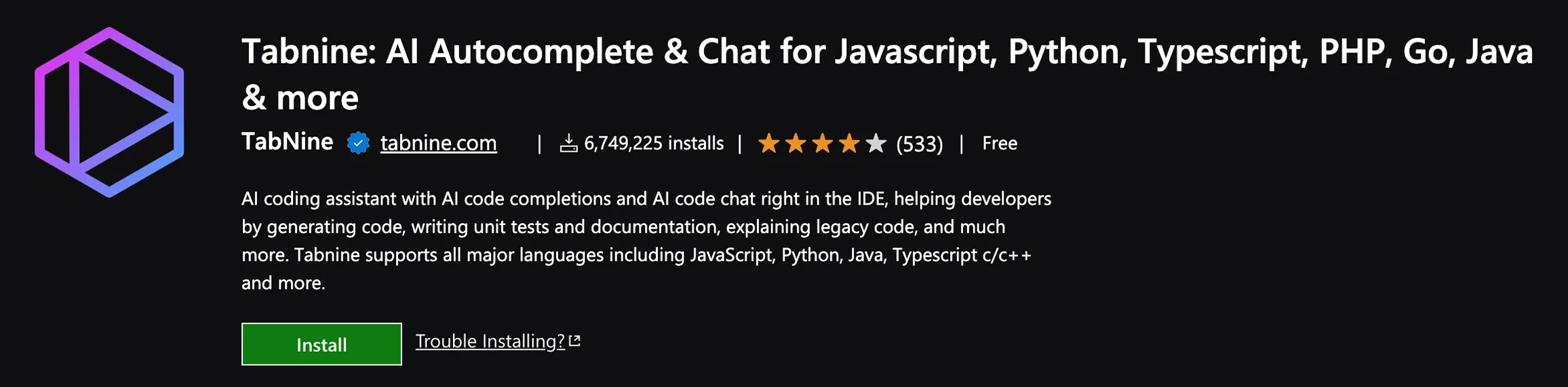
Main feature: Code suggestions powered by artificial intelligence.
Following our first choice, Tabnine is another AI coding assistant that is extremely useful to get smart code completion tips while typing. Like any good AI, learn from your code and can suggest completements based on the current context and coding models.
Chat
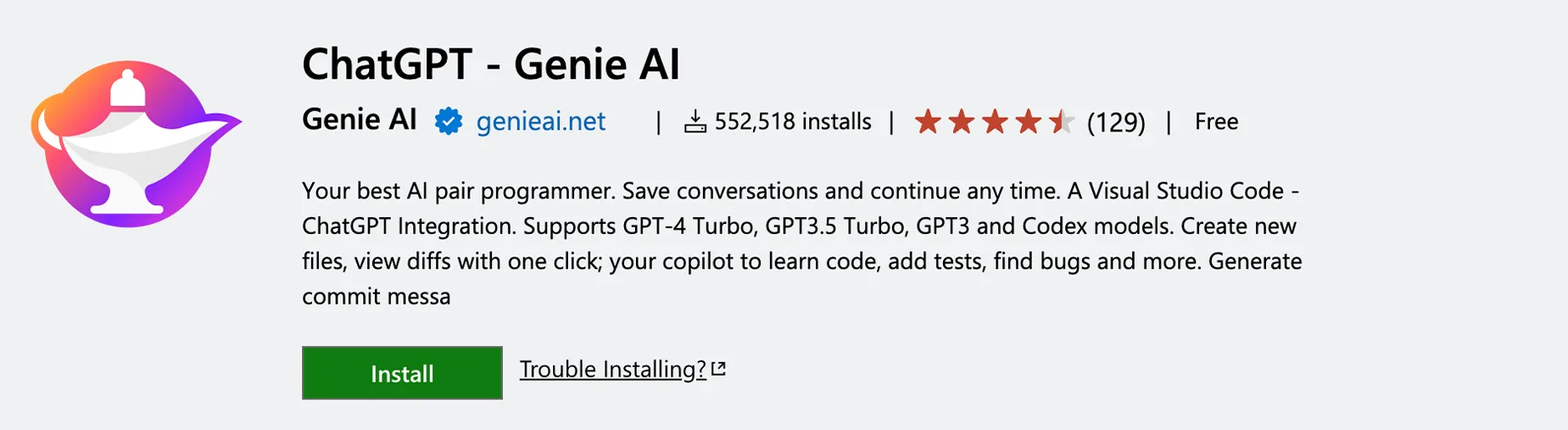
Main feature: Text-based AI tool to answer your encoding questions.
It is right to say that 2023 was the year of AI, so we had to include the ChatGPT extension at the top of our list! ChatGPT is an AI powered LLM that responds to requests in natural language. This includes getting help with coding, which is why ChatGPT has become one of the most popular AI tools among developers who want to work faster. By adding this extension to VSCode, you can integrate ChatGPT directly into your development environment, making it super fast to interact with ChatGPT without leaving the editor.
Live Server

Main feature: Launch a local server to view changes in real time.
If you are involved in any form of web development, this is definitely an extension you have to have! With this Visual Studio Code plugin, you can start a local development server to see changes to your code in real time in your browser. This is extremely useful if you want instant feedback on changes to your code. You can also add a second monitor and really appreciate the benefits of this extension while developing websites and web apps.
Docker.
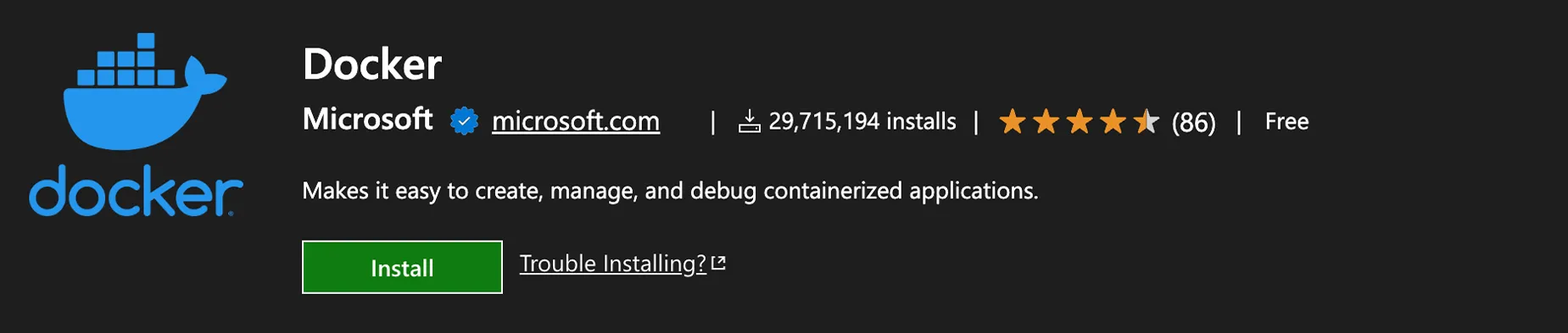
Main feature: manages Docker containers within VS Code.
If you spend time working with Docker containers, you absolutely need this Docker extension! The main advantage is that it is much easier to build, manage and distribute your containerized applications directly from your development environment. This is a recurring theme, but it is important to emphasize that every time you can stay in the same environment, you really save a lot of time during development. I also appreciate the debug feature with a click for the container Node.js, Python and .NET.
Excel Viewer

Main feature: Display Excel files in VS Code.
I think it's fair to say that we've probably spent some time working with Excel sheets. Although you're a fan of Python using the pandas library, you've probably found yourself working with Excel at different times. That’s why I think this VSCode extension is a great idea, as it allows you to view Excel files previews directly in your code editor. So, that you need to work with Excel or CSV sheets, this is a great solution to quickly view data without having to open another app.
Prettier

Main feature: automatic code formatting and style rules application.
If there’s one thing I really appreciate, it’s the formatted code beautifully! That's why I included Prettier. To sum up, it is a code formatter and a style rules applicator. This means that you automatically format your code according to a set of rules and conventions whenever you press Save. This is a huge time saving if you want to ensure a consistent and clean code formatting without doing it manually. It is also very useful for teams, since it ensures that everyone uses a style consistent with very little effort. Yes, there is no need to fight about spaces vs tabulations!
Git History

Main feature: Displays the Git history and compares file versions.
Whether you are a web developer, a data scientist, a game developer or any other type of programmer, it is very likely that you use Git commands every day! In fact, I would say that it is almost unthinkable in modern development not to use a version control form. However, if you are a Git user, you need this extension of VSCode in your daily life. Its main strength is that it allows you to view the Git log with an interactive view of the history of your Git repository directly within your code editor. I also like the clean interface to compare branches and commits.
Settings Sync

Main feature: synchronize VSCode settings on different devices.
If you've ever found yourself planning on a different machine, chances are high enough that you've found yourself using shortcuts, quick buttons and extensions that aren't available. You can even sync these settings to your GitHub account, making it really easy to access them on any device.
GitLens
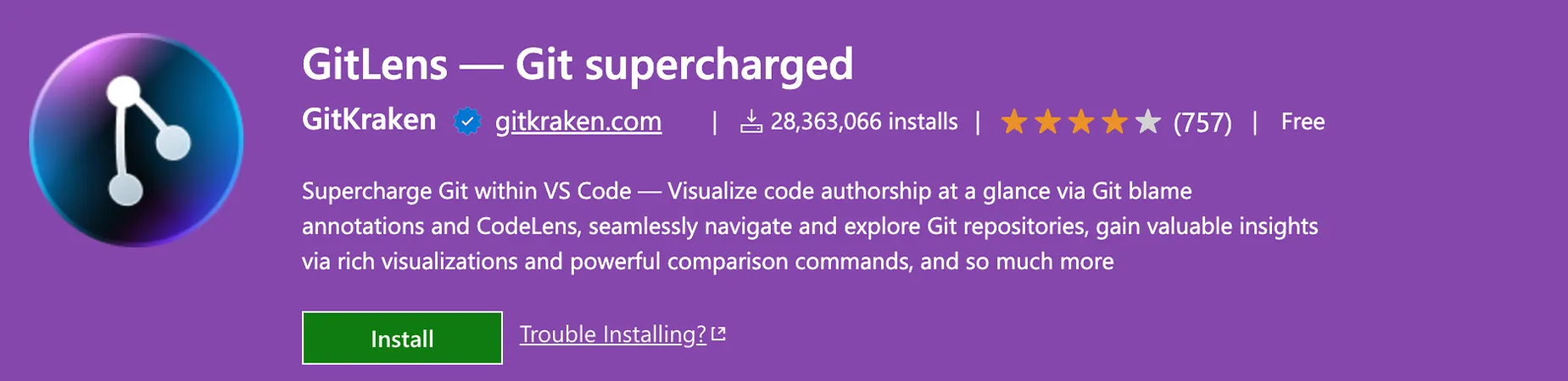
Main feature: Displays Online Git annotations, edit charts and more.
Going back to the version control with Git, this is another great extension to improve your Git workflow within VSCode. With GitLens, I can access online annotations, file annotations, commit charts and a visual file history directly in the editor. It is also useful to monitor code changes over time within your team, including the reason for such changes.
Remote – SSH
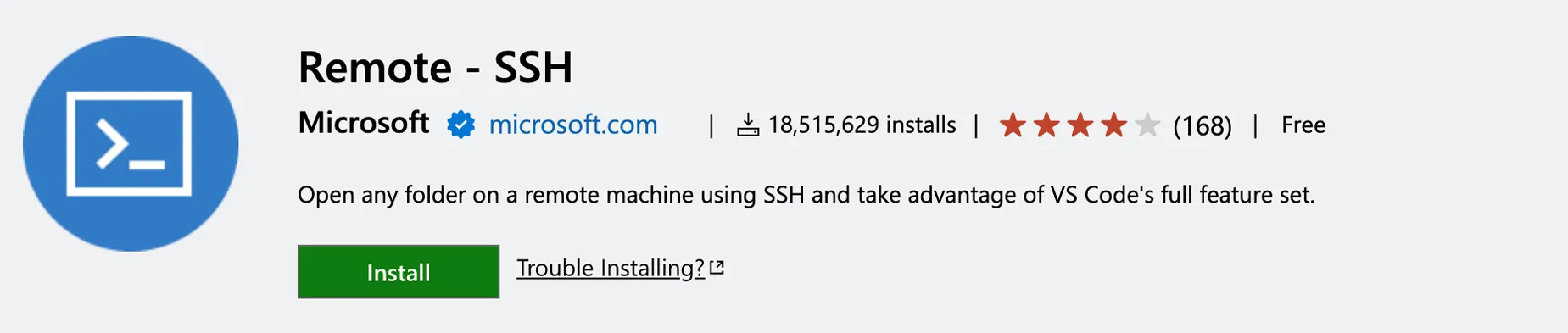
Main feature: Works with remote servers via SSH.
If you need to work with a remote machine, you probably use SSH. Yes, I can install this very useful extension of VSCode to connect to a remote server or a container via SSH within my editor. If you are following an AWS course or are starting to work in the cloud, make sure you get this extension.
Code Runner
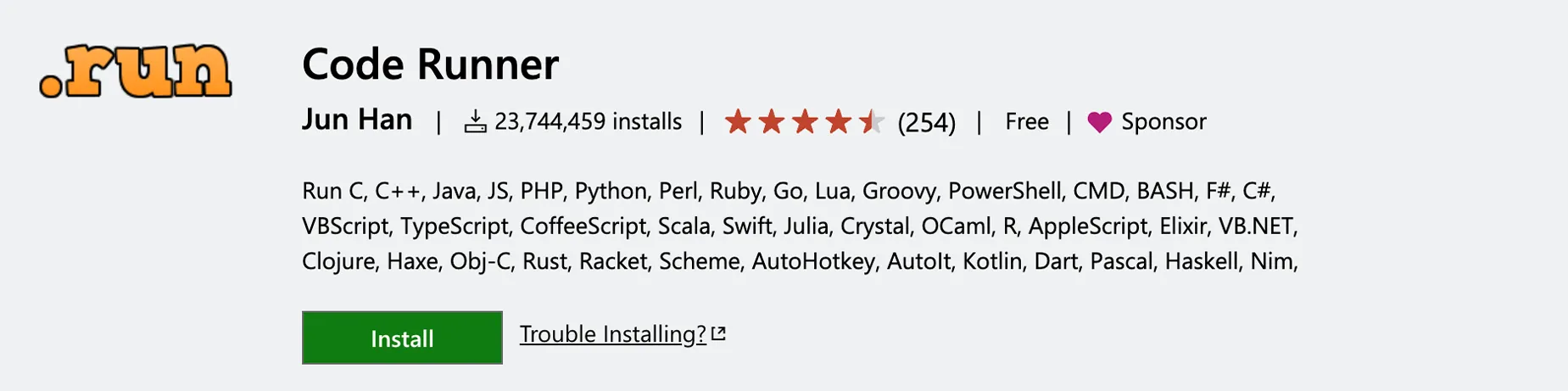
Main feature: Run code snippet.
If you've ever found yourself working on a large source code, it's very likely that you have encountered the scenario where you want to make a small change, but you don't want to run the entire source code to test it. Well, no problem, because this extension of VSCode allows you to perform code snippets in over 30 programming languages directly in the editor of VS Code.
Regex Previewer

Main feature: Preview regular expressions while typing them.
If there is a programming area that can be a puzzle for beginners, it must be that of regular expressions! Whether you're new to regex or a professional, you've probably found yourself consulting a reference sheet to check your code. But it is about increasing productivity. This is very useful, especially for beginners who may have difficulty seeing what their regex is doing. You can even use it to learn regex. No matter how experienced you are, this extension can be a huge time saving to confirm if your regex will work as expected.
TODO Highlights

Main feature: highlight TODO comments in your code.
Like most developers, I often find myself writing TODO comments in my code. I will also be the first to admit that sometimes I forget! Well, thanks to this extension of VSCode, I can make sure all my TODO comments get back. This is ideal for making them easily recognizable and accessible. Of course, I must remember doing the job, but I like how you help track tasks and comments in your code.
VSCode-icons
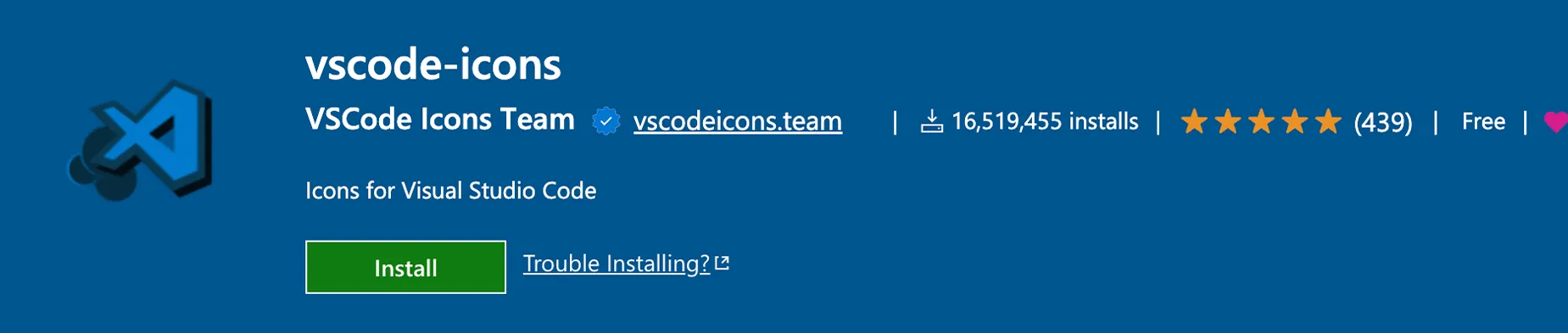
Main feature: Add icons and colors to your files and folders in VSCode.
This is a rather basic extension superficially; after all, it is just to add icons, right? Well, yes, it is. But if you have ever found yourself working on large projects with many folders and files, browsing can become quite tiring. Besides, all folders look the same! Here is where this extension comes into play, since you can add style and color to your folders and add icons to the files.
Peacock

Main feature: color coding for VS Code workspaces for different projects.
This is ideal for customizing the colors of your workspace. The colors provide a very nice visual suggestion to help me track which project I'm working on. Once again, it's super simple, you'll appreciate the ability to easily identify and move between projects through colored workspaces.
Polacode

Main feature: Create beautiful screens of your code.
Sometimes we have to make presentations of our code. And when the time comes, we may need to share code fragments within documentation or presentations. Here is where this VSCode extension comes into play, as Polacode allows you to create beautiful screens of your code with syntax highlighting. You just need to highlight the code you want to catch, and Polacode will do the rest.
Better

Main feature: Improve code comments with colors and formatting.
The comments in the code are one of the most common elements in any project, but they are probably the ones we devote less attention to. Designed to improve the readability of your comments in the code with colors and formatting. It also presents the option to categorize my comments in alerts, queries, todo, highlighting and more.
Code Spell Checker
Main feature: detects and corrects spelling errors in your code.
Check spelling errors in your comments, strings and Markdown files. I think it is always a sign of a real professional when their code is not only well designed, but it is also easy to read and without obvious or common spelling errors.
Turbo Console Log

Main feature: Enter JS console.log instructions with one click.
Being one of the most popular languages among developers, it makes sense to include some VSCode extensions for JavaScript. Perhaps one of the most common practices when writing JS is using the humble console.log instruction for test and debug ad hoc. Here is where this extension shines, as it allows you to quickly add console instructions. meaningful logs to your code with keyboard shortcuts.
Indent-rainbow
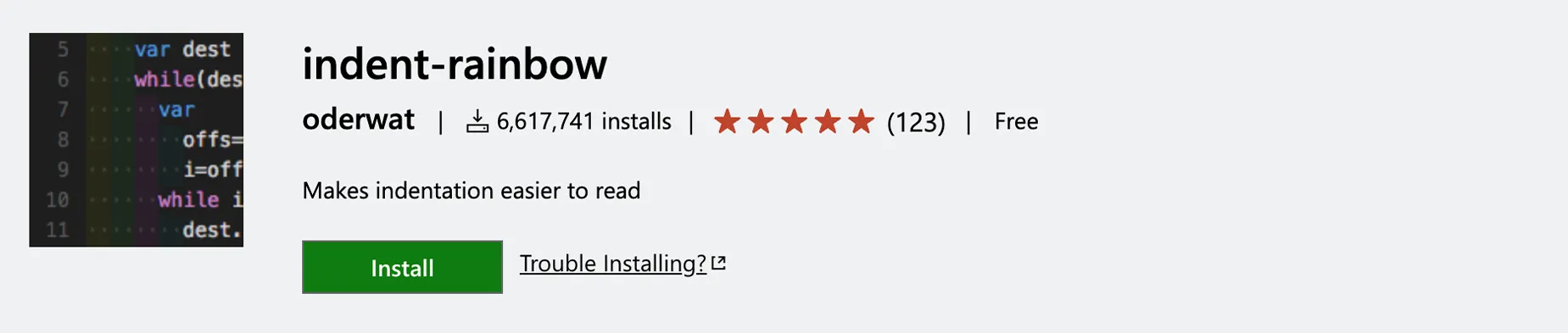
Main feature: color the return levels in your code.
If you regularly program in a language like Python that depends on the return, you probably found yourself trying to track the return levels on the screen. I know, I've been there. Even when I try to keep my flat code, sometimes it is impossible to avoid returning to my Python projects. Here is where this extension of VSCode comes into play, as it adds color to the various levels of return in your code. Trust me, use it and immediately appreciate how easy it is to read the indented code. I also appreciate the fact that it automatically uses the current tab size you set for your editor.
Bookmarks

Main feature: add and navigate quickly between bookmarks in your code.
Regardless of the browser or preferred choice, it is quite likely that you used bookmarks to save websites. Well, because we can't do the same with the code lines we want to check later. Add bookmarks to code lines in your files for super fast navigation. Particularly useful when working with a large code.
Auto Rename Tag

Main feature: Automatically rename HTML/XML tag pairs.
This is a very simple VSCode extension, but it is also very useful as it saves you that little extra time when you need to rename HTML or XML tags. Just rename the opening or closing tag, and the other will be automatically renamed to match.
JavaScript code Snippets
Main feature: collection of commonly used JavaScript code fragments.
If you are regularly planning in JavaScript, you probably found yourself using the same code fragments all the time with small changes. This is quite common in web development: after all, when something is good, why start over? Although you have just completed a JavaScript course, you will have noticed that many web development projects use similar code templates. It can be a huge saving of time when you need a quick boilerplate to start the ball.
ES7+ React/Redux/React-Native Snippets
Main feature: collection of React and Redux code fragments.
Whether you're a professional or you're following a course on React, you'll find yourself using the same logic and the same approaches multiple times. So, to help you save time, this VSCode extension, as it offers a collection of common code fragments to work with React and Redux. It even offers fragments of TypeScript if you chose to switch to JS strongly typified.
CSS Peek
Main feature: navigate/check CSS definitions in your code.
If you are a web developer, you probably spend a lot of time working both in HTML and CSS. You’d like to take a quick look at your CSS style sheets directly from your HTML files. It allows you to quickly switch from HTML code to CSS code and vice versa by clicking on a CSS selector in your HTML. This type of multitasking is super efficient, the more you will appreciate the benefits in saving time while building your HTML projects.
Color

Main feature: color the text and hexadecimal color codes in your code.
If you are a front-end developer, you probably spend a lot of time thinking and making color choices for the elements of your web page. But with this practical VSCode extension, you can see a quick color display directly in the editor, as it adds the color chosen to your code. Yes, that hexadecimal code will magically become colored in the actual color you are trying to use!
Markdown All in One
Main feature: integrated markdown support in VS Code.
If you are someone who has started using the markdown to create your documentation, you will really appreciate the added functionality that this VSCode extension offers! And yes, VSCode offers basic markdown support, but if you are an experienced user, you will appreciate the shortcuts, commands and automatic completion offered.
Icon Fonts

Main feature: Preview and insert icons in VS Code.
If you have ever searched for icons to include in your development projects, you will understand how boring it can be! It offers a collection of icons that you can directly incorporate into your projects. Use snippets to incorporate Glyphicons Bootstrap icons, Android icons and much more.
Debugger for Chrome
Main feature: Debug the JS code directly from VS Code in Chrome.
Ideal for JavaScript developers who want to debug within a Chrome browser directly in the VSCode code editor. If you have spent time creating JavaScript projects, you will be very familiar with the fact that you have to switch to your browser to test and debug. But with this extension, you can remove this additional step and do everything within the development environment.


