


Dwitch.net is positioned as a versatile and efficient solution for downloading video on demand (VOD) and clip from the Twitch platform. This service offers multiple interaction modes, ensuring the user the ability to save high definition content without the need for registration or service costs.
You can access the service directly at the following address: https://dwitch.net/
Service Overview
Dwitch is a web-based application designed to convert and download video streams from Twitch directly to your device. The system supports full VOD download and short clips, allowing the selection of video quality before the final rescue.
Note on video segmentation:
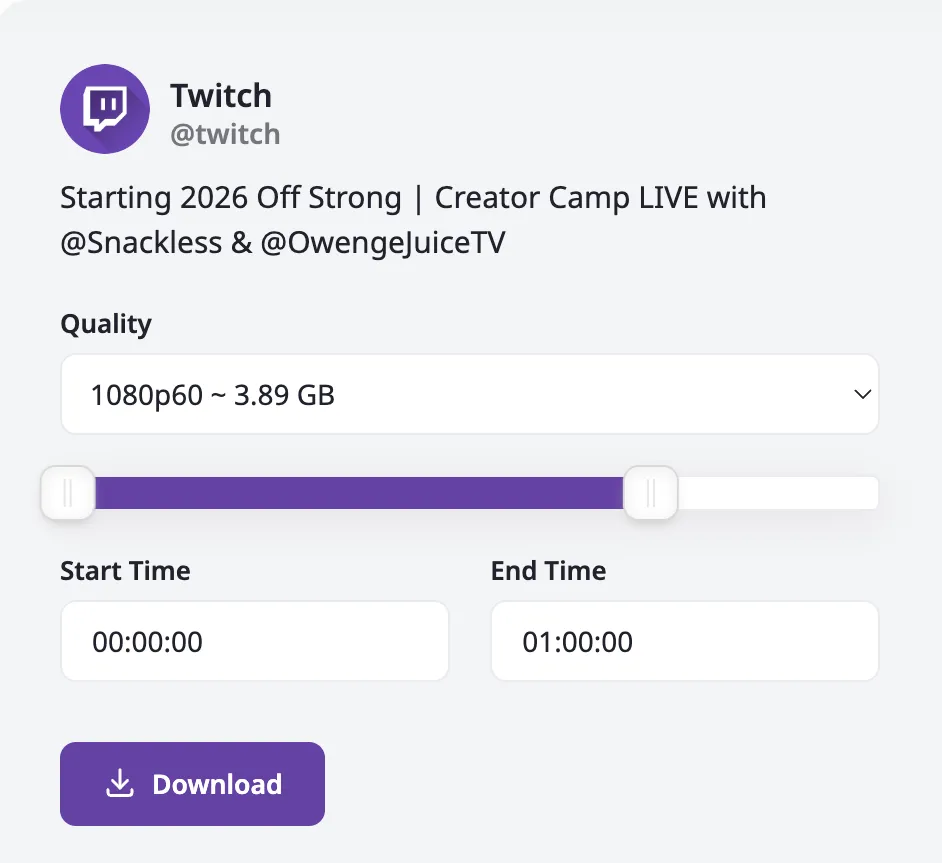
It is important to report a specific technique on long-term videos. The system manages the downloads by subdividing them into segments lasting up to an hour. Therefore, to download a VOD that exceeds 60 minutes (e.g. a 2-hour video), you will need to download multiple distinct parts (e.g. Part 1 for the first hour, Part 2 for the second hour).
Main features:
- No registration or login obligation.
- Free service without restrictions on use.
- Support for different video resolutions.
- Multiplatform compatibility (Desktop, Android).
Method 1: Download through Direct URL insert
This is the standard procedure, compatible with any web browser both from desktop and mobile.
- Link Recovery: Access Twitch and locate the video or clip of interest. Select the sharing icon and copy the link to the clipboard, or copy the URL directly from the browser address bar.
- Access to the platform: Browse the website https://dwitch.net/.
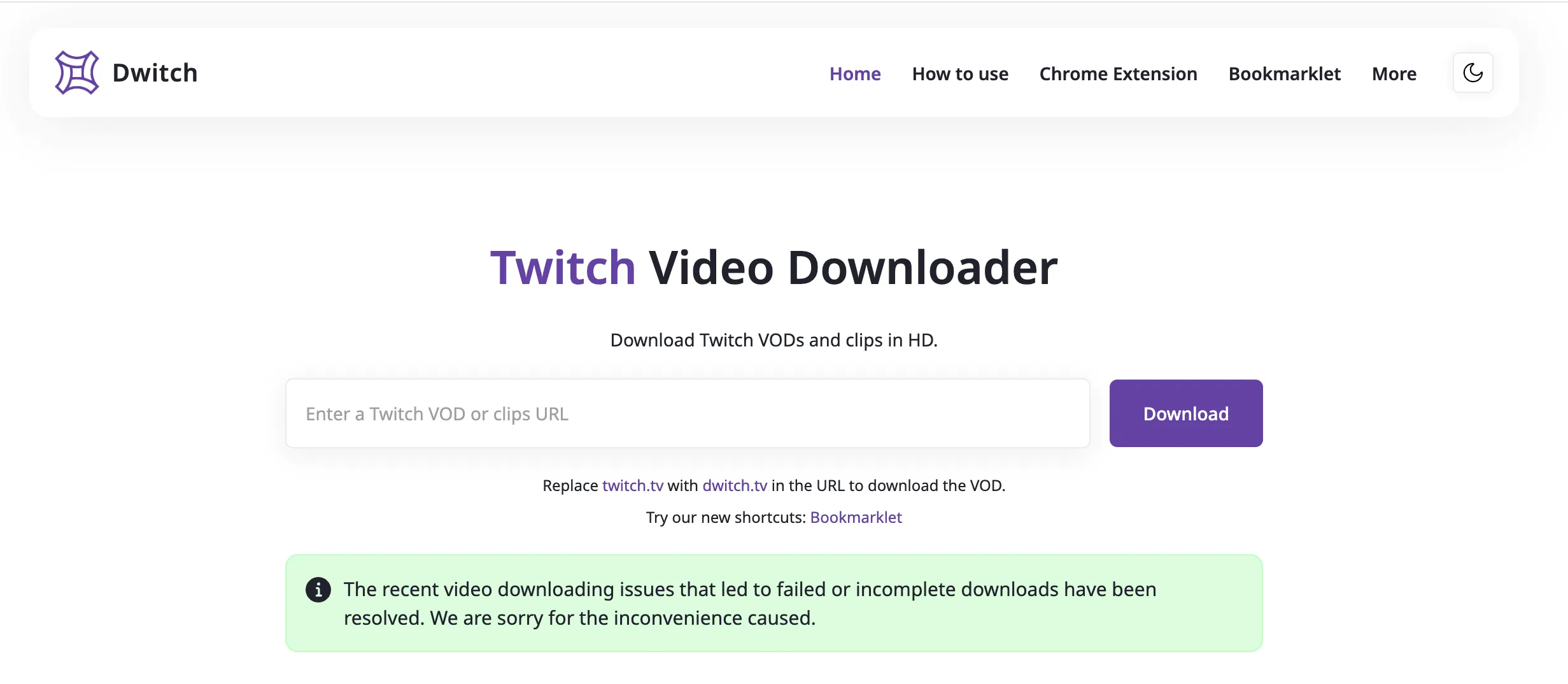
- Inserting the link: Paste the URL previously copied into the main text field that reads “Enter to Twitch VOD or clips URL”.
- Start of processing: Click on the “Download” button located next to the text field.
- Quality selection: The system will process the video and show the available options. Select the desired resolution and confirm the download to save the file (or file segments) on the device.
Method 2: The “Domain Hack” (Quick Method)
For users who want to speed up the workflow, Dwitch offers a shortcut based on editing the URL, which eliminates the need to copy and paste the links.
Operational procedure:
- Open the desired video on Twitch in your browser.
- In the address bar, change the URL by replacing the part
twitch.tvwithdwitch.tv.- Example: Change
https://www.twitch.tv/videos/123456inhttps://www.dwitch.tv/videos/123456.
- Example: Change
- Press Enter. You will be automatically redirected to the Dwitch download page with the video already ready to be downloaded.
Method 3: Applications and Dedicated Extensions
For deeper integration into your navigation stream, the platform provides dedicated tools for mobile and desktop environments.
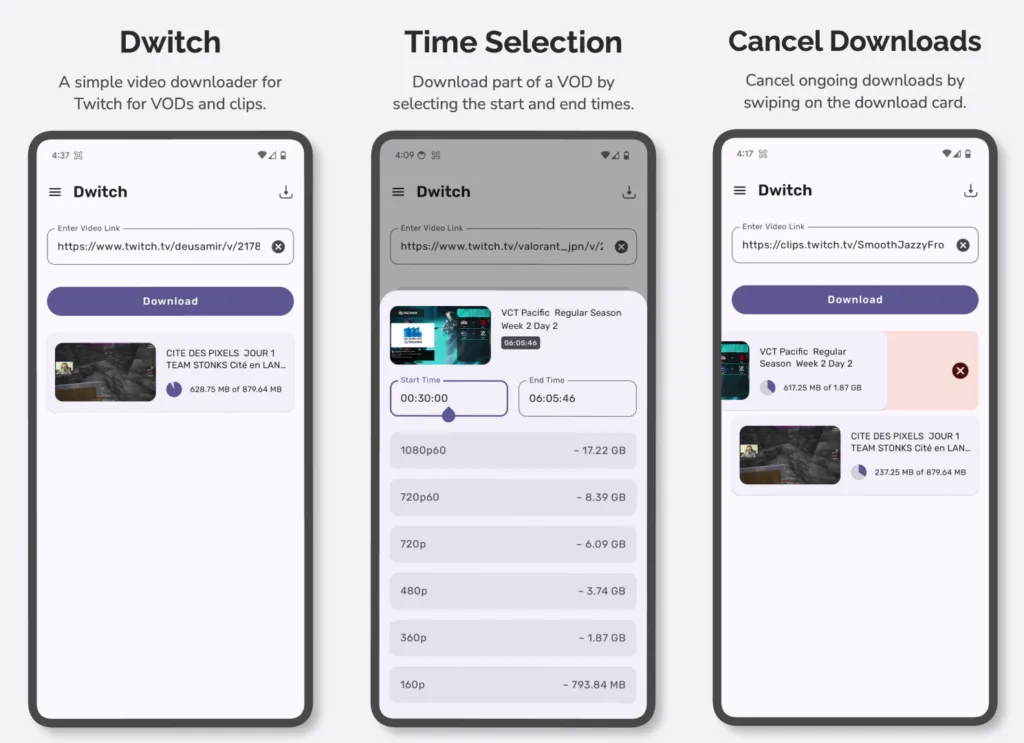
Application for Android
For mobile users who make frequent downloads, the dedicated application is available. The app replicates the functionality of the website in an interface optimized for smartphones, facilitating the management of downloaded files and offline access.
Android App Downloads: Link to the Play Store
Extension for Browser (Chrome)
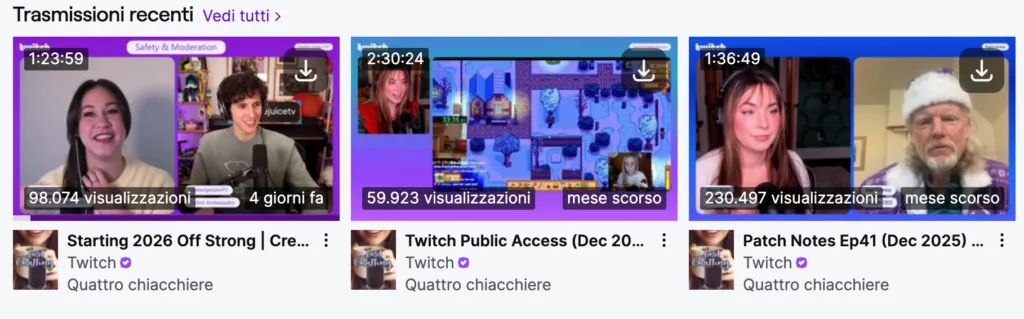
Dwitch offers desktop browser solutions through dedicated extensions. These allow you to start downloading with a single click while viewing a Twitch content without having to leave the page or manipulate the URL manually.
Download Chrome Extension: Link to the Chrome Store
Final considerations
Dwitch functionality analysis highlights how the platform has been designed to optimize the user’s workflow, minimizing the necessary steps between viewing and downloading. The versatility offered by browser extensions and mobile application, combined with web service stability, makes it an indispensable tool in the toolkit of those who frequent the streaming platform. The ability to download high-resolution video without compromises and without registration constraints is ultimately the real strength of this service.


