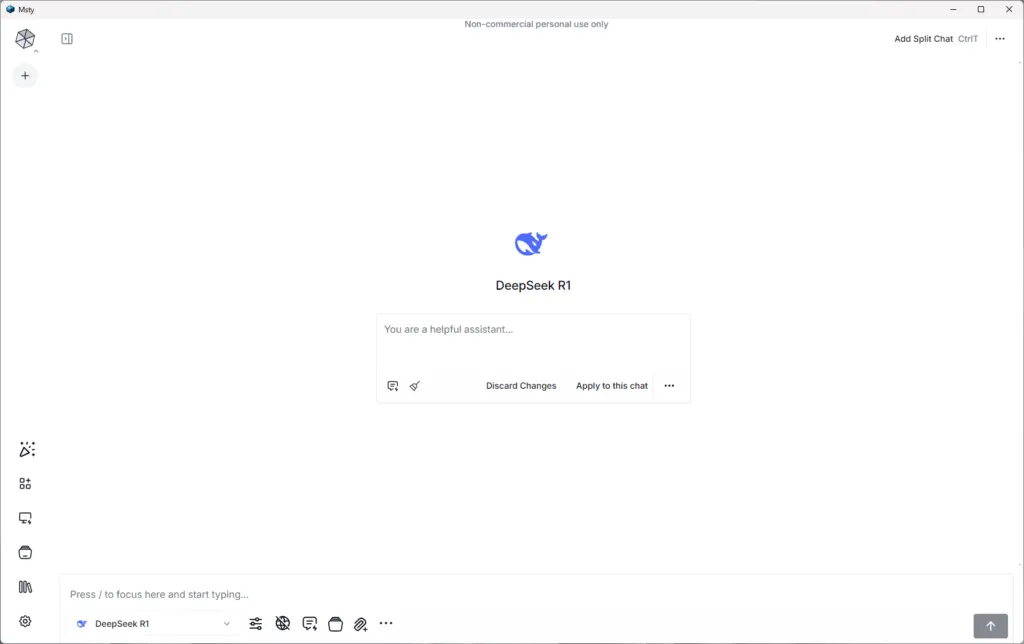
The evolution of artificial intelligence models has led to a growing interest in local solutions, able to offer autonomy and control in the interaction with Large Language Models (LLM). In this context, MSTY presents itself as a multiplatform application designed to simplify the execution of open source models, both locally and online, representing a valid option for developers and enthusiasts eager to explore the potential of AI without the dependence on cloud services.
MSTY and Your Benefits
MSTY is an application compatible with Windows, Mac and Linux operating systems, designed to facilitate the use of IA models such as Llama-2 and DeepSeek Coder. Its intuitive interface allows quick configuration, eliminating the need for complex installations or using the command line. This feature makes it particularly suitable for both those approaching the local AI world for the first time, and for experienced users looking for a simplified working environment.
One of the main strengths of MSTY lies in its ability to support both local and online LLM, offering users considerable flexibility. The platform allows you to easily switch between different models, including Mixtral, Llama2, Qwen, GPT-3 and GPT-4, all within a single cohesive interface.
Privacy and the ability to operate offline are additional significant advantages. The execution of local models ensures that sensitive data remains confidential and accessible even in the absence of internet connection, responding to increasing concerns about data security and confidentiality.
MSTY also stands out for its intuitive user interface, which simplifies the process of interaction and refinement of texts generated by AI, making the platform accessible to a wide range of users, regardless of their level of technical expertise.
Key Features for Local LLM Use
MSTY integrates different features that enhance the utility for running LLM locally. The application facilitates download of the necessary models and supports acceleration via GPU on MacOS, optimizing performance for users with compatible hardware. For those who prefer using online models, MSTY supports integration of API keys, enabling access to cloud-based services when needed.
A prominent feature is support for the generation pipelines increased from recovery (RAG). This ability allows you to search and retrieve information from external sources of knowledge, improving the model's ability to provide accurate and relevant answers to the context.
MSTY also offers advanced features such as integration of web search, subdivided chat and “In-depth mode” for a more detailed analysis. The platform includes tools such as Flowchat and Advanced Branching, useful for managing complex conversations and thinking processes more effectively.
With regard to privacy protection, MSTY incorporates the “Context Shield” feature, designed to preserve data confidentiality during interactions with AI. The Vapor Mode provides an additional level of security for sensitive conversations.
System preparation for MSTY
Before proceeding with the installation of MSTY LLM locally, it is essential to ensure that the system meets the requirements required for smooth installation and optimal performance.
For Windows users, at least Windows 10 is required. The application requires a minimum of 8 GB of RAM, with 16 GB recommended for superior performance. A modern multi-core CPU is also required to manage computational requirements related to the execution of local IA models.
Although not indispensable, a dedicated graphics card can significantly improve performance. On MacOS, MSTY supports the use of GPU, accelerating processing for various artificial intelligence activities.
It is important to ensure that the latest drivers are installed on the system, especially for GPU NVIDIA users, for which it is recommended to install the latest CUDA drivers to enable GPU acceleration.
To optimize performance, it is advisable to close unneeded background applications. For more demanding models, the update of the hardware, especially the GPU VRAM (recommended 20-24+ GB for models with 70B parameters), can be considered. However, for smaller models (e.g. 9B), less powerful hardware can still provide satisfactory performance.
MSTY offers flexibility in the choice of models, supporting both local open source models such as Llama-2 and DeepSeek Coder, and online models via API keys for services like OpenAI. The ability to operate offline ensures privacy and data security, making it ideal for processing sensitive information or in restricted connectivity environments.
MSTY Step Installation Guide
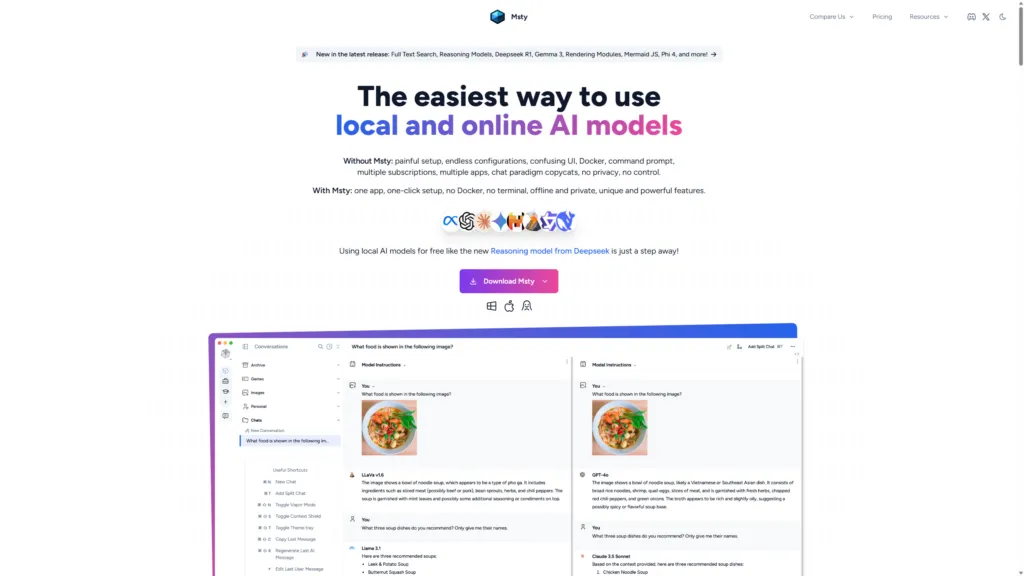
The installation process of MSTY LLM locally is simple and direct.
- Download the Correct Version: Visit the official website of MSTY and download the appropriate version for your operating system (Windows, Mac or Linux), selecting the correct architecture for Windows users (32 or 64 bit).
- Execution of the Installation Program: Once you download the file, run it (double-click Windows) to start the installation wizard. On Windows, a Windows Defender alert may appear, which can be quietly ignored. Follow the on-screen instructions to complete the installation.
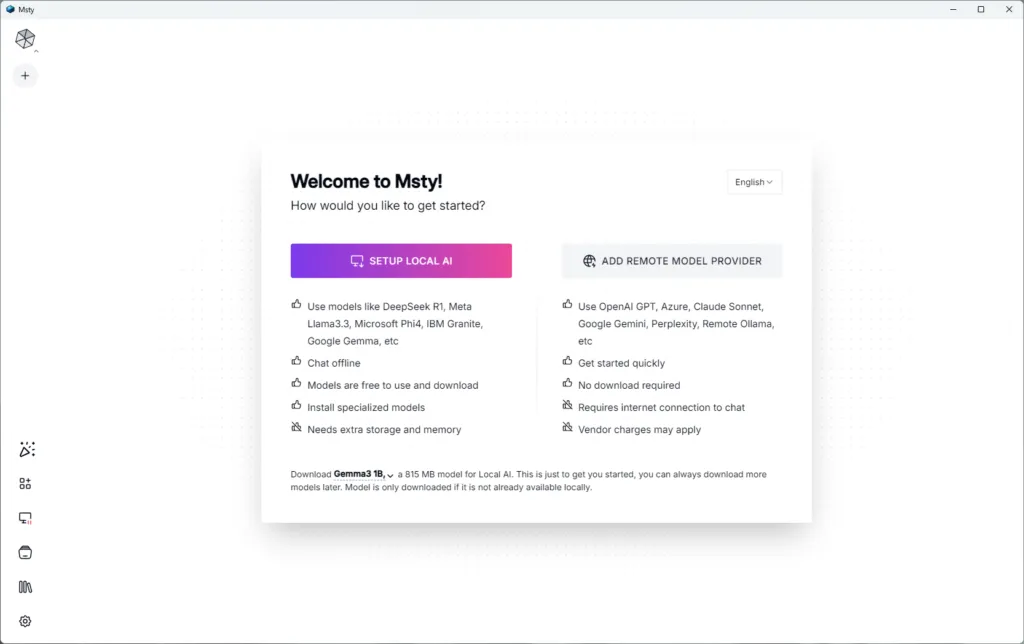
- Post-Installation configuration: After installation, start MSTY. Two options will be presented: “IMPOST TO LOCAL” or “FORNIER TO REMOVE MODELS”. To start with local IA models, select “SETUP LOCAL AI”. This will automatically start downloading and installing the necessary models, including tokenizers and GPU settings, without requiring command line interventions.
After configuration, you may need to restart the application. Once reopened, you can start exploring MSTY features, including offline chat with IA models, ensuring privacy and data security.
MSTY also offers the possibility to add files (PDF, CSV, JSON) to create a custom knowledge base and supports integration of YouTube links to extract transcriptions and interact with video content. The application provides an intuitive interface to download and manage different IA models, indicating compatibility with your hardware.
Configuration and Use of LLM Locals in MSTY
MSTY simplifies access and use of local IA models through the “local AI” section in the application menu. Here is a list of downloadable models, with Llama 3 and Lava (for multimodal features) as recommended options. The choice of the model depends on the specific requirements of the project and the available computational resources.
One of the distinctive features is the support for the RAG pipelines, which allow to create “knowledge stack”. To set a stack, click “Add your first knowledge stack” and select an embedding template (Snowflake Arctic Embed is currently recommended). You can add different file types (PDF, CSV, JSON) and integrate YouTube links to create a rich and simultaneously relevant knowledge base.
Once you configure the local LLM and knowledge stacks, you can interact with the AI model through the intuitive MSTY chat interface. The application offers features such as split chats and the ability to attach specific knowledge stacks to conversations.
For those who want to also use online models, MSTY allows you to add API keys for services like OpenAI, Gemini and Anthropic, offering flexibility in choosing the model according to your needs and privacy requirements.
The interface also includes advanced features such as “Delve Mode” and “Context Shield” for a more secure and customizable IA experience.