

Cloud storage services have become indispensable tools for anyone wishing to store and access their files securely and from any device. Whether it's work documents, photos or videos, a good cloud storage service allows you to keep your data safe and always accessible. Here is an overview of the best 2025 cloud storage services, selected based on features, price, privacy and functionality.
Microsoft OneDrive – Best Overall
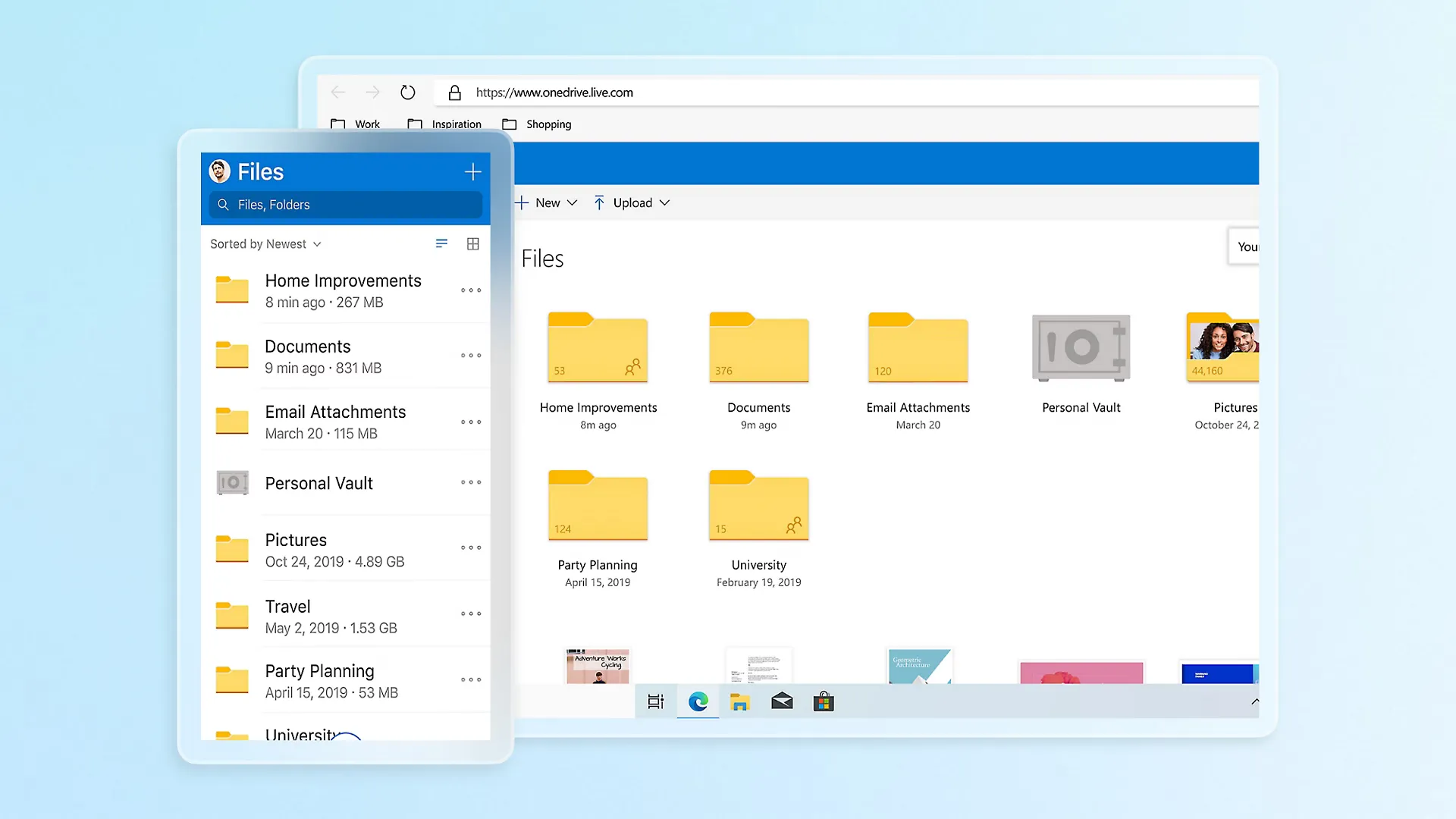
OneDrive is Microsoft's cloud storage service, known for its perfect integration with Windows and Microsoft 365. It offers a simple and intuitive interface, and is an ideal solution for those who frequently use Microsoft software. With 5 GB of free space and ability to expand storage via subscriptions to Microsoft 365, it is a great choice for both personal and professional use.
Main features:
- Price: Free with 5 GB of space, but also available with Microsoft 365 for increased storage space.
- Pro: Great interface, compatibility with all major devices (Windows, macOS, Android, iOS), seamless integration with Microsoft 365.
- Counter: Some advanced tools are limited to business users.
For those who are suitable: OneDrive is the ideal choice for those who frequently use Microsoft 365 and want to have all documents and photos synchronized and protected in the cloud. Its native integration with Windows is a considerable advantage for PC users.
Proton Drive – Best for Privacy and Security
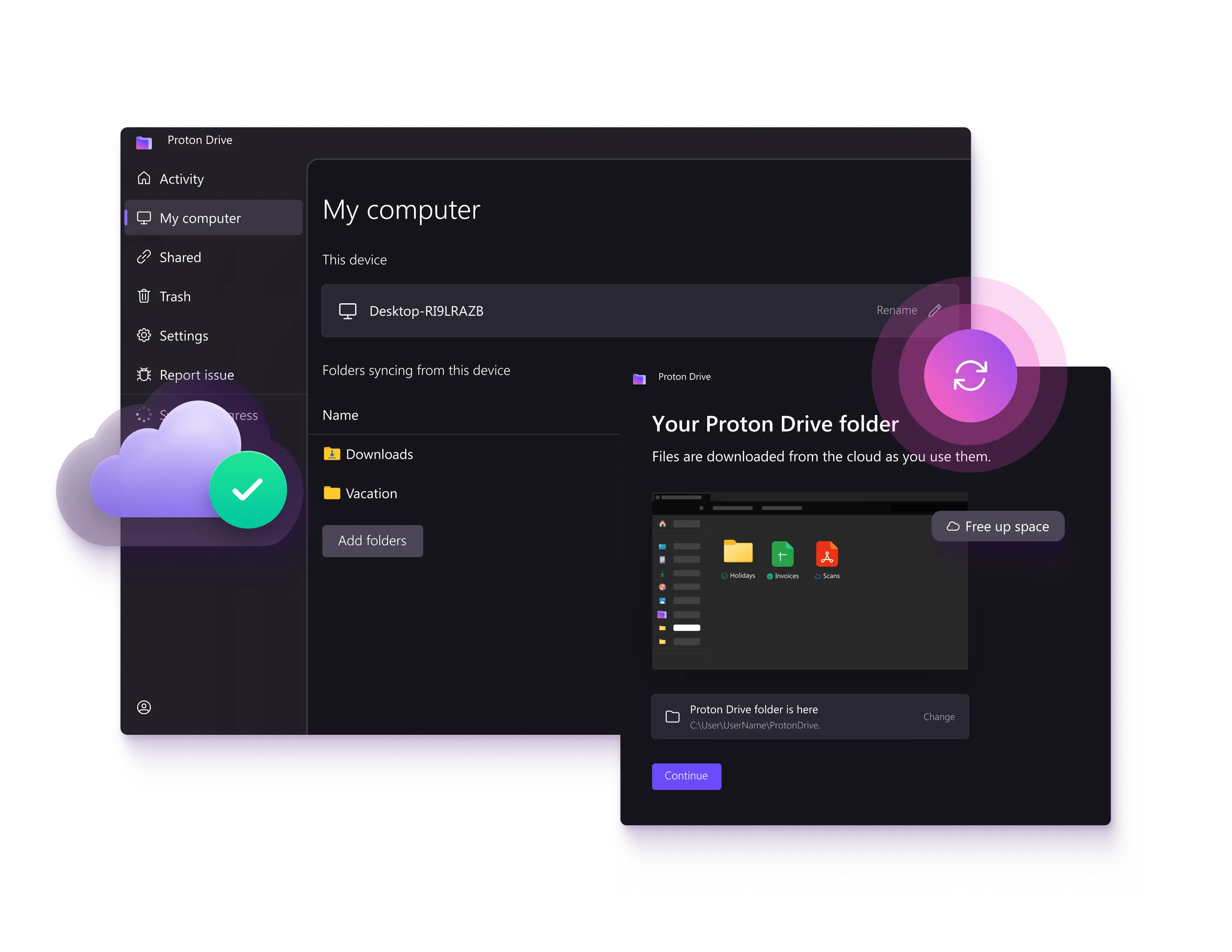
Proton Drive is a privacy-focused cloud storage service that provides end-to-end encryption to ensure your data is protected from indiscreet eyes. Developed by the same company that created ProtonMail, it is perfect for those who are particularly attentive to safety. Servers are located in Switzerland, protected by Swiss privacy laws, and offers a free 5GB plan to securely store sensitive files.
Main features:
- Price: Free plan with 5 GB of space. 60% discount on an annual plan from $1.99 per month.
- Pro: End-to-end encryption for total privacy, servers located in Switzerland protected by privacy laws.
- Counter: Pretty slow upload speed, no version for Linux or macOS.
For those who are suitable: Proton Drive is perfect for those seeking maximum data protection. Users who place privacy as a top priority will find a solid storage solution in Proton Drive.
IDrive – Best for Price and Backup
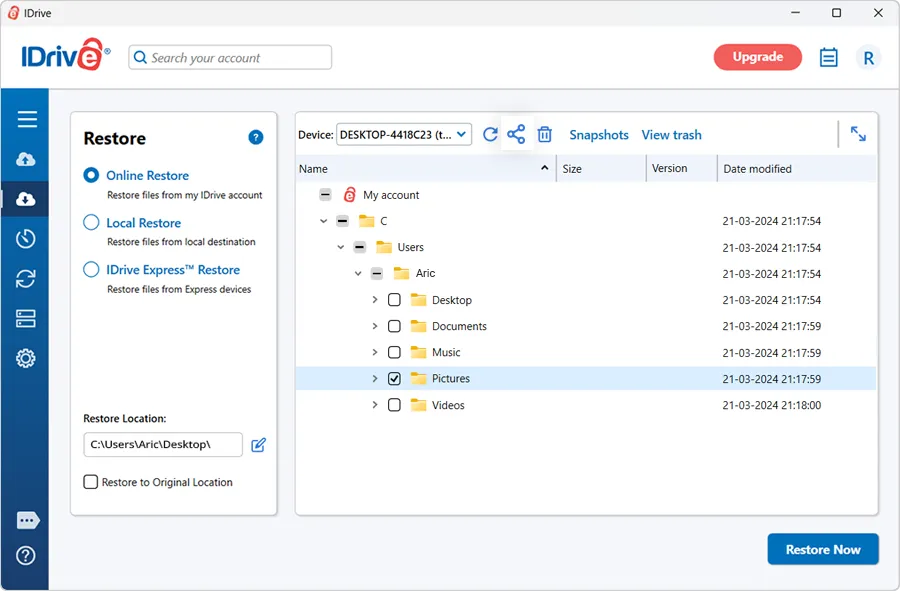
IDrive is a cloud storage service that stands out for its excellent value for money, especially for those who need to back up multiple devices. With a plan that offers 5 TB space at a competitive price, it is ideal for those who want a secure and continuous backup of their files, without limits on the number of devices to protect. It is also particularly useful for users who need to store large files.
Main features:
- Price: Starting at $24.88 for 5 TB space the first year.
- Pro: Backup on multiple devices, support for backup of Google and Microsoft accounts, continuous file storage.
- Counter: Unlimited storage space, limited Linux support, full disk backup only for Windows.
For those who are suitable: IDrive is perfect for those looking for a secure and convenient backup solution for multiple devices. If you need a good amount of space at a competitive price, IDrive is the right choice.
Google Drive – The Best for Google Workspace Users
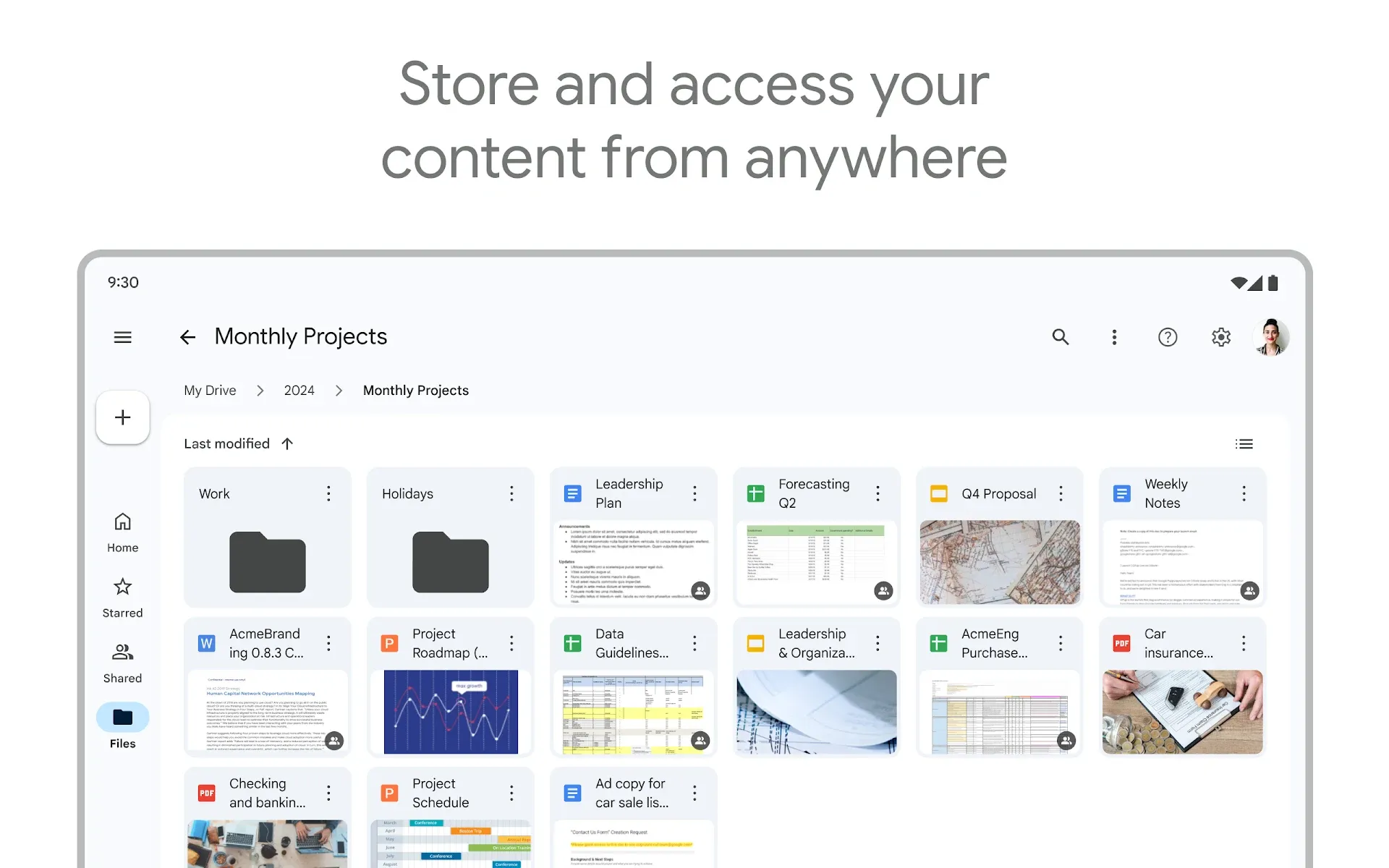
Google Drive is one of the most popular cloud storage, known for its perfect integration with all Google apps like Docs, Sheets and Gmail. With 15 GB of free space and the ability to expand the space with a Google One subscription, it is an ideal choice for those looking for an easy-to-use storage solution, with excellent sharing and collaboration options, and easy access from any device.
Main features:
- Price: Free with 15 GB of space (shared with Gmail), Google One option from $1.99 per 100 GB.
- Pro: Excellent integration with Google applications (Google Docs, Sheets, etc.), large free space and advanced file sharing.
- Counter: Some privacy issues, no password protection for shared files.
For those who are suitable: Google Drive is the ideal option for those who regularly use Google tools such as Docs, Sheets, and Slides. It is also a great service for those who need a wide free storage capacity.
Sync – Best for Simple Synchronization
Sync is a simple and secure cloud storage service that offers robust encryption to protect your files. It is particularly suitable for those who need a quick solution to sync documents and photos between various devices. With a free plan that offers 5 GB of space, it is a convenient choice for private users looking for a reliable and easy to use service without complications.
Main features:
- Price: Free plan with 5 GB of space, paid plans from $96 per year for 2 TB.
- Pro: Simple to use, client-side encryption, no file size limit.
- Counter: There is no local network synchronization function, only annual plans available.
For those who are suitable: Sync is perfect for those looking for a simple and reliable solution to sync files between various devices. Encryption and ease of use are the strengths of this service.
Apple iCloud Drive – Best for Apple Users
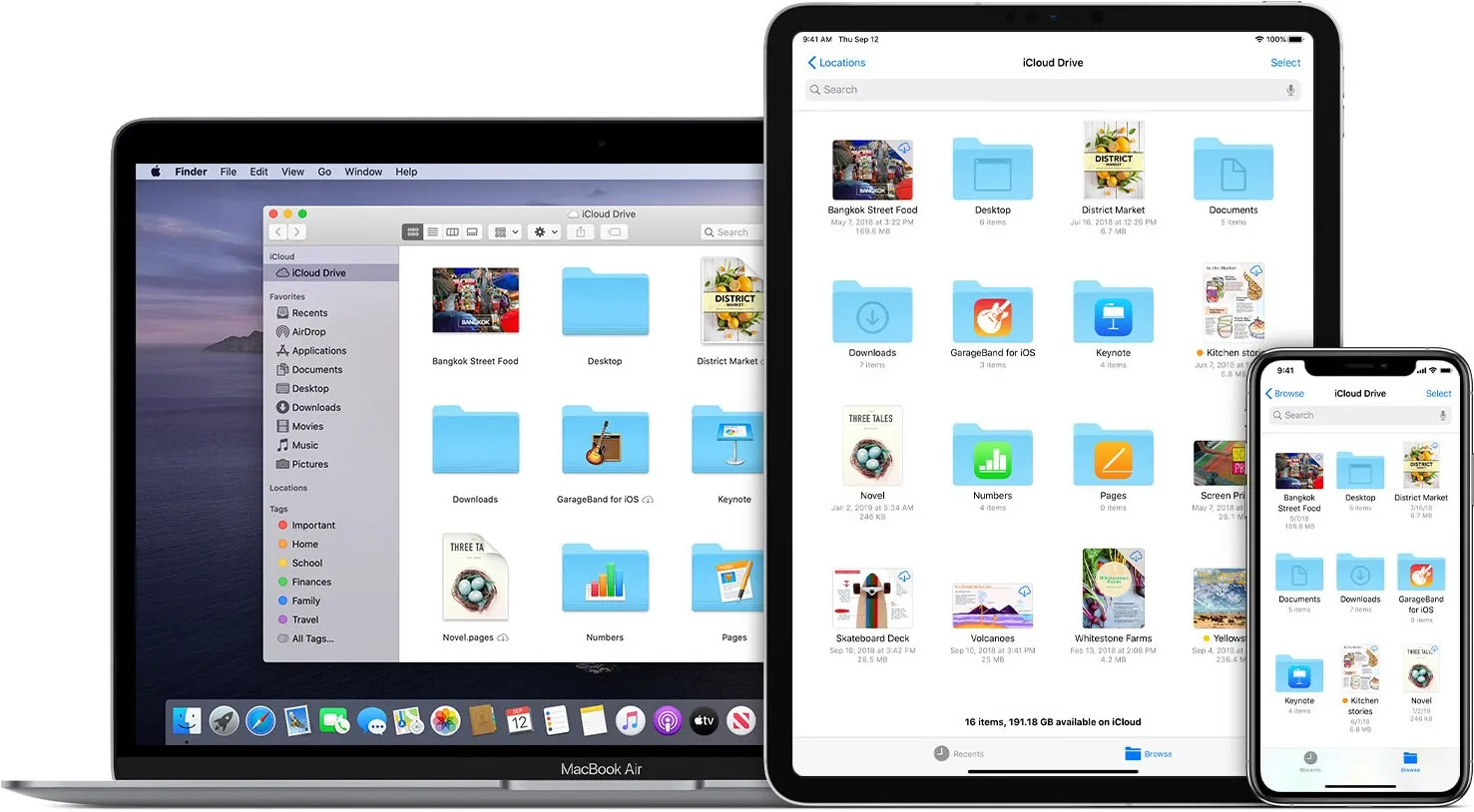
iCloud Drive is the cloud storage service developed by Apple, designed to provide seamless integration between Apple devices such as iPhone, iPad and Mac. With 5 GB of free space and paid plans starting from just $0.99 per month, it is ideal for those who want to automatically store and sync photos, documents and apps between their Apple devices, with an excellent user experience.
Main features:
- Price: Free with 5 GB of space, iCloud+ available from $0.99 per month for 50 GB.
- Pro: Perfect integration with Apple devices (iPhone, iPad, Mac), reliability and ease of use.
- Counter: An Android app is missing, no Linux apps, limited sharing capabilities.
For those who are suitable: iCloud Drive is the ideal choice for those who use Apple products. Its automatic backup functionality for photos, documents and settings makes it one of the most comfortable solutions for iOS and macOS users.
Box (Personal) – Best for Business Integrations
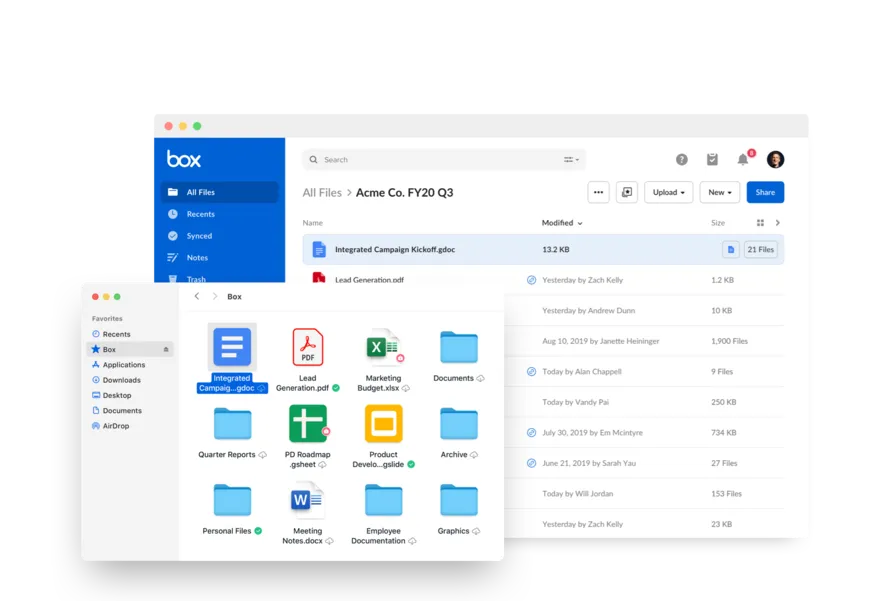
Box is a cloud storage service focused on collaboration and integration with business applications. With 10 GB of free space, it is perfect for small businesses and teams who need a storage solution that facilitates secure file sharing and remote access. It supports over 1,500 integrations with other professional applications, which makes it ideal for those who work in a business environment.
Main features:
- Price: Free plan with 10 GB of space.
- Pro: More than 1,500 integrations with other business applications, mobile apps and offline access.
- Counter: High price for the amount of space offered, rather low file size limit.
For those who are suitable: Box is great for those who need many business integrations and companies looking for a storage and collaboration service. Its flexibility and powerful integration capabilities make it particularly useful for business teams.
Dropbox – Best for Third Party Integrations
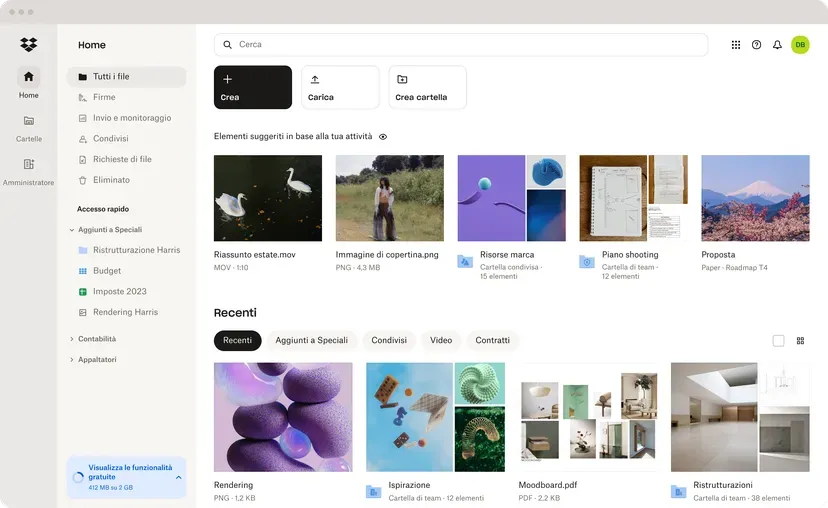
Dropbox is one of the pioneers of cloud storage and continues to be one of the most used services thanks to its ability to quickly sync files between devices and numerous integrations with third-party apps. With 2 GB of free space and paid plans that offer more space, it is an ideal choice for users and teams who need a powerful and versatile solution for storing and sharing files.
Main features:
- Price: Free plan with 2 GB of space.
- Pro: Wide support for third-party applications, high upload speeds, numerous advanced tools.
- Counter: High price, complex interface.
For those who are suitable: Dropbox is ideal for those looking for a reliable and well-established solution with a wide ecosystem of third-party apps. It is a perfect choice for those who need simple synchronization and advanced features.
Your choice
Choosing the best cloud storage service depends on your specific needs. If you often use Microsoft apps, OneDrive might be the best option. If privacy is your priority, Proton Drive will offer you the necessary security. For those looking for a good backup solution at a competitive price, IDrive is definitely one of the best choices. Google Drive, Sync, iCloud Drive, Box and Dropbox all offer unique features that make them suitable for different types of users. Choose the service that best suits your needs and start taking advantage of the convenience of the cloud!


