

Web browsers simplify access to websites and provide tools for better privacy and security control. In general, browsers offer customization and adaptation options. Some require more system resources, while others have a lighter impact on device memory. Some anonymous browsers provide a complete range of security tools to protect online identity and defend against malware, while others allow cookies and ads to work without restrictions.
1. Mozilla Firefox
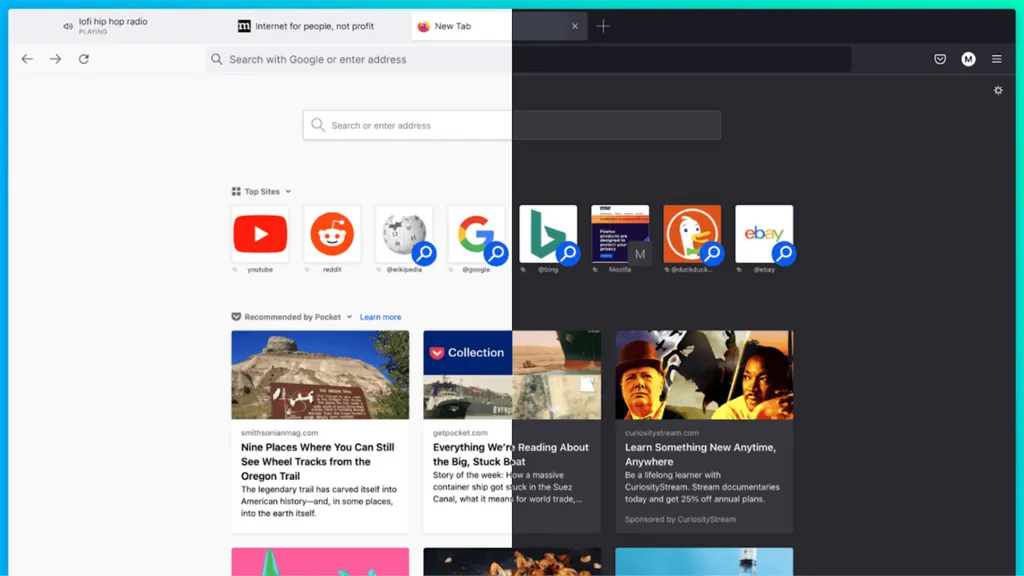
Firefox has long been the Swiss Internet Knife. It may warn you if your email address is involved in a known data breach, it blocks annoying popups asking to allow notifications, and prevents “fingerprinting” for tracking your browser. In addition, it also brings picture-in-picture mode to Mac version.

As in the past, it is completely customizable both in the appearance and in the range of extensions and plugins that you can use. The important renewal of last year has greatly improved the performance, which began to be lower than Chrome, still guaranteeing fluidity and solidity even on modest hardware.
Firefox, one of the best browsers for a long time, is definitely an excellent choice for any internet user. It offers a wide range of features, surpasses Chrome in terms of privacy, is easy to use and extremely fast.
In addition, it does not require too much space, Firefox offers numerous customization options: that you want to keep the default theme or experiment with a thousand other themes, there is a lot of choice.
| Description | Benefits | Disadvantage |
|---|---|---|
| Windows, macOS, Linux, Android, iOS | – Incredibly flexible – Multiplatform synchronization – Good privacy protection | – A bit slower than rivals – Requires a large amount of system memory |
2. Microsoft Edge
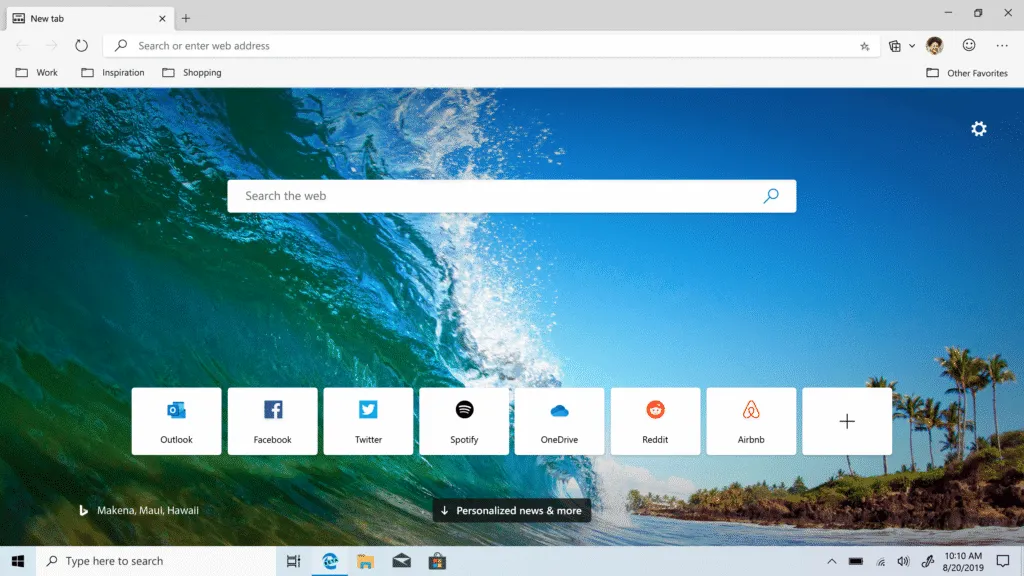
Older readers will remember Microsoft as the “bad” of the Browser Wars that eventually led to the fall of Netscape and the rise of Firefox, followed by Chrome. But Microsoft has now deployed on the right side, and its Edge browser has been rebuilt with Chromium at its heart. It is the default Windows browser and versions are also available for iOS, Android and Mac.

The latest version of Edge is considerably faster than its predecessor and includes some useful features, including high voice reading, the ability to transmit multimedia content such as embedded videos on Chromecast devices, AI tools integrated like Bing Chat and Image Creator, and a good selection of additional components such as password managers, ad-blockers, and so on. You can download web pages like apps that then work as autonomous apps without having to start the entire browser. This is useful for services like Google Docs or Twitter.
There are many customization options, especially the Privacy and Services page, which makes clear the settings potentially confusing. In other sections, the Site Permissions page provides detailed control over what specific sites can do, including pop-ups, ad block, access to MIDI devices and media autoplay.
Edge looks like Chrome and works like Chrome, but Chrome: it’s much faster on Mac and customization options are excellent.
| Description | Benefits | Disadvantage |
|---|---|---|
| Windows, macOS, Android, iOS, Linux | – Very, very fast – Crystalline Privacy Tools – Can save sites as an app | – Windows really wants to be the default – It will not support older computers with less than 1 GHz processing capacity |
3. Opera
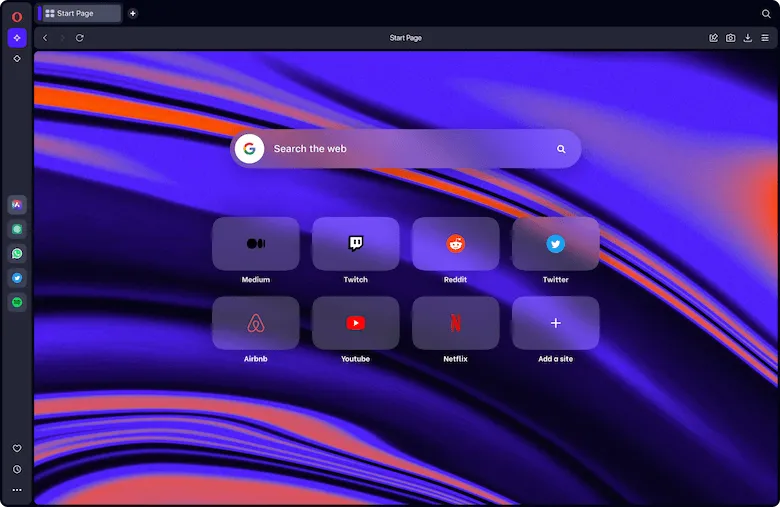
Opera comes from the first start: the initial screen allows you to activate the integrated ad block, use the built-in VPN, enable the Crypto Wallet for cryptocurrencies, activate the in-browser messaging from the sidebar and switch between the clear or dark modes.
It is a great way to introduce a really efficient browser. However, a video gamer should take a look at Opera GX: it is specially designed for players and offers integration with Twitch and support for Razer Chroma.

Opera is another browser based on Chromium, so the performance is quick and you can use additional components from the Chrome library. It also has some interesting ideas, such as My Flow: if you constantly send interesting links to yourself via email or messaging, Flow allows you to do it more elegantly, facilitating the sharing of content from Opera on your phone to Opera on your computer.
But this is just the beginning. The most advanced features of Opera include Air, a powerful OpenAI-based assistant that simplifies exposure or summary of complex content, creating ideas and suggestions, translation of texts or creating new content: email, blog post, letters, even poems or songs.
Although some still consider Opera as a “simple participant” in the browser world, it has made great progress in recent years and the latest innovations ensure that it is a browser to keep an eye on both now and in the future.
| Description | Benefits | Disadvantage |
|---|---|---|
| Windows, macOS, Linux, Android, iOS | – Integrated Proxy – Great security features – Really beautiful interface | – No more Opera Turbo – Not the fastest browser in the market |
4. Google Chrome
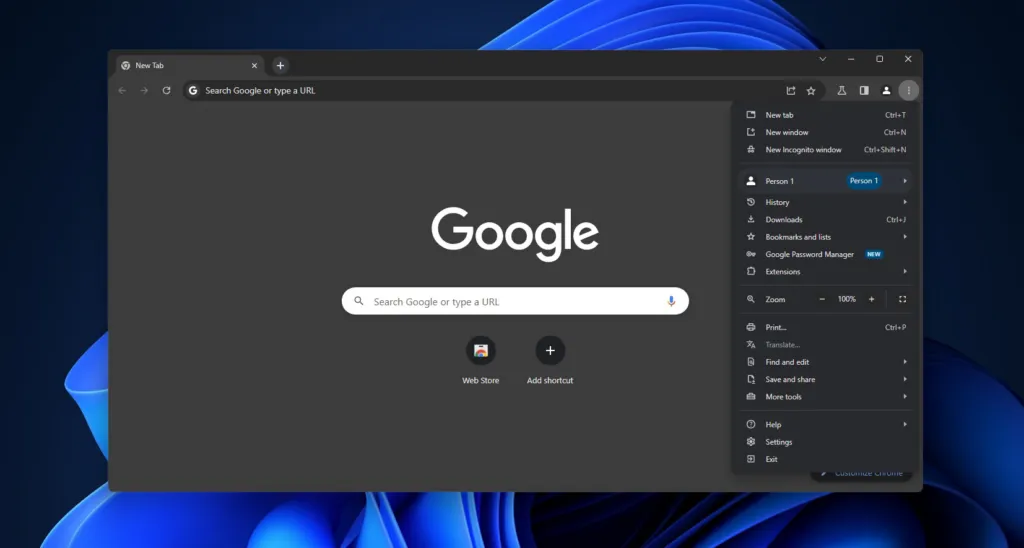
If imitation is the most sincere form of adulation, then Microsoft’s adoption of the Chromium engine for its Edge browser must make Google feel quite appreciated.
However, there are some areas where Microsoft’s contender actually beats the G giant, especially with regard to the use of resources: Chrome is known for its heavy resource demands and can be very slow on less performing hardware and RAM (especially on Windows, unleashing conspiracy theories).
Memory save mode is designed to deal with this problem by freeing resources from tabs you are not currently using, but Chrome remains quite demanding in terms of hardware.

Chrome is not a bad browser at all. In fact: it is an excellent browser with a wide range of add-ons, multi-platform support and synchronization, excellent auto compilation features and excellent tools for web developers.
It can warn you if your email has been compromised, it offers secure DNS search for compatible providers (including your Google Public DNS) and blocks a lot of dangerous mixed content, such as scripts and images on otherwise secure connections.
Perhaps the best thing about all is that, if you are tired of suspicious websites that ask you to “click on each pane containing a bicycle”, Chrome now includes new ways to inform sites that you are a human being and not a bot, thus reducing the number of annoying captcha you will see.
All this is positive, but it is believed that Firefox surpasses it in terms of privacy protection, while Edge is more enjoyable to use. Other niche browsers do not arouse the same persistent concern that Google is a little too involved in each of us’ lives.
| Description | Benefits | Disadvantage |
|---|---|---|
| Windows, macOS, Linux, Android, iOS | – Fast performance – Very expandable – Multiplatform – Most browser extensions are compatible with Chrome | – Can be hungry for resources |
5. Vivaldi
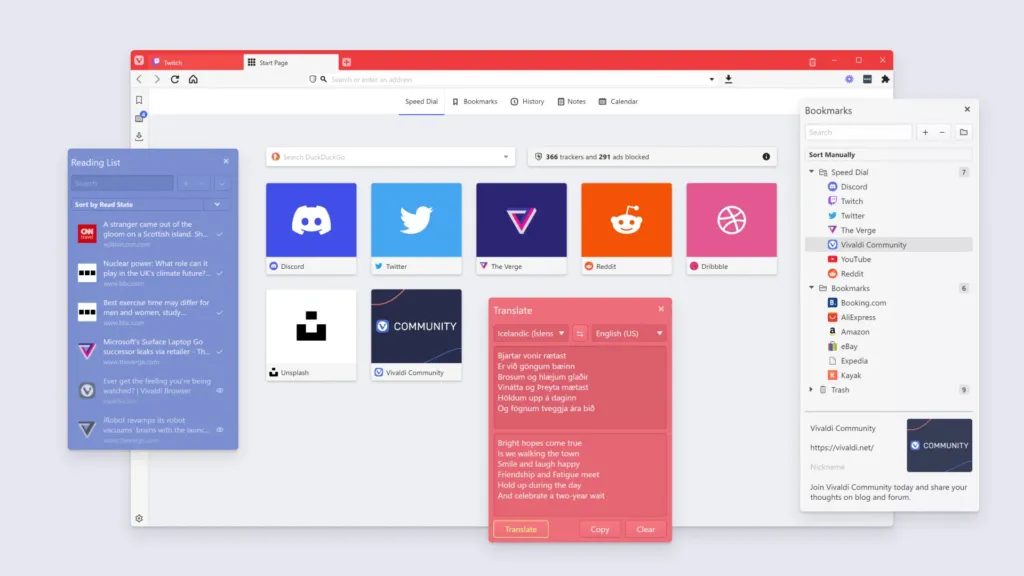
Vivaldi is the fruit of the design of former developers of Opera and, as Opera, does things differently than the most famous browsers. In this case, very differently. Vivaldi focuses on customization and you can customize practically everything, from the way navigation works to the look of the user interface.

Also in this case, Chromium is the base (which means that you can use most Chrome add-ons), but what emerges is very different from other Chromium-based browsers. There is the possibility to fix sites in the sidebar, place the toolbars where you prefer and adjust the fonts and colors of the pages. There are also a known panel as well as the usual chronology and bookmark sections. Customize search operation and assign nicknames to search engines, change card behavior, group them and much more.
You can even view your history in the form of chart to see how long you have spent on certain sites. The stacks of cards, which are an advantage for anyone looking to track dozens of open tabs.
| Description | Benefits | Disadvantage |
|---|---|---|
| Windows, macOS, Linux, Android (beta) | – Incredibly customizable – Creative interface functionality – Supports Chrome extensions | – Damaged for procrastinators |


