

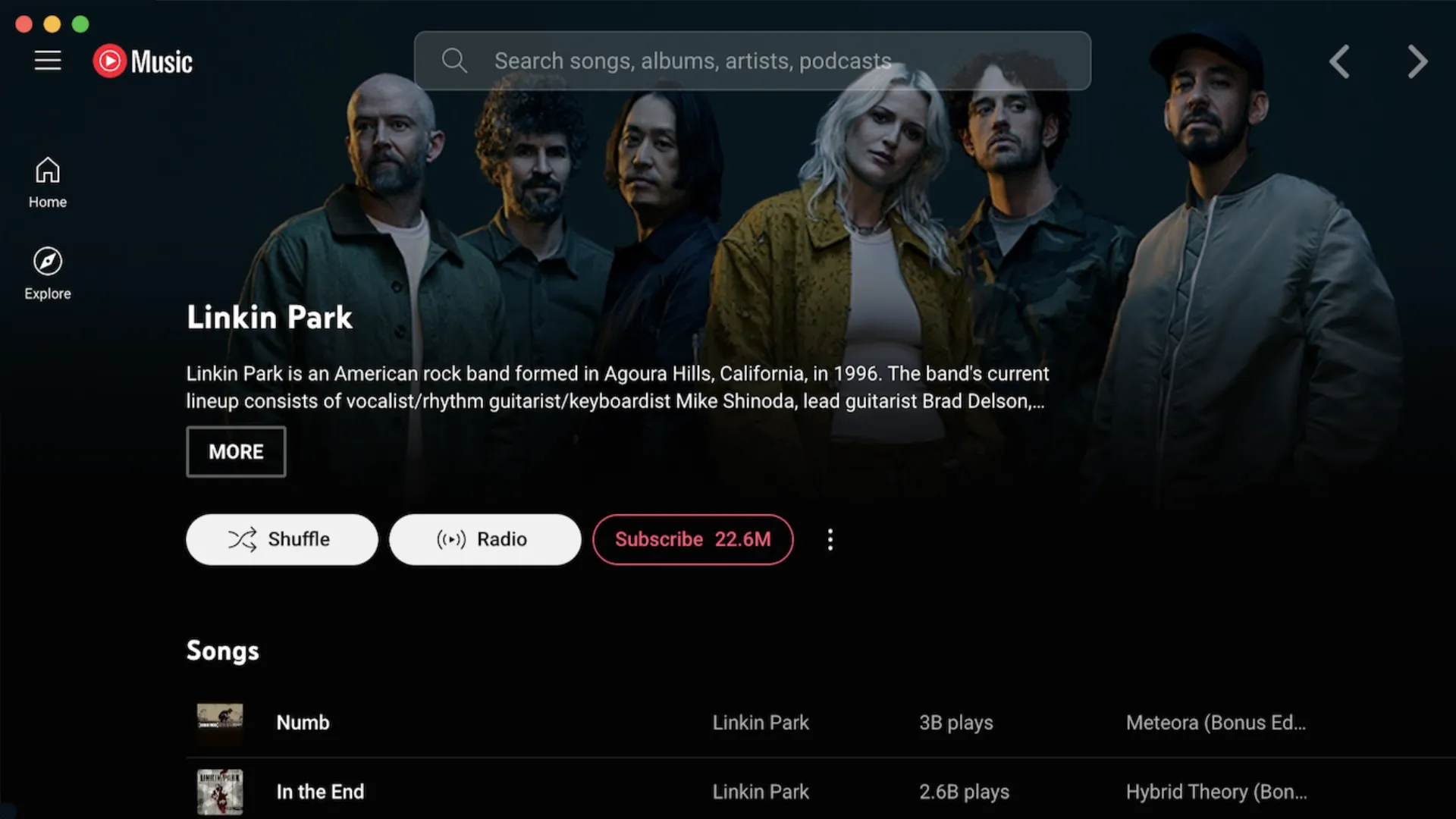
In the ecosystem of music streaming platforms, YouTube Music represents an increasingly appreciated option thanks to the integration with the vast catalog of YouTube, which includes not only official albums, but also remix, live, rare versions and user-generated content. However, many users have long felt the lack of a dedicated desktop application, able to offer a smoother and more focused experience, without necessarily having to go through the browser.
Precisely from this need arises the project YouTube Music Desktop App, an open-source application that aims to fill this vacuum by offering an elegant, functional and surprisingly versatile solution.
What is YouTube Music Desktop App?
This is an application not official, developed by the community and based on Electron, which allows you to access YouTube Music as if it were a native app for Windows, macOS or Linux. The interface faithfully recalls that of the web service, but with the addition of features designed specifically to improve the user experience in the desktop.
The project is hosted on GitHub and is completely free. The code is open-source, which guarantees transparency and security for users more privacy-conscious.
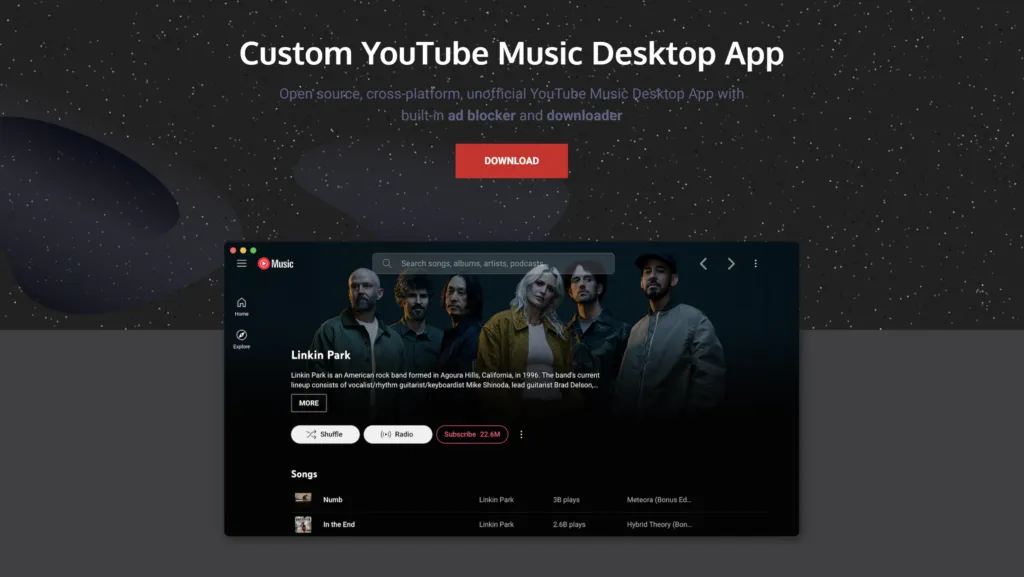
Main features
Integration with the operating system
The app supports multimedia keys, system notifications, tray icons for quick and even control integration with Discord Rich Presence, useful for those who want to show what you're listening to. The goal is to offer a native experience, seamlessly between service and operating system.
Advanced Customization
One of the most interesting aspects of the app is support for themes and plugins. Users can change the graphic look, add features (such as text display, advertising block, or audio equalizer) and customize the interface according to their preferences.
Focused user experience
Unlike using the website via browser, the desktop app eliminates distraction elements, reduces resource consumption and improves music management in the background. It is ideal for those who work on the computer and want to have music always at hand without opening a further browser tab.
Frequently updated
The community of developers is very active, and the project receives regular updates that introduce new features and resolve any bugs. You can also propose new features or report problems directly on GitHub.
Installation and availability
Installing the app is extremely simple:
- Login to the official website: https://github.com/ytmd-devs/ytmd
- Select the version for your operating system
- Download and install the package
- Launch the app and sign in with your Google account to sync playlists and preferences
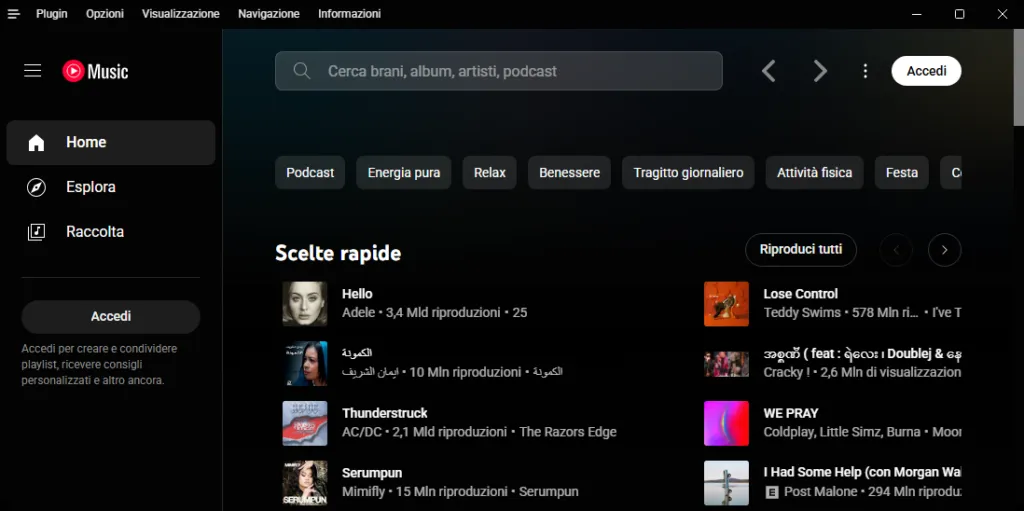
The app is available for Windows, macOS and Linux, and does not require special technical skills for installation or daily use.


