

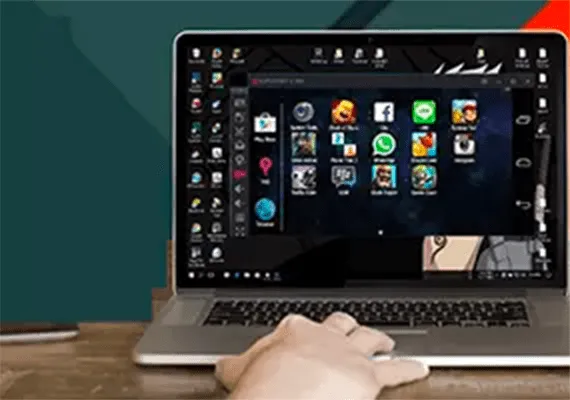
Some Android games are not optimized for low-end devices, requiring high-level hardware for a smooth experience. However, if you do not want to buy a new device, there is an alternative: Android emulators. These software allow you to run Android apps and games on your computer, offering an experience similar to that on your smartphone or tablet.
What is an Android Emulator and How It Works
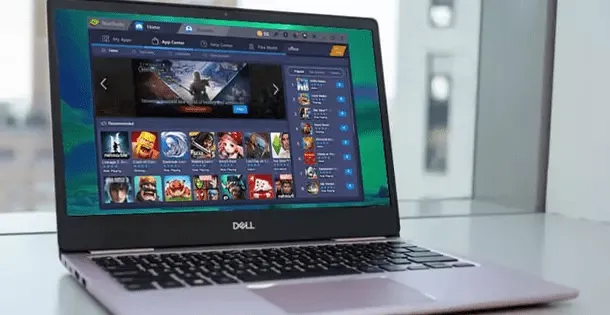
An Android emulator is a software that simulates the Android operating system within a computer, creating a virtual machine that works independently of the basic operating system (Windows or macOS). This allows users to use Android apps and games without requiring a mobile device.
The Android emulator reproduces the behavior of an Android device, so apps are downloaded directly from the Google Play Store, and for access you need a Google account. Emulators are generally easy to install and configure, thanks to step-by-step guides. However, it is important to consider that the user experience may not be optimal on poorly performing PCs, as emulators require adequate hardware resources.
BlueStacks
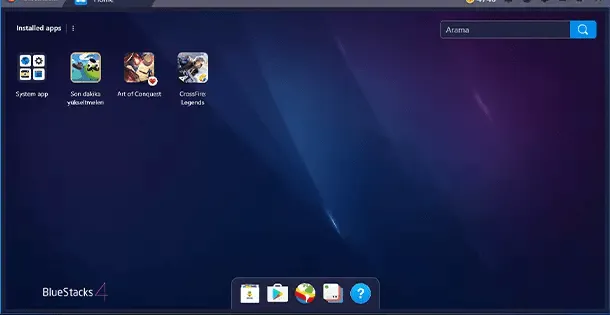
BlueStacks is one of the most used and appreciated emulators, available free of charge for Windows and macOS. It is known for its ease of use, making it suitable for less experienced users. Thanks to its intuitive interface, it allows you to easily install Android apps and games from the Play Store.
One of the distinctive features of BlueStacks is the ability to create multiple instances, i.e. simultaneously run multiple games or applications. This can be useful, for example, for fans of games who want to play on multiple accounts at once.
The free version of BlueStacks includes banner ads, but you can remove them by purchasing a subscription at the cost of $4/month or $40/year. In addition, BlueStacks supports installing apps via APK files, allowing users to install apps not available in the Play Store.
Me
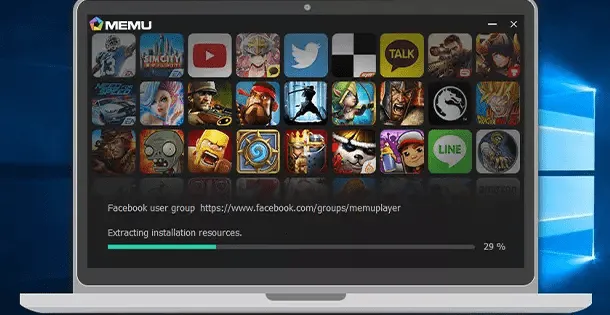
Memu is another free emulator that stands out for its high performance and advanced customization options. Unlike BlueStacks, Memu is only available for Windows systems, without a version for macOS.
Memu supports creating multiple instances, allowing you to use multiple apps or games simultaneously. Its interface is simple and completely localized in Italian, making it particularly accessible to Italian users. Another point in favor of Memu is the ability to enable root permissions with just one click, useful function for those who want greater control over the operating system.
NoxPlayer 5
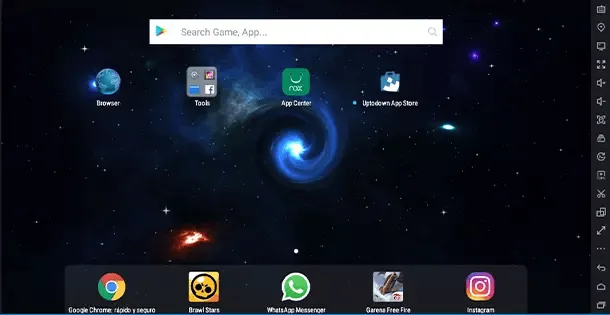
NoxPlayer 5 is an emulator designed mainly for video players, thanks to its high optimization for gaming. This emulator supports the use of a controller, offering a game experience more similar to that on consoles. Like other emulators, NoxPlayer allows you to create more instances to manage multiple applications or games at the same time.
In addition to supporting root permissions, NoxPlayer 5 offers advanced features designed for experienced users, such as the ability to customize emulator behavior. However, the user interface is only available in English and, although there is a Mac version, some of its features may not be optimized on Apple platforms. NoxPlayer includes advertisements that suggest applications, but these are not particularly invasive.


