

Microsoft Office remains the most popular productivity suite for managing documents, spreadsheets, presentations and more, whether it is a downloaded version or Microsoft 365 cloud-based suite. Its applications, including Word, Excel, PowerPoint, Publisher, Access and Outlook, are widely used both in professional and personal environments.
However, with the growth of valid alternatives, many users are looking for cheaper solutions, some of which are free, without sacrificing quality. Although these alternatives may not offer all the advanced features of Microsoft 365, many of the tools offer excellent performance and excellent compatibility with Microsoft files, allowing you to collaborate easily with other users.
Library: The Most Complete Open Source Alternative

LibreOffice is one of the most popular and robust alternatives to Microsoft Office. This open source productivity suite, developed by The Document Foundation, is available on Windows, macOS and Linux. It includes applications for processing texts, spreadsheets, presentations and more, and is compatible with numerous formats, including Microsoft. The ability to customize the software through extensions, such as new models and tools, makes it extremely versatile. Although it does not have official technical support, its active community facilitates troubleshooting.
Google Workspace: The Cloud Collaboration Solution
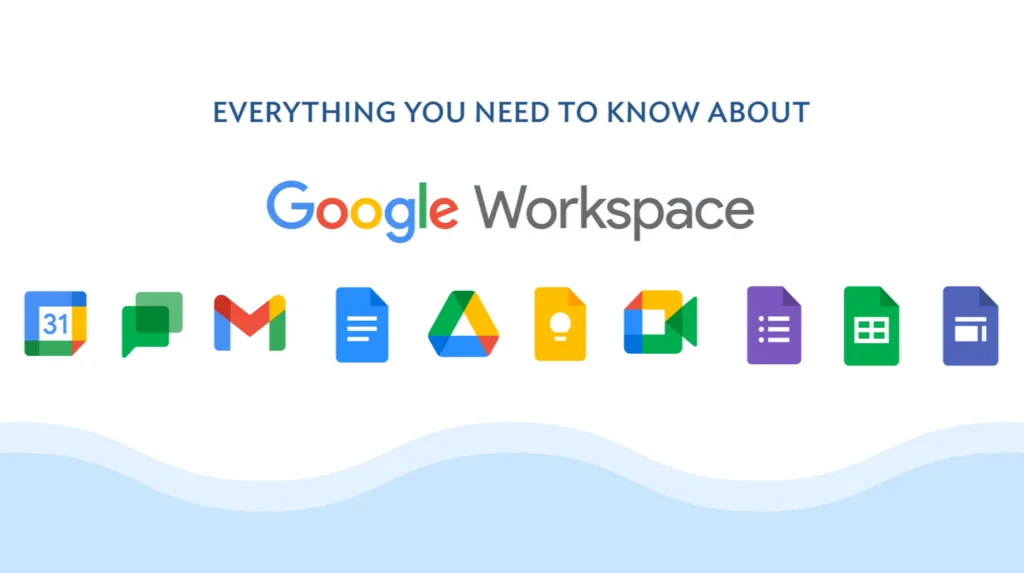
Google Workspace is the top cloud-based alternative, designed for real-time collaboration. Its applications, including Google Docs, Sheets and Slides, are fully integrated with Google Drive, allowing easy access and document sharing. The suite is compatible with Microsoft formats, but can run into formatting issues, especially when it comes to complex documents. Despite this, its ease of use and effective real-time collaboration make it ideal for work teams that need a cloud solution.
WPS Office: Advanced features with a Free Plan
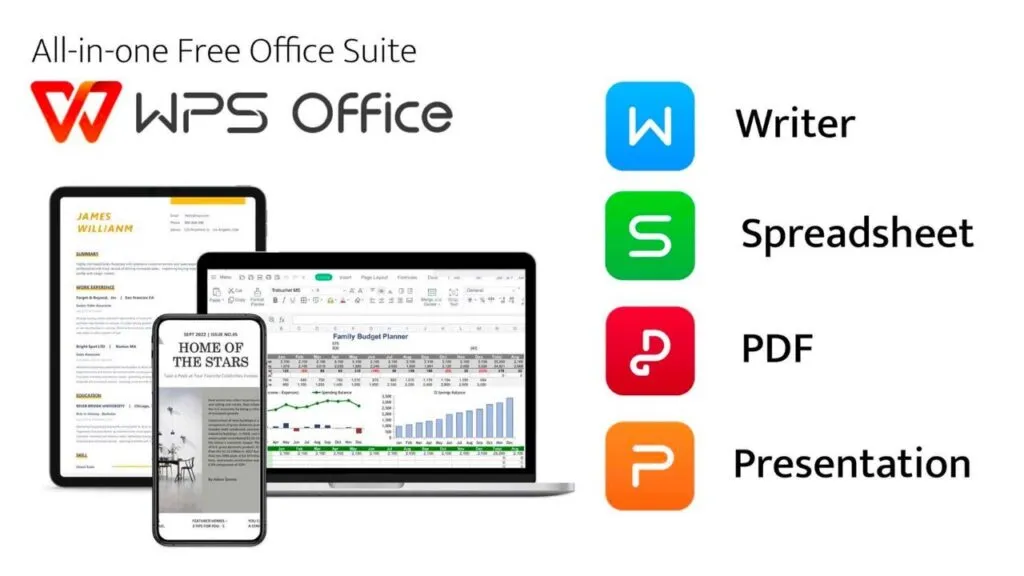
WPS Office, developed by Kingsoft, is an office suite that offers both a free and premium version, which unlocks advanced features. Available for Windows, Linux, iOS and Android, WPS Office is compatible with Microsoft formats and also offers a tool to convert PDF to Word documents. Although the free version has some limitations, the suite is particularly appreciated for its modern interface and advanced editing and collaboration capabilities. The premium version also allows you to sync up to nine devices.
FreeOffice: A Free and intuitive Alternative
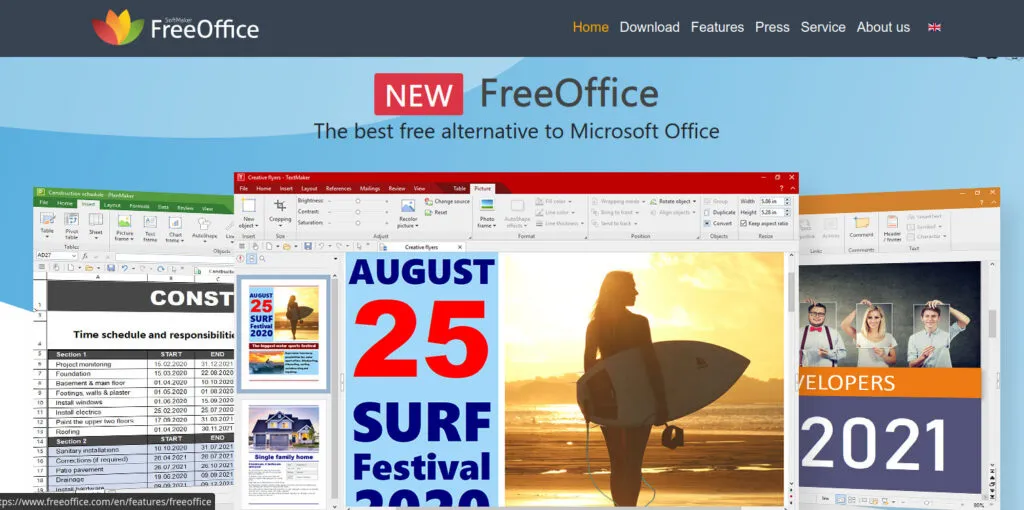
FreeOffice of SoftMaker is another great free option for those looking for an interface similar to that of Microsoft Office. This suite is compatible with DOCX, XLSX and PPTX formats, and also supports more dated formats such as XLS and PPT. Available for Windows, macOS and Linux, FreeOffice stands out for its easy-to-use interface, which can be configured in classic or modern mode. It is an ideal solution for those who want an immediate alternative without sacrificing compatibility with Microsoft Office.
Polaris Office: Compatibility and Ease of Use
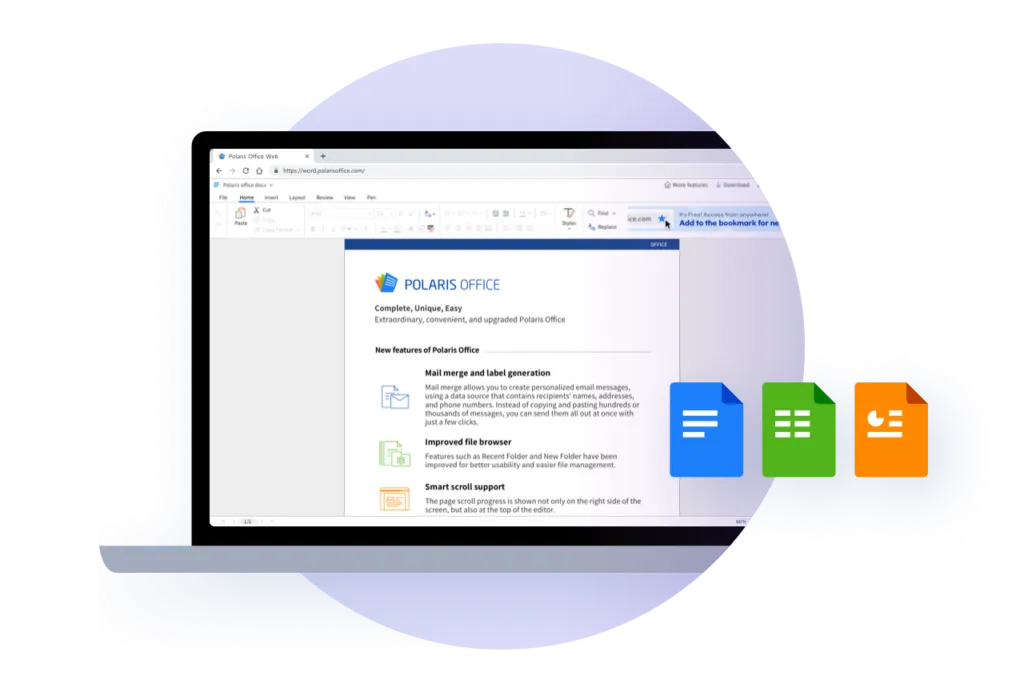
Polaris Office is a versatile suite that offers good compatibility with Microsoft formats and the ability to work in the cloud. Available for Android, iOS, Windows and macOS, it allows users to collaborate on documents and use advanced features such as editing PDFs. The free version includes many features, but the presence of advertising could be annoying for some users. With a premium option that deletes ads and provides more storage space, Polaris Office is a solid choice for those who need an affordable and powerful suite.
Calligra: An Open Source Alternative for Linux
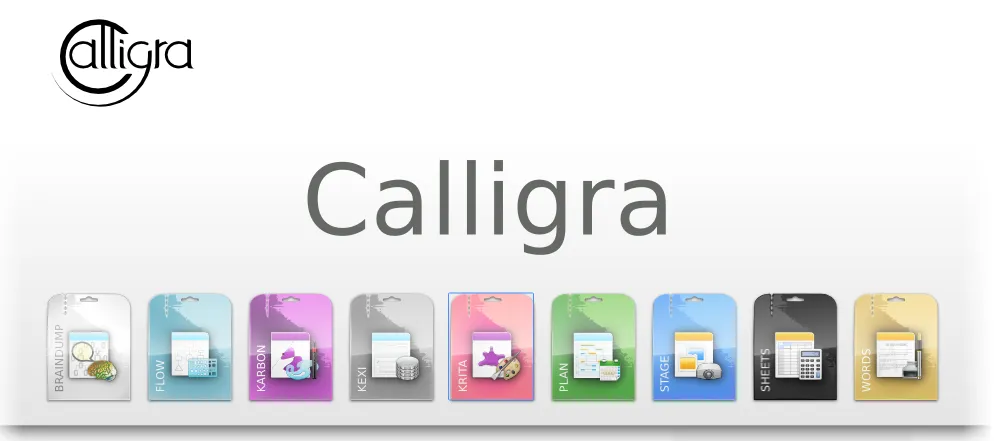
Calligra is an open source office suite developed for Linux, but also available for Windows and macOS. Includes tools for processing texts, spreadsheets, graphics and project management. Although less compatible with Microsoft formats than other alternatives, the suite offers advanced tools such as mental mapping and project management, which make it unique compared to other options.


